


Excel is amazing, but can be a nightmare. Staring at spreadsheets for hours, trying to make sense of the data, can be overwhelming. This is where AI Excel tools come in. They are digital “coworkers” you cannot see.
They write out formulas, simplify data, create charts, clean and analyze data. In this post, we will take a look at the 10 best AI for Excel, stating their most prominent features, pros, and cons.
1. Microsoft Copilot in Excel (Built-in to Microsoft 365)

Microsoft Copilot is an AI feature in Excel, which is embedded in the Microsoft 365 suite for users. Since its launch in 2023, Microsoft Copilot has been a game-changer as it handles all tasks.
It carries out data analysis, formula and charts suggestions, trend spotting, and automation. Think of it as a smart tool living in your spreadsheet. The goal is to simplify the task and increase productivity.
Features
- Microsoft Copilot uses Natural Language Processing (NLP) to receive, process, and deliver detailed answers.
- Its visualisation tools are top-notch; therefore, it can create graphs, charts, and dashboards based on user input.
- The AI tool can scan through spreadsheets and data to highlight anomalies, outliers, patterns, and predictions, and give accurate suggestions.
- Microsoft Copilot is integrated with other tools such as Outlook and SharePoint. This means users can send data from any of the above to Copilot without restrictions.
- Its collaborative features allow multiple users to work or query the same spreadsheets in real-time.
- Microsoft Copilot does data cleaning by removing duplicate files, arranging columns and rows based on the user’s instructions.
Pros
- Microsoft Copilot has seamless integration with Microsoft 365, which means no need for extra software.
- It has a user-friendly interface that is easy for non-experts to use.
- It performs tasks quickly within seconds.
Cons
- It requires a premium plan to access all features, which might be overwhelming for small teams or individuals.
- Microsoft Copilot may have a user-friendly interface but users must know how to phrase their commands to get the best results.
- There might be a slow response time when dealing with a heavy dataset.
2. Ajelix AI
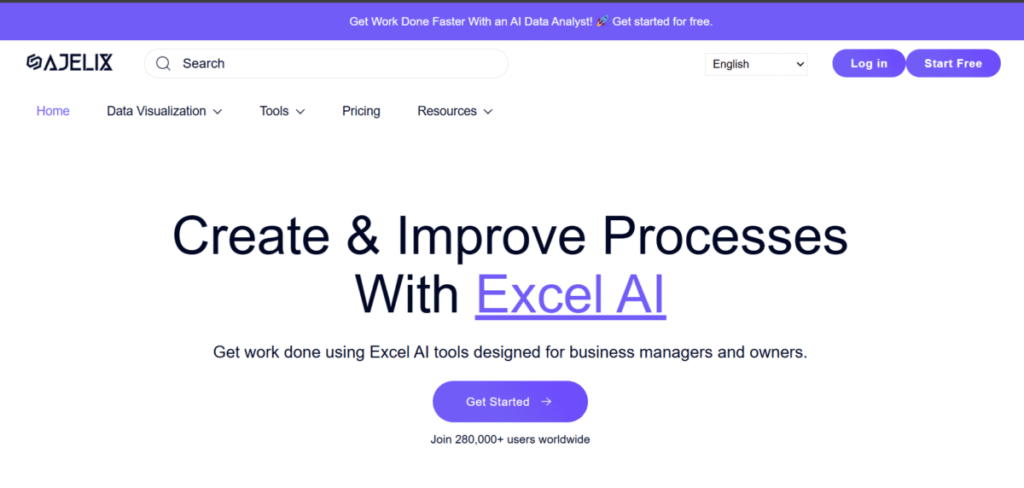
Ajelix AI is a specialised tool that does it all. It helps professionals handle a heavy detail set and provide results within minutes. Unlike other competitors, Ajelix is not built-in; rather, it comes in two forms: an Excel add-on and a web-based. With the use of machine learning, it handles tasks such as data visualisation, formula generation, and report building. The main idea is to make Excel accessible to all, from marketers to professionals, and user-friendly. All users need to do is input a text description and watch Ajelix AI generate an entire Excel template.
Features
- Ajelix supports multilingual explanations of complex formulas (both new and existing).
- It uses Natural Language Processing (NLP) that allows users to describe their needs, while Ajelix gets it done in a downloadable format.
- It has a powerful data cleaning feature that detects and fixes errors immediately.
- Beyond spreadsheets, it handles complex taxes such as creating financial models, invoices, and budgets.
- The tool allows real-time collaboration between teams and multiple users.
Pros
- Ajelix works with speed and provides answers within seconds.
- It has a user-friendly interface that is easy to navigate for a beginner.
- Ajelix AI handles various data types from text to numbers.
- It has a free plan that allows users access without commitment.
Cons
- Some features work best on the web platform.
- There is a limit to file size on the free plan.
3. GPT Excel

GPT Excel is an extension of GPT and leverages the strength of the OpenAI model. It is a straightforward tool that has only one goal: to generate formulas and scripts. It’s not a full-blown AI assistant, but it is an excellent choice for code generation. GPT Excel is commonly used by educators, tech gurus, and hobbyists because of its simplicity.
Features
- GPT Excel can generate formulas from Excel.
- The tool does data analysis summaries with visuals for a more aesthetically pleasing view.
- It has a VBA code generator to generate a VBA macro for automating and formatting cells.
- The tool creates a regex pattern to extract and edit texts.
- GPT Excel handles batch processing of multiple queries effortlessly.
Pros
- GPT Excel has a free plan, and its premium package is very affordable.
- Over 95% of the code and formulas GPT Excel generated are accurate.
- The tool is specific, which is to generate codes and formulas.
Cons
- It is slow when handling complex scripts.
- GPT Excel relies heavily on an internet connection and does not work offline.
4. Formula Bot
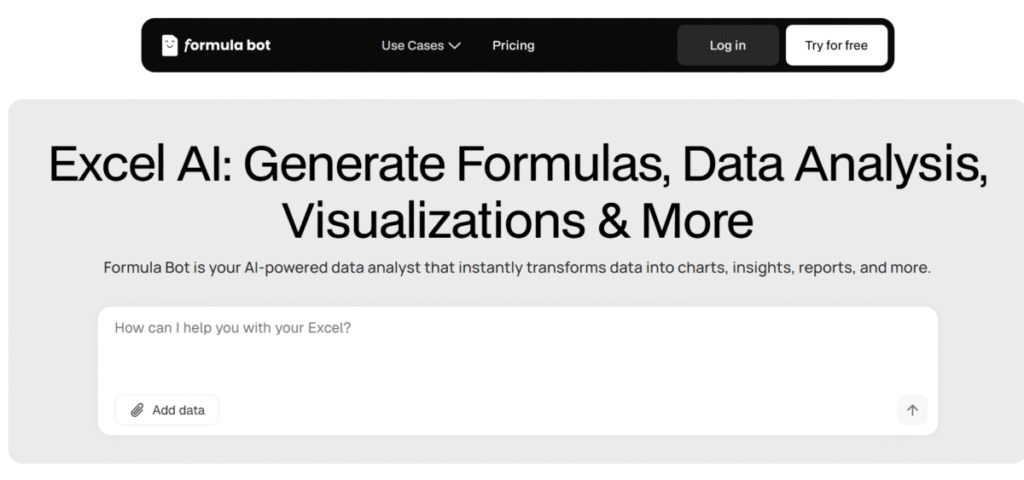
This AI tool is specifically for turning texts into Excel or Google Sheets. It’s a web-based platform with simple but powerful features. It is commonly used by newbies, students, and the finance sector. Users describe a problem, and with the aid of Natural Language Processing(NLP), it provides the formula and gives guidance on how it works.
Features
- Formula Bot converts text to formulas within seconds
- The AI supports multilingual translation
- Similar to Ajelix, it can generate spreadsheet templates from descriptions.
- It gives recommendations for charts that best represent your data.
- Users can easily export their data to Excel for more analysis.
Pros
- Formula Bot is one of the best in the game for creating accurate formulas.
- It has a user-friendly interface and is easy to use for non-formula pros.
- The developers are constantly updating the platform to give the best services to users.
Cons
- Formula Bot only works with internet access. There are no offline modes.
- It is not the best tool to handle complex or large files.
- The tool is a cloud-based platform; therefore, there might be issues of data security and privacy.
5. Datarails
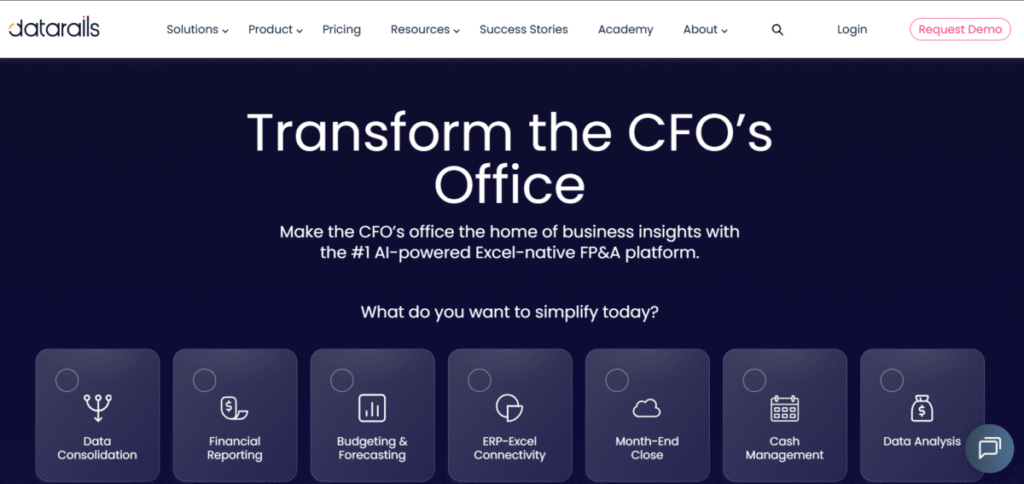
Datarails has been in the game for 10 years and is not designed for casual Excel users. It’s an enterprise-grade Financial Planning and Analysis (FP&A) platform. Datarails is designed for small-scale and large finance companies that deal with multiple Excel files and long waiting periods for reports to be generated.
This AI platform can detect anomalies during data upload and provides its users with a small chatbot for financial reports.
Features
- Datarails has an in-built chatbot “Dora” that provides financial answers in real time.
- It can easily detect data anomalies, outliers, and inconsistencies in uploaded data, thereby reducing errors.
- Users can customise the dashboard to suit their needs.
- Datarails works as an add-in, so users don’t have to leave Excel.
Pros
- Datarails is a powerful platform for finance teams.
- It reduces the term used for creating bi-monthly, monthly, quarterly, and annual reports.
- The platform provides data security to its users
Cons
- The monthly subscription is not pocket-friendly for individuals, but is affordable for companies or enterprises.
- Datarails requires time and energy to set up.
6. Julius AI

Julius AI is a versatile tool that works perfectly with Excel. Users upload their Excel or CSV files, ask Julius their questions, and watch it perform magic. The response may be in the form of charts or statistical models.
It is perfect for users who need deep analysis but lack the technical skills.
Features
- Julius AI performs advanced statistical analysis such as hypothesis testing, linear regression, and clustering without users needing to know the math.
- The tool supports Excel, CSV, and PDF file uploads.
- It supports Natural Language Querying Data, whereby users can ask data-related questions and get simplified answers.
- Julius AI can create charts and infographics based on users’ input.
Also read: Julius AI Chat Feature
Pros
- The tool creates professional and clean chats.
- Julius AI makes advanced data analysis accessible.
Cons
- It is not designed for data routine tasks such as data cleaning and formatting.
- There are concerns about data security over sensitive documents.
Also read: Julius AI Review – Can It Replace Your Data Team?
7. XLSTAT
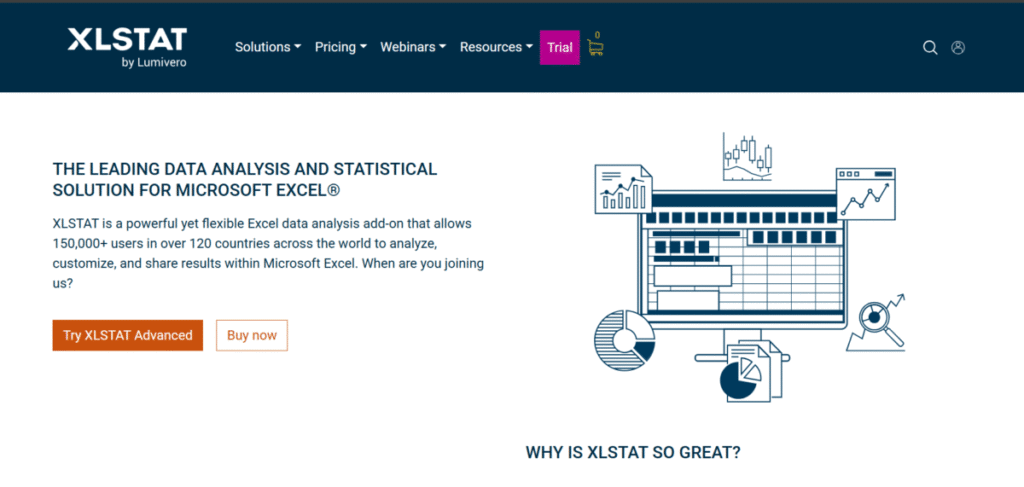
XLSTAT is one of the oldest and most respected statistical add-ins for Excel. Before the addition of AI and Machine Learning features, it has always been a go-to kit for researchers, data scientists, and analysts. XLSTAT is the industry standard and is used by individuals whose work involves data mining, statistical testing, and predictive modelling.
Features
- XLSTAT has a broad array of statistical tools for all forms of analysis.
- It has advanced graphing capabilities to aid data visualisation.
- The tool helps users to find patterns and insights in their data via clustering, classification, and data mining.
- XLSTAT has specialised tools to analyse data, such as product evaluation and customer feedback.
Pros
- XLSTAT is a trusted and extremely powerful tool for statistical analysis. No other tool comes close.
- It simplifies complex statistics.
Cons
- It is not beginner-friendly and requires solid knowledge of statistics before use.
- The XLSTAT premium plan is very expensive.
8. Arcwise
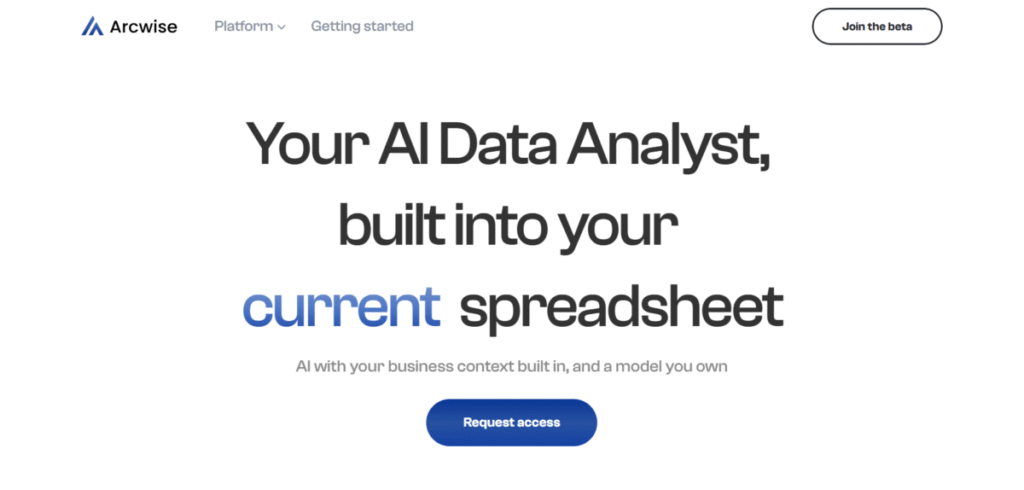
Arcwise is a new but clever tool that has a Microsoft Copilot-like experience. It’s an add-in with powerful “visuals”. Users can ask questions about the data seen on the screen and get formulas with a detailed explanation.
Features
- Arcwise can view a user’s screen and therefore can get a better understanding of the user’s questions in comparison to text prompts
- It has a data calculation feature where it analyses and explains calculations.
- Users can describe a formula, and Arcwise will write it out while providing multiple suggestions.
- It allows teamwork collaboration in real-time.
Pros
- Arcwise has a user-friendly interface and is very interactive.
- It has a free plan, although with limited credits.
Cons
- The premium plan is expensive for individuals.
- It may be too cumbersome for non-tech users.
9. Formulas HQ

Formulas HQ is dedicated to solving Excel formula problems. Similar to Formula Bot and GPT Excel, it is simple to use with a more minimalist approach. Users seeking fast answers without having to navigate through a complex interface tend to use this tool. As an added bonus, it provides extra explanation and resources for better understanding.
Features
- Formulas HQ offers tutorials, blog posts and other educational content to help users improve their Excel skills.
- It has an array of formulas in its library with a detailed explanation of how each works.
- The AI tool can generate formulas based on users’ input or text.
Pros
- It is simple and easy to use with no sign-up required.
- It is free to use
Cons
- Formulas HQ can not be used for extremely difficult formulas.
- There may be variations in the accuracy of formulas.
10. DataSnipper

DataSnipper is a tool designed for accountants and auditors. Its major functions are to automate stressful tasks. The AI tool reads the PDF and matches it to Excel. This reduces time and saves energy.
Features
- DataSnipper automatically matches figures in PDF or Word with Excel.
- The AI tool is quick to highlight any discrepancies or anomalies for review and correction.
- It is well integrated within Excel as an add-in.
Pros
- For auditors, DataSnipper is a big blessing as it saves time and energy.
- It is industry-specific.
Cons
- It is extremely niche-specific and cannot be used by other professionals.
- DataSnipper is a multipurpose AI assistant for Excel tasks.
The Bottom Line
All the above-listed tools are great for solving workflow problems. As a user, your needs play a great determining factor in selecting a tool. For instance, DataSnipper and Datarails are best for finance and audit teams. On the other hand, data scientists will tilt towards XLSTAT as the gold standard. Most of these tools offer free trials. We recommend users try each out before selecting their pick.