


Legal professionals face many challenges. They routinely cycle through tight deadlines, client meetings, case trials, and heaps of contract reviews, among other administrative tasks. Legal AI tools can ease the intensity of these workflows.
This category of AI tools has been designed to cater to at least one time and effort-consuming task. Their applications are expansive: research, contract reviews and document drafting. In this post, we discuss the top 10 legal AI tools, highlighting their unique features, pros and cons.
1. Lexis+ AI (LexisNexis)

LexisNexis, an outstanding legal tech, pulls from a vast database built over decades. Lawyers turn to it for quick insights amid complex cases. This tool processes queries in natural language and delivers answers backed by real citations.
Users cherish how it handles everything from case studies to contracts. In firms, it cuts down research time, and teams use it to brainstorm strategies and verify facts within seconds. Over time, it learns from user interactions to make search more precise.
Lexis+ AI even suggests related topics users might overlook. In short, the tool turns complex files into usable information.
Features
- LexisNexis has a conversational AI interface.
- Users can ask questions like they would their colleagues. It responds with summaries, key excerpts, and links to full documents.
- The tool comes with a built-in Shepard’s Citations. This verifies if cases remain good law.
- It has an AI-powered drafting feature to generate briefs or memos based on inputs.
- Users can customise tone and length easily.
- Lexis+AI is integrated with Microsoft Office to boost productivity. It pulls in data directly into Word or Outlook.
- The tool has advanced analytics that track trends in case law. It spots patterns in judicial decisions. And for international work, it covers global jurisdictions.
Pros
- Lexis+ AI produces fast results that save hours.
- It has a user-friendly interface suitable for all skill levels.
- Strong customer support resolves issues quickly.
Cons
- Lexis+ AI’s subscription can be expensive.
- The tool requires internet access, limiting offline use.
- There may be occasional glitches during peak hours.
2. Westlaw Advantage/CoCounsel
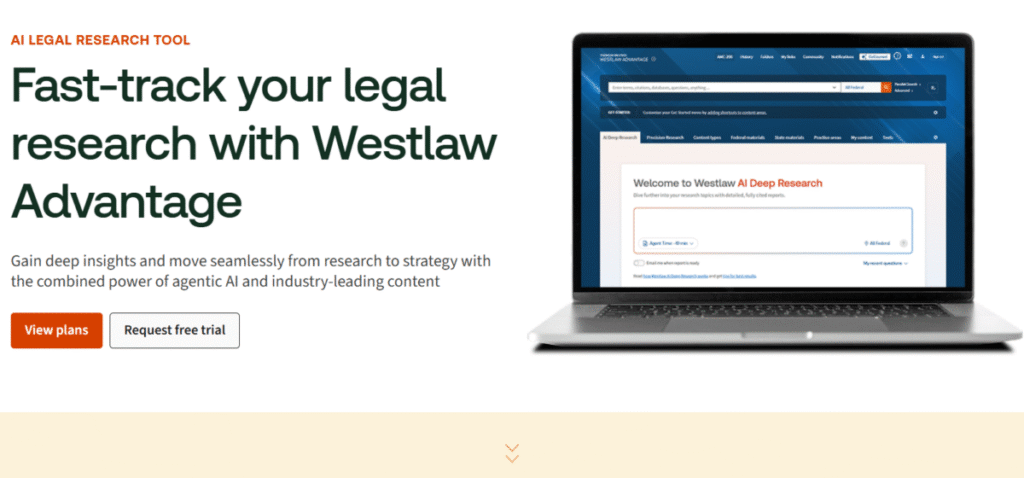
Westlaw Advantage with CoCounsel brings a robust edge to legal research. It draws from an extensive library of legal materials. Lawyers rely on it for in-depth analysis as it excels at breaking down intricate legal questions. It provides not just answers, but context too.
It is handy for preparing arguments or spotting risks, and uncovering precedents others might miss in court preparations. Firms use it to streamline due diligence. Westlaw Advantage with CoCounsel adapts to various practice areas, from corporate to Intellectual Property (IP) law. In simple terms, it empowers users to work smarter, not harder.
Features
- The AI assistant, CoCounsel, handles queries in natural language.
- Westlaw Advantage with CoCounsel summarizes cases, extracts key facts, and drafts responses.
- The “Precision Search” feature uses AI to refine results. It filters by jurisdiction, date, or relevance.
- The “KeyCite” feature flags overruled cases instantly.
- Its drafting tools create outlines for briefs or contracts.
- The tool can predict case success rates with data-driven insights.
- Westlaw Advantage collaboration features allow the team to annotate on documents in real-time.
- Users have export options to PDF or Word to simplify reports.
Pros
- Westlaw Advantage has a comprehensive package of legal sources.
- Its predictive analytics give a competitive edge.
- The tool is reliable for high-volume research.
- It is excellent for multi-jurisdictional work.
Cons
- The premium plan is expensive.
- It takes time to learn all the features.
- The tool is dependent on the Thomson Reuters ecosystem, which limits flexibility.
- Some users report slower load times during peak periods.
3. Casetext CoCounsel
Casetext’s CoCounsel is a practical tool for everyday legal tasks. Lawyers use it to handle drafting and navigate case databases efficiently by fetching key points from judgments. It’s also speedy in delivering relevant results for better collaboration ease.
Essentially, CoCounsel turns complex research into a straightforward process.
It also promotes collaboration by allowing teams to co-edit findings in real-time. In smaller firms, it levels the playing field by giving access to tech that typically only large, well-resourced firms could afford.
Features
- CoCounsel uses natural language processing to interpret queries accurately.
- It summarizes lengthy opinions into bullet points.
- The “Parallel Search” runs multiple queries at once.
- The tool can extract key clauses from contracts quickly.
- It has a drafting assistant to generate emails, motions, or letters.
- CoCounsel is integrated with Google Workspace to enhance workflow.
- The tool has a secure sharing option to protect client data.
Pros
- CoCounsel mobile compatibility ensures access anywhere.
- It is quick to set up and easy to use.
- The tool provides accurate summaries to save reading time.
- It is versatile for various legal fields.
Cons
- It has limited depth in international law.
- The CoCounsel database is smaller than its competitors.
- There are reports of occasional inaccuracies in niche areas.
- The tool requires a subscription for advanced tools.
4. Harvey
Harvey is a versatile AI companion that tackles a broad range of tasks with precision. It handles research, drafting, and analysis and also processes large amounts of data swiftly. It can simulate scenarios, predict risks and can integrate seamlessly with other tools.
Firms train Harvey on internal documents so it can provide tailored responses to specific queries. This helps it keep pace with changes in dynamic, versatile environments and provide an innovative edge. It’s like having a virtual associate that turns raw data into strategic advice.
Features
- Harvey is a conversational AI that handles complex queries.
- The tool generates legal memos, contracts, or briefs.
- The “Data Extraction” feature pulls key info from documents.
- It is integrated with Slack or email to streamline communication.
- The AI’s analytics dashboard can visualize trends.
- It has a secure API connection to ensure data privacy.
Pros
- It processes queries within a short time.
- The tool has a user-friendly interface for tech novices.
- Harvey’s subscription fee is affordable for startups.
- It is strong on predictive features.
Cons
- The premium plan is expensive.
- It is only available online and can only be accessed with a desktop.
Contract Review, Extraction & CLM
5. Kira
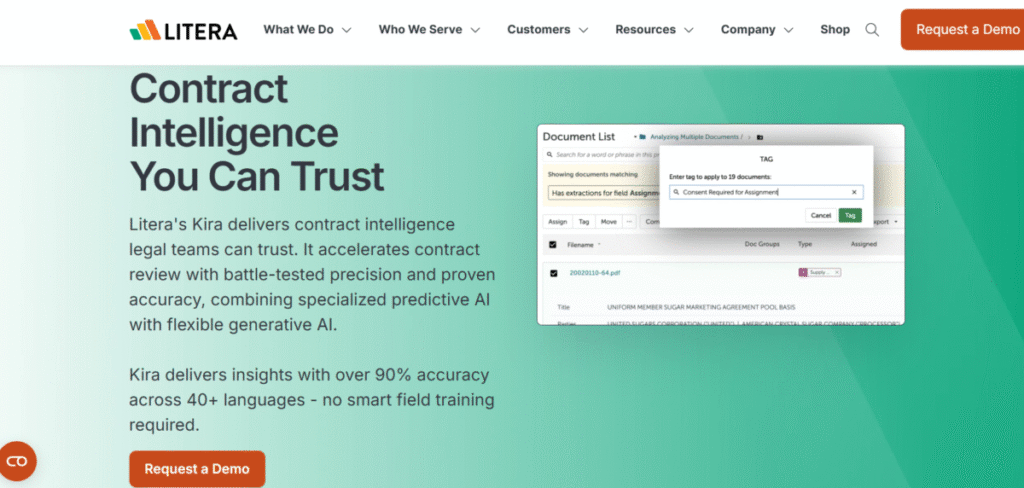
Kira from Litera is a contract management tool that handles high-volume reviews. It digs into agreements with an accuracy level that hastens the contract review process. Kira identifies the risks and opportunities and extracts key information from documents.
Over time, it learns from users’ feedback to improve. Therefore, teams use it to standardize processes by making sure everyone reviews documents the same way, using the same criteria, every time. And in the case of international teams, Kira can still be used to apply the same uniformity because it supports multiple languages.
Features
- Its AI-driven extraction feature identifies clauses like indemnities or termination rights.
- Kira’s custom models train on specific contract types.
- The AI tool reviews workflow and automates approvals.
- Its collaboration tools allow teams to work together on documents, add notes and comment.
- Kira has secure cloud storage to protect data.
- It is available on mobile apps to keep users updated.
Pros
- Kira has a robust extraction capability.
- The AI tool is reliable for large deals.
- It is accurate in identifying key terms.
Cons
- The premium plan is expensive.
- It is limited to contract-focused tasks.
- It requires training for the best results.
6. Luminance
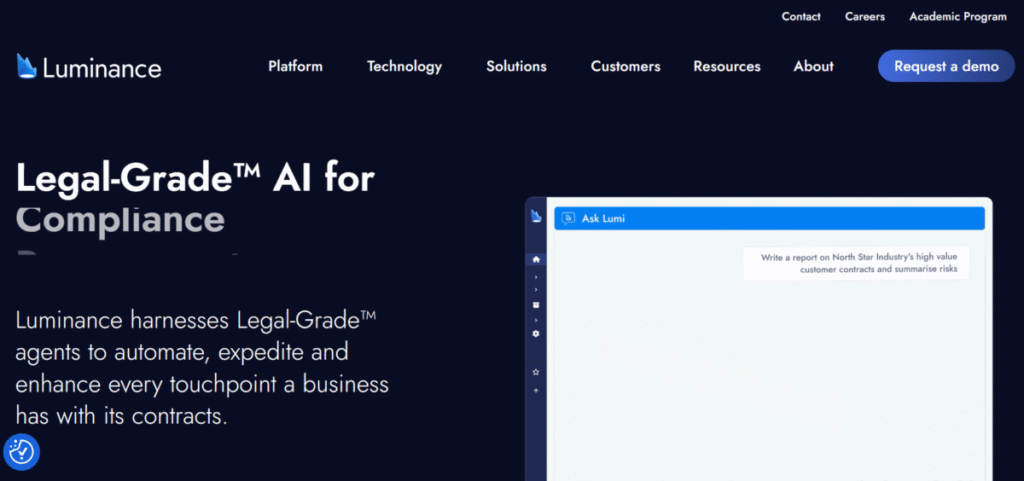
Luminance scans documents with advanced pattern recognition to uncover unassuming details. It learns from each review cycle and, therefore, becomes highly skilled at spotting key contract details with time. Luminance is used to manage contracts from start to finish due to its reliability.
Features
- Luminance anomaly detection can spot unusual clauses.
- It automates workflow, handles approvals, and redlining.
- The AI tool has collaboration features that enable live edits.
- It supports multilingual translation for global inclusivity.
- The tool updates regularly to introduce new AI capabilities.
Pros
- The tool has a fast anomaly detector.
- It has a user-friendly interface.
- Luminance is great for international work.
Cons
- It is focused mainly on contracts.
- Users have reported occasional false positives.
- It does not work in all regions.
7. Evisort
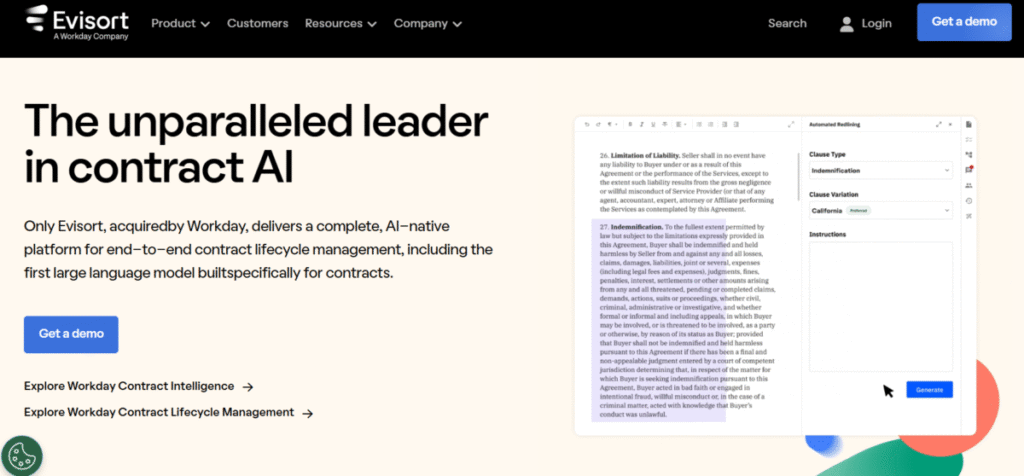
Evisort is a Contract Lifecycle Management (CLM) that easily extracts data from agreements. It uses Natural Language Processing (NLP) and machine learning to understand contract language, structure and legal meaning.
Therefore, Evisort can be used for precise analysis. In heavily regulated industries, it ensures nothing slips through.
Features
- Evisort’s AI extraction pulls out terms like liabilities and payment schedules.
- Its automated redlining suggests edits.
- Evisort has secure sharing options.
- The mobile app is available for easy access.
- Its analytics monitor contract performance and provide accurate insights.
Pros
- The premium plan is affordable.
- It is versatile for small teams.
- The tool is easy to use and implement.
Cons
- Evisort has limited customization.
- It is highly dependent on the cloud.
- There are potential integration issues.
8. LawGeex
LawGeex is focused on contract review automation (CRA). CRA is the entire process of using AI to automatically review, redline, and help negotiate contracts based on predefined company policies.
The AI carries out contextual analysis, just like an experienced attorney. It scans documents and attempts to understand legal language, context, and meaning. LawGeex was among the first tools pioneering CRA and is used by many enterprise-level companies.
Features
- It automates the review process, instantly identifying risks and suggesting changes based on results.
- LawGeex is integrated with CRM systems, making it easier to manage contracts and customer interaction.
- LawGeek uses predefined legal rules to assess contracts against compliance and risk factors.
Pros
- It is time-saving in contract reviews.
- The premium plan is cost-effective.
- It has a user-friendly interface.
Cons
- It is limited to certain contract types.
- It is not the best to handle complex litigation.
Document Automation, Drafting & Practice Automation
9. ContractPod
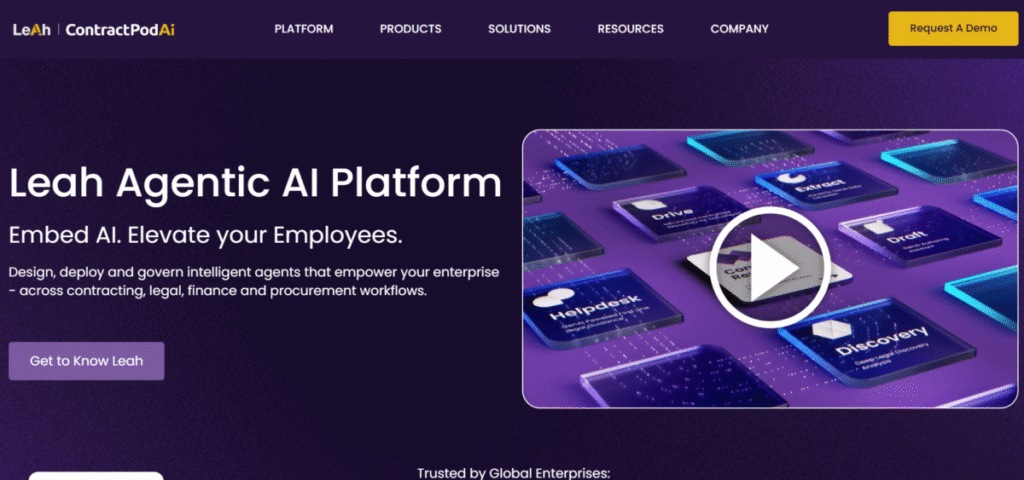
ContractPod manages practice workflows from start to finish. It has a holistic, AI-first design where AI forms the very core of the system and not just an afterthought. ContractPodAI handles many contract types: NDAs, MSAs, vendor/supplier agreements, employment contracts, etc. It also works across the departments of large organisations.
Features
- ContractPod has AI search capabilities that allow advanced searches within contracts for specific terms.
- It is integrated with e-signature tools, allowing users to sign contracts digitally.
- The AI platform has risk management features to identify and mitigate risks associated with contracts.
- ContractPodAI has secure storage for data, ensuring document safety and clients’ privacy.
- Its collaboration feature allows teams to share files in real-time.
Pros
- It has a user-friendly interface.
- The tool supports collaboration across teams.
Cons
- The premium plan is for expensive individuals and small firms.
- It is solely focused on contracts.
10. LegalMation
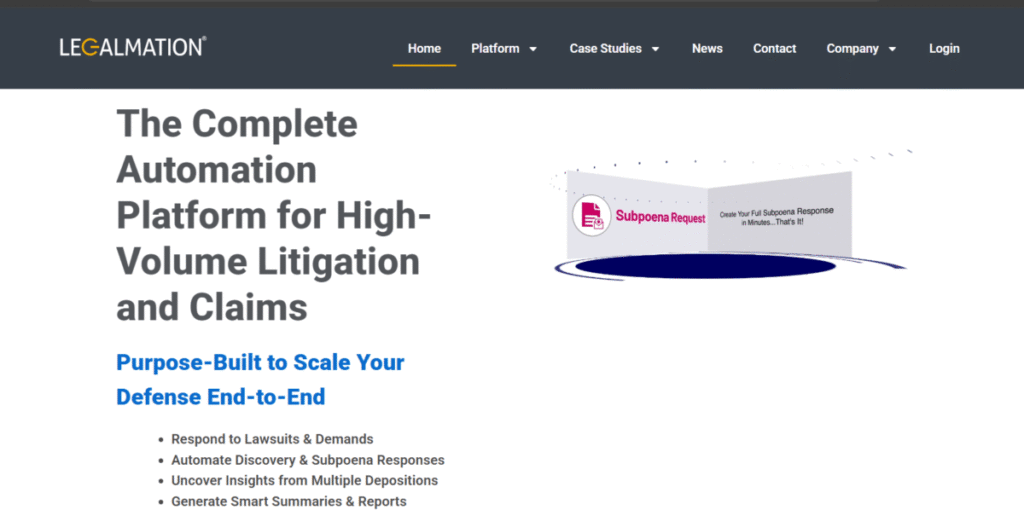
LegalMation focuses tightly on litigation and dispute‑resolution tasks. It responds to complaints, discovers responses, subpoenas, data requests, and repeatable pleadings. LegalMation’s narrow focus enables the depth that births higher precision, reliability, and consistency.
Features
- Users can generate litigation documents based on templates, thereby saving time.
- The tool integrates with other practice management tools for a streamlined workflow.
- Users can create custom templates to handle specific needs, thereby improving document consistency.
Pros
- It saves time in drafting documents manually.
- LegalMation has a user-friendly interface.
- It is niche-specific.
Cons
- LegalMation is niche-specific and not versatile.
- The premium plan is expensive.
- It is limited to U.S. law.
The Bottom Line
Legal AI helps ease the burden of legal workflows to boost efficiency. They’re not subject to fatigue and burnout, unlike humans, and can therefore act with improved accuracy around the clock. As great as they may sound, AI tools are not a replacement for lawyers. Instead, they act like intelligent assistants that increase a professional’s output.
FAQs
1. What’s the Best AI for Legal?
There is no one best AI for legal processes. Harvey, Kira, Luminance and Case text are great options. The “best” then comes down to an alignment between a tool’s capability and the unique use case. As a general rule of thumb, however, Lexis+ AI and Westlaw are great for legal research, and Kira or Luminance are excellent for contract workflows.
2. Is ChatGPT the Best AI for Legal Advice?
ChatGPT helps with general tasks but is not a dedicated legal tool. Whereas tools like Harvey, Westlaw Advantage or CoCounsel provide verified legal insights.
3. Is Claude or ChatGPT Better for Lawyers?
Claude can perform detailed analysis, while ChatGPT is faster for quick tasks. However, specialized tools like CoCounsel outperform both.
4. Which Is Better for Lawyers, ChatGPT or Gemini?
Gemini and ChatGPT are both conversational AI. But neither beats dedicated legal AI like Harvey or Westlaw for precision.