


Since its inception, Gamma AI has gained traction for turning ideas into visually captivating stories within seconds. However, many users were not satisfied with some of its features. Pricing, rigidity, and other inadequacies have prompted users to seek alternatives.
In this post, we will take a look at the top 10 Gamma AI alternatives, stating their most prominent features, pros, and cons.
1. Canva
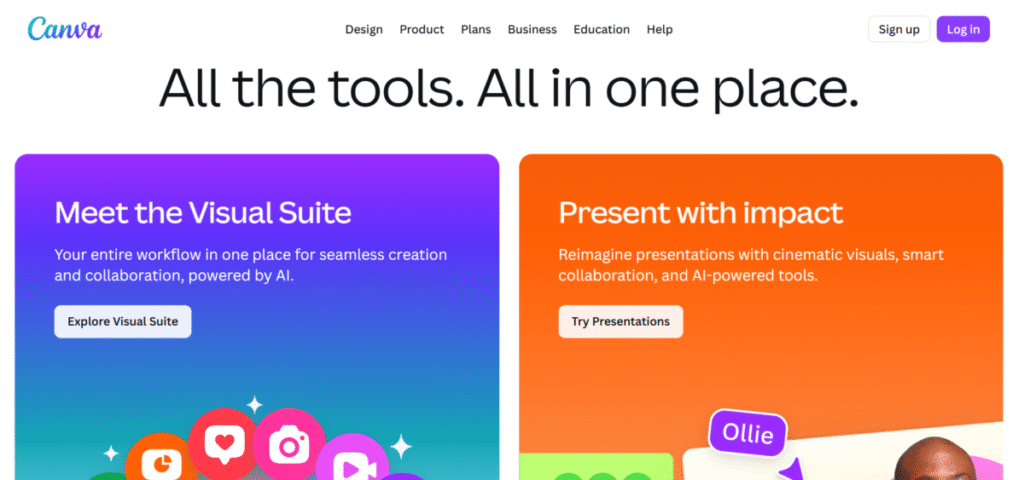
Canva’s first entrance to the market was as a tool that fulfills all design needs. Since its inception, it has evolved to cater to a wider range of visual content that spans presentations, social media graphics, and websites. It is an all-in-one tool for producing polished visuals quickly without extensive design skills.
Features
- Canva harnesses AI to create slide decks for presentations from text prompts.
- It auto-formats content with a theme that’s consistent across slides. This covers layouts, images, and icons.
- Users are also allowed to integrate data and visuals: charts, media uploads, and embedded elements for truly original presentations.
- Team members can collaborate live for faster workflows and iterations.
- After slide generation, users have the option to export and share presentations in either Web, PDF, or PowerPoint.
- Canva allows customisation of presentation design elements with brand colours, fonts, and templates.
Pros
- Canva’s free plan offers substantial services.
- It has a user-friendly interface suitable for beginners.
- Canva allows real-time collaboration among team members for a smooth experience.
Cons
- Canva’s advanced features can only be accessed via a premium plan.
- It cannot be used by professional designers; there have been reports of occasional delays with complex designs.
- Canva’s presentation features are not as advanced as other platforms.
2. Tome
Tome is a new player in the game. It was designed specifically to create narrative-driven presentations through storytelling. Its popularity as an alternative to gamma AI, stems from its ability to create aesthetically pleasing presentations from simple texts. In terms of functionality, Gamma and Tome are in sync. However, Tome is more preferable for contest creation as it requires less editing.
Features
- Based on the user’s input and with the aid of AI, Tome can create content and layouts.
- Tome can be used to turn raw ideas into polished presentations. Examples include pitch, meeting pitches, sales presentations, product launch, conference talks, and team brainstorming
- Users can customize results to suit style and brand needs.
- Tome makes storytelling simple with its easy-to-use templates.
- It supports integrating external content such as links, videos, and pictures to create a masterpiece.
Pros
- Tome has a user-friendly interface suited for beginners.
- It works well on mobile and desktop modes with the option of live editing.
- Tome is your go-to for a fast but narrative presentation.
Cons
- In comparison to other AI platforms, Tome has limited templates.
- Tome’s free plan is limited and requires a premium to enjoy advanced features.
- It is not suitable for high data presentations.
3. Visme
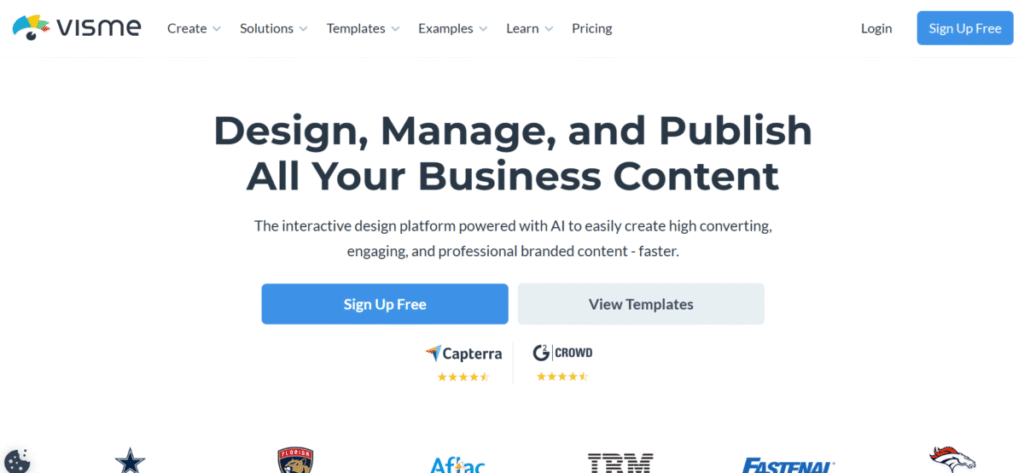
Visme offers a variety of tools for content creation. Whether it’s for creating charts, infographics, or dashboards, Visme has templates available. Visme is preferred to Gamma AI because of its advanced visual creation tools. For users who want to make an impression on their clients, investors, or partners, turn to this tool.
Features
- Visme has a drag-and-drop editor with an array of templates tailored to meet users’ needs.
- Users can create animated charts, graphs, and infographics within the platform.
- Team members can use Visme for projects and leave feedback in real-time.
- Visme’s AI presentation maker is over 10× faster. Educators and marketers can use this tool to create reports, pitches, and training materials.
- With its interactive elements, such as pop-ups, links, and click-on buttons, users can create engaging presentations.
Pros
- Visme is a great choice due to its strong data visualisation capabilities.
- Visme has a user-friendly interface with the drag and drop option suitable for newbies or beginners.
- Visme is a versatile platform that can handle multiple contents without hassle.
Cons
- Visme’s full features are best enjoyed in its premium package.
- Users have reported experiencing occasional glitches, particularly with heavy projects.
4. Wix (with Wix ADI)
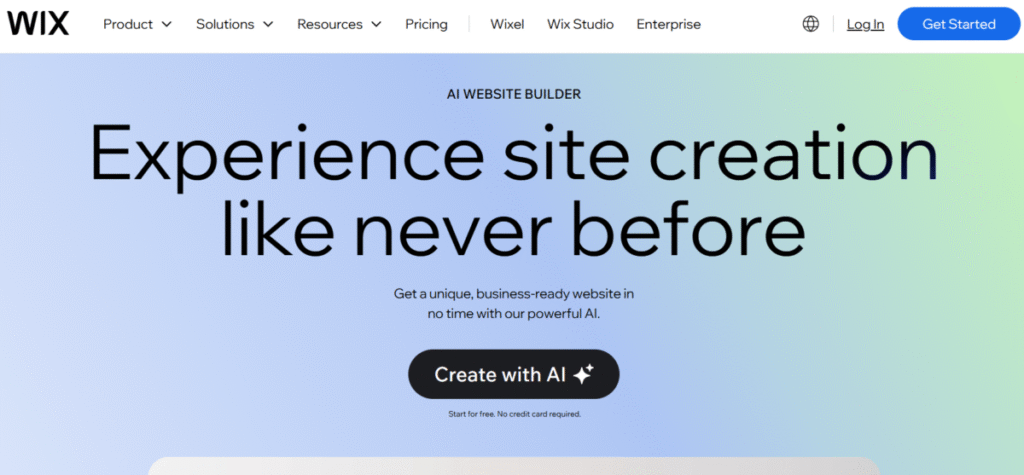
Wix ADI is primarily known as a website builder. However, it has presentation capabilities with its Artificial Design Intelligence (ADI). This makes it a great choice to create web-like and other forms of presentation.
Features
- Wix ADI creates designs based on user input.
- Wix is a 2-in-1 tool; it can be used to build websites and create presentations. This makes it useful to users seeking to merge presentations into websites.
- The AI tool is compatible with phones, tablets, and desktops.
- All content tools are well organised for a structured and well-detailed presentation.
Pros
- Wix is better suited for users who use the platform for their website.
- It does not require the use of downloaded apps as it works well online.
- The AI tool is easy to customize according to the brand’s taste.
Cons
- Wix ADI is not advisable for non-website designers.
- The basic plan is free but limited and often watermarked.
- Wix ADI is primarily a website platform and may not entirely fulfil the role of creating presentations.
5. Decktopus
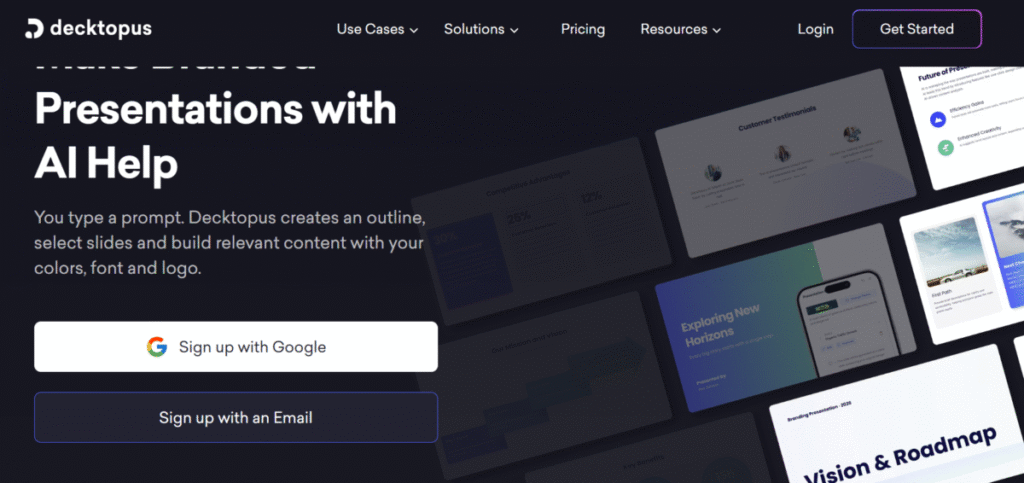
Decktopus is a professional AI platform created to make the process of presentations automated and smoother. With Decktopus, say goodbye to long waiting minutes for professional-looking presentations. Users can include links, videos, and other clickables for a better look.
Features
- Decktopus AI can recommend and suggest layouts and texts based on input.
- It automatically formats input to match visual consistency.
- With a presentation analytics feature, users can track and monitor client engagement.
- Decktopus allows users to export the finished results in various formats.
- Decktopus has an array of templates suited to various content needs.
Pros
- Users can create presentation slides within minutes.
- This tool creates AI content that is in sync with each other without any disruptions.
- Decktopus’ interface is simple and accessible to all.
Cons
- In comparison to other tools, Decktopus has limited creativity.
- Decktopus has a free but limited plan. To enjoy advanced benefits requires a premium plan.
6. Beautiful.ai
Since its inception 10 years ago, Beautiful.ai stands tall, best in the game. Whether you have design skills or not, Beautiful.ai caters to all. Users can switch side layouts within the editor without hassle.
Features
- Beautiful.ai has an array of ready-made design templates for users to select from.
- Its AI design assistant takes care of design formatting, giving a squeaky-clean presentation.
- It allows teamwork collaboration in real-time, which is an advantage for businesses juggling deadlines.
- Business owners and creators can monitor their performance analytics.
Pros
- Beautiful.ai has most of its features automated, which is time and energy-saving.
- This tool is a great choice for users seeking quick and aesthetically pleasing slides.
- It has a user and beginner-friendly interface.
Cons
- Beautiful.ai is not a multipurpose tool and is limited to creating designs.
- The tool does not have a free subscription, only Pro and Business plans.
- Beautiful.ai is less flexible for heavily customised designs.
7. Storydoc
Storydoc AI is designed for marketing and sales personnel seeking interactive web-based presentations that drive engagement. For presentations that instigate conversations and captivate the audience, Storydoc is your go-to tool.
Features
- This tool has interactive presentation formats that drive engagement.
- Storydoc is one of the best platforms to track viewer engagement after a presentation.
- With a solid storytelling framework, users are guided on how to create engaging presentations.
- Storydoc has a variety of customisable templates for different scenarios.
- The tool is available in mobile and desktop modes for easy access.
Pros
- Storydoc creates engaging and interactive presentations.
- In contrast to traditional presentation methods, this tool has superior engagement metrics.
- Storydocs is best for marketing and sales departments to increase business activities.
Cons
- Storydoc requires a premium plan to enjoy all features.
8. Chronicle
Chronicle is a relatively new AI tool used by professionals to create clear and concise slides. It uses AI content generation and design automation for presentations. Chronicle can handle heavy projects without lagging.
Features
- Chronicle is designed specifically for professional and business needs.
- The tool produces quality and fast slides within seconds.
- Chronicle supports team input and edits in real-time.
- The tool has a content generation assistant for different presentation sections.
- Its AI-powered story structure suggestions serve as a guide for users who are unsure of what to do.
Pros
- Chronicle is ideal for professional and business settings.
- It has a user-friendly interface that helps in the quick creation of a presentation.
- Chronicle is one of the best tools for storytelling presentations.
Cons
- It has a more limited template library compared to other competitors.
- Chronicle AI features are best enjoyed in the premium or business plan.
- It is not as versatile as it is primarily designed for businesses and professionals.
9. Microsoft 365 (PowerPoint + Copilot + SharePoint/Website builder)
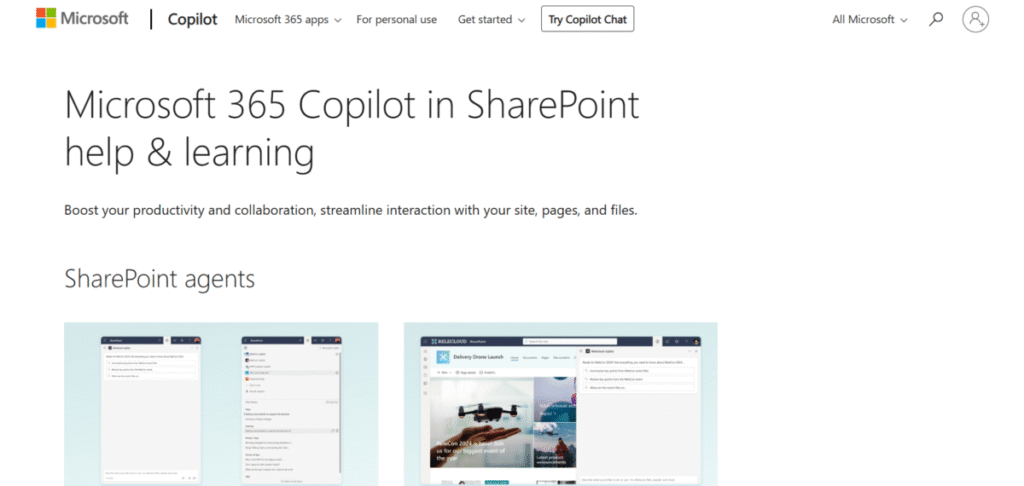
Microsoft 365 is a powerhouse. It combines PowerPoint, Copilot, and Website builder to create a masterpiece presentation solution. The tool uses Microsoft’s AI capabilities to streamline content generation and design, thereby increasing user creativity and productivity.
Features
- Microsoft Copilot AI helps users create polished presentations quickly. This is a relief for users struggling with content organisation.
- SharePoint allows users to share and store presentations without hassle.
- Microsoft 365 has a vast array of templates suited to formal and informal settings. From professional settings to creative works, there’s always a customizable template available.
- PowerPoint provides data visualisation tools, allowing users to create charts and other infographics. This increases visual appeal and comprehension.
- PowerPoint allows real-time collaboration, which enhances teamwork among multiple users.
Pros
- Microsoft has a user-friendly interface, as most users are familiar with PowerPoint.
- All tools within Microsoft 365 are well-known and widely established among many users.
Cons
- Microsoft 365 may be too complex for users seeking simple presentations.
- Access to all features requires a premium subscription, which can be a downside for budget-conscious users.
10. Smallppt
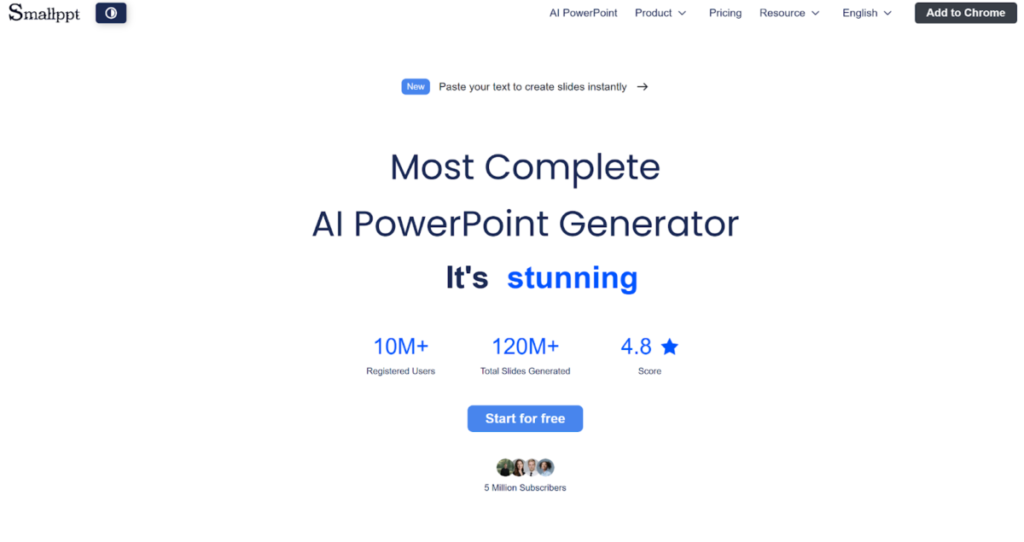
Smallppt is an AI-powered presentation tool that helps users quickly create visually appealing and professional slides.
It combines AI content generation with design automation to streamline the slide creation process.
Smallppt is suitable for both individuals and teams, supporting efficient collaboration without slowing down.
Features
Smallppt is built to enhance productivity and creativity for presentations.
- The tool generates high-quality slides in seconds.
- It supports real-time collaboration for teams.
- Smallppt includes an AI content assistant to help with various sections of a presentation.
- Its AI-powered design and layout suggestions guide users who are unsure about structure or style.
Pros
- Smallppt is useful for professional, academic, and personal presentation needs.
- The interface is intuitive, making slide creation fast and simple.
- It is particularly strong in helping users create visually appealing and structured presentations.
Cons
- Its template library is smaller compared to some competitors.
- Advanced AI features are mainly available in paid plans.
- While versatile, Smallppt focuses primarily on presentation creation rather than broader document design.
The Bottom Line
Choosing the right Gamma AI alternative depends on specific needs. If you need content generation, Decktopus or Tome are good choices. Beautiful.ai or Canva are better suited for design-oriented tasks. Other factors to consider include team size, workflow, and presentation goals. Most of these tools offer a free plan to try before making a financial commitment.