


Bridging language gaps has always been a challenge worldwide. While subtitles help, they distract viewers from facial expressions and tone. Subtitles and interpreters do not give the same direct, immersive experience as hearing the speaker’s own voice in a language the audience understands.
This is where dubbing steps in. AI dubbing tools provide accurate and natural-like voice-overs in various languages. They can be applied to movies, ads, social media, and professional videos. And in this post, we’ll list the top 10 dubbing tools that provide the best results.
1. Speechify
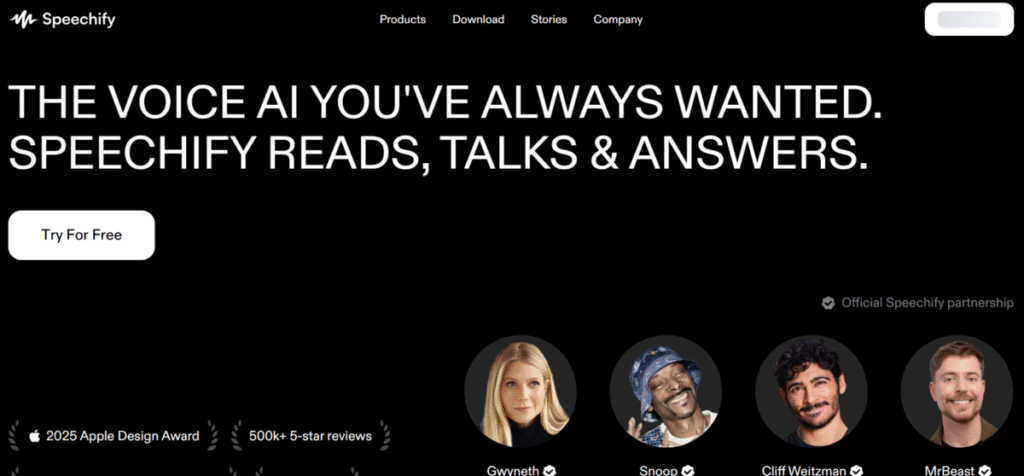
Speechify is a tool that converts text into audio with advanced AI voice synthesis. At its initial introduction, it was marketed as an assistant for individuals with dyslexia. However, Speechify has grown to assist with productivity and dubbing.
As a dubbing tool, it translates audio from videos into other languages while preserving the speaker’s original voice. It maintains all elements of the cloned voice across languages, creating a consistent and familiar sound. Speechify is simple to use.
Users are only required to upload a video, choose a language, and generate a dubbed version in minutes.
Features
- Speechify clones the original speaker’s voice, so dubbed videos retain the same tone and inflections across languages.
- The AI preserves vocal characteristics, dialect characteristics included, for natural-sounding dubbed versions. It also promotes familiarity with the audience.
- Speechify creates dubs for over 60 languages to promote a wider content reach.
- Users get to choose from more than 1,000 realistic, human-like voices for dubbing projects.
- The tool automatically translates the original script into the selected language before dubbing.
- Speechify aligns dubbed audio with the video’s timing to maintain natural flow and coherence.
Pros
- All cloned voices are natural and expressive.
- It is easy to set up, and the process doesn’t take time.
- The platform does routine updates to improve accuracy.
- It has an easy and beginner-friendly interface.
Cons
- Speechify has a free trial, but it is limited
- Its premium plan is expensive and may not be affordable for commercial use.
- There are reports of occasional delays in processing long videos (>1hour).
Also read: Speechify Full Review: Is It the Best Text-to-Speech App?
2. ElevenLabs
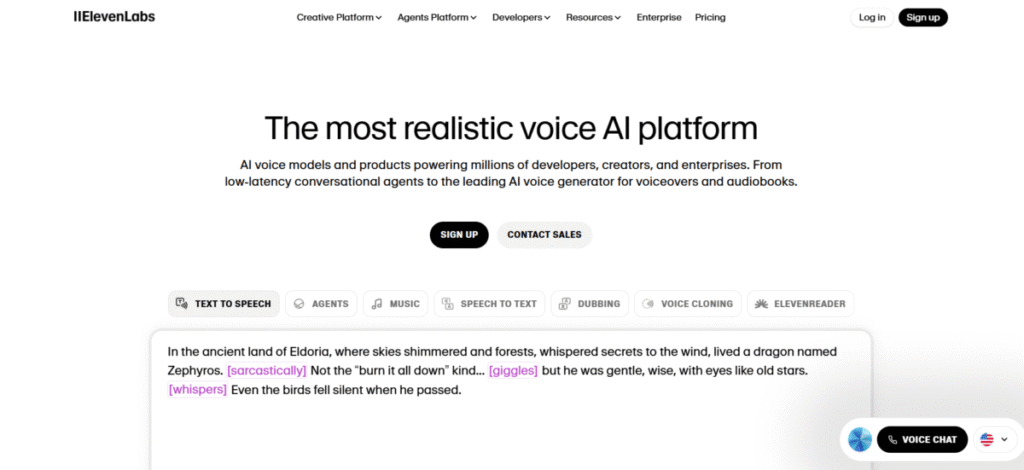
This is a tool that is known for realistic, natural-like AI voices. However, its dubbing tool sets it apart. Users can create voice-overs in over 29 languages that capture and preserve emotional authenticity. It is suitable for audiobooks, character-oriented videos, and podcasts. ElevenLabs was designed to make multilingual videos or audio sound more natural rather than automated. It is simple to use. Users upload videos or audio, select their preferred language, and ElevenLabs does the magic.
Key Features
- ElevenLabs preserves the voices of the speaker(s) after translation.
- ElevenLabs clones voices from audio samples for dubbing.
- ElevenLabs is a multilingual platform that supports over 29 languages for a wider reach.
- The tool can translate long (up to 3 hours) and short files without loss of audio/video sync.
- The AI tool maintains video/ audio authenticity by retaining emotional tone.
- ElevenLabs can dub multiple files at once, thereby saving time and resources.
Pros
- ElevenLabs can handle multiple speakers in one clip.
- It has a user-friendly dashboard for video editing.
- ElevenLabs produces high-quality audio for films and ads.
- The platform is fast and accurate in cloning voices.
Cons
- ElevenLabs has a free plan, but it is limited for large projects and is often watermarked.
- In comparison to its competitors, ElevenLabs has fewer languages.
- The prices may skyrocket with high usage.
Also read: An ElevenLabs Review: A Creator’s Best Friend?
3. HeyGen
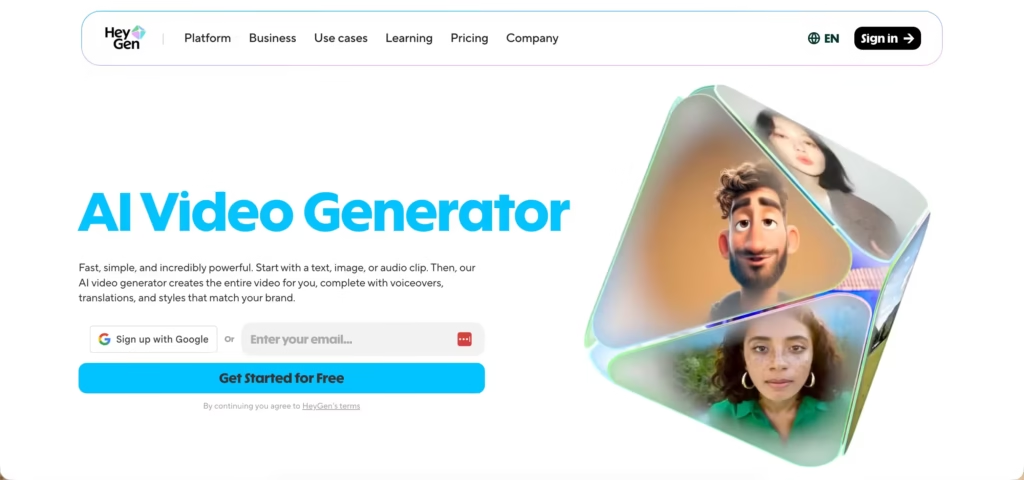
HeyGen is primarily an AI avatar video platform, but its translation and dubbing capabilities make it a practical option for anyone needing to localise video content at scale.
The dubbing workflow is straightforward: upload an existing video, select a target language, and HeyGen re-voices the content with lip movements adjusted to match the translated speech.
It supports over 175 languages and dialects, which is a broader range than most dedicated dubbing tools.
Key Features
- Video Translation – Upload any video and HeyGen translates and re-voices it in a target language, with lip-sync adjusted to match.
- 175+ Languages and Dialects – Includes regional variants such as Mexican vs. Argentine Spanish, with over 300 voice options.
- Talking Photo Avatars – Animate a static image to speak a translated script, useful for localising content that doesn’t have an original video presenter.
- Custom Avatar Voice Matching – On paid plans, you can upload your own voice and have HeyGen match it to the avatar’s lip movements in the translated version.
- Direct Export and Sharing – Export in 720p, 1080p, or 4K, or share directly to YouTube and LinkedIn from the platform.
Pros and Cons
| Pros | Cons |
|---|---|
| Wide language and dialect coverage (175+) | Dubbing quality varies by language |
| Lip-sync adjusts to translated speech | Full features require a paid plan |
| Works on existing video uploads | Primarily an avatar tool, not a dedicated dubbing platform |
| Custom voice matching available | Free plan limited to 3 videos per month |
4. Synthesia
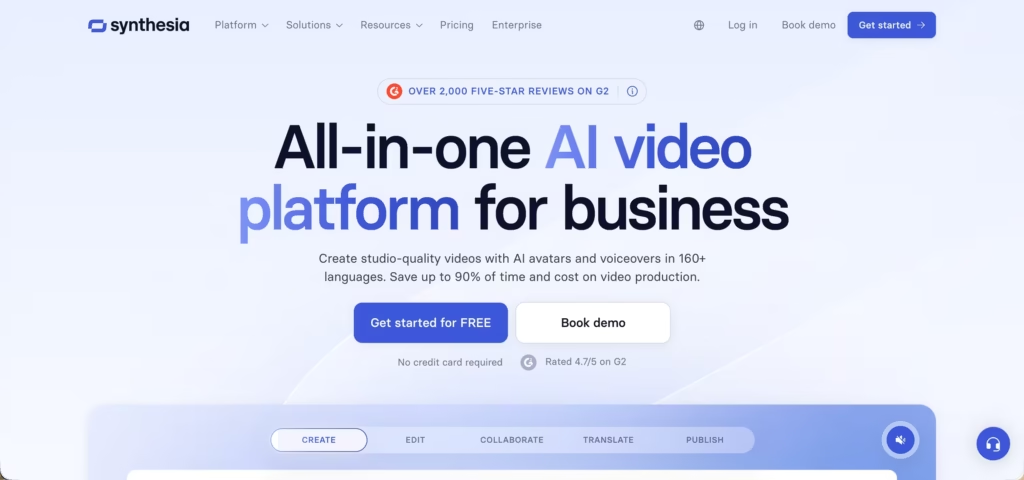
Synthesia is widely known as a video creation tool, but its dubbing feature deserves equal recognition. It dubs videos into over 30 languages using virtual presenters. Users input script, and this is translated into videos in a realistic and human-like manner. The tool is ideal for product walk-throughs, policy videos, or onboarding decks.
Features
- All dubbed audios perfectly match the video’s lip sync.
- Sincetia has an array of customizable avatars/presenters to suit needs.
- The tool has a quick and efficient translation system, which is 100% accurate.
- Users can dub multiple videos at once thereby saving time and energy.
- The platform allows users to adjust the tone and emotion of the dubbed voice.
- Viewers can watch the dubbed video in their preferred language.
Pros
- Synthesia has 100% lip-sync accuracy.
- It is ideal for e-learning, professional, and promotional training videos.
Cons
- Synthesia has a free plan, but it is limited to a few trials.
- The process can be slow for high-resolution videos.
5. Murf
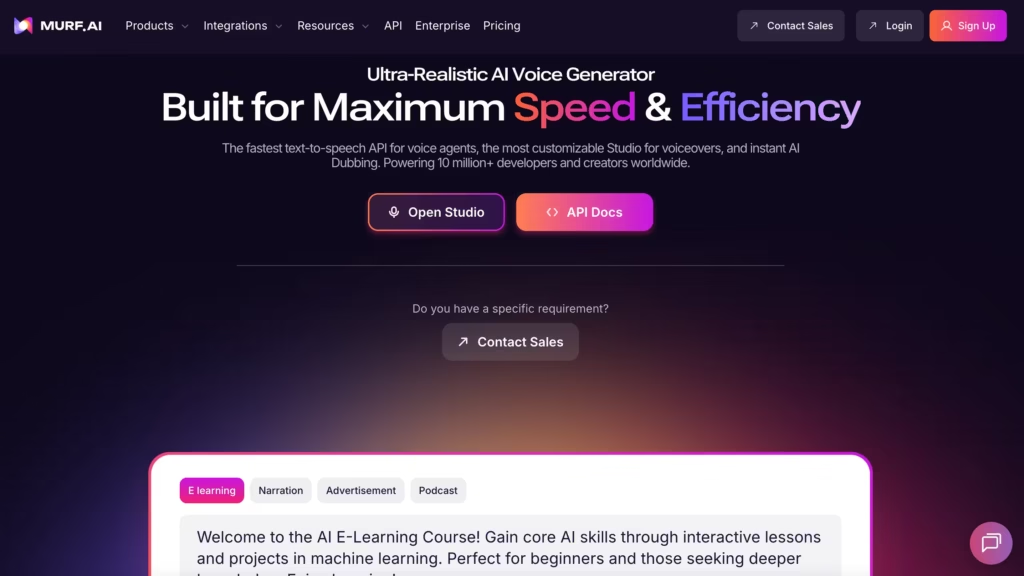
This is a dubbing and voice-over platform. It is great for personal and cooperative use. It converts the script to audio for video use. Murf is particular about maintaining the natural rhythm and pace of the original.
Features
- The tool has multilingual support for over 30+ languages and 120 videos.
- Murf can customize pitch, tone, pronunciation, and other parameters before final output.
- Noise and background sound cancellation for clarity.
- Murf provides a collaborative workspace that allows team members to edit and review dubbing projects together.
Pros
- Murf is an excellent tool for podcasts and e-books.
- It offers adjustment features to meet users’ needs.
- Murf has a large variety of languages available to users.
Cons
- The lip sync adjustment is not standard, and there might be disparities.
- Murf’s premium plan is too expensive.
6. Kapwing
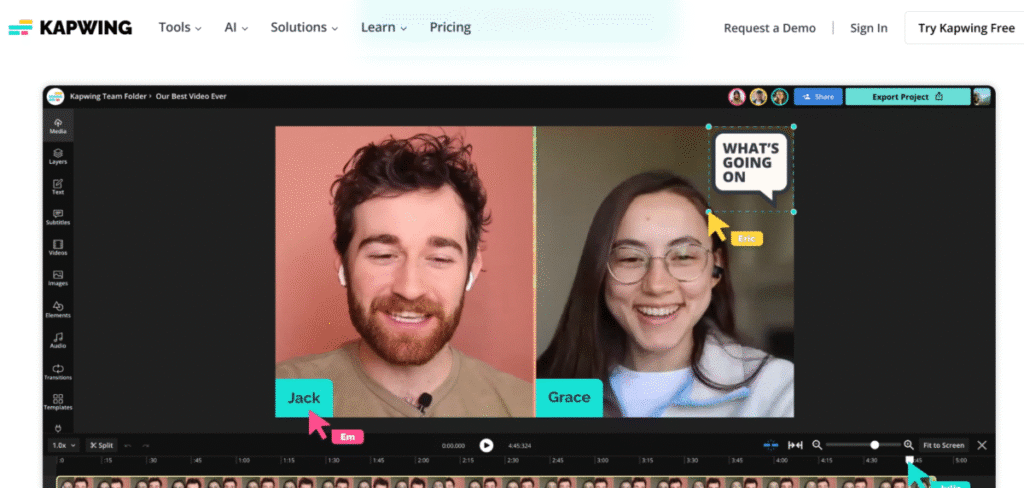
Kapwing is an online editing platform that allows users to create, edit, trim, and customize videos. Its dubbing feature allows voiceovers, multilingual translation, and overlaying new voices on a video. Kapwing is mostly used by content creators to create short videos. It is easy to use and straightforward. Upload a video, select a perfect language, and Kapwing will generate a dubbed video.
Features
- Kapwing generates subtitles to go along with the generated dubbed video.
- The tool allows users to edit subtitles before generating the dubbed audio. This is for cultural accuracy
- Kapwing creates dubs for over 60 languages to promote a wider content reach..
- The tool is a pro at handling multi-speaker videos effectively.
- Noise cancellation features to enhance audio clarity and quality.
Pros
- Kapwing is affordable for professionals and beginners.
- Kapwing is a 3-in-1 platform that controls translation, subtitles, and dumping at once.
- It is accessible through any online browser.
Cons
- There are limitations as it is only available online.
- It takes a long time to process lengthy videos.
- Kapwing has a free plan, but it contains ads, which can be distracting.
7. Vidnoz AI
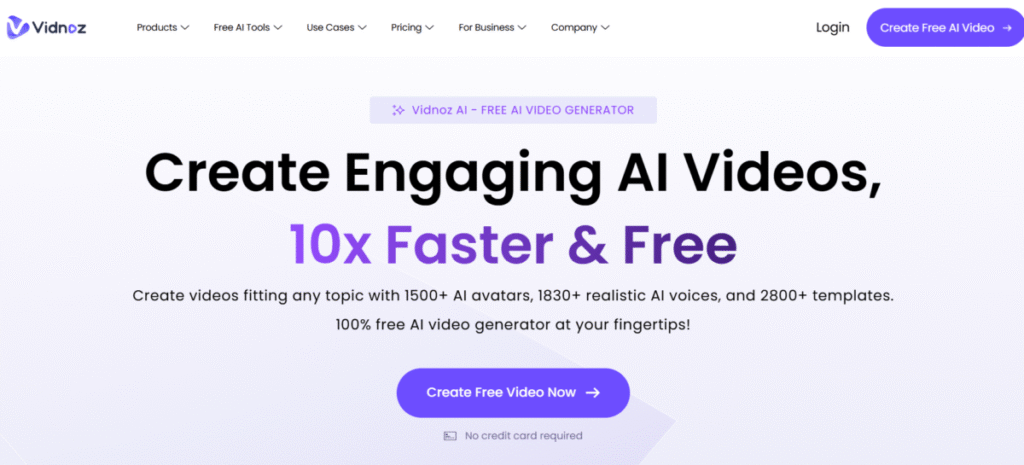
Vidnoz AI is a video creation platform that has a powerful dubbing feature. When videos are uploaded, Vidnoz creates multiple versions in different languages that are natural and emotionally in tune. It maintains the symptoms and preserves the pitch of the original speaker while translating. Vidnoz is commonly used by content creators for marketing videos or tutorials globally.
Features
- Multilingual support of over 140 languages and accents for global reach.
- The platform generates dubbed videos within minutes, and lip synchronization is maintained.
- Users can replace a voice if they are not pleased with its pitch or tone.
Pros
- Vidnoz AI allows users to retain emotional tone for all translations.
- It is great for educational, marketing and tutorial content.
- Vidnoz AI has a user-friendly interface that is perfect for beginners.
Cons
- Vidnoz AI may not support all languages equally.
- It is strictly limited to website access only.
- Vidnoz AI takes a long time to process high-resolution videos.
8. Dubverse
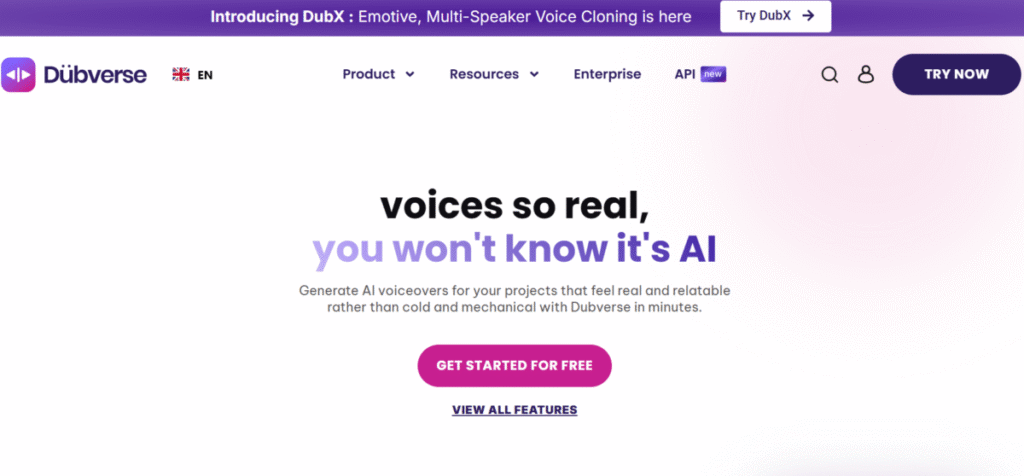
This is a professional platform designed for content creators and business owners to reach a global audience through multilingual videos. Dubverse dubbing features stand out due to its accuracy, flexibility, and speed. Unlike other dubbing platforms, Dubverse ensures that all voices reflect the original speaker’s emotions, tone, pitch, and accent. This tool is simple to use and has a user-friendly interface. All that is required is to upload videos, select the preferred language or accent, and get results within minutes.
Features
- Dubverse clones voices across 60+ languages effortlessly.
- Creators can maintain a consistent voice irrespective of the language.
- Dubverse provides an avenue for users to edit text which improves translation accuracy before final dubbing.
- The tool ensures that all dubbed audios automatically align with the video, i.e lip sync is accurate.
- Users can upload multiple videos, apply the same settings and process all simultaneously.
- The noise cancellation feature is available for clarity.
Pros
- Dubverse is the best platform for creating international content; it can handle accents properly.
- The batch dubbing feature is great for users with a large library as it is time-saving
- It has a user-friendly dashboard that is suitable for beginners and professionals.
Cons
- There may be inconsistencies in voice cloning.
- It is strictly website-dependent as there are no mobile apps.
9. Perso AI
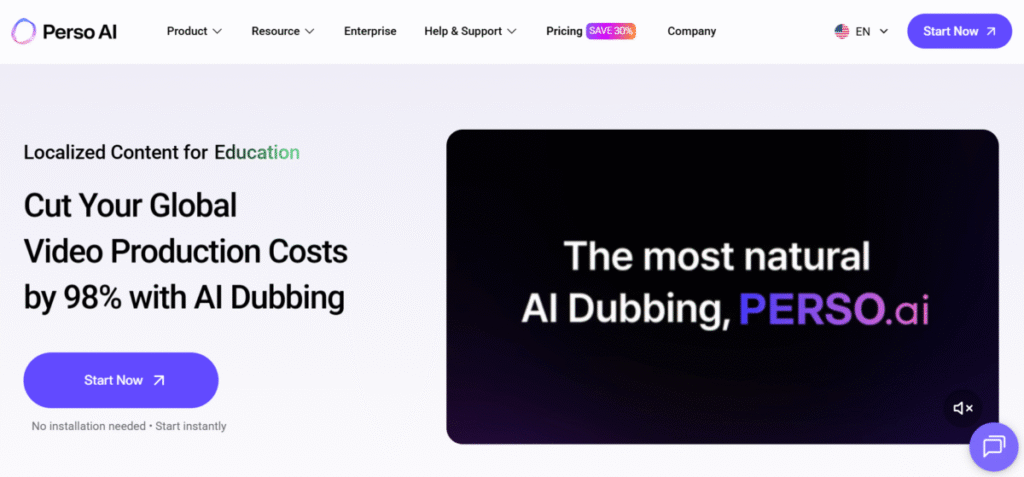
Perso AI is a personalized dubbing platform. It is for content creators who want their voices to be heard in various languages. Users can record short videos, which are then cloned. The cloned voices can speak in over 50 languages while maintaining accent and tone.
Features
- Custom voice cloning for brand consistency and visibility.
- The tool is a multilingual platform that supports dubbing in over 60 languages.
- Text can be edited manually to ensure accuracy and proper cultural representation.
- Perso AI ensures that dubbed audio matches the visual cues.
- The platform allows users to adjust tone to match emotional scenes.
Pros
- Perso AI is great for branded dubbing.
- It has a user-friendly interface.
- The premium plan is affordable.
Cons
- Perso AI’s premium plan is expensive for individuals and small creators.
- There are limitations for large-scale dubbing videos.
10. Deepdub AI
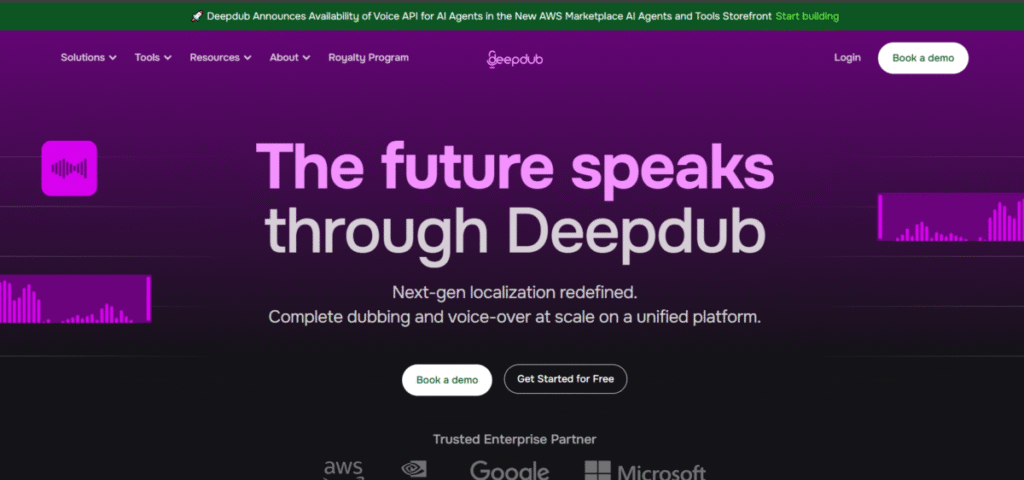
Deepdub is an advanced dubbing platform used in the entertainment and TV world. It focuses on preserving the voice, emotion, accent, and cultural authenticity of the original video. Users can be sure of getting high-quality studio dubs.
Features
- Multilingual support in over 100+ languages, with users being able to control the accent, pacing, and tone of the final outcome.
- Deepdub provides Hollywood-standard voice cloning.
- All dubbed features are in real time, which allows them to be used for live broadcasts and events.
- Deepdub can detect the tone and emotions in the original video and ensure it is reflected in the dubbed version.
Pros
- Deepdub AI is great for handling complex scripts.
- It is best for filmmakers and those in the entertainment industry.
- Deepdub has a large array of languages available to users.
Cons
- There are no free trials, and the premium plan is expensive.
The Bottom Line
Dubbing AI tools provide more reach globally. Creators, brand owners, and individuals can share their stories worldwide in various languages. Although this article features a list, with experimentation, brands usually settle on a tool that best fits their needs.
As a guide, individuals working in the corporate circle would tilt more to Synthesia or Dubverse. On the other hand, creators who prefer speed and simplicity can use Speechify and ElevenLabs. The broadcasting and TV space may prefer ElevenLabs and Deepdub AI.
FAQs
1. What is the Best Dubbing AI?
ElevenLabs is the best and most realistic dubbing platform.
2. Which AI Voiceover is Best?
Speechify is the best because it has a realistic and expressive voice-over available.
3. What is the most famous AI voice?
Synthesia is the most famous AI tool.
4. Which is the best dubbing software?
All of the above are great. The final choice depends on the user’s need and intent.
