
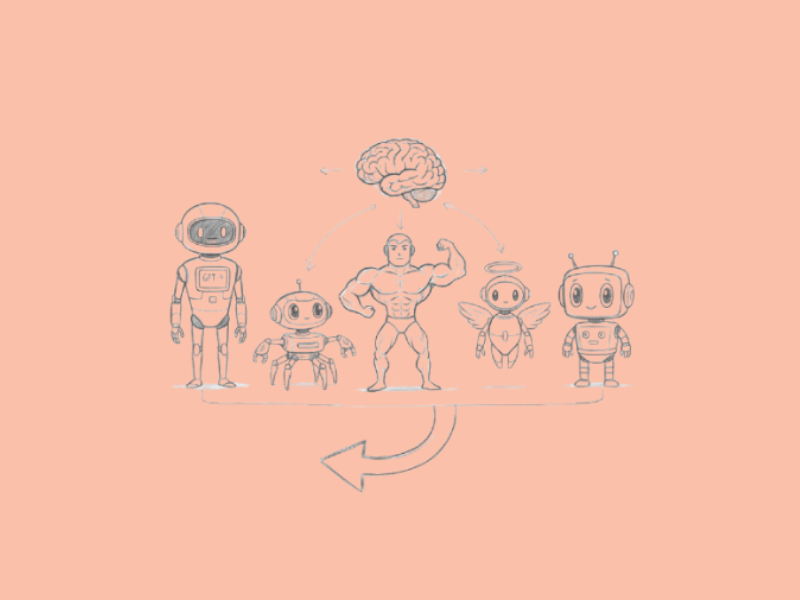

Tasks can be complex and often demand functionalities that are spread across many AI models. This poses a new challenge of navigating them all without unnecessary cognitive overload. Fortunately, AI aggregators take out the juggling by pulling together various models into one accessible platform, which saves time and boosts efficiency.
Aggregators often include the big names like Anthropic, Google, and OpenAI. In this post, we discuss the top 10 model aggregators, their features, pros, and cons.
1. Poe
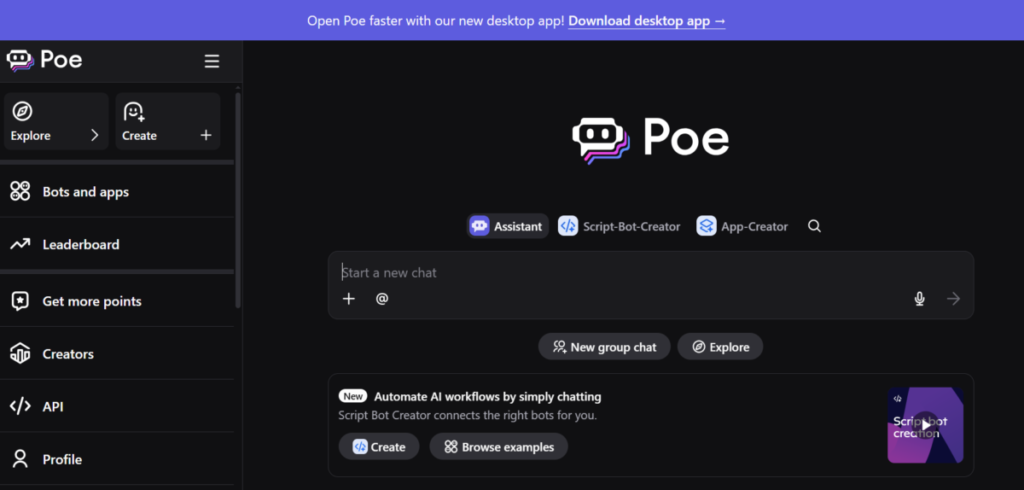
Poe from Quora is a versatile platform for interacting with multiple AI models via a single interface. Developers find it especially useful for quick access to platforms like GPT-4, Grok, DeepSeek, and Claude.
Poe handles a long list of tasks, including creative writing and coding. Its ease of use and speed make switching between models effortless during workflows. Poe also promotes community sharing, where users create and distribute custom bots.
Features
- Users have access to a range of models, including open-source and proprietary ones, all in one spot.
- It supports customized bot creation, so users build their personalized AI assistants. AI Workspace for Teams enables teams to team up in real time for joint AI tinkering.”
- Teams can team up in real time for joint AI tinkering.
- It offers usage analytics, tracking how often users engage with specific models.
- The platform uses real-time to enhance responses.
Pros
- Poe delivers quick model switching, which accelerates experimentation.
- Its premium plan is affordable, with a free tier suitable for beginners.
- Poe handles tasks easily, from problem-solving to brainstorming.LlP
- Poe delivers quick responses, even when users switch models.
Cons
- Users may experience occasional lag during peak hours.
- It is not suitable for enterprise-level deployments.
- The interface feels cluttered when handling multiple bots at once.
2. You.com

You.com blends AI models into an intuitive search engine to deliver personalised results. Queries are met with comprehensive answers; this can prove beneficial for businesses conducting market research and creating business plans. You.com prioritises privacy, so anyone can browse without worry. It also has productivity tools (an article summarizer and code generators) to get more value out of time and effort.
Features
- The platform creates images and visualizes data through integrated models.
- You.com combines search with conversational AI syncing with the live web for citations.
- It features customizable agents that can be tailored for specific tasks like writing or analysis.
- It includes collaboration tools that allow teams to share queries and outputs.
- Users benefit from a “YouChat” mode that engages in conversational AI interactions.
Pros
- You.com builds user trust via its privacy-centered operations.
- It adapts to user preferences to improve accuracy and reliance over time.
- The seamless mix of search and AI saves time.
- The platform has a clean, ad-free interface that enhances focus.
Cons
- You.com may deliver inconsistent results on niche or technical queries.
- The free version does not grant access to advanced models.
- It requires a stable internet connection for all features.
3. Mammouth

Mammouth aggregates AI models to promote collaborative environments, where teams experiment with tools for content and data tasks. Users upload datasets, and the platform routes them through models like Stable Diffusion or Llama for processing. This setup promotes efficiency in group projects, as members switch models at will. Mammouth also has robust sharing features that benefit creatives.
Features
- Mammouth has a version control system to detect changes in AI-generated content.
- It offers live collaboration for teams to edit and refine outputs.
- With its model chaining, users can link multiple AIs for complex workflows.
- There is access to a library of pre-built models for easy use.
- Mammouth supports API integrations and connects to external tools seamlessly.
Pros
- Mammouth provides cost-effective plans for growing teams.
- The version control feature prevents loss of work during iterations.
- It is excellent for high-volume tasks, maintaining performance.
- Mammouth excels in team-based projects, fostering productive interactions.
Cons
- Mammouth’s interface can overwhelm newcomers with its array of options.
- There may be occasional compatibility issues with lesser-known models, which could impair functionality.
- The platform requires substantial setup time for custom integrations.
4. Galaxy AI

Galaxy AI gathers diverse models into one unified platform to lend the required hand to app development. Users select from options like BERT or custom variants and integrate them into prototypes easily.
This streamlines testing, as it simulates real-world scenarios to gauge model performance. Also, Galaxy AI uses analytics to monitor usage patterns and can give insights that optimize its performance. Startups rely on it for innovation and experimenting with ideas and prototypes.
Features
- Galaxy AI provides model benchmarking, comparing performance across tasks.
- There’s access to cloud-based computing for offloading heavy processing.
- Its drag-and-drop feature can be used to build AI pipelines
- Galaxy AI supports multilingual models for global applications.
- The platform includes debugging tools to identify model errors quickly.
Pros
- Its intuitive tools accelerate development cycles.
- It ensures data security and has guardrails to protect sensitive information.
- The benchmarking feature guides users toward optimal model choices.
- Galaxy AI offers flexible pricing that fits various budgets.
Cons
- Galaxy AI limits free access to basic models only.
- During peak periods, users may experience downtime.
- Galaxy AI’s lack of extensive documentation hinders quick learning.
5. TypingMind.ai

TypingMind.ai serves as a frontend aggregator to promote interactions with other models. Users can create custom interfaces and adjust prompts and themes to maximize their use. The template saving option and chat organization features boost productivity.
TypingMind.ai also uses plugins to gain more functionality, such as web scraping. The streamlined workflows it provides make writing tasks and research simpler to complete.
Features
- TypingMind.ai contains prompt libraries to store and reuse effective inputs.
- It supports multiple API keys to allow users access to various AI tools.
- It has a dark mode and other customisable features to make users comfortable.
- Users export chat histories for archiving or sharing.
- TypingMind.ai includes voice input for hands-free operation.
Pros
- It saves time through reusable templates and quick switches.
- TypingMind.ai simplifies complex interactions with its clean design.
- The plugin system expands capabilities without extra costs.
- TypingMind.ai maintains affordability with one-time purchases.
Cons
- TypingMind.ai depends on external APIs, which puts it at risk for disruptions.
- Occasionally, updating the platform introduces minor bugs that need fixing.
- It lacks built-in image or video generation tools.
6. NanoGPT
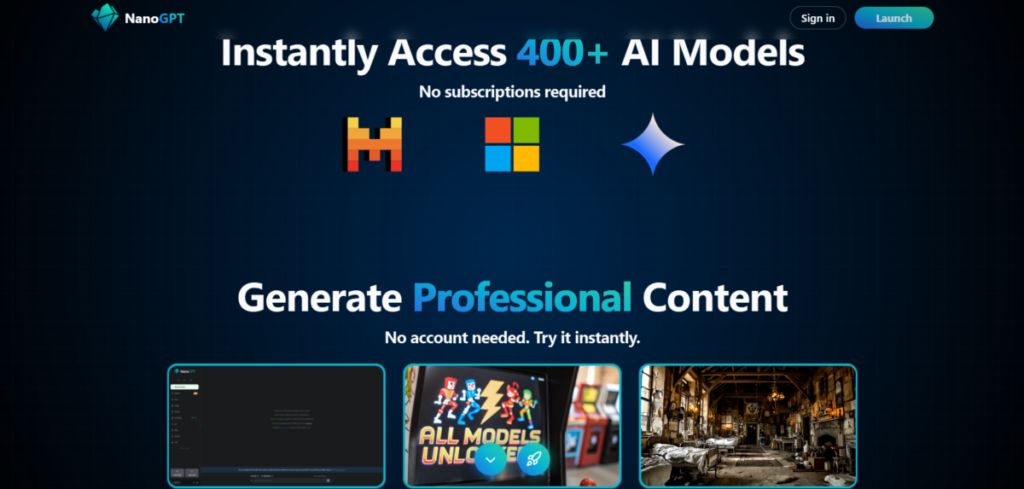
NanoGPT keeps things easy by running and blending smaller models without needing heavy computers. Drawing from Andrej Karpathy’s ideas, it focuses on training and testing custom bits on everyday hardware.
The model mix includes open-source options like GPT-2 spins, which are geared toward learning rather than big ops. NanoGPT fits perfectly for small setups, pulling in beginners eager to grasp AI basics.
Features
- NanoGPT has pre-built scripts for common tasks like classification.
- It reduces reliance on cloud services due to its on-device training.
- Users can visualize model architectures through interactive diagrams.
- It integrates with Python libraries for easy coding.
Pros
- NanoGPT empowers users with technical skills through its hands-on training experience.
- The open-source nature encourages community contributions.
- The premium plan is affordable for most.
Cons
- NanoGPT requires programming knowledge for full utilization.
- It only handles smaller datasets and can’t be used for complex projects.
- Its performance lags behind larger, cloud-based models.
7. Magai
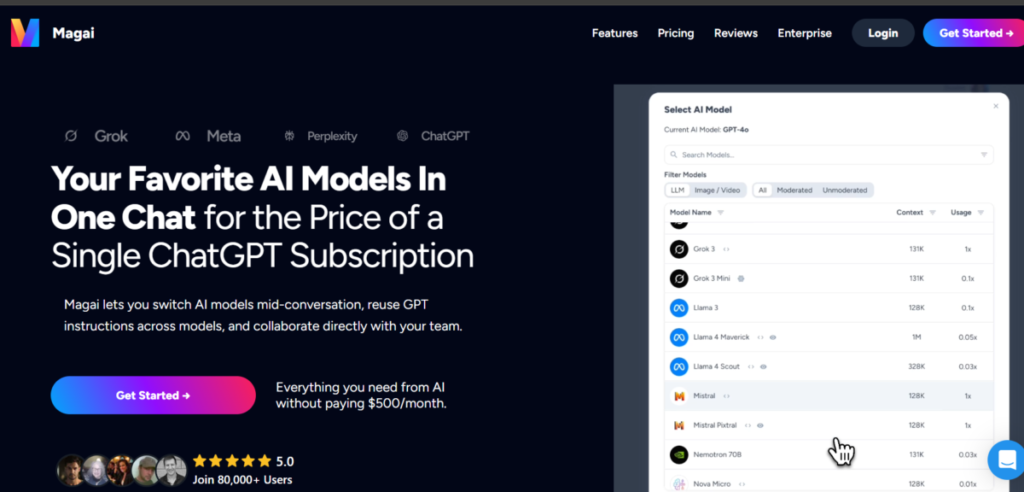
Magai brings together AI models for creative and analytical tasks and makes them accessible through a user-friendly interface. It’s used to generate art, text, or insights by selecting from aggregated options like DALL-E variants. Magai also streamlines workflows with automated suggestions that make ideation a breeze.
Features
- Magai features collaborative editing, where multiple users refine outputs.
- The aggregator offers style transfer tools, applying AI to modify images or text.
- Magai supports batch processing for heavy tasks.
- The platform includes feedback features to improve model accuracy.
- Users benefit from auto-save functions that preserve work.
Pros
- Magai facilitates teamwork through shared access.
- It inspires creativity with its diverse model selections.
- Magai adapts to user feedback, enhancing over time.
- Its intuitive dashboard simplifies monitoring.
Cons
- Magai consumes significant bandwidth for media-heavy tasks.
- Free tiers restrict access to premium models.
Also read: Top 15 AI Applications You Should Try
8. TeamAI
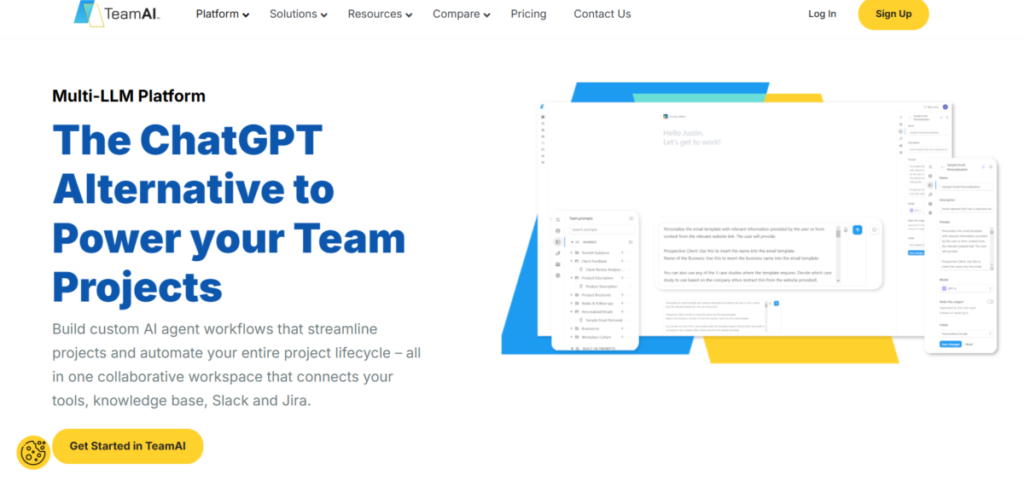
TeamAI is a model aggregator for collaborative AI use. It allows groups to tackle heavy projects by assigning roles to models and creating virtual teams for specific tasks. This fosters innovation in remote settings.
TeamAI logs interactions for review, which can lead to improvement in efficiency. Its team collaboration features are so good, educators use it to simulate team dynamics in training.
Features
- TeamAI includes chat rooms for live AI and human interactions.
- The aggregator enables role-based model assignments for structured workflows.
- Users access audit trails that document decision processes.
- TeamAI provides templates for common team scenarios.
- The platform supports integrations with productivity apps.
Pros
- TeamAI boosts collaboration with its team-oriented design.
- It records interactions thoroughly, aiding accountability.
- TeamAI is ideal for growing organizations.
Cons
- It requires a team subscription to maximize value.
- TeamAI is costly for individual users.
- The interface is not beginner-friendly for non-tech users.
9. Writingmate.ai
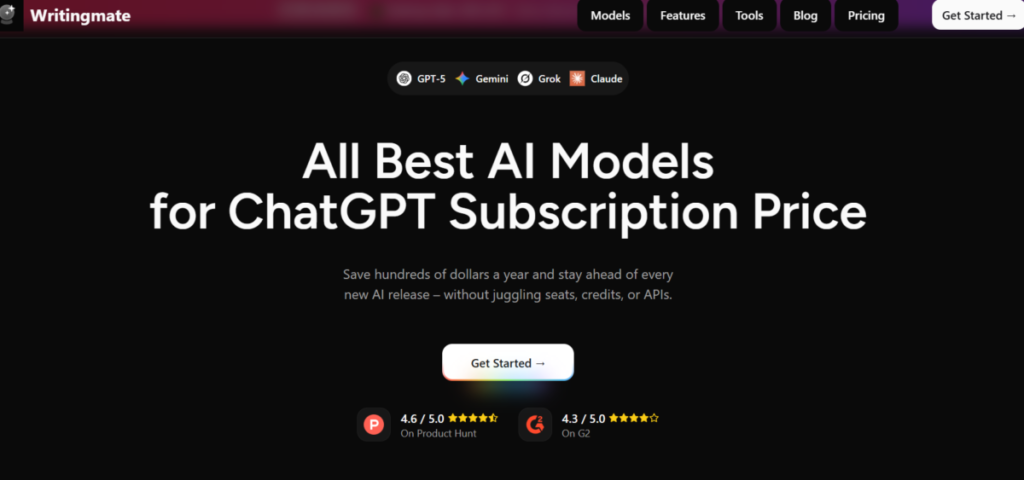
Writingmate.ai sums up content creation models to help its users draft articles and scripts. It pulls from tools like GPT to suggest edits and refinements through constructive feedback.
Authors rely on it for productivity, and marketers use it to craft compelling campaigns.
Features
- Writingmate.ai has plagiarism checks in addition to its AI suggestions.
- Users collaborate on documents in real-time.
- It features outline generators that structure content automatically.
- The platform includes SEO tools to optimize writing.
- Writingmate.ai supports multilingual translation for global reach.
Pros
- Writingmate.ai enhances writing quality with targeted feedback.
- The collaboration tools support group editing.
- Writingmate.ai remains user-friendly for all skill levels.
- It streamlines SEO efforts, improving visibility.
Cons
- Writingmate.ai limits depth in non-writing tasks.
- Subscription costs add up for heavy users.
- It sometimes generates repetitive suggestions.
10. Chathub.gg

Chathub.gg aggregates chat-based AI models so users can compare responses side by side. It connects to sources like Bing AI and custom bots for diverse perspectives. This setup aids decision-making in research by providing credible sources across models to validate or dispel notions.
Features
- Chathub.gg displays parallel responses from multiple models.
- It includes theme customizations for personalized experiences.
- The platform supports anonymous chats for privacy.
- Users save conversation threads for later reference.
- Chathub.gg caters to user preferences by allowing customization of interfaces.
- Chathub.gg has a voice-to-text functionality for easier input.
Pros
- Chathub.gg preserves privacy with anonymous options.
- It facilitates comparisons, revealing model strengths.
- The saving feature aids in long-term projects.
- Chathub.gg operates smoothly on various devices.
Cons
- It encounters occasional model availability issues.
- Chathub.gg restricts to chat formats, lacking other outputs.
- Advanced features demand a paid upgrade.
The Bottom Line
AI aggregators help to get the best out of models. They work like filters, allowing users access to the very best functionalities AI models have to offer while eliminating the associated cost of time and energy it takes to juggle them all.
The best AI aggregator is a subjective choice that depends on the use case in question. A great way to arrive at this decision is to experiment with a few and then narrow down to the one that fits the most.