


As a valuable AI platform, YouLearn AI has established itself as a student guide. Students regularly handle complex materials and tight schedules, and may need quick comprehension tools. Therefore, when traditional methods prove insufficient, YouLearn steps in to transform study sessions into interactive ones.
However, users often encounter limitations that prompt them to explore alternatives. Some find the interface overwhelming, while others seek more distinct features for particular subjects. Other concerns, such as pricing, advanced AI capabilities, and collaborative features, have prompted learners to seek alternatives. In this article, we discuss the top 10 alternatives, highlighting their features, pros, and cons.
Also read: YouLearn AI Review
1. Google NotebookLM
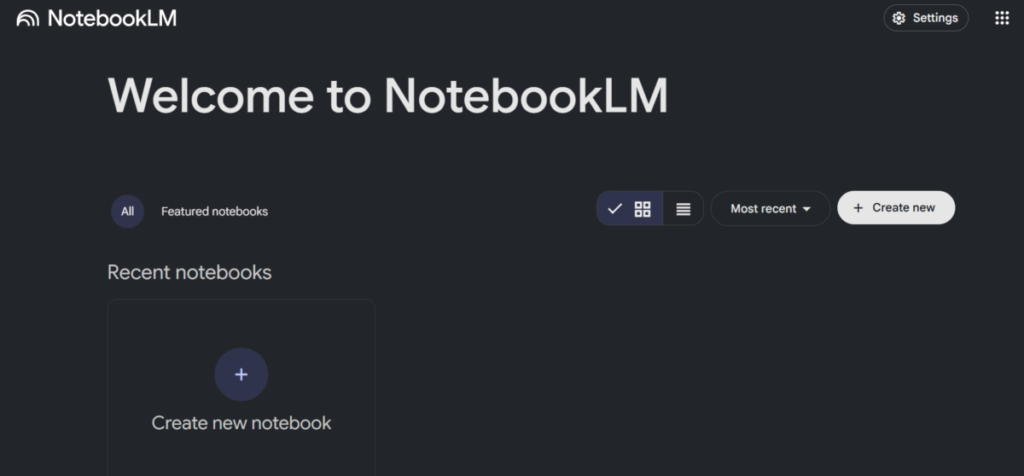
Google NotebookLM turns notes into interactive study materials. So, rather than normal note-taking, learners upload documents, and the tool generates summaries or audio records. Because it mimics classroom conversations, this approach suits those who absorb concepts better through audio formats.
NotebookLM also adjusts to user queries and tailors explanations to clarify topics. Students preparing for exams value how it simplifies knowledge and report reviewing.
Features
- NotebookLM does real-time fact-checking against uploaded sources.
- The platform creates audio summaries and turns notes into discussions.
- Users ask questions and receive answers because it supports query-based interactions.
- The tool organises content into virtual notebooks for easy navigation.
- It allows teamwork collaboration among peers for joint study.
- NotebookLM integrates with Google Drive, pulling files seamlessly.
Pros
- It personalises learning by adapting to individual queries.
- NotebookLM enhances retention through engaging audio formats.
- The free subscription is affordable to budget-conscious students.
- NotebookLM simplifies complex materials into digestible segments.
Cons
- It occasionally generates overly simplistic summaries for advanced topics.
- The audio feature demands a stable internet for smooth playback.
- NotebookLM restricts file types and therefore excludes some multimedia.
2. Quizlet AI
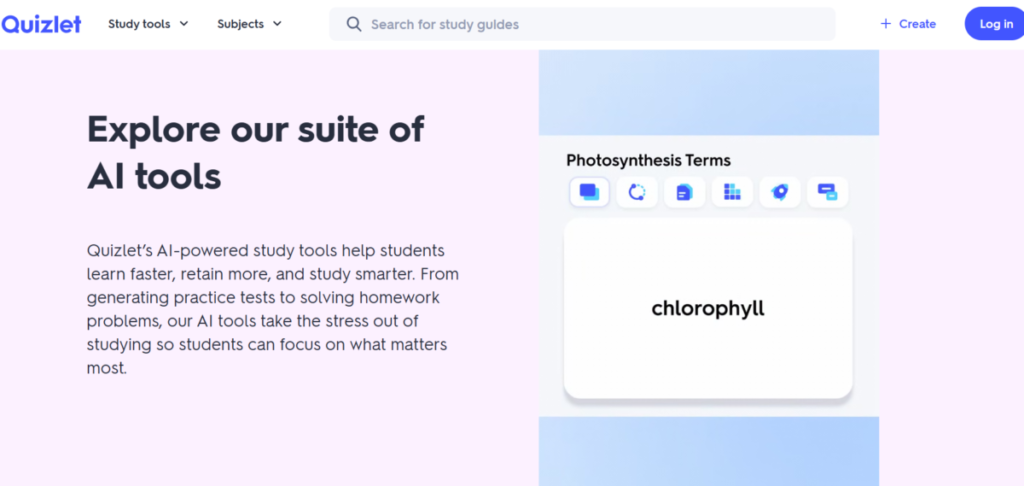
Quizlet AI makes flashcard learning easy by creating smart quizzes that adapt to user performance. Students input terms, and the tool crafts personalised tests that tackle weak areas and strengthen memory recall.
Quizlet AI is best for visual learners who thrive on repetition and immediate feedback. It also tracks progress and offers insights that guide study plans. Teachers use it to create lessons for interactive reviews, and self-learners appreciate its mobile accessibility that supports on-the-go practice.
Features
- The AI tool generates quizzes and adjusts answers based on difficulty.
- Quizlet AI supports multimedia cards to incorporate audio and images.
- It includes features like points and leaderboards to motivate users.
- Users share study sets with groups for collaborative learning.
- Quizlet AI provides progress reports and highlights improvement areas.
Pros
- Quizlet AI boosts engagement with attractive, fun, game-like elements.
- The community library offers ready-made sets for quick starts.
- Quizlet AI works well across devices, ensuring flexibility.
Cons
- The premium features require a subscription for full access.
- Quizlet AI focuses heavily on memorisation, sidelining analysis
- It experiences occasional sync issues between devices.
3. Perplexity AI
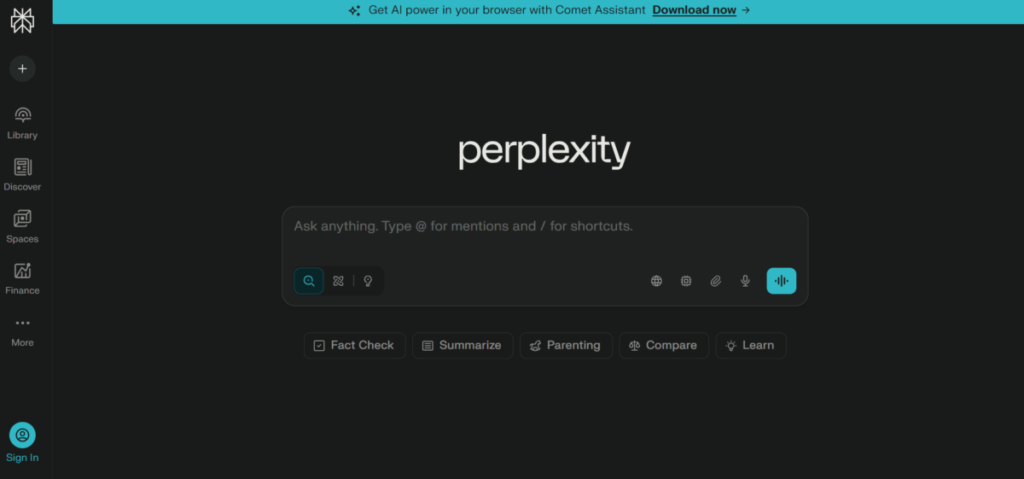
Perplexity AI provides precise answers to queries by sourcing information from reliable websites. This helps in verifying facts quickly. It uses a query and response dynamic: users ask questions, and the tool compiles responses with citations.
Perplexity AI is ideal for deep dives into interdisciplinary topics because it connects ideas across various fields. It also broadens the search by encouraging follow-up questions for better comprehension. Academics rely on it for literature reviews, and learners use it to clarify doubts when studying.
Features
- It supports threaded conversations that build on previous queries.
- Perplexity AI provides cited responses with links to original sources.
- Users can customise search depth, anywhere from quick overviews to detailed dives.
- The platform integrates image analysis for visual explanations.
- Perplexity AI offers a “Pro” mode for advanced research tools.
Pros
- Perplexity AI ensures accuracy with verifiable citations.
- The conversational style makes learning interactive.
- It saves time by aggregating information efficiently.
- Perplexity AI handles complex queries across subjects.
Cons
- Perplexity AI requires internet connectivity for full functionality.
- It is sometimes overwhelming with too much information.
- There are no built-in organisation tools for saved information.
- The free subscription is limited to several queries per day.
4. Notion AI
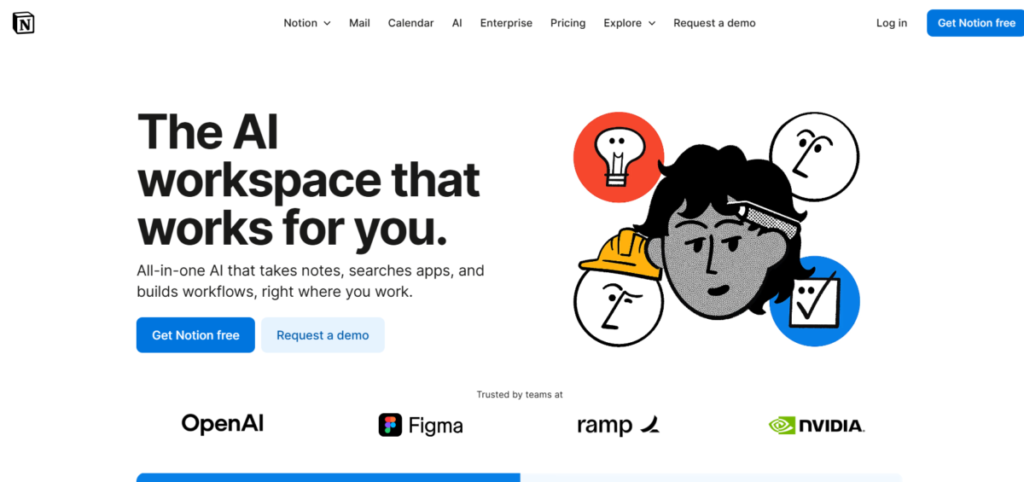
Notion AI organises study materials into a comprehensive working environment. It can be used to build databases and pages that change with learning abilities. Learners input the materials, and the tool either suggests summaries or brainstorms for comprehensive subjects.
Notion AI also automates tasks like essay outlines and thereby creates time for more in-depth analysis. Teams can collaborate on shared pages for group projects and individuals for personal study.
Features
- Notion AI generates summaries from notes.
- It includes database tools for tracking study progress.
- Users can embed multimedia materials to enhance visual learning.
- The platform supports teamwork collaboration in real-time with edit tracking.
- It has a calendar feature for scheduling study sessions.
Pros
- Notion AI offers customizable templates for unique workflows.
- It’s an all-in-one platform that reduces the need for multiple apps.
- It promotes group collaboration in study environments.
Cons
- It consumes device resources during heavy use.
- The tool has a steep learning curve for newbies.
- All advanced features require a paid plan.
5. Mindgrasp
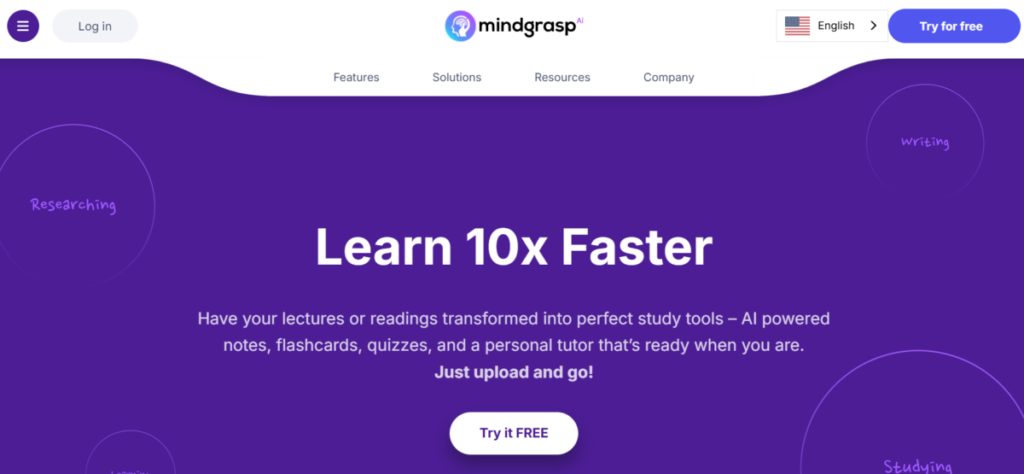
Mindgrasp extracts key points from textbooks, PDFs, audio, and video recordings. It also creates flashcards and quizzes to accelerate preparation for tests. This benefits auditory learners who benefit from summarised content. Mindgrasp can also be used to review meeting recordings and to condense lengthy materials into summaries.
Features
- Mindgrasp generates quizzes from extracted content for self-testing.
- It transcribes and summarises audio uploads automatically.
- The tool organises notes into hierarchical structures.
- Mindgrasp supports multilingual translation for diverse users.
- Users export materials to other apps for integration.
Pros
- It handles various file formats flexibly.
- Mindgrasp speeds up review by focusing on core ideas.
- The quiz generation promotes active recall.
- Mindgrasp improves accessibility for non-native speakers.
Cons
- The subscription costs may be expensive for individual users.
- Mindgrasp performs inconsistently with poor audio quality.
- It lacks advanced editing tools for custom tweaks.
6. Knowt
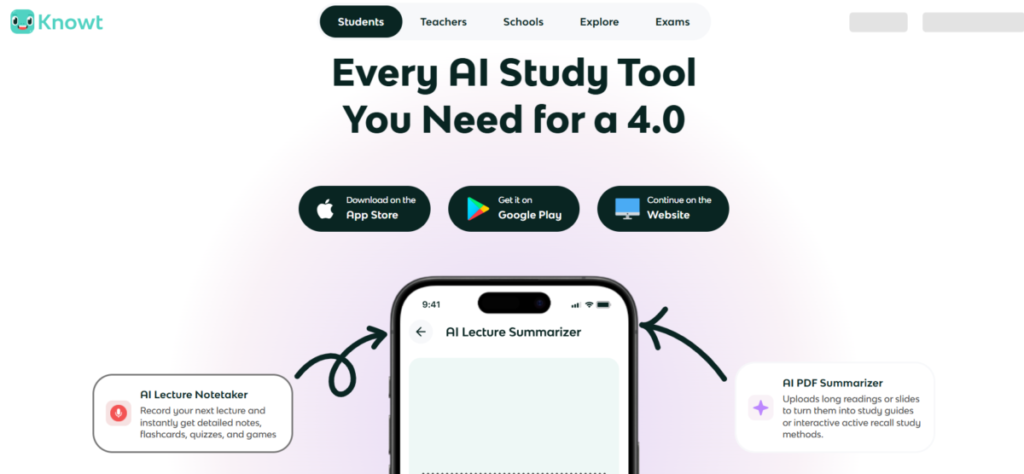
Knowt transforms notes into interactive flashcards and practice tests, adapted to user progress. Students scan documents, and the tool creates study modes that emphasise forgotten facts through spaced repetition, which builds long-term retention.
This interactive style fits learners who engage through practice. Knowt also has collaboration features that allow groups to share decks for collective review.
Features
- Knowt imports notes from scans or digital files effortlessly.
- The platform includes gamified tests with instant feedback.
- Users collaborate by sharing and editing flashcard sets.
- Knowt integrates with calendars for reminder alerts.
Pros
- Knowt enhances memory through proven repetition techniques.
- It makes studying easy, increasing motivation.
- The sharing features support study groups.
- Knowt is free for basic use, and this attracts students.
Cons
- Knowt requires high-quality inputs for the best outcomes.
- Advanced analytics require premium access.
- It focuses mainly on flashcards, limiting variety.
7. QANDA
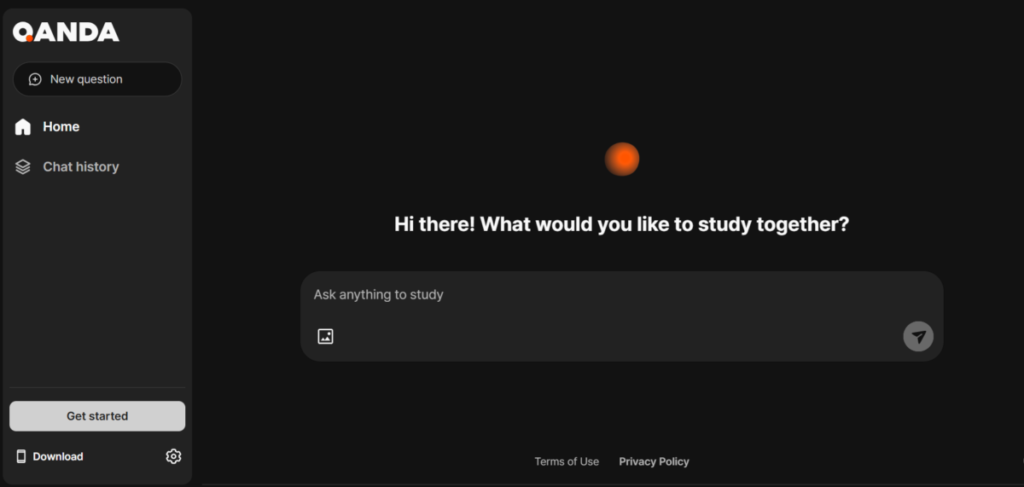
QANDA is a step-by-step problem-solving platform. It breaks down math and science questions, making it an indispensable tool for STEM students. Users upload pictures of problems, and the tool provides detailed solutions with visuals, demystifying tough equations. This hands-on method benefits those struggling with procedural subjects. Furthermore, QANDA connects students to teachers via live help when needed. Teachers incorporate it into lessons for demonstrations, and learners value the instant clarifications it provides.
Features
- QANDA offers video explanations for complex concepts.
- The tool includes a community forum for peer discussions.
- It scans problems via camera for immediate breakdowns.
- Users can track solved problems in a personal library.
- QANDA supports multiple subjects with tailored solvers.
Pros
- It provides quick access to expert-level guidance.
- QANDA clarifies steps thoroughly, building confidence
- The platform fosters community support for stuck users.
Cons
- QANDA is limited to certain subjects, which prevents wide coverage.
- It requires a device with a camera for optimal use
- The free version includes ads that disrupt the flow.
8. Study Buddy AI
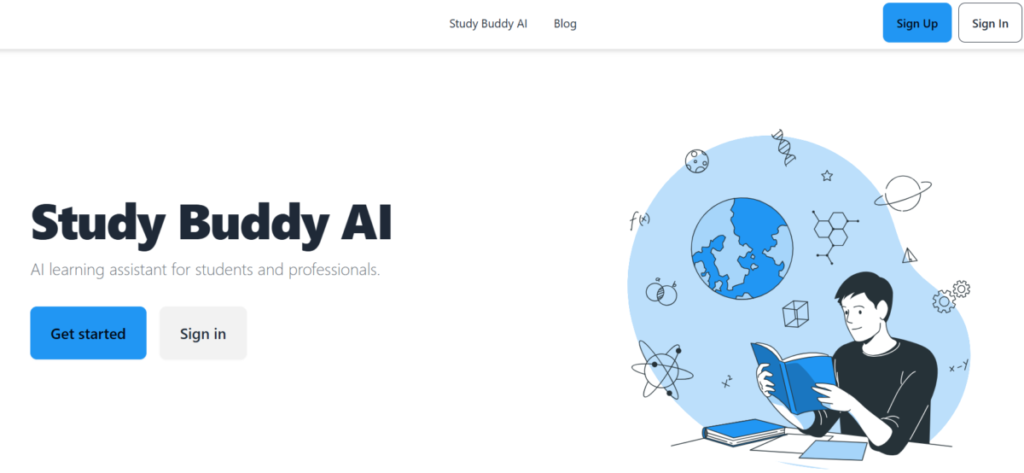
Study Buddy AI is a virtual companion that offers explanations and quizzes based on users’ learning styles. Users describe topics, and the tool generates customised sessions that adjust difficulty, which supports mastery over time.
Study Buddy AI combines conversational AI with educational expertise to create personalised learning experiences. This adaptive nature fits diverse learners, from beginners to professionals. It also offers consistent support during remote learning as it helps overcome distance barriers.
Features
- The tool tracks progress with detailed reports
- Study Buddy AI creates personalised lesson plans for individual goals
- It engages in dialogue for interactive question and answer sessions.
- Study Buddy is integrated with popular study materials, textbooks, and note-taking apps.
- Users can set goals and receive motivational reminders.
Pros
- Study Buddy AI adapts to individual learning styles effectively.
- Its conversational mode makes learning enjoyable.
- Study Buddy AI suits a wide range of subjects.
Cons
- The premium plan requires a subscription for full feature access
- Users may become too dependent on AI assistance
- There is limited effectiveness for specialised subjects.
9. Knowhiz
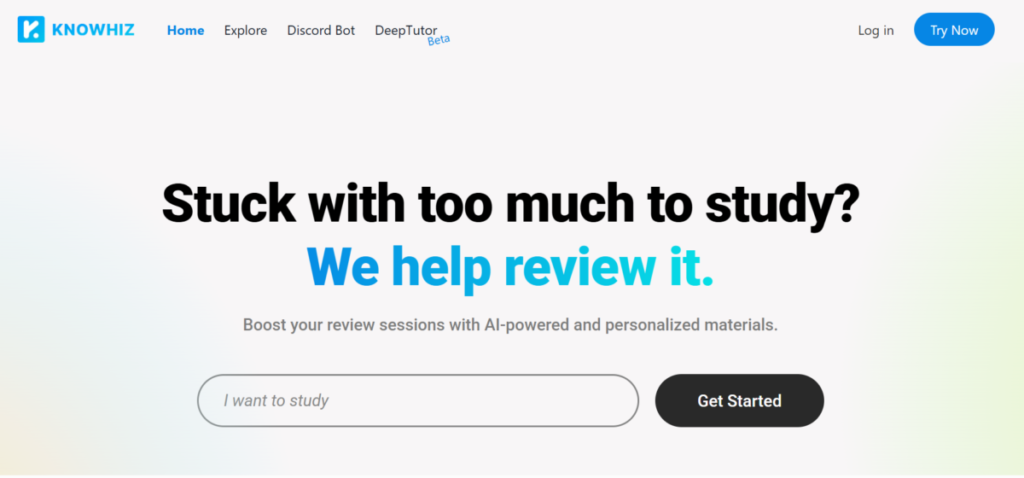
Knowhiz is an intelligent quiz generator that crafts adaptive tests. This system ensures that students remain challenged without becoming overwhelmed. Questions adjust in difficulty based on performance, maintaining engagement while building confidence.
Knowhiz analyzes performance to suggest review areas. It does have one caveat; it demands structured inputs for accuracy. Knowhiz is used by instructors to design assessments. Individuals also use it to self-assess progress in self-directed courses.
Features
- Knowhiz adapts quiz difficulty based on performance metrics.
- The platform includes timed modes for examination practice.
- Knowhiz auto-generates questions from uploaded documents or notes.
- With analytics dashboards, learners can track trends.
- Users share quizzes with groups for competitive learning.
Pros
- Knowhiz blends easily with existing study materials
- Knowhiz identifies weaknesses precisely through testing.
- The group features encourage peer challenges.
- It simulates real exams, reducing anxiety.
Cons
- Knowhiz performs best with well-organised content.
- The free access limits creating quizzes in bulk.
- It emphasises testing over explanatory depth.
10. Flashlab.io
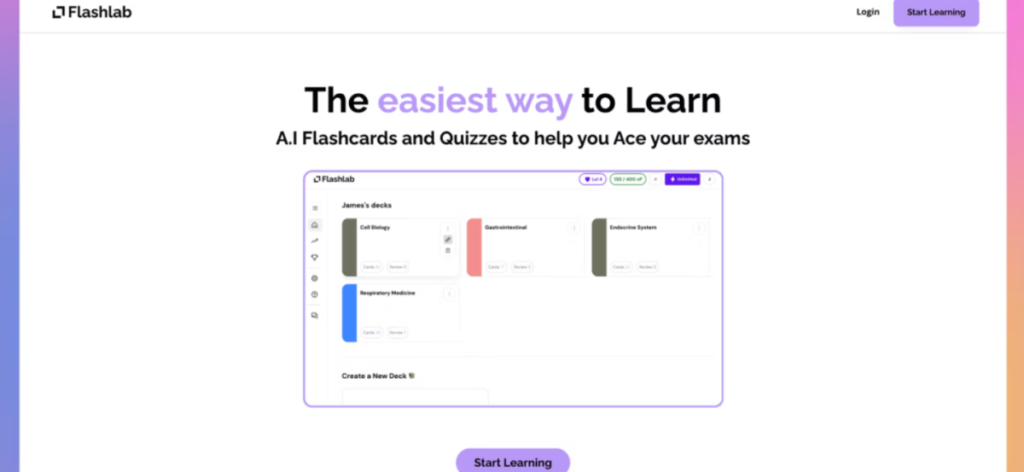
Flashlab.io is a flashcard platform built with high-tech AI for hands-on experiments in various subjects. It simulates scenarios without physical setups. This immersive method benefits learners who need experiential practice. Flashlab.io records sessions for review and quality assessment.
Features
- Flashlab.io offers interactive simulations with real-time feedback.
- Users customise variables to test hypotheses
- The platform has pre-built experiments across STEM fields.
- The tool supports group sessions for collaborative discovery.
- Flashlab.io exports data for analysis in reports.
Pros
- Flashlab.io provides accessible hands-on learning.
- The simulations build intuitive understanding.
- It encourages experimentation without resource costs.
- Flashlab.io scales for classroom or individual use.
Cons
- High-fidelity simulations require powerful devices.
- Flashlab.io is confined primarily to scientific subjects.
- The setup for custom labs takes time.
The Bottom Line
These alternatives to YouLearn provide niche strengths, which span across interactive quizzes and immersive virtual experiments to make the knowledge stick. Some of these alternatives, like Notion AI, focus on organizing chaotic knowledge into clarity. And each of the other tools brings its own unique benefit to the learning process.