
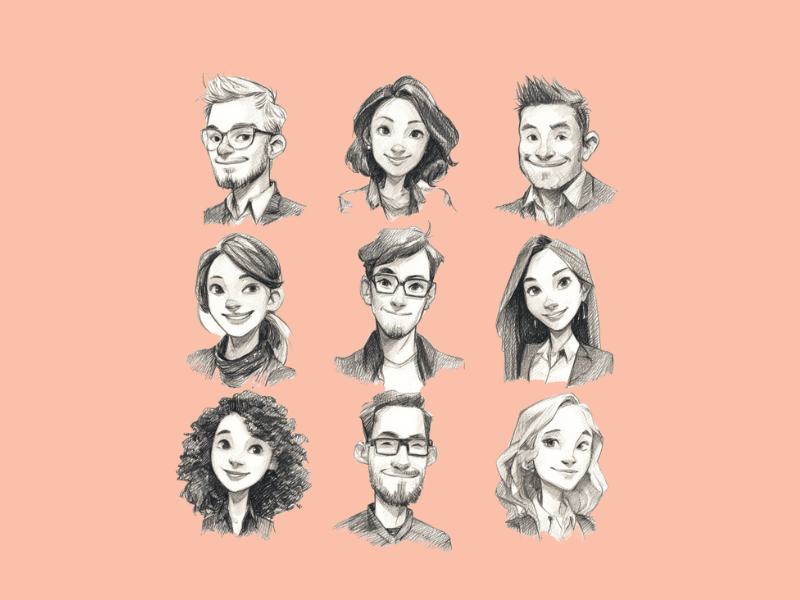

AI avatar generators are online or app-based tools that transform your photo and reimagines it in countless styles.
So why are these tools trending right now?
A big reason is personalization.
People love showcasing something that reflects who they are, and avatars offer a fun, personalized way to do that. Plus, advancements in AI technology have made it possible to create high-quality avatars in seconds.
In this article, we will let you in on the best AI avatar generators available today.
By the end, you’ll know exactly which AI Avatar Generator fits your needs.
1. D-ID
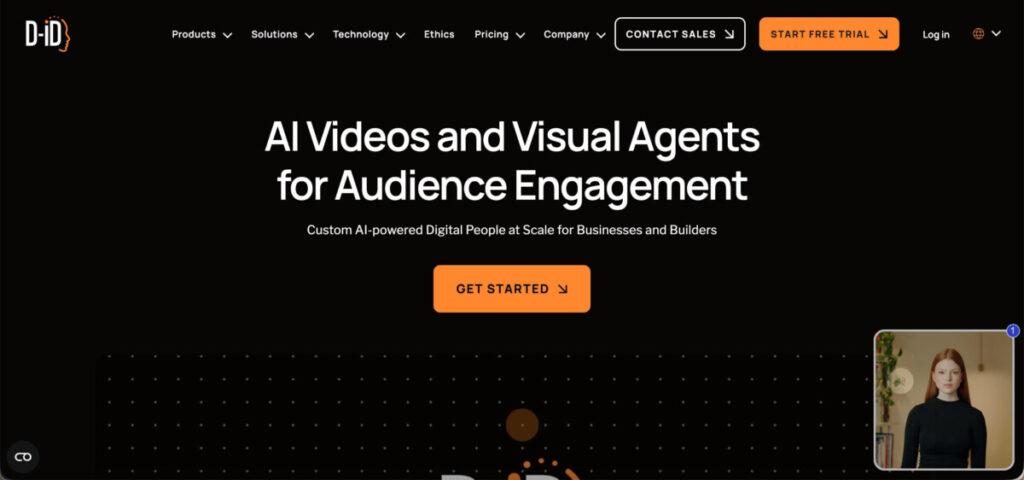
D-ID is an interactive AI avatar generator and video creation platform known for producing lifelike talking avatars from any photo or video clip.
Using text or voice input, it generates natural facial movements, realistic lip-sync, professional presenter-style videos, and conversational AI avatars. This makes D-ID a strong choice for teams looking to scale video production for marketing, training, onboarding, and customer communication without cameras or editing software.
Key Features
- AI Talking Avatars – Create realistic video avatars from a single image using text, audio, or script prompts.
- Multilingual Lip-Sync – Generate videos in dozens of languages with accurate synchronization, ideal for global audiences.
- Custom & Pre-Made Avatars – Create a custom avatar by uploading an image or video clip or select from professional stock avatars to match different use cases.
- Interactive AI Agents – Build conversational avatars for customer support, product guidance, or lead qualification.
- Fast, Browser-Based Workflow – Produce high-quality videos in minutes with an intuitive interface suitable for beginners.
Best For
Businesses, creators, educators, and support teams that need scalable video content using AI avatars. Especially for L&D tutorials, sales pitch videos, marketing, multilingual communication, and training materials.
Pros and Cons
| Pros | Cons |
| Highly realistic talking avatars | Some features are locked behind paid plans |
| Strong multilingual and voice capabilities | Photo quality affects the final output |
| Ideal for business, training, L&D, and marketing videos | Less suited for cartoon or heavily stylized avatars |
| Easy, fast workflow with no editing skills required | Interactive agents require some setup time |
2. Synthesia
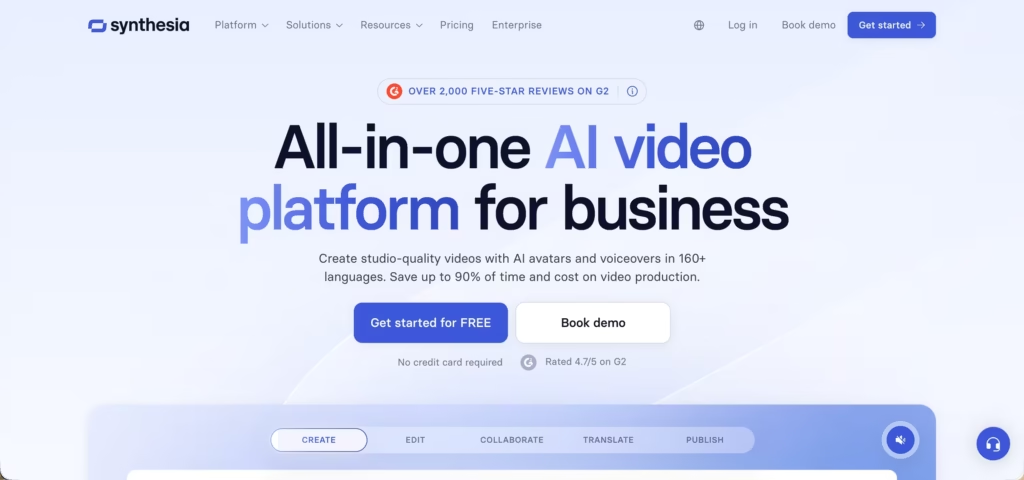
Synthesia is one of the most capable AI avatar platforms available, built specifically for creating professional-quality videos without cameras, actors, or production crews.
Unlike some other tools on this list that focus on profile pictures or cartoon avatars, Synthesia is built specifically for business think training videos, sales presentations, onboarding materials, and marketing content.
The platform’s Avatar Generator is its standout feature. It provides a library of digital presenters that simulate real people with animated facial expressions, mouth movements, and body posture.
On paid plans, you can even upload a short video of yourself to create a Personal Avatar that looks and sounds just like you.
Key Features
- AI Video Generator – Create complete videos from a script, PDF, URL, or PowerPoint slides without any filming required.
- Personal Avatar Creation – Upload a 2–3 minute recording of yourself and Synthesia builds a custom avatar that mirrors your appearance and voice.
- AI Dubbing – Translate and re-voice videos into dozens of languages, with lip movements automatically adjusted to match the translated speech.
- Scene-by-Scene Editor – Control layouts, backgrounds, text overlays, music, and visual elements for each scene, similar to building a Canva presentation.
- Video Preview – Review your video before generating it so you don’t waste credits on unwanted outputs.
Best For
Marketing teams, educators, HR departments, sales teams, and content creators who need professional video content at scale — without hiring a production crew.
Pros and Cons
| Pros | Cons |
|---|---|
| Professional, studio-quality output | Noticeable learning curve for beginners |
| Personal avatar creation from real recordings | Body language can look slightly stiff |
| Strong multilingual dubbing and lip-sync | Free plan limited to 10 minutes/month |
| Versatile — works from text, PDF, slides, or URLs | Can feel expensive for solo creators |
| Preview feature saves credits during editing | Avatar movements can appear repetitive on longer videos |
2. Invideo
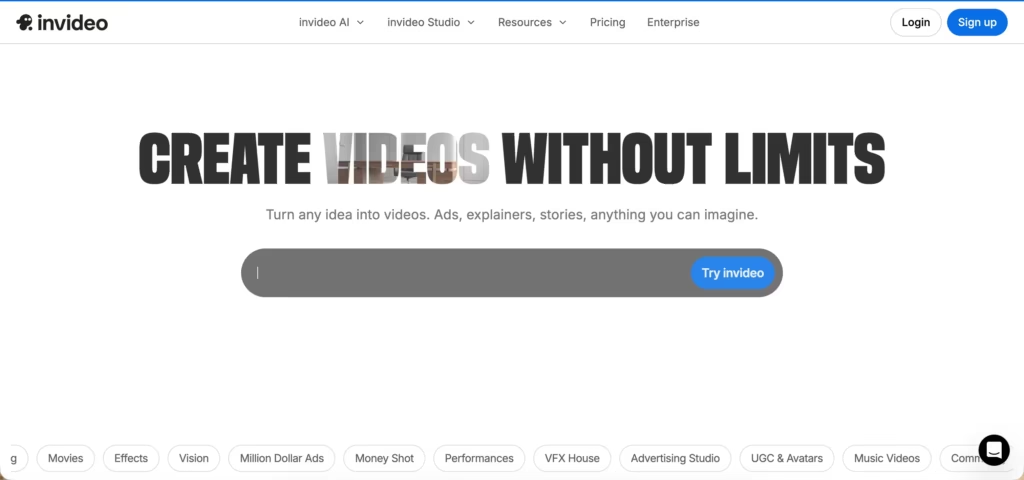
InVideo is an AI video creation tool that generates videos from text prompts, with a built-in editor for adjustments after the fact.
The core workflow is straightforward: describe what you want, choose a visual style and duration, and InVideo assembles clips, adds a voiceover, and produces a draft video. You can then swap out media, adjust the script, or tweak individual clips before downloading.
Unlike Synthesia, which is built around avatar-led presentations, InVideo is more focused on stock and generative footage — making it better suited for social content, ads, and explainer videos than for talking-head business videos.
Key Features
- Text-to-Video Generation – Enter a prompt and InVideo selects media, assembles clips, and adds a voiceover automatically. Supports multiple AI generation models including Kling and Sora.
- Built-In Video Editor – Edit scripts, swap clips, adjust durations, and add your own media after generation. Not a replacement for dedicated editing software, but sufficient for basic adjustments.
- Template Library – Pre-built templates for YouTube Shorts, Instagram Reels, product demos, and other common formats.
- Voice Cloning – Record a sample of your voice and InVideo generates a clone for use in your videos. Not a specialist tool, but functional if you want to avoid a separate subscription.
- Media Library – Upload and store your own assets to reuse across projects.
Best For
Content creators, social media marketers, and small businesses who need to produce short-form video content regularly without a full editing setup.
Pros and Cons
| Pros | Cons |
|---|---|
| Fast to get a first draft from a prompt | AI voiceovers can sound flat |
| Good template variety for social formats | Background music options are limited |
| Editable after generation | Generative media locked behind paid plans |
| Voice cloning included on paid plans | Max video length is 1.5 minutes |
| Choice of underlying AI generation models | Free plan exports with watermarks |
3. Pictory
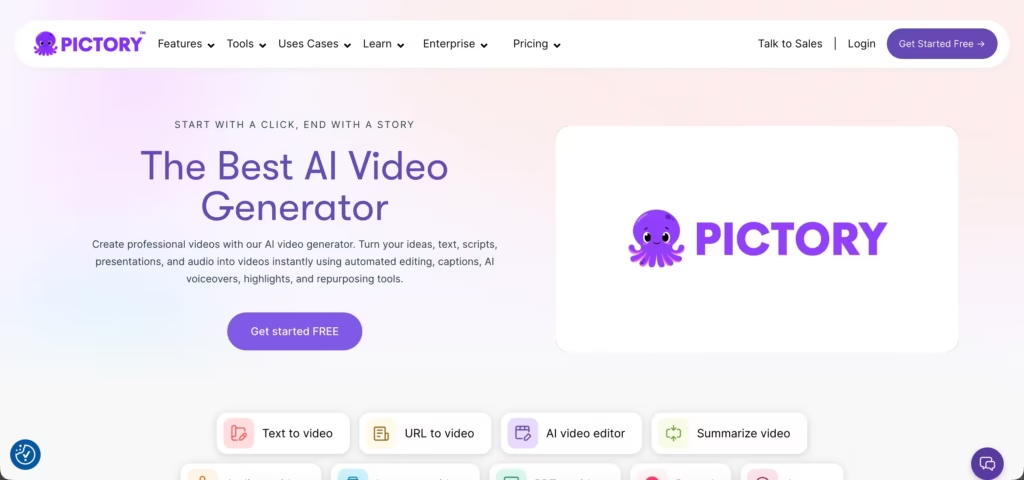
Pictory is an AI video creation tool focused on repurposing existing content blog posts, long videos, scripts, or presentations into shorter, shareable clips. It’s cloud-based with no software to install.
The main use case is content repurposing rather than generating videos from scratch. If you have written content or existing footage, Pictory can convert it into a formatted video with captions, voiceover, and stock media relatively quickly.
Key Features
- Text to Video – Paste a blog post or URL and Pictory selects stock footage, adds captions, and generates a voiceover automatically.
- AI Video Editor – Edit the video by editing the transcript. Deleting a sentence removes that segment from the video, which speeds up the trimming process considerably.
- Script to Video – Write a script from scratch and Pictory builds a storyboard with matching visuals and narration.
- PPT to Video – Upload PowerPoint slides and convert them into a video with transitions, stock footage, and voiceover.
- AI Voice Generator – Choose from multiple AI voices across different accents and languages, or upload your own narration.
Best For
Content creators, bloggers, and marketers who want to repurpose written or long-form content into video without spending time on manual editing.
Pros and Cons
| Pros | Cons |
|---|---|
| Good for repurposing existing content quickly | Less suited for creating videos from scratch |
| Transcript-based editing saves time | Stock footage quality can be inconsistent |
| No software to install | Limited creative control compared to dedicated editors |
| Supports multiple languages and voices | Video length limits depend on plan |
| 14-day free trial | No free plan after trial ends |
4. HeyGen AI Avatar

HeyGen is gaining credibility as one of the best tools for generating photorealistic and humanlike AI avatars.
Unlike playful cartoon-style apps, HeyGen is more focused on producing “professional, studio quality feel” for talking avatars delivering video messages, presentations or tutorials.
It is already widely used by businesses, educators and creators looking to produce engaging video content without requiring cameras, actors or expensive production setups.
Key Features
- Realistic Talking Avatars– Choose from a library of lifelike avatars or even create a custom one to represent your brand.
- Text-to-Video Conversion– Simply type your script, and the avatar will speak it naturally with synced lip movements.
- Language and Voice Options– Supports multiple languages and accents, making it easy to create global content.
- Custom Branding– Add logos, backgrounds, and brand colors to tailor your videos for marketing or training.
- User-Friendly Interface– No advanced editing skills required; drag-and-drop simplicity.
Best For
Businesses, educators, and content creators who need professional-looking videos quickly.
Pros and Cons
| Pros | Cons |
| Realistic and professional avatars | Not focused on casual/social avatar creation |
| Text-to-video with natural lip-sync | Subscription required for full features |
| Multi-language and voice support | It can feel expensive for small creators |
| Easy branding and customization | Limited creativity compared to cartoon-style tools |
5. Avatarify AI

Avatarify AI is designed to transform regular portraits into special digital characters with just a few clicks. It’s especially popular among social media users who want eye-catching profile pictures and gamers looking to personalize their characters.
Key Features
- Variety of Styles– You can choose from cartoonish designs, artistic portraits, or more realistic avatars.
- Quick & Easy– Simply upload your photo and let the AI handle the transformation.
- Fast Process– Results appear in minutes.
- Fresh Updates – New styles are regularly added to keep your avatars interesting.
Best For
Beginners, casual users, and anyone who wants to bring creativity to their online presence without spending time on design.
Pros and Cons
| Pros | Cons |
| Beginner-friendly interface | Avatars may lack a professional finish |
| Fun and creative styles | Customization options are limited |
| Quick results in minutes | Not ideal for business or corporate headshots |
| Affordable compared to design tools | Some styles may look repetitive |
6. Lensa AI

Lensa AI is one of the biggest AI avatar generators brand with its “Magic Avatars” feature that went at first release!
Created by Prisma Labs, this app isn’t just about avatars, it also doubles as a powerful photo-editing tool. That means you can retouch selfies, adjust lighting, or enhance backgrounds all in one place, making it a versatile tool for both casual and professional users.
Key Features
- Magic Avatars– Upload your photos and get stunning avatars in different styles like fantasy, anime, or realistic portraits.
- Advanced Editing Tools– Beyond avatars, you can tweak selfies with skin smoothing, background adjustments, and lighting fixes.
- High-Resolution Results– Avatars are crisp and polished, suitable even for professional use.
- Cross-Platform Availability– Available on both iOS and Android, making it accessible to a wide audience.
Best For
Influencers, professionals, and creatives who desire eye-catching profile pictures for LinkedIn, Instagram, or personal branding.
Pros and Cons
| Pros | Cons |
| High-quality, polished avatars | Requires payment after free trial |
| Wide variety of styles | It can be pricey for heavy use |
| Doubles as a full photo editor | Processing can take longer during peak times |
| Suitable for both casual and professional needs | Needs multiple photo uploads for best results |
7.Ready Player Me

If you’re into gaming or the metaverse, Ready Player Me is one AI avatar generator you’ll want to check out.
Unlike some of the other tools that focus on static profile pictures, this platform specializes in creating 3D avatars that you can actually use in virtual worlds, games, and VR experiences.
With over 6,000 apps and platforms supporting it, Ready Player Me has quickly become a go-to option for anyone wanting a consistent digital identity across different virtual spaces.
Key Features
- 3D Avatars for the Metaverse– Create lifelike avatars that can move, gesture, and interact in virtual worlds.
- Cross-App Compatibility– Use your avatar across thousands of apps, games, and platforms.
- Customization Options– You can personalize your avatar to match your real-life style or dream look.
- Free to Use– The basic version is completely free, with extra options available for developers and brands.
Best For
Gamers, VR enthusiasts, and metaverse users
Pros and Cons
| Pros | Cons |
| Fully 3D avatars for gaming and VR | More complex than simple photo to avatar apps |
| Works across 6,000+ apps and platforms | Limited offline use |
| Highly customizable | Some premium features are for developers and brands |
| Free basic version available | Not ideal if you only want a simple profile picture |
8. Zmoji

If you’re a fan of emojis and bitmoji-style characters, Zmoji is on of the top AI avatar generator you’ll love.
This fun and easy app enables you to personalize your cartoon avatars and stickers in chats, social media and other places.
Unlike more serious avatar tools, Zmoji leans into the playful side of digital expression, making it a favorite for casual users who want something lighthearted and easy to share.
Key Features
- Cartoon-Style Avatars– Transform your photos into fun, animated characters.
- Custom Stickers & Emojis– Create stickers featuring your avatar for use in messaging apps.
- Easy to Share– Avatars can be quickly exported and shared on social media or messaging platforms.
- User-Friendly App– Simple setup and intuitive design, fantastic for beginners.
Best For
Casual users, teenagers, and social media lovers.
Pros and Cons
| Pros | Cons |
| Fun, playful cartoon avatars | Not suitable for professional use |
| Makes stickers and emojis | Limited style variety compared to other apps |
| Quick and easy to use | Requires in-app purchases for premium features |
| Great for social media sharing | Avatars aren’t highly realistic |
9. Fotor AI Avatar Generator

Fotor is already well-known as a versatile photo editing platform, but its AI avatar generator has quickly become one of its standout features.
Fotor doesn’t just use avatars. It combines powerful editing tools with creative AI-driven avatar creation, giving users more control over the final look.
Key Features
- Wide Range of Styles– From anime to realistic digital portraits, there’s a style for every mood.
- High-Resolution Outputs– Avatars come out sharp and clear, making them suitable for both casual and professional use.
- All-in-One Editing Platform– Beyond avatars, you can touch up photos, design graphics, and even create collages.
- Web and App Access– Available on desktop and mobile, making it easy to use anywhere.
Best For
Content creators, professionals, and casual users who want flexibility.
Pros and Cons
| Pros | Cons |
| High-quality, polished avatars | Some advanced features require a paid plan |
| Wide variety of avatar styles | The free version has watermarks on outputs |
| Includes a full photo editing suite | It can feel overwhelming for complete beginners |
| Works on both desktop and mobile | Processing may be slower with large files |
The Bottom Line
The future of self-expression is digital, and AI avatars are helping to shape it.
They have in fact become a fun way to be yourself in a digital space. You get a wide array of options, from playful cartoon-style avatars as seen with Zmoji, to more professional talking video avatars like HeyGen and Vidyard.
If you haven’t tried one yet, now’s the perfect time. Pick one of the tools from this list, upload a photo, and see how the AI transforms it. You might be shocked at the results.
