


Have you noticed how our social media feeds are packed with videos these days?
Funny reels, product advertisements and many more video content rule the internet.
But here’s the catch: behind every scroll-stopping clip are hours of editing. That’s where the magic and sometimes madness happen.
The AI video editor is your new best friend for turning raw footage into something polished, professional, and ready to share.
These tools use AI to handle the heavy lifting of cutting clips, syncing captions, adding effects, and even suggesting the perfect transitions. They help you focus more on storytelling and creativity, not timelines and toolbars.
Choosing the right AI video editor can make all the difference.
In this guide, we’ll get into the top AI video editors we have today.
Top 10 AI Video Editors
| AI Video Editor | Key Features | Pros | Cons | Best For |
| Invideo | Automated editing, text-to-video, collaboration | User-friendly, wide templates, good support | Advanced features behind paywall, lag | Marketers, small businesses, and content creators |
| Canva Video Editor | Background remover, drag-drop, brand kit | Easy for beginners, cross-platform, asset library | Limited timeline editing, premium features | Influencers, educators, marketing teams |
| OpusClip | Auto clipping, caption generation, multi-language | Saves content repurposing time, highlight detection | Limited full editing, best for clear key moments | Social media managers, YouTubers, businesses |
| Capcut | AI effects, auto subtitles, background removal | Free & feature-rich, easy to use | Watermark in free version, limited exporting | TikTokers, beginners, trendy content creators |
| Captions.ai | Speech-to-text, customizable captions, translations | High transcription accuracy, fast | Limited editing, manual tweaks needed | Marketers, accessibility advocates, educators |
| Gling AI | Smart scene detection, noise removal | Quick editing, audio enhancement | Limited customization, paywall features | Vloggers, small business owners, casual editors |
| Vmaker | Screen/webcam recording, trimming, captions | Ideal for tutorials, cloud sharing | Basic editing, limited AI tools | Teachers, demo creators, remote teams |
| Kapwing | Subtitle auto-gen, collaboration, templates | Versatile, collaborative, good subtitles | Free watermark, lag on large files | Meme creators, teams, educators |
| Veed | Auto subtitles, translations, animations | Easy for beginners, caption tools | Free version limits export quality | Social marketers, educators, event organizers |
| Riverside | Studio-quality recording, multitrack edit | High-quality output, transcription | Complex UI, costly | Podcasters, remote interviewers, pros |
1. Invideo
InVideo simplifies Video editing to the basics. ‘
It’s an AI video editor built for creators, marketers, and business owners who want to make professional-quality videos without getting lost in complex software.
InVideo uses AI to simplify the entire video creation process, from idea to final cut. Whether you’re transforming a blog post into a short video, generating captions automatically, or using smart templates that adjust scenes for you, InVideo handles every task with AI precision.
It’s perfect for social media videos, ads, explainer clips, or YouTube content, and it works right in your browser, no downloads, no technical barriers, just pure creativity.
Key Features
- AI-Powered Templates: You can choose from thousands of professionally designed templates that automatically adapt to your content style and platform.
- Text-to-Video Conversion: Simply paste your script or article, and the AI turns it into a complete video with scenes, visuals, and voiceover included.
- Media Library Access: You get access to over 8 million stock photos, clips, and music tracks to enhance your videos effortlessly.
- Automated Editing Tools: The AI suggests cuts, transitions, and effects to keep your video engaging from start to finish.
- Flexible Export Options: Export in multiple formats and resolutions optimized for YouTube, Instagram, TikTok, and more.
Pros and Cons
| Pros | Cons |
| User-friendly interface | Some advanced features are locked behind a paywall |
| Wide selection of templates | Occasional rendering lag |
| Great customer support | Limited free export options |
Best For
- Marketers
- Small business owners without editing skills
- Content creators
2. Canva Video Editor
If you’ve used Canva for graphics or presentations, you already know how simple it makes design.
Now imagine that same ease applied to video creation, that’s Canva Video Editor. It beautifully merges ease and quality editing tools. Canva Video Editor takes the stress out of video editing.
Built right into the familiar Canva platform, this AI video editor lets you create, trim, and style videos without juggling multiple apps. Everything- graphics, text, animations, and stock clips live in one seamless workspace.
Key Features
- AI Background Remover for Videos: Instantly remove or replace video backgrounds with no green screen needed. Perfect for quick edits and product showcases.
- Template-Rich Interface: Thousands of video templates help you start fast. Just drag clips, add transitions, and you’re good to go.
- Brand Kit Customization: Keep every project on-brand by automatically applying your logo, color palette, and fonts.
- Voiceover and Audio Tools: Record, upload, or generate voiceovers and sync them effortlessly with your scenes.
- Smart Resizing: Reformat videos for different platforms (YouTube, TikTok, Instagram) with one click, no re-editing required.
Pros and Cons
| Pros | Cons |
| Easy for beginners | Limited timeline editing features |
| Cross-platform compatibility | Some AI tools require premium payment |
| Large template and asset library | Low export resolutions in the free version |
Best For
- Social media influencers
- Beginners
- Educators
- Marketers
3. OpusClip
Long videos are great for storytelling, but not every viewer has time to watch them.
That’s where OpusClip shines. It’s an AI video editor built to repurpose long-form videos into short, punchy clips that grab attention on social media.
Think of it as your personal content recycler that knows exactly which moments will trend.
Using advanced AI, OpusClip analyzes your video to detect the most engaging highlights, automatically generating short clips optimized for TikTok, YouTube Shorts, Instagram Reels, and LinkedIn posts.
It even adds captions, adjusts framing, and formats each clip to fit the platform perfectly, no manual trimming required.
If you’re a podcaster, coach, or creator sitting on hours of footage, OpusClip helps you turn that backlog into shareable, high-impact content in minutes.
Key Features
- Auto Video Clipping: The AI detects key moments, emotions, and speaker highlights to create viral-ready short clips automatically.
- Smart Caption Generation: Automatically adds accurate, stylish captions that boost engagement and accessibility.
- Auto-Cropping and Framing: Detects faces and centers them for vertical or square formats without losing quality.
- Multiple Language Support: Captions and transcriptions are available in various languages, expanding your reach globally.
- Content Scoring: Rates your clips based on engagement potential so you can choose the ones most likely to perform well.
- Seamless Export: Download or share directly to social platforms in the right format and resolution.
Pros and Cons
| Pros | Cons |
| Saves time on content repurposing | Limited full-editing tools |
| AI-driven highlight detection | Best for videos with clear key moments |
| Great for social media clips | Pricing can be high for casual users |
Best For
- Social media Managers
- Content repurposers
- YouTubers
- Podcasters
- Businesses maximizing content reach
4. Capcut
If there’s one name that dominates short-form video editing, it’s CapCut. Created by ByteDance, the parent company of TikTok, this AI video editor is designed for creators who live and breathe fast, engaging content.
Whether you’re shooting a vlog, a dance trend, or a product promo, CapCut makes it ridiculously easy to edit, enhance, and post all in one place.
Its biggest strength? AI automation that saves you hours.
It’s not just a mobile app anymore, either. The desktop and web versions make CapCut a complete ecosystem for creators who want speed, flexibility, and social-ready videos.
Key Features
- AI Effects and Transitions: Generate smooth transitions, filters, and effects that automatically adapt to your footage.
- Voice Effects and Enhancement: Add AI-generated voiceovers, change tones, or clean up audio in one click.
- Auto Subtitles: CapCut’s AI instantly transcribes speech and creates subtitles with accurate timing and styling.
- AI Background Removal: Remove or blur video backgrounds without a green screen.
- Smart Templates: Use trending templates to recreate viral TikTok-style videos effortlessly.
- Instant Sharing: Export and share directly to TikTok, Instagram, or YouTube Shorts with the right format and aspect ratio.
Pros and Cons
| Pros | Cons |
| Free and feature-rich | Watermark in the free version |
| Simple mobile and desktop app | Limited advanced editing |
| Good for quick social clips | Export options limited |
Best For
- TikTokers
- Instagram users
- New video editors
- Creators looking for trendy effects
5. Captions.ai
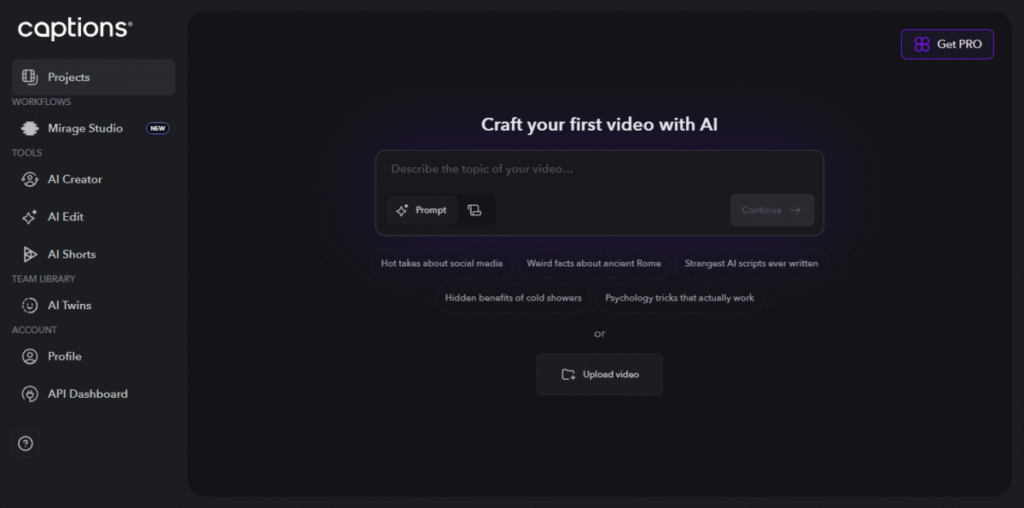
Have you ever recorded a perfect video, only to realize that it needs captions to grab attention or make it accessible?
That’s exactly the problem Captions.ai solves. This AI video editor specializes in automated captions and subtitles, helping creators, educators, and marketers make videos more engaging and inclusive.
Using advanced speech-to-text AI, Captions.ai accurately transcribes spoken words, synchronizes them with video timing, and even allows full customization.
It’s a small touch that can drastically boost watch time, accessibility, and global reach.
Key Features
- Accurate Speech-to-Text Transcription: Automatically converts speech into clean, time-synced captions within seconds.
- Customizable Caption Styles: Adjust font, color, size, and positioning to match your brand’s aesthetic.
- Bulk Captioning and Translation: Add subtitles to multiple videos at once and translate them into various languages.
- Auto Punctuation and Formatting: The AI neatly adds punctuation and line breaks for a professional look.
- One-Click Export: Export videos with embedded captions or download separate subtitle files like SRT or VTT.
- Mobile and Desktop Access: Available across devices, so you can caption videos on the go.
Pros and Cons
| Pros | Cons |
| High transcription accuracy | Limited video editing features |
| Fast processing times | May require manual tweaks |
| Supports multiple languages | Not a full editing suite |
Best For
- Video marketers
- Accessibility advocates
- Educators
- Creators
6. Gling AI
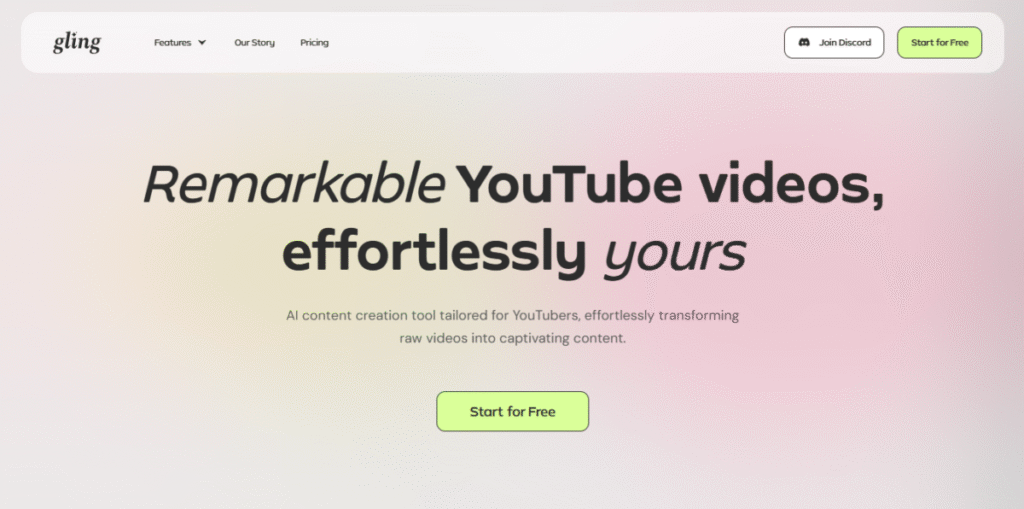
If you’re a vlogger or content creator with a backlog of raw footage, Gling AI might just be your new secret weapon.
This AI video editor is designed for speed, precision, and simplicity. It is perfect for those who record hours of content but don’t have hours to edit.
Gling uses artificial intelligence to identify key highlights, cut unnecessary pauses, and trim your footage automatically, creating a clean, ready-to-share video in minutes.
It’s particularly handy for YouTubers, podcasters, and daily vloggers who need to maintain consistency and quality without spending all night in front of an editing timeline.
Key Features
- Smart Scene Detection: Gling’s AI scans your footage to spot the best takes and remove dead air, filler words, or awkward pauses.
- Automatic Editing: It trims clips and arranges them logically, saving you from tedious manual cutting.
- Background Noise Removal: Enhances audio clarity by filtering out background hums and distractions.
- Speaker Detection: Automatically distinguishes between multiple speakers. It is great for interviews or co-hosted videos.
- Quick Export Options: Export your finished videos in multiple formats optimized for YouTube, Instagram, and more.
Pros and Cons
| Pros | Cons |
| Quick editing automation | Limited customization options |
| Clean audio enhancement | Best for vlog-style content |
| User-friendly interface | Some features are locked behind a paywall |
Best For
- Vloggers
- Casual creators
- Small business
- Time-conscious editors
7. Vmaker ai
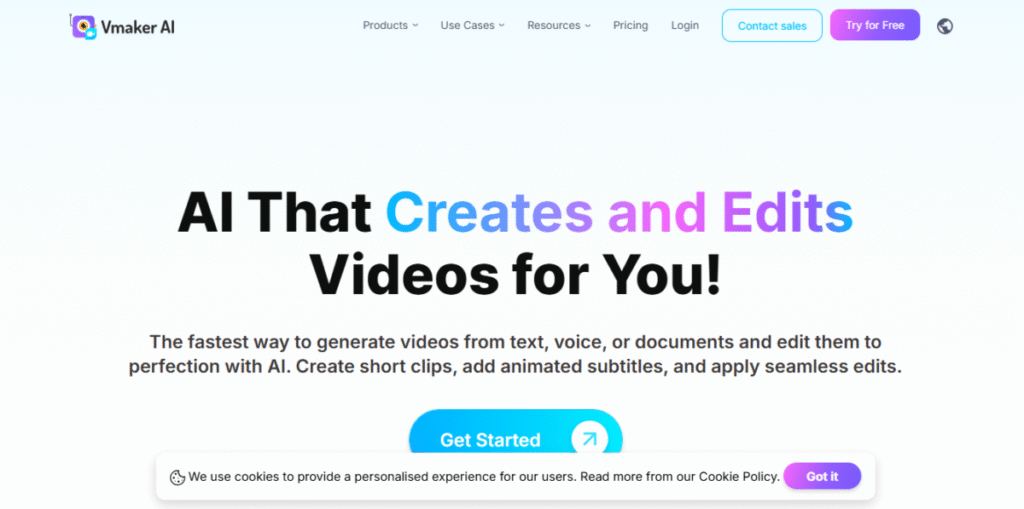
Need to record your screen, webcam, and voice all at once, without spending hours editing afterwards?
Meet Vmaker, an AI-powered screen recording and video editing tool designed for tutorials, presentations, and product demos.
Unlike complex editing software, Vmaker focuses on simplicity and speed. It lets you record your screen and webcam simultaneously, then uses AI to trim, caption, and enhance your videos automatically.
Everything is stored in the cloud, making it easy to collaborate, share, or review projects with your team in real time.
It works great if you’re explaining a product, creating a training video, or recording a class. Vmaker helps you look professional without the hassle.
Key Features
- Screen and Webcam Recording: Capture your screen, webcam, or both together perfect for walkthroughs and tutorials.
- AI Editing Tools: Automatically trim dead air, generate captions, and polish your video for a professional finish.
- Annotations and Markers: Highlight or point out important sections while recording to keep your audience engaged.
- Cloud Storage: Save and access all your videos in one place. No need to worry about losing files or running out of space.
- Team Collaboration: Share projects easily, get feedback, and manage recordings in shared workspaces.
- Instant Sharing: Export or share links directly via email, Slack, or social platforms.
Pros and Cons
| Pros | Cons |
| Great for tutorial videos | Editing features are basic |
| Easy cloud access and sharing | Limited advanced AI tools |
| Simple UI for beginners | Export quality is capped in the free version |
Best For
- Teachers
- Trainers
- Software demo creators
- Remote teams creating tutorial content
8. Kapwing
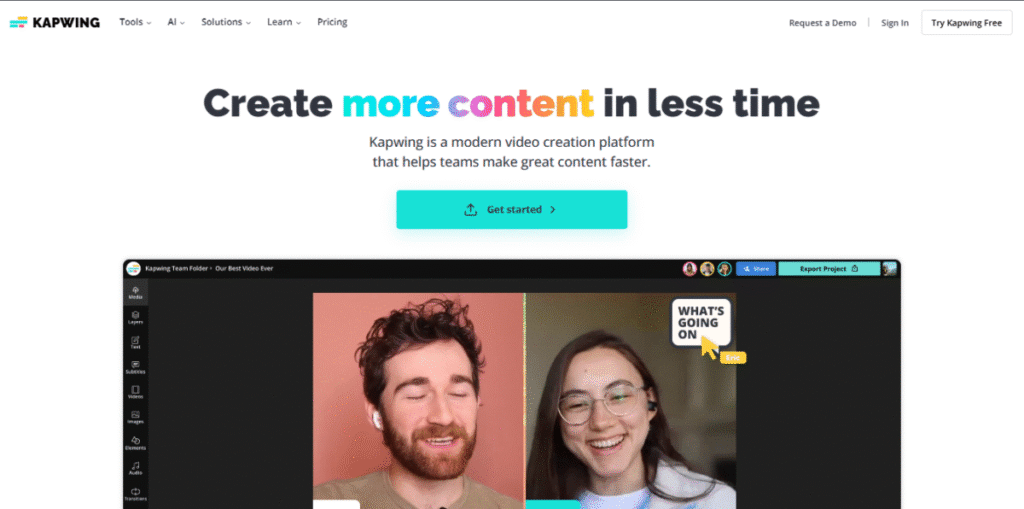
Kapwing is an all-in-one AI video editing and creation platform built to make editing fun, fast, and effortless.
Kapwing is loved by creators, marketers, and meme-makers alike. It combines powerful AI tools with a clean, beginner-friendly interface.
From crafting short viral videos to making educational explainers, Kapwing lets you create everything right in your browser. No downloads or technical know-how needed.
It’s especially popular for quick meme edits, captioning, and social media clips, but it’s capable of much more thanks to its ever-growing suite of AI tools.
Key Features
- AI Subtitle Auto-Generation: Automatically detects and transcribes speech into captions, complete with punctuation and timing.
- Collaborative Editing: Multiple users can work on a single video in real time. It’s perfect for teams and remote creators.
- Smart Templates: Choose from hundreds of templates optimized for TikTok, YouTube Shorts, Instagram Reels, and more.
- AI Script and Video Generator: Turn text or ideas into ready-to-edit videos using built-in AI prompts.
- Supports Multiple Formats: Upload and export in MP4, MOV, GIF, or audio-only formats without losing quality.
- Cloud-Based Workspace: Access your projects anytime, anywhere, with automatic saving and version tracking.
Pros and Cons
| Pros | Cons |
| Versatile, wide feature set | The free version has a watermark |
| Easy collaboration | Occasional lag on large files |
| Good AI subtitle accuracy | Limited offline use |
Best For
- Meme creators
- Social content producers
- Team projects
- Educators
- Marketers
9. Veed
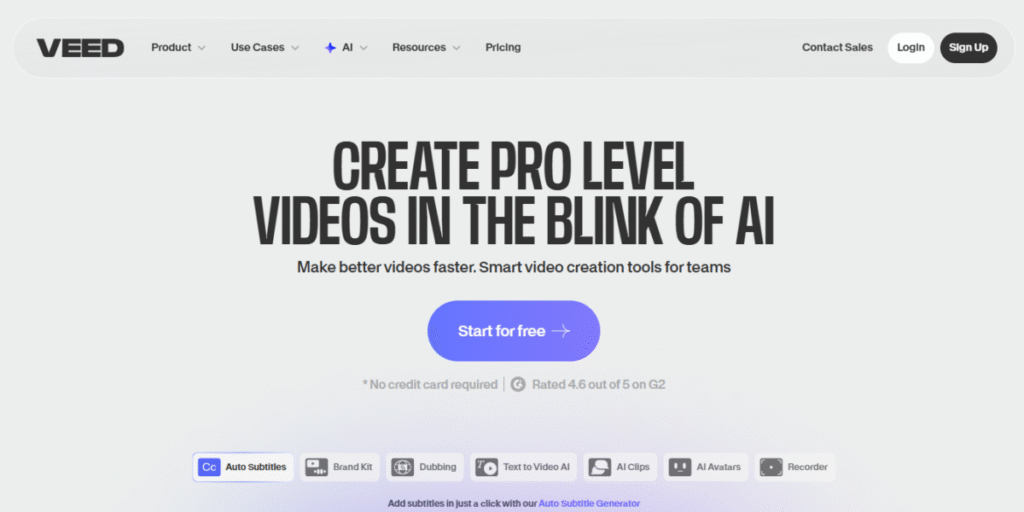
If you’re looking for an AI video editor that’s simple, stylish, and social-media-ready, Veed deserves your attention.
Known for its smooth interface and smart automation, Veed is built for creators who want professional results without the learning curve.
This browser-based tool focuses heavily on AI-driven subtitle generation, translation, and effects, making it ideal for global content creators, influencers, and marketers.
With just a few clicks, you can trim, caption, enhance, and share your videos directly on social platforms, all without ever leaving your browser.
Key Features
- Auto Subtitles: Automatically generates highly accurate captions and syncs them perfectly with your video’s timing.
- AI Translation Tools: Translate your subtitles into multiple languages instantly. It is ideal for reaching international audiences.
- Text Animations and Overlays: Add dynamic on-screen text, emojis, and graphics to keep viewers hooked.
- Video Trimming and Cropping: Cut unnecessary parts and resize your video to fit any platform format.
- Background Noise Removal: Instantly clean up audio and boost clarity with one-click AI enhancement.
- Online Collaboration: Work on videos together with your team, share feedback, and manage versions easily.
Pros and Cons
| Pros | Cons |
| Easy for beginners | Free version limits export quality |
| Lots of social media features | Slow export speeds sometimes |
| Helpful caption tools | Some advanced features premium-only |
Best For
- Social media marketers
- Event organizers
- Educators
- Creators needing quick captioning
10. Riverside
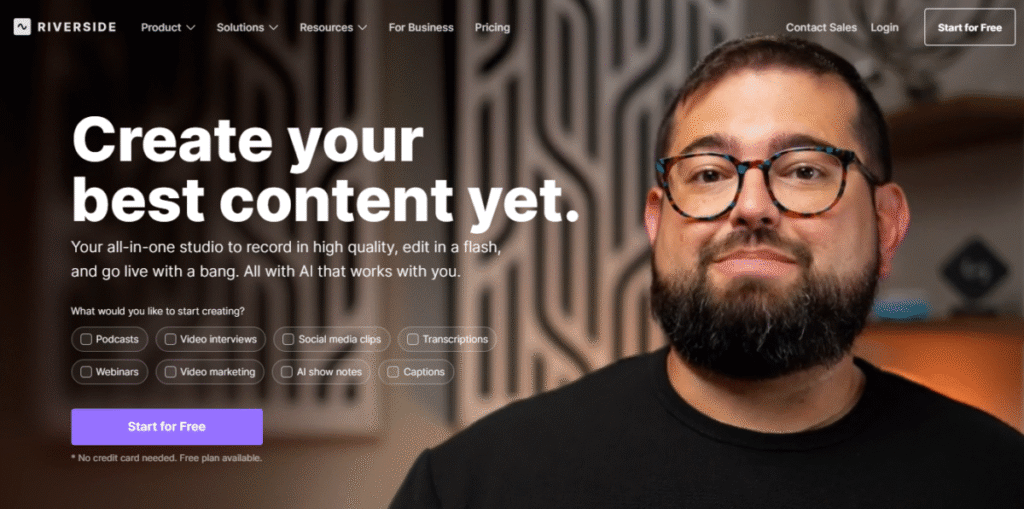
When quality matters just as much as convenience, Riverside delivers.
It’s an AI-powered remote video and podcast recording platform designed for creators, businesses, and teams who want studio-grade results, without needing an actual studio.
Riverside makes it easy to record high-quality video and audio from anywhere, automatically syncing separate tracks for each participant.
Its built-in AI video editor helps you polish the final cut with smart trimming, captions, and highlight generation.
Producing a podcast, webinar, or interview series, Riverside keeps things professional and effortless.
Key Features
- Studio-Quality Recording: Captures local recordings from each participant, ensuring crisp audio and sharp 4K video, even with spotty internet.
- Multitrack Editing: Automatically separates speakers into individual tracks, making post-production edits a breeze.
- Smart Clipping: AI identifies the most engaging moments and creates ready-to-share short clips.
- Automatic Transcription: Instantly converts your recordings into text for captions, notes, or SEO-friendly blog posts.
- Highlight Reels: Generates quick, shareable highlight videos perfect for social media promotion.
Pros and Cons
| Pros | Cons |
| Excellent remote recording | More complex UI for beginners |
| High-quality exports | Costly for small creators |
| Powerful transcription tools | Limited creative editing features |
Best For
- Podcasters and remote interviewers
- Professional video producers
- Teams collaborating remotely
Bottom Line
The best AI video editor for you depends on what you value most.
Speed, collaboration, storytelling, or advanced automation, whichever you choose, one thing is clear: AI is no longer just assisting the editing process, it’s redefining it.
With the right tool, you can spend less time trimming clips and more time creating content that connects, inspires, and converts.
