
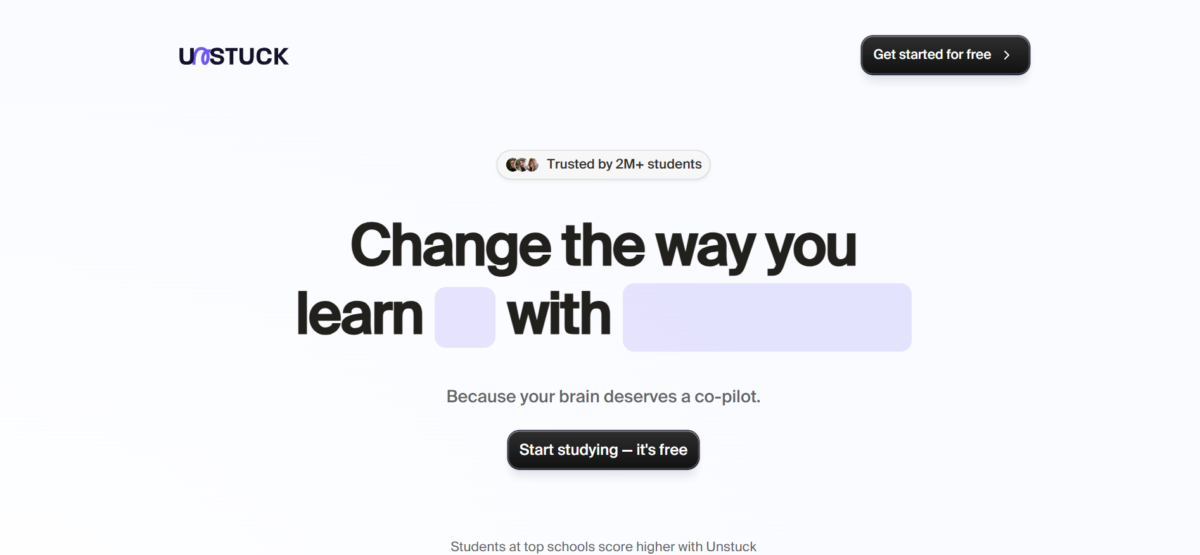


Unstuck AI is a study companion that essentially helps students make sense of study resources. It meets students where they are by providing interaction with learning materials, active recall through flashcards, and a measure of progress through quizzes.
Key Features
1. Chat: Unstuck AI lets users chat with uploaded study materials. Learners can ask questions, clarify concepts, and ask for summaries.
2. Class: This is a categorization of lesson sections. It’s helpful for organisation because it provides a structured way of learning, revising, and accessing information.
3. Quiz: Unstuck AI’s quiz feature builds on active recall and testing to solidify neuronal channels. Before a quiz,
4. Flashcards: This is targeted learning in practice. Unstuck AI extracts the vital parts of the learning resource so the user can focus on remembering key information.
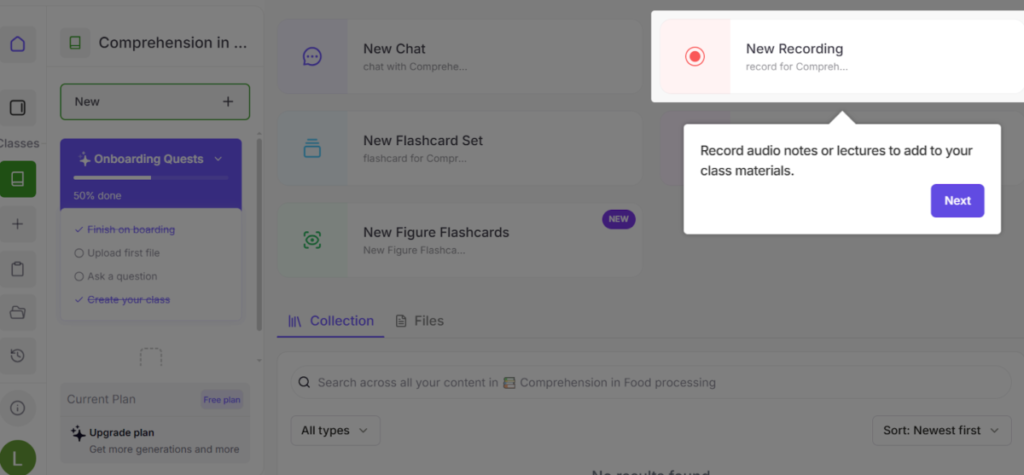
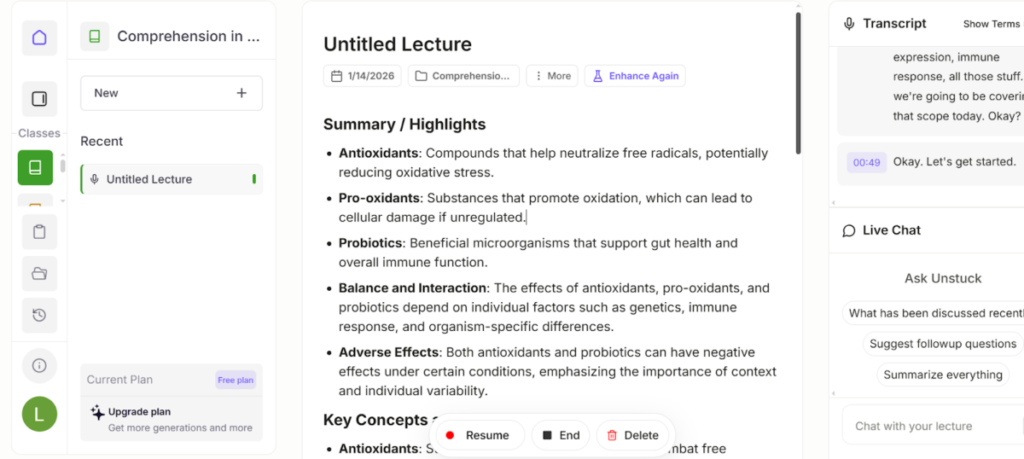
5. Recording and live transcription: Unstuck features a recorder and associated AI that creates real-time transcripts of classes. Users can further use the AI to interact with the transcript and organize it into sections titled “highlights and key information,” “overview,” and “concepts and definitions.”
Using Unstuck AI
1. Account Creation and Onboarding
After signing in with a Google account, the tool opens up to a dashboard that presents a set of questions. They are like “get to know me” Q&A that would tell the tool what you’re about, and areas you’d like to get “Unstuck” in.
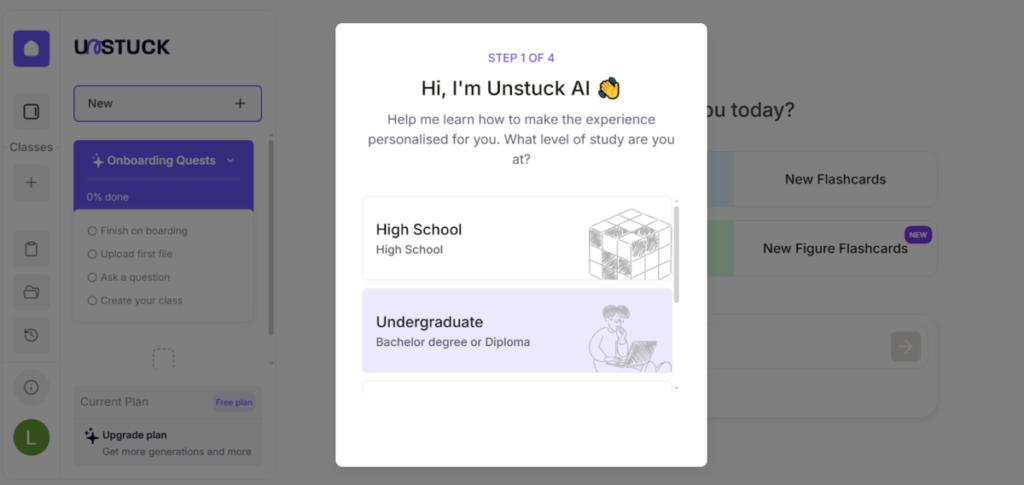
Once this step is done, Unstuck AI will prompt you to create a class. This prompting may be different due to natural differences in responses to the onboarding questions.
At this point, Unstuck took me on a mini tour of the platform. It gave pointers and provided little notes on the tool’s features. Intuitive is what I’d say it is.
2. Exploring Features
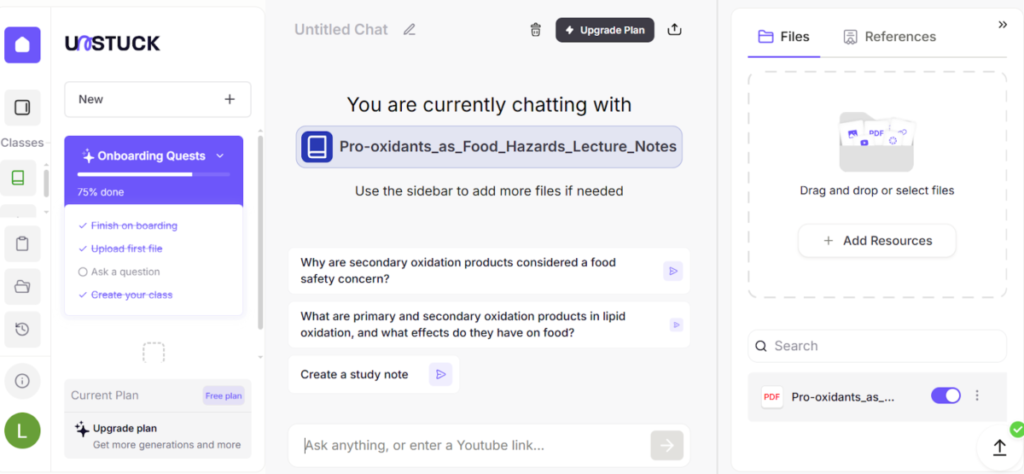
I uploaded a PDF file and then proceeded to chat with it.
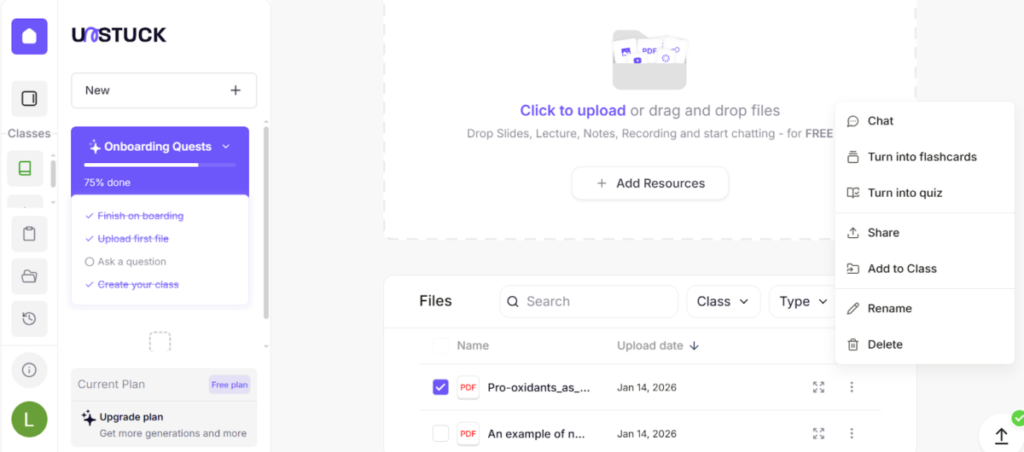
Unstuck AI provided starting prompts I could choose from.
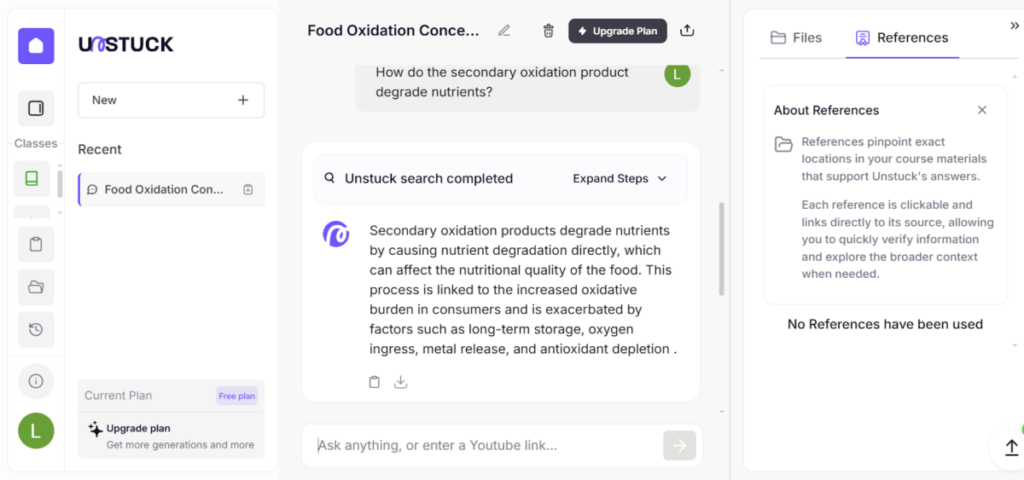
I liked that Unstuck AI also provided references from the uploaded learning material for easy traceability and verification.
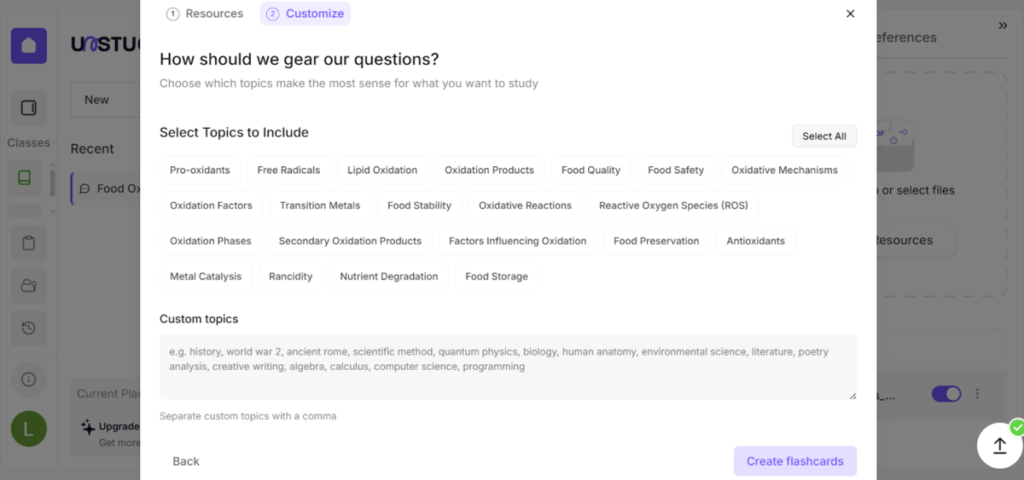
When creating the flashcards, Unstuck first made a scan of the resource and picked out the main concepts. Then, it asked me to make a selection; that’s what it would include in the flashcards.
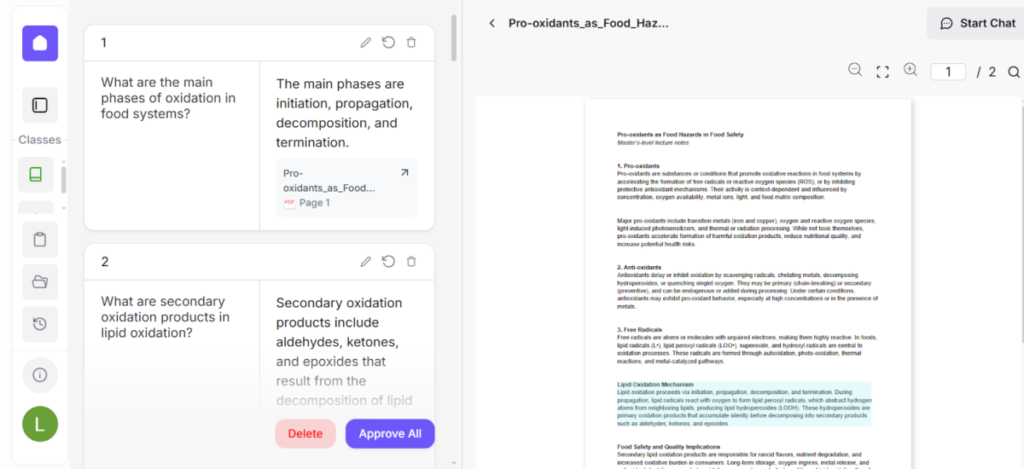
Each flashcard (a total of 16) came with a question, an answer, and the resource reference.
I also generated a quiz, which followed the same setup process as the flashcards, but with extra steps. Unstuck AI asked me to choose a mode, which translated into the number of questions. I also chose the format: multiple choice, fill in the gap, and true/false. The quiz was timed and had a hint, just in case I got stuck.
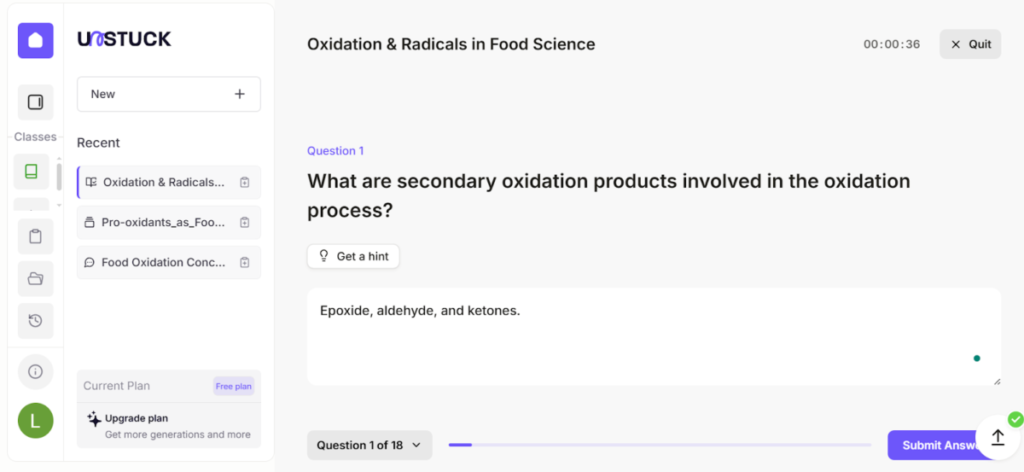
One thing I liked about Unstuck is that it allowed me to organize my learning by categorizing materials into classes.
The one thing I didn’t like, however, is that Unstuck AI gave no room for accommodation. It stuck to the script (learning resource), and if I provided an answer that wasn’t an exact match, I was marked down.
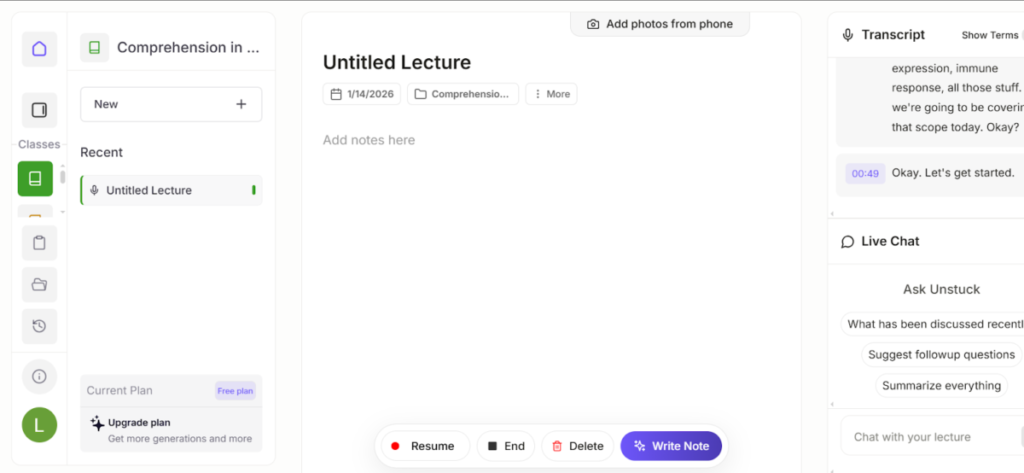
Finally, I explored its recording feature. This works as a live transcription and ensures users catch every word. I tested it with my own voice, and I found the transcript accurately done.
As the AI made the transcript, I could take notes by typing in a separate column. Afterwards, I could also ask it to extract key concepts from the notes. I could also access the recording to vet the transcript and, possibly, re-listen to key areas.
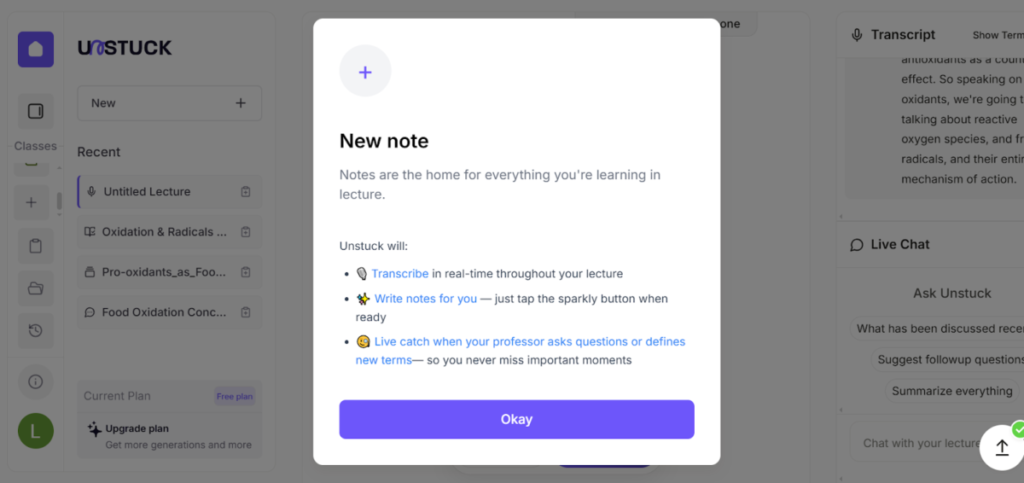
I wanted to see if a big part of its accuracy stemmed from being in proximity, so I moved to a distance and repeated the recording. Unstuck AI still maintained its accuracy.
After transcription, the AI helped to organize information with just a click. It created sections on key highlights and definitions to view the lecture at a glance
However, when I tried working with the transcript notes manually, the user interface seemed to freeze. I would have loved to exert some level of control over the script to make clarifications and ensure even more accuracy. AI isn’t perfect after all.
The Bottom Line
Unstuck AI is everything that a student needs to understand and recall lessons, and also ace tests and exams.