
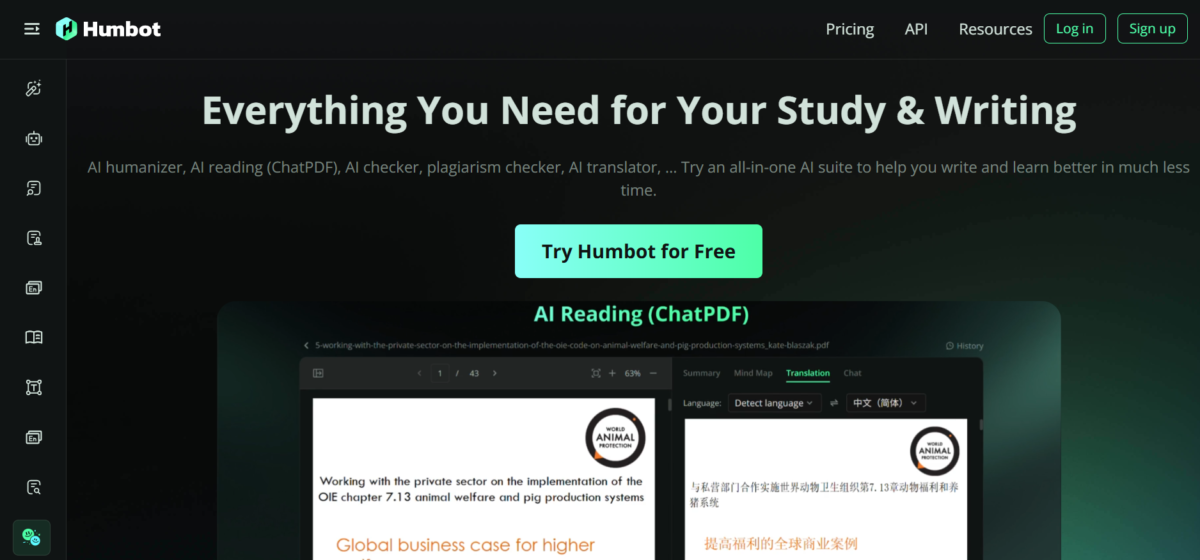


Humbot AI is an online AI writing assistant that improves, transforms, and checks AI-generated text. Its tools refine, translate, summarize, and rewrite for the ultimate purpose of delivering high-quality, human-sounding content that checks out on many writing standards.
Key Features
1. Humanize AI: Humbot uses AI’s ability to synthesize to rewrite and reconstruct sentences, without losing the original meaning. This is its most prominent feature.
2. AI Checker: The AI checker helps to flag and detect AI content, although its accuracy is questionable.
3. Plagiarism Checker: Humbot can detect copied text and stolen content easily by running checks against databases.
4. AI Article Rewriter: This helps to refine sentences, improve quality, and coherence. It enables users to convey more articulate ideas and arguments, particularly in professional settings.
5. Grammar Checker: Humbot’s AI can sniff out punctuation errors, spelling errors, and improperly worded sentences.
6. AI Reading and Summarizer: These features let Humbot summarize documents, audio, video, and web content. It also allows interactions with PDFs.
7. Citation Generation: Humbot can cite content (links, PDFs, and DOIs) in different citation styles.
8. AI Translator: Its extensive knowledge of languages makes Humbot a good translation tool for documents and content. In professional and business settings, this allows for broader reach and easier collaboration.
Using Humbot AI
1. Humanizing AI Content and Plagiarism Checker
I generated a short essay using ChatGPT and then fed it into Humbot’s humanizer. But first, I ran a test for AI using Quillbot, which reported a score of 64%.
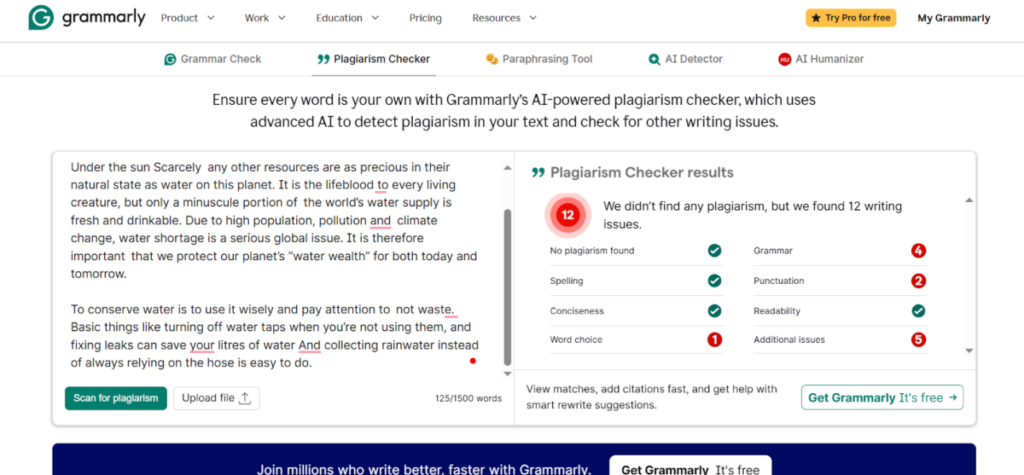
After humanizing, even before running the test, I noted that Humbot displayed a depth of understanding of the content by completely rehauling the way the content was worded. I noted dynamism and skill, unlike any AI humanizer I’ve ever used.
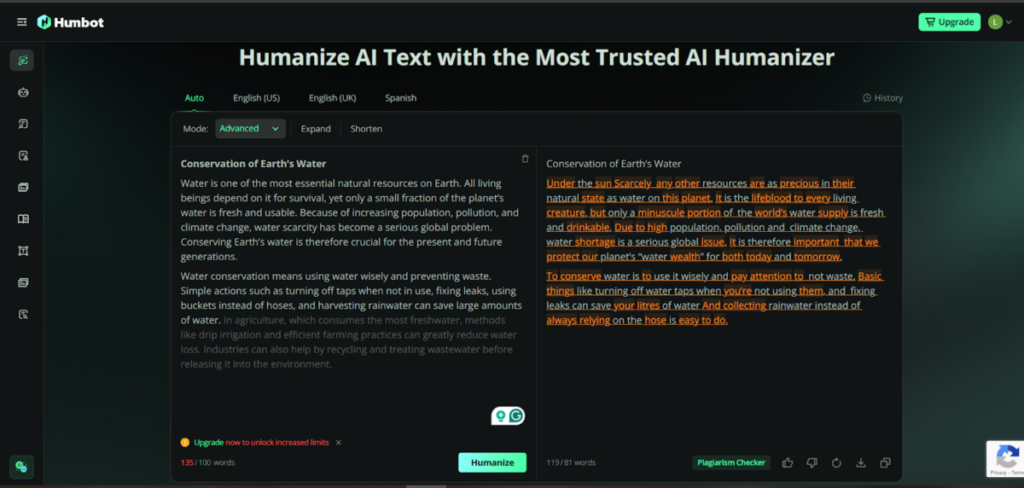
Immediately after humanizing, Humbot ran a test using its integrated AI detectors (Copyleaks, Crossplag, Sapling, and Writer) and got a score of 0. However, I was skeptical of the result and did third-party testing. Quillbot reported the humanized content as 0% AI text, confirming Humbot’s scoring.
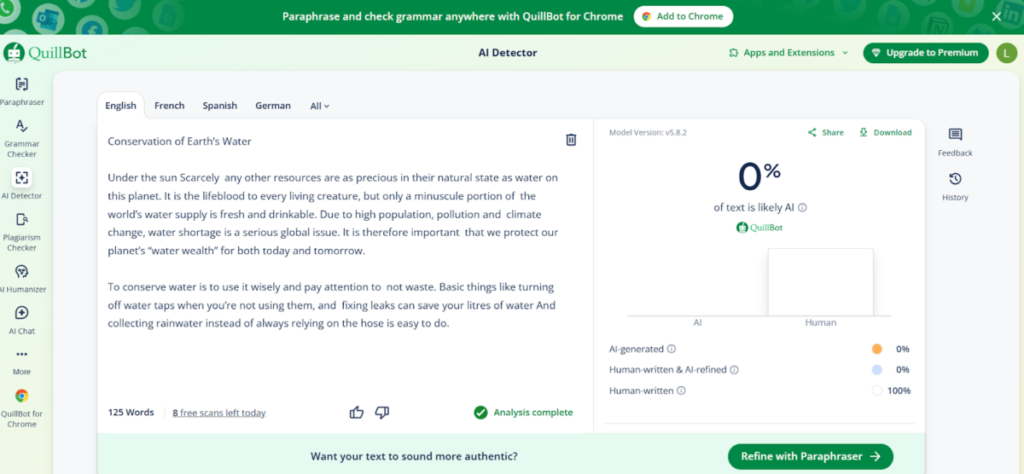
One thing that surprised me is that, typically, AI humanizers only reduce the score, and even so, Quillbot still detects some parts as being AI-refined. But this wasn’t the case here.
Humbot’s AI humanizer also had an associated plagiarism checker, which reported 100% original content. I ran an independent plagiarism test just to be sure. Grammarly reported no plagiarism. It, however, called attention to grammar errors that can be easily fixed.
2. AI Checker
I used the same original text as earlier (with an AI score of 64% on Quillbot) and ran it through Humbot’s humanization tool. But the results were not as pleasing as the humanizer.
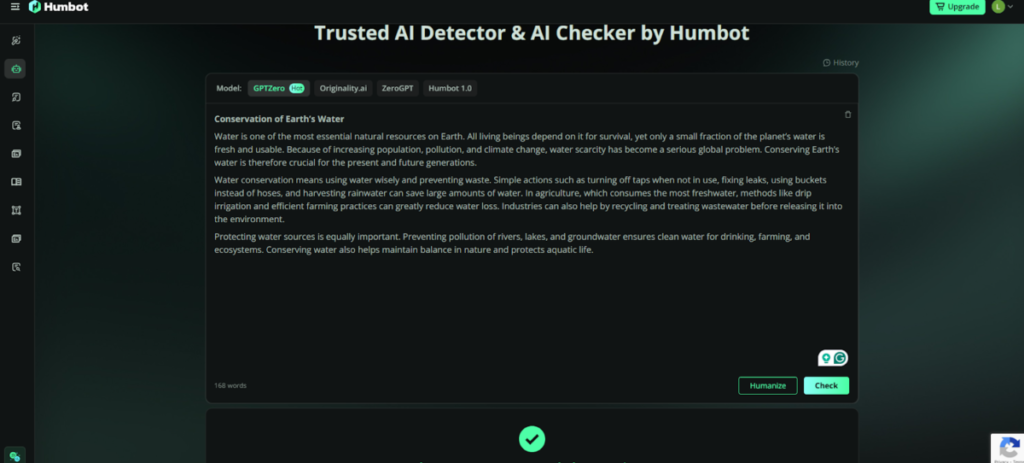
Humbot graded it as 100% human-written, which is a huge difference from the 64% reported by Quillbot.
3. AI Article Rewriter
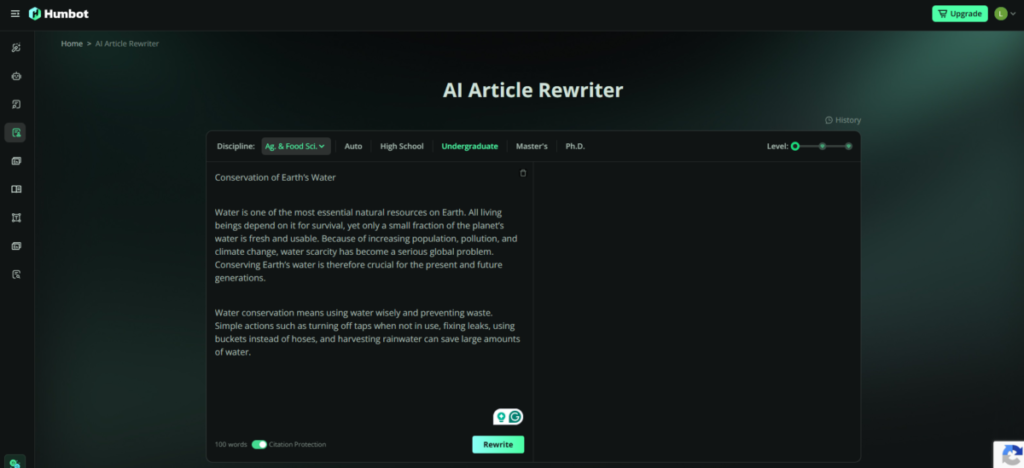
I chose a discipline that tallied with the subject of the content I intended to rewrite, and selected the undergraduate mode. The options were High School, Undergraduate, Master’s, and Phd. I could also turn on citation protection and select one of three levels:
- Basic words and sentence refining
- Improved content quality and contextual accuracy for coherence and professionalism
- Reorganize arguments and structures to ensure originality and expertise.
Citation protection could also be toggled on or off to keep or edit references.
P.S: I’d have loved to see the grammar checker integrated with the AI humanizer.
The Bottom Line
Humbot is a thorough writing tool that packs ample features into one tool. I find the AI humanizer the most helpful and its most prominent feature. Humbot AI is ideal for anyone who does a lot of writing or handles paperwork.