
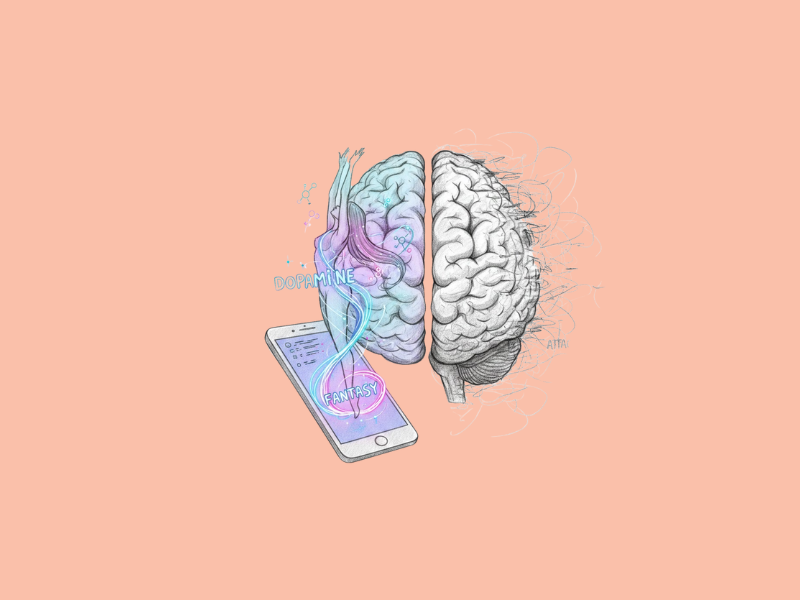

AI can generate images.
The generation is exciting because the technology creates beautiful images from text input.
Learning how to use AI image generators goes beyond simple text prompts. Instead, it is about being specific, creating variations, and making practical tweaks to yield good results.
Where to Use Nano Bana Pro: Precision in Every Scenario
Where to use Nano Bana Pro becomes clear when demanding exact visual fidelity, such as product mockups, character designs, or branded graphics needing perfect pose and lighting matches.
Best for image-to-image projects where you want to keep foundational elements with some modifications for a more professional look.
Using these early solutions means the results align with the creative vision, minimizing revisions and improving outcomes in marketing, design, and storytelling endeavors.
Crafting Prompts with Surgical Precision
The best method for obtaining successful AI images is using clear, explicit prompts.
First, determine the overall subject, such as the majestic eagle in flight, instead of the random bird, and then provide contextual information such as setting, action, and mood.
The mountain air splits beneath the wings, the reflected sunlight glints off the plumage, and the peaks lie concealed under a thin mist.
Because natural language is easier to process than keywords, the neural networks can better capture the mood of an element, such as tense anticipation or peaceful serenity.
The quality of the element becomes sharper, for example, the rough bark of an ancient tree, or the silkiness of the ripples of the surface of the water, while the random noise of ambiguous information decreases.
Consider framing: a “low wide shot emphasizing foreground drama” gives greater perspective and balance.
Layering lighting cues adds richness, like soft rim light or chiaroscuro from strong contrast.
Warm, earthy palettes are best within nature scenes to add comfort, while cool whites and blues evoke an ethereal feel.
Harnessing Reference Images for Unmatched Control
Generative models can take a reference image as a prompt specifying a pose, proportions, and stylistic attributes.
As an example, if the prompt image shows a dancer leaping, the AI may get a request to keep the dancer’s pose arc but switch the clothes to flowing fantasy robes.
The AI may also get a request to change the background to a sky that holds many stars.
The informed and original thought joining together creates results greater than rhetoric.
Visual sources help maintain consistency between series, such as in animation, campaigns, or portfolios.
They also document details beyond the power of words, such as facial expressions or clothing folds.
Sources can combine with a prompt phrase like “preserve lighting direction but intensify saturation”, allowing for iterative development without starting from scratch.
As a result, Pixel Dojo is often used by designers looking for curated boards of references they can then use to take ideas from start to finish.
Refining Outputs Through Iteration and Parameters
No generation is perfect.
Iteration builds optimality.
Create variations by selectively changing a parameter, such as light, either the time of day or close-up versus environmental portrait composition.
Keep a simple log of what has worked, so that this experimentation process becomes repeatable.
The technical parameters governing generation include guidance scales, which can be raised to limit variance and guide images to obey prompts more closely, and sampling steps, which add a level of detail.
Negative instructions exclude objects such as blurry edges, mutant limbs, and logos.
Instead, desired traits are preserved.
Multi-pass workflows involve starting with an empty or rough landscape and gradually adding more details by inpainting foreground figures or outpainting horizons, similar to how customary artists work without overloading the model with excess detail.
Post-Processing: The Polish That Elevates
AI tool image resolutions may need upscaling before use in professional applications.
Upscaling algorithms increase the resolution and number of pixels within an image while keeping edges and textures sharp.
Face restoration tools fix small distortions to give a real likeness.
Color grading adjusts colors post-creation to improve emotion.
Increase contrast for eye-catching ads, or lower it for dreamlike illustrations.
Noise reduction reduces noise without sacrificing rich color.
These steps help to close the divide between a digital draft and artwork.
Composition and Style Mastery for Impactful Visuals
Direct viewer gaze through composition.
Use tools like the thirds to create natural symmetry, placing subjects off-center to draw attention.
Dutch angles express tension, while symmetry connotes order.
This is also film vocabulary.
Use style modifiers in order to create atmosphere: impressionist brush strokes for flow, cyberpunk neon themes for edginess, or photorealism for immersion.
Influence combinations might call forth wider movements without the exact copying of set styles.
Mood descriptors tie it together, with ominous storm clouds building tension or sun-drenched fields evoking calmness.
Real-World Applications Across Creative Fields
Marketing teams quickly generate campaign images and asset variations with frequent guidelines, ensuring consistency in materials.
Designers prototype interfaces with contextual mockups on top of screenshots from devices such as phones and tablets.
Creators design blog headers or social thumbnails such as bright abstracts for tech or organic scenes for lifestyle, and artists explore ideas and approaches, bringing digital sketches to finish, experimenting with form and color.
Storytellers also use reference chaining to create character sheets, scene boards, and other visual aids, using AI as a co-creator rather than simply reproducing illustrations or concepts from earlier fields.
Ethical Foundations and Sustainable Practices
Transparency builds trust: disclose AI use to indicate image origins.
Diversify prompts to counter bias in AI systems by including diverse ethnicities, ages, and abilities in images.
Generate in batches and filter for cost-effective computation.
Use community knowledge through continual learning, adapting practices as the model’s capabilities evolve.
Advanced Techniques for Power Users
Custom embeddings replicate patterns (signature lighting rigs or texture packs), reducing prompt length.
Fine-tuning tailors base models to a specific domain, improving accuracy for fashion renders, architectural visualizations, or similar data in general.
Seed values, which control variability and determine how to branch promising outputs into a family of designs, allow for control adapters providing structural constraints like skeleton poses and edge graphs.
Bursts of virtuoso command pile upon vision, each layer dragging this generation further into creativity.
Mastery of AI image generation can take weeks of preparation, and the techniques above will help you achieve results comparable to customary media. With careful consideration and purposeful application from concept to completion, the right images can be informative, inspiring, and lasting.
