


Yes, coding has changed a lot.
If you’re still writing every line manually, switching between Stack Overflow tabs, and troubleshooting after something has broken, you’re doing things the hard way.
Enter AI IDEs (Integrated Development Environment).
AI IDEs combine AI with code editors to help you code faster, smarter, and yes, maybe a little lazier.
You can think of them as a programmer’s code companion that never sleeps and somehow can read your mind about what you are about to write before you do.
In this article, we discuss the best AI IDEs. We picked tools based on real user feedback, performance, ease of use, and functionality that can be used in real-life coding.
6 Best AI IDE
1. Cursor AI
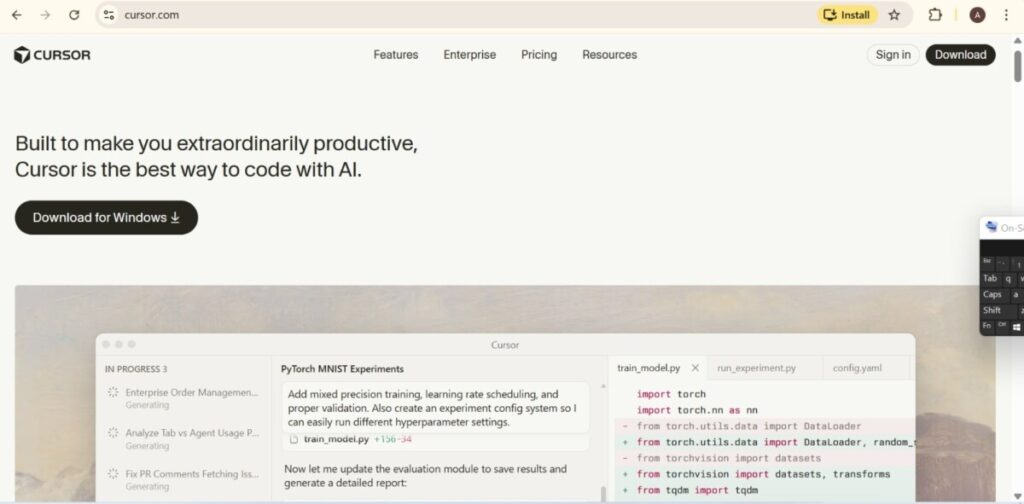
Cursor AI is an AI IDE designed to think with you, reads over your whole codebase and makes accurate and timely interjections.
It indexes your whole project and then starts making multi-line suggestions that actually make sense. Cursor predicts what you’re building, not just what you’re typing. And when you’re stuck, you just ask.
Cursor is being sold as one of the fastest AI code editors. Cursor earns that claim by eliminating friction.
Less context switching, less manual cleanup, more flow. If your current workflow feels slow or broken, Cursor feels like a reset.
Key Features
- Smart autocomplete that goes beyond single lines
- Cmd + K agent for natural-language edits
- Built-in AI chat that understands your project
- Model flexibility and integrations
Pros and Cons
| Pros | Cons |
| Super fast multi-line predictions that save time | Needs external API keys; costs range between $20 – $200/month |
| Smooth migration from VS Code extensions | Occasional wrong guesses in very niche code |
| Manages large codebases with ease | Offline mode is limited |
Best For
- Solo developers
- Teams
- VS Code users
- Rapid prototypers
2. Visual Studio Code + Copilot
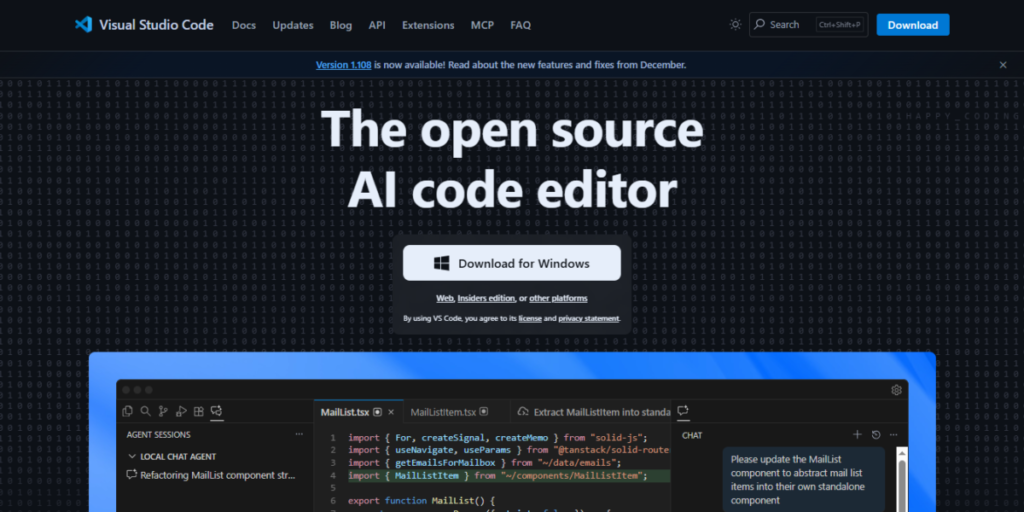
Visual Studio Code is the people’s champ of code editors. It’s fast, flexible, and everywhere.
Now, pairing it with GitHub Copilot, it becomes a powerful AI IDE setup that feels like having a second developer watching your back.
Copilot operates in such a way that you start typing a comment or a function, pause for a second, hit tab, and boom. Code appears. Occasionally, it is a full function, or a clean solution you didn’t even think of.
What makes this combo so popular is the minimum effort it takes to get started. VS Code is free. Copilot costs about $10 per month, and for many developers, that’s an easy yes.
This isn’t a flashy, experimental AI IDE. It’s practical and fits into how developers already work.
Key Features
- Inline AI suggestions as you type
- AI chat for fixes, tests, and explanations
- Context-aware across files and projects
- Wide language support
- Agent-style workflows
Pros and Cons
| Pros | Cons |
| Speeds up boilerplate by 2x or more | Context constraints on very large projects |
| Free VS Code core with massive extensions | Some developers worry about code privacy |
| Learns your style over time | AI output still needs review |
| Easy for beginners to follow examples | Not fully autonomous |
Best For
- Full-stack developers
- Beginners
- Budget-conscious teams
- Existing VS Code users
3. Windsurf

Windsurf is an AI-first IDE that doesn’t wait for instructions. It tries to stay ten steps ahead. It is not going to nudge you with small suggestions, but handles big chunks of work for you.
You chat in plain English, and its Cascade agent gets to work building, debugging, and even deploying full-stack applications.
The interface is easy to use, particularly if you’ve used VS Code before. But Windsurf behaves very differently. It views and treats your project as a single connected system. Change an idea, and it updates everything that depends on it.
What makes Windsurf unique is flow. You describe what you want, it builds, and you see live previews inside the IDE.
Windsurf is highly user friendly and simple.
Key Features
- Plain-English to full apps
- Multi-file edits with live previews
- Cascade agent for end-to-end tasks
- Persistent project memory
- Flexible pricing with privacy focus
Pros and Cons
| Pros | Cons |
| Whole-project intelligence. It updates many files at once | Can crash on very large files or long sessions |
| Live web previews inside the IDE | Traditional workflow learning curve |
| Strong for full-stack automation | Free chat usage is limited |
| Big productivity gains for prototyping | Still feels beta in places |
Best For
- Indie hackers
- Web developers working with React, Next.js, and Node stacks
- Experimenters
- Teams
4. Replit
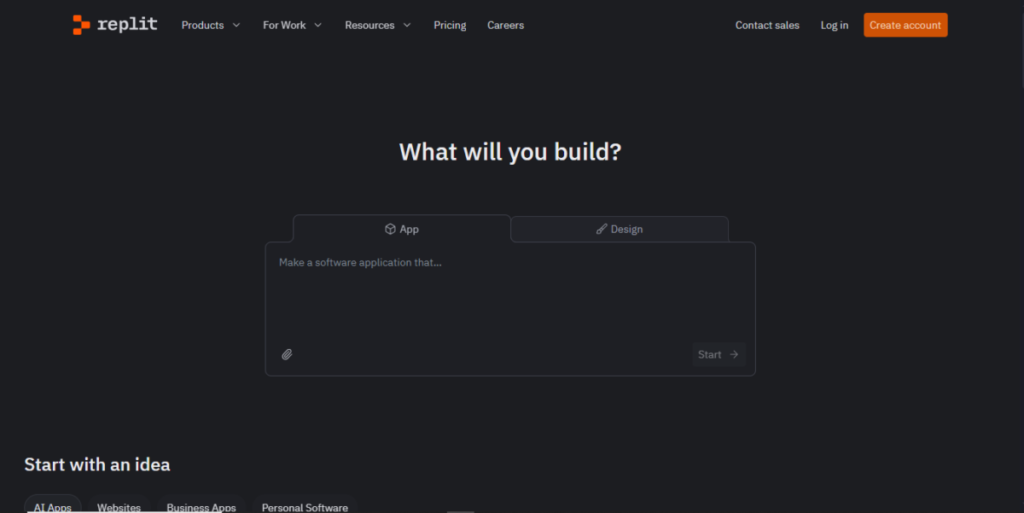
Replit makes your browser into a complete AI IDE, no installs, no setup, no waiting around. You open a tab, type what you want to build, and its AI Agent gets to work generating the app, wiring dependencies, and spinning up a live environment in seconds.
That instant start is the magic.
For quick MVPs, demos, or experiments, Replit eliminates all the friction that tends to slow down developers.
It also collaborates effectively. Multiple people can work on the same project at the same time, making it feel more like Google Docs for code.
If your goal is to test an idea fast or get something working without wrestling with configurations, this AI IDE delivers.
Key Features
- Prompt-to-app generation with auto dependencies and databases
- Real-time debugging, refactoring, and code explanations
- On-demand hosting and deployment
- Multi-language support (50+ languages)
- AI chat for snippets and fixes
Pros and Cons
| Pros | Cons |
| Prototype apps in minutes with zero setup | Struggles with very complex or long-running projects |
| Friendly for non-coders and MVPs | Limited control over tech stack |
| Built-in deployment is seamless | AI-generated output still needs debugging |
| Great for collaboration | Not ideal for production-scale systems |
Best For
- Founders and hackathon teams spinning ideas fast
- Students and non-technical builders
- Remote teams collaborating in real time
- Quick prototypes before handoff to full dev team
5. JetBrains
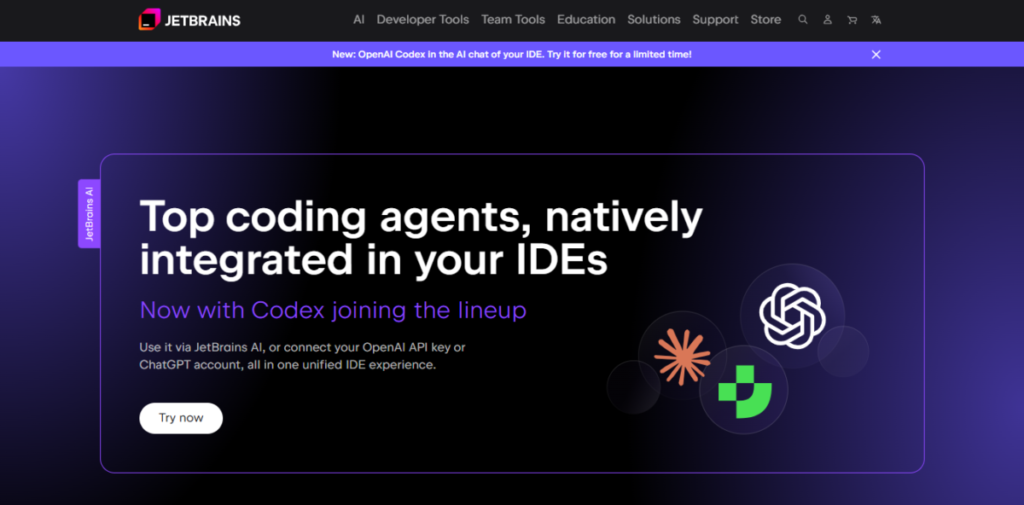
JetBrains introduces AI right into its IntelliJ family, giving professionals an AI-powered coding partner without leaving their favorite IDE.
Whether you’re using PyCharm, IntelliJ IDEA, or WebStorm, the AI Assistant helps with refactoring, testing, and optimisation – without compromising on privacy.
It fits seamlessly into existing workflows, so you get intelligent support without switching tools or breaking focus.
JetBrains is ideal for professionals and teams who want speed, quality, and security in one polished setup.
Key Features
- Agent chat for multi-file tasks and tests
- Local and cloud model support (Gemini/OpenAI)
- Context add-ons from files and commits
- Quota tracking for intensive tasks
Pros and Cons
| Pros | Cons |
| Extensive integration across JetBrains IDEs | Quotas require planning |
| Strong privacy with .aiignore | Features vary by IDE edition |
| Professional-grade refactoring and testing | Not ideal for VS Code users |
Best For
- Java, Python, C# developers
- Teams prioritizing privacy and security
- Multi-IDE environments needing uniform workflows
- Power users performing large-scale refactors
6. Google Antigravity
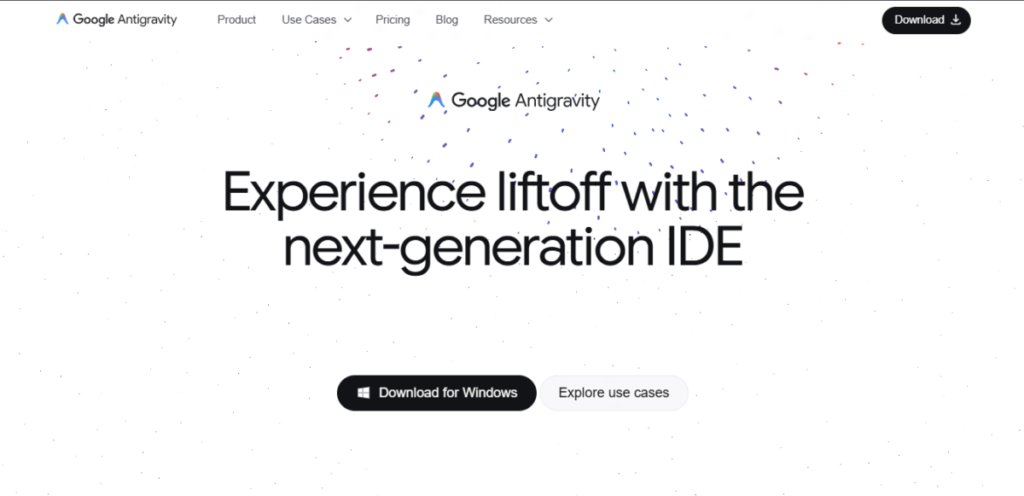
Google’s Antigravity is a 2025 game-changer, powered by Gemini 3.
It is a multi-agent AI IDE that you can delegate tasks to, and agents run in parallel, building, testing, and reviewing code faster than any solo dev could.
It’s cloud-based and also allows you swap models like Gemini, Claude, or GPT, and gives you a dashboard to track every mission.
If you want speed and automation, Antigravity delivers on that.
Key Features
- Parallel agents handling multiple tasks simultaneously
- Browser testing and artifact reviews
- Model switching (Gemini/Claude/GPT)
- Mission dashboard for tracking progress
Pros and Cons
| Pros | Cons |
| 60–70% faster with multi-agent workflows | Cloud-only; no offline mode |
| Built-in bug-catching artifacts | Overhead review on large jobs |
| Free preview with best-practice code | Quotas burn quickly |
Best For
- Developers that need speed on complex projects
- Teams testing UIs via automated browsers
- Gemini enthusiasts experimenting for free
- Prototype-builders comfortable with cloud-only tools
Comparison Table
| AI IDE | Core Strength | Best Use Case | Starting Price | Unique Edge |
| Cursor AI | Project‑wide predictions | Deep coding sessions | $20/month | Context‑aware multi‑line suggestions |
| VS Code + Copilot | Familiar + accessible | Everyday dev & teams | Free + $10/mo | Massive ecosystem + easy start |
| Windsurf | Full‑stack generation | Rapid prototyping | $15/month | Plain‑English to apps |
| Replit | No‑setup browser IDE | Quick MVPs & collab | $20/month | Instant deploy + multi‑language |
| JetBrains AI Assistant | Professional polish | Enterprise & privacy | $19.90/month | Deep IDE integration |
| Google Antigravity | Parallel agent automation | Speed & complex flows | Free preview | Multi‑agent missions |
Bottom Line
AI IDEs are not just shiny ideas. They actually change the way we code.
If you love flow and context, Cursor AI feels like your dev buddy who just gets your project.
For those sticking to what they know, VS Code + Copilot is like upgrading your old editor with a secret superpower. Want to build full-stack apps with a chat? Windsurf has your back. Need to work on a prototype in seconds? Replit makes it painless.
For professionals who care about privacy and polish, JetBrains AI Assistant keeps you in the zone without switching tools.
And if you’re chasing sheer speed and automation, Google Antigravity’s multi-agent setup will blow your mind.
AI IDEs are not replacing developers, they’re making us faster, smarter.
Choose one that fits your workflow, and then coding feels like fun.
