
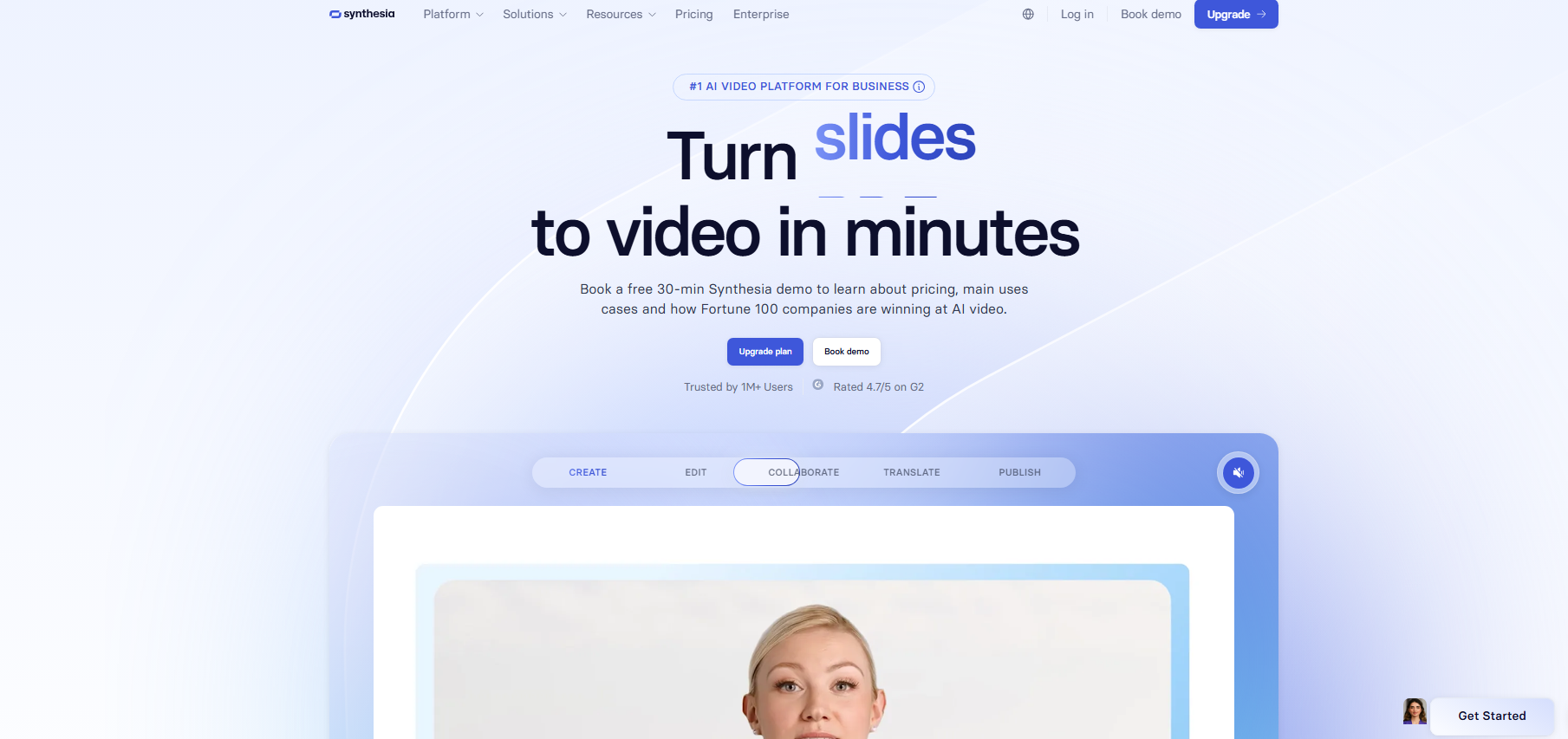


Synthesia AI is a tool for creating videos with digital avatars and AI voiceovers.
It replaces the work of an entire production team with an avatar presenter that delivers the script. The tool has several templates, scenes, and editing controls to cut down the time of production to a few minutes.
Synthesia can also allow you to cater to an international audience by supporting many languages.
Key Features
1. Video Generator
This is the main tool Synthesia offer: to create complete videos without cameras, filming, and actors/presenters, but only with prompts.
All the user is required to do is combine scripts, avatars, backgrounds, text overlays, and visual elements inside a slide-by-slide editor.
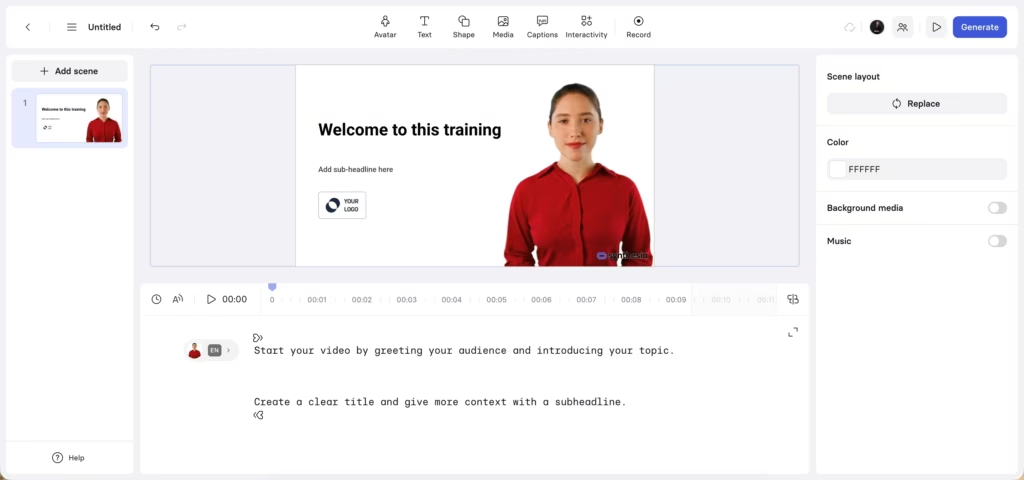
The good thing is that each scene can be made to contain a different layout, background, avatars, text overlay, and set of visual elements.
The entire workflow then follows a simple process: write or paste a script (which can also be created with AI), select an avatar and voice, arrange scenes, and export the finished video.
2. AI Text/PDF/URL/Slides to Video
Primarily, Synthesia works on the basis of text scripts, but can also turn PPT slides, links, and PDF files into videos.
Synthesia can detect and generate spoken content using AI voices. It then syncs the voice with lip movements, gestures, and narration with the avatar.
3. AI Avatar Generator
The AI Avatar Generator is one of the most recognizable features of Synthesia.
It provides a library of digital presenters that act as virtual hosts in videos. These avatars simulate “real” people and display animated facial expressions, mouth movements, and body posture that match the spoken narration.
Another feature of these avatars is that they can also look like you:
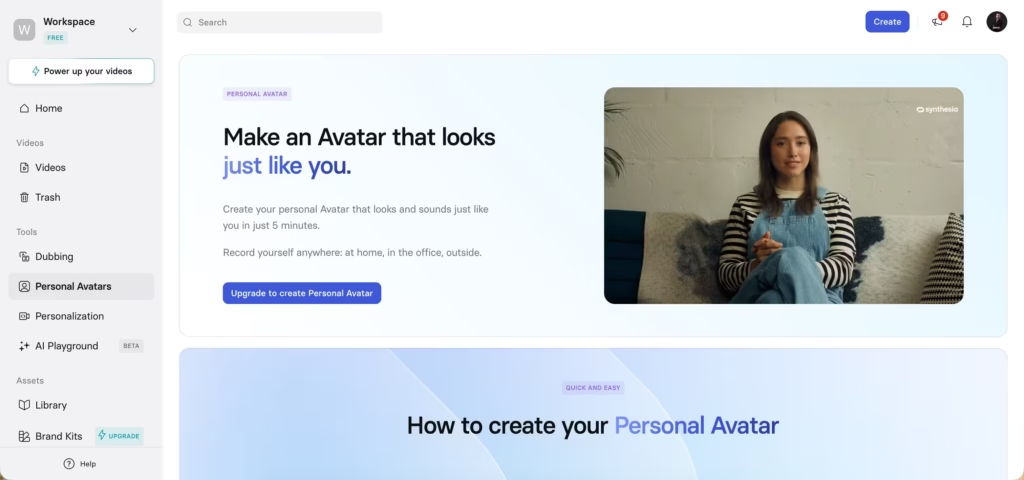
By uploading a 2-3 minute video of yourself reading a script the platform will give you, you can create your own Personal Avatar.
There are multiple options for avatars, which cut across genders, appearances, and professional styles. In some subscription plans, there is an option for a custom avatar based on recordings of real people.
4. Dubbing
Videos created in Synthesia can be translated and re-voiced in multiple languages.
This allows Synthesia to accommodate international audiences as there are dozens of languages and accents to choose from.
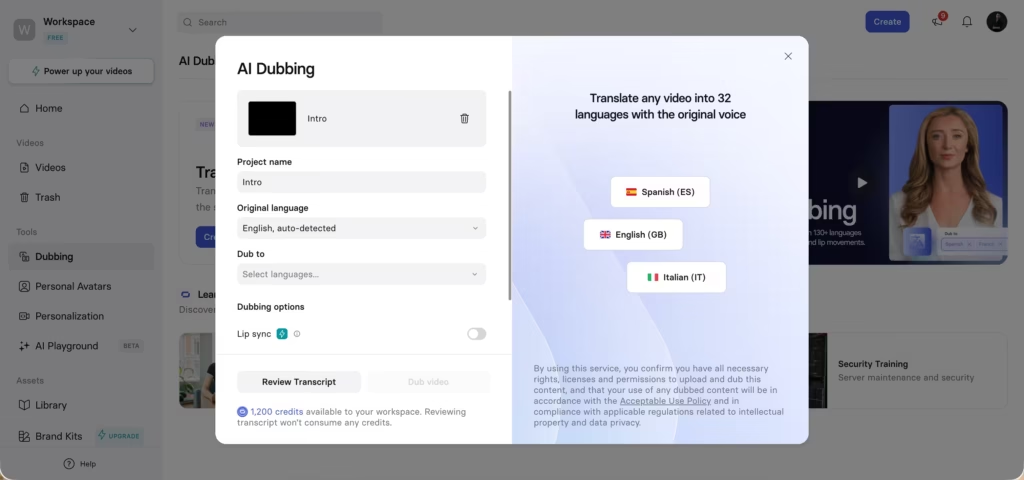
The AI also makes the dub more natural by adjusting the avatar’s lip movements to match the translated speech.
5. Personalization
Synthesia has a handful of finetuning controls that birth custom videos. Aside from the varied options it presents, users can tweak and modify video elements, avatars, layouts, and visuals.
Using Synthesia AI
Generating a Video
Synthesia gave me options; I could either use a script/prompt as a video basis or a PDF, slide, or link.
I got to select from a pack of professional templates, and also a video duration. Once I selected a template, Synthesia generated the layout of the video scene by scene. There was an option to select the captions as well.
After the video was generated, Synthesia notified me that I could invite colleagues to give some feedback.
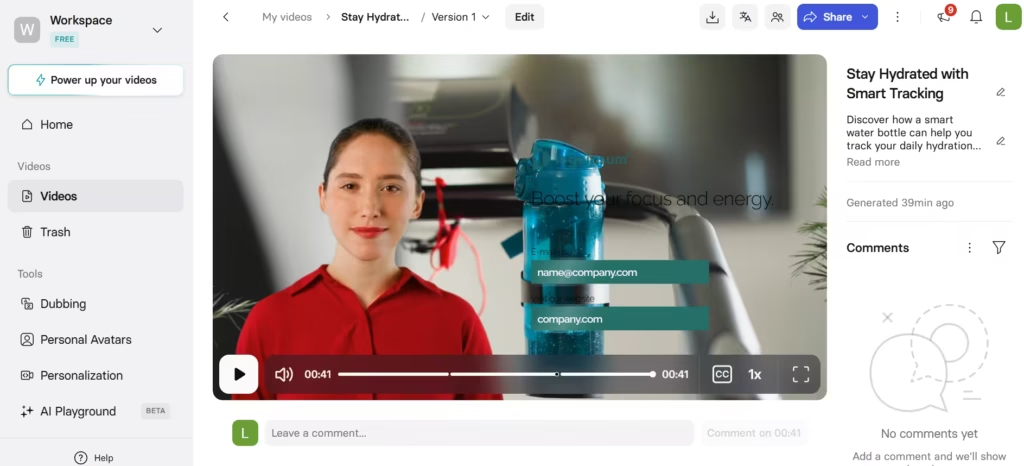
The video avatar looks real, but it’s still obvious it’s an AI avatar.
The body language and gestures are a bit stiff and punctuated with unnatural glitches. Head movements were repetitive, and that was the giveaway.
The lip-sync was fairly accurate and matched the words and pauses. The scene transitions were natural; they felt like a pitch, but that’s probably due to the “salesy” nature of it.
So I tried something else.
Creating a Custom Video
I decided to create an onboarding video for fictional new employees, and I extensively used the editing controls.
One thing I found fascinating about the avatar selection is that I could create an outfit for my avatar if I was unsatisfied with the available options.
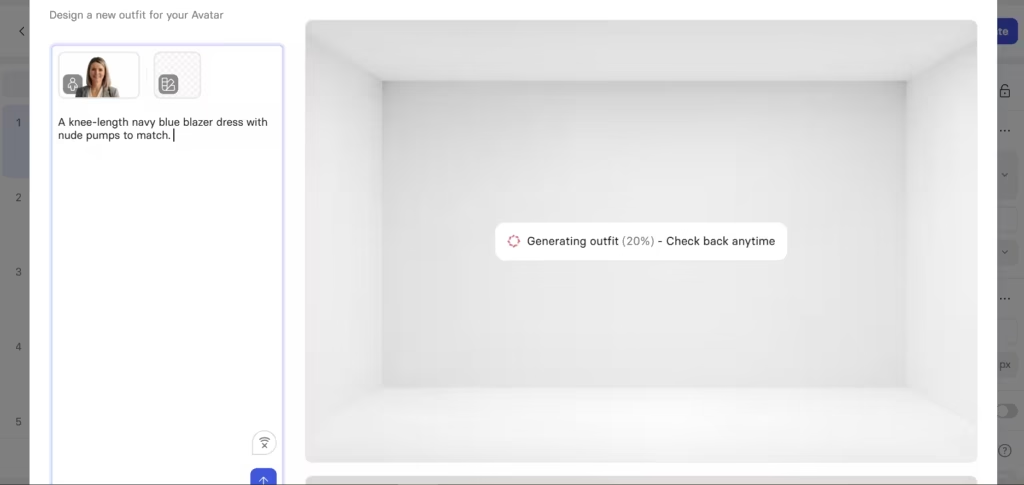
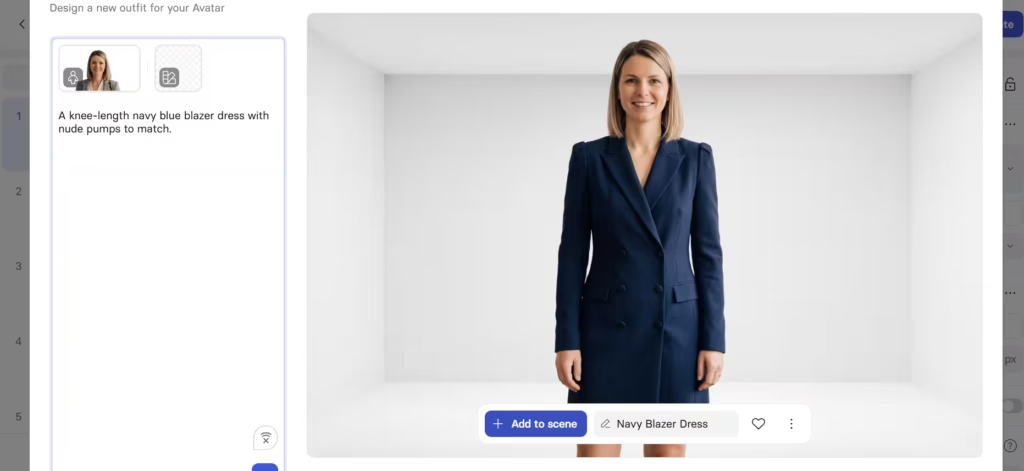
Editing this scene-by-scene reminded me of Canva. It felt like the process of preparing a presentation.
I got to choose the elements, music, layout, visuals, and write the script.
Note: Synthesia is integrated with Soundstripe. This gives even more music options.
Even before I clicked generate, Synthesia gave me the option to preview my video. That feature let me see how my selections and modifications played out in the final output without sacrificing my limited credit coins.
That was when I noticed the learning curve. A handful of modification/editing tools meant that there were many variables to control for. And each variable had to be tuned to the rest to avoid throwing off the other elements in the video.
My initial use of the editing controls resulted in some mishaps and slide transition errors.
My advice is for beginners should let the AI do the heavy lifting, even though that takes away some level of personalization. Over time and with more use, Synthesia AI gets easier to navigate.
Is Synthesia AI That Great?
Yes, it is overall worth the hype and truly changes video creation.
Synthesia AI can be used to create all types of videos for varying use cases. It caters to simple and professional media needs with the added advantage of customization available even in the free plan.