
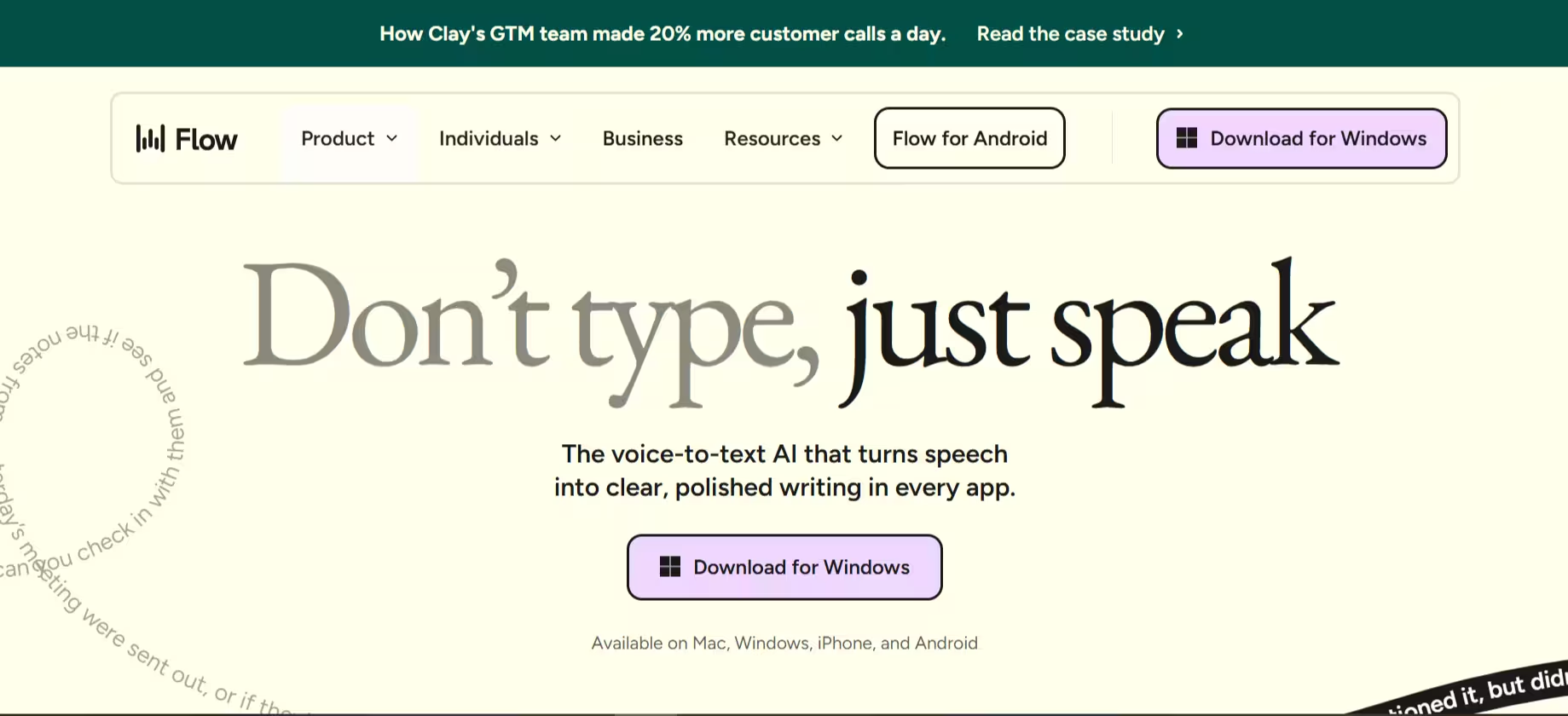

Typing is slow. Your brain moves faster than your fingers, always has. But for years, voice dictation tools were too clunky, too error-prone, and too frustrating to trust with real work. The Wispr Flow app wants to change that.
It promises to turn your natural speech into clean, polished, formatted text across every app on your computer or phone. No dictating punctuation and no fixing mangled sentences. Just speak, and watch it write. After some testing across email, Slack, Google Docs, and VS Code, here’s what I found.
What’s Wispr Flow Like?
The Wispr Flow app works on a simple principle: press a hotkey or flow bubble, speak naturally, and watch formatted text appear in whatever app you’re already in. Gmail gets professional prose, Slack gets something more casual. VS Code gets syntax-aware output (You do have to give it permission to get displayed over other apps first). The context-switching is automatic, and in my testing, it worked the vast majority of the time.
Flow claims its AI engine processes over 500 language patterns per second with 95% accuracy, even with technical terms and mixed-language speech. In practice, across many dictations over time, I saw roughly 92–94% accuracy, close enough to trust, but still worth a quick scan before hitting send.
And yes, it will remove filler words. So, double-check for any awkward phrasing.
I do appreciate the creator’s intent, but having me go through layers of settings in the setup process frustrated me the most. It’s the single biggest friction point in an otherwise smooth experience.
RAM usage is also worth knowing upfront. Flow sits at around 800MB even when idle. On an older machine or one running heavy creative software, it could be a problem.
Also, the danger alert page made alarms go off in my head, given that security breaches aren’t uncommon these days.
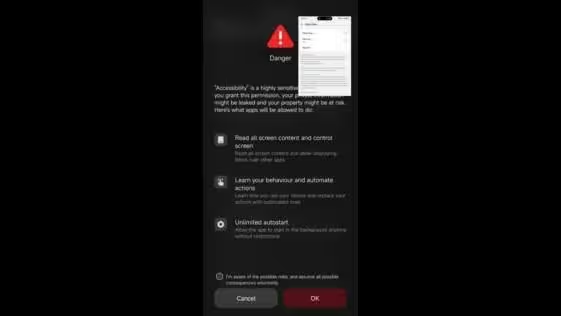
My fears aren’t baseless, however. Wispr Flow does have a history of privacy issues, and voice processing runs through third-party cloud servers, including those from OpenAI and Meta. Thankfully, the company has improved its transparency and now offers a Privacy Mode with zero data retention.
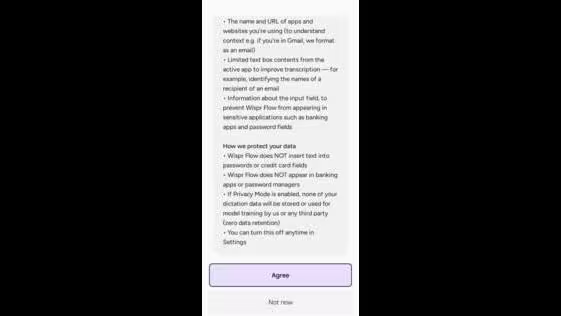
Still, I wouldn’t dictate anything sensitive, legal documents, patient records, or confidential financials. I would even avoid giving it permission for sensitive apps altogether. That’s unless you’re on an Enterprise plan with verified compliance. For everyday professional writing, it’s fine.
Main Features
The Wispr Flow app’s features break into three practical areas: where it works, how it thinks, and what it learns about you.
1. Where it works, and it works everywhere.
Flow runs inside Slack, Messages, email, WhatsApp, ChatGPT, Docs, and more, turning spoken words into formatted writing without switching apps.
You just speak wherever your cursor sits or tap and hold the Flow bubble. This sounds simple, but it’s the feature that makes everything else possible. Other tools work in one or two apps. Flow works in all of them, and it actually adjusts tone by context.
2. How it thinks, smarter than basic transcription.
Flow doesn’t just dump words onto the screen. It structures them, adds bullet points, paragraph breaks, and proper capitalization based on what you’re saying and where you’re saying it. Command Mode takes this further. You can say “make this a bulleted list” or “rewrite that more formally” mid-dictation.
In my testing, it responded correctly about 80% of the time, impressive, but not flawless enough to use without glancing at the result. Whisper Mode is worth mentioning too: you can dictate quietly without disturbing anyone nearby, which I used regularly in the presence of background noise.
3. What it learns, the personal layer.
Flow builds a personal dictionary from your custom names, acronyms, and phrases. You can also create text snippets, short triggers that expand into longer phrases on the fly.
After significant use, Flow had already adapted to my vocabulary noticeably. Industry terms and proper nouns that tripped it up on day one were mostly clean by day seven. It’s not magic; you do need to add some terms manually, but the learning curve is genuinely short.
Tell Me Why Wispr Flow Is a Great Choice for Me
If you write more than you’d like to, and you’ve tried basic dictation only to abandon it after a week of cleanup, Flow is worth the trial. It’s not perfect. The startup lag is real, the RAM draw is real, and the cloud dependency is real.
But if you write professionally and you’re tired of your keyboard slowing you down, Flow does what it promises better than anything else I’ve tested. Speak naturally. Write faster. Spend your energy on ideas, not keystrokes.