
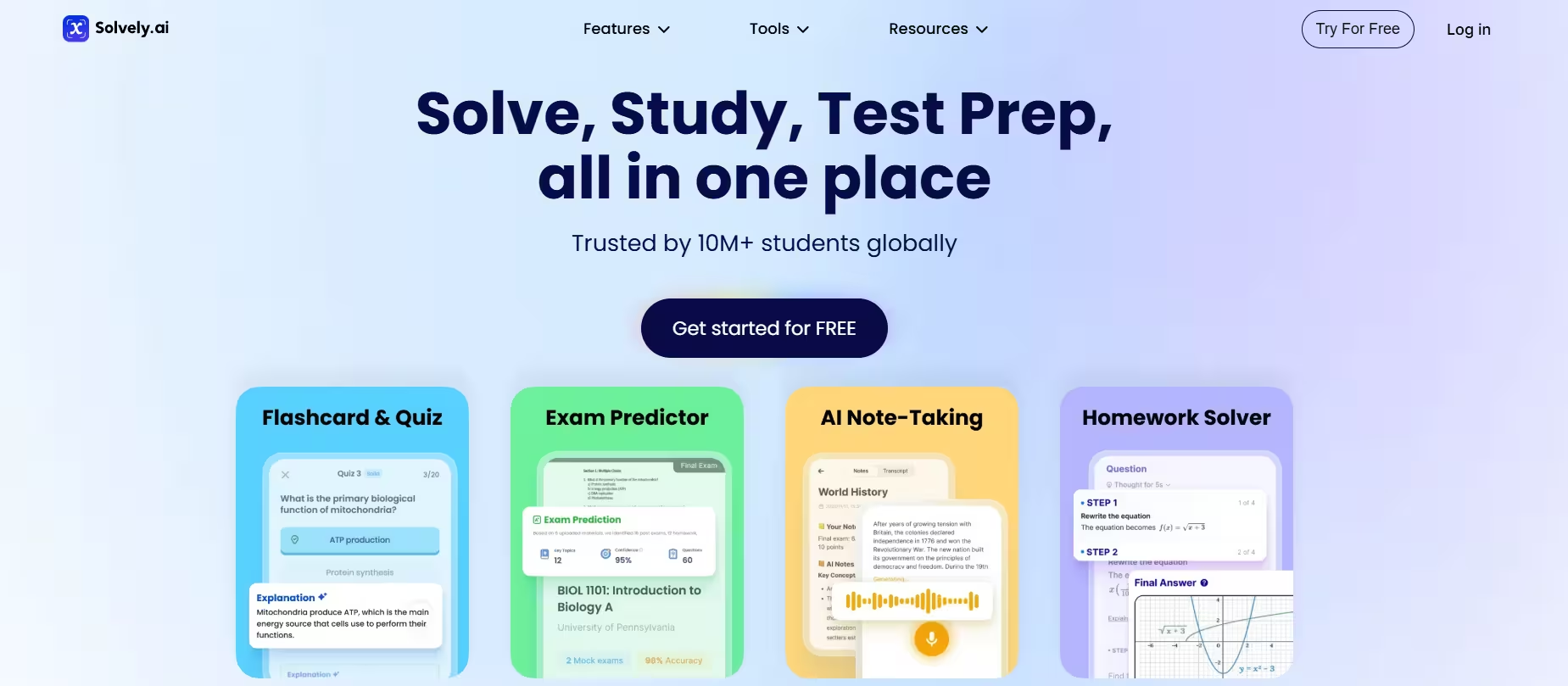


Solvely AI launched as a mobile-first app and has since expanded to iOS, Android, and a browser-based version. It is now trusted by over 10 million students worldwide. The platform positions itself not just as a homework shortcut, but as a learning companion.
The core philosophy separates Solvely from most competitors. Rather than delivering a bare answer, the app breaks every solution into numbered steps, identifies the relevant formulas and rules, and explains the importance of each step. That single design choice changes its approach from a shortcut tool into something closer to a patient, always-available tutor.
Solvely cross-checks answers from GPT, Gemini, and Claude to surface the most accurate solution quickly. This multi-model architecture is a good differentiator. Single-model tools miss errors that redundancy catches. In our testing, this showed up clearly in complex calculus problems where rival apps occasionally slipped.
During hands-on testing, we submitted problems in two subject areas: physics and chemistry. The photo recognition handled printed textbook pages, handwritten notes, and whiteboard snapshots well. Solutions arrived within three to five seconds in most cases.
The interface is simple and intuitive; even first-time users require no tutorial. The app’s design clearly prioritizes speed and clarity, which matters when a student is staring down a deadline.
Key Features
1. Photo-to-Answer Solver
The photo solver is the centerpiece of the app. It reads printed and handwritten problems, even messy handwriting, skewed angles, and multi-line equations. Students can also type or paste problems as text; both input methods work well.
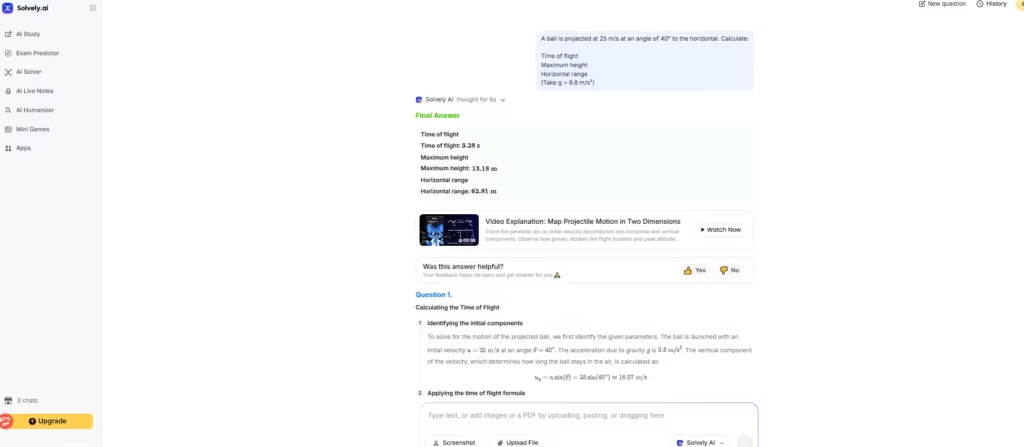
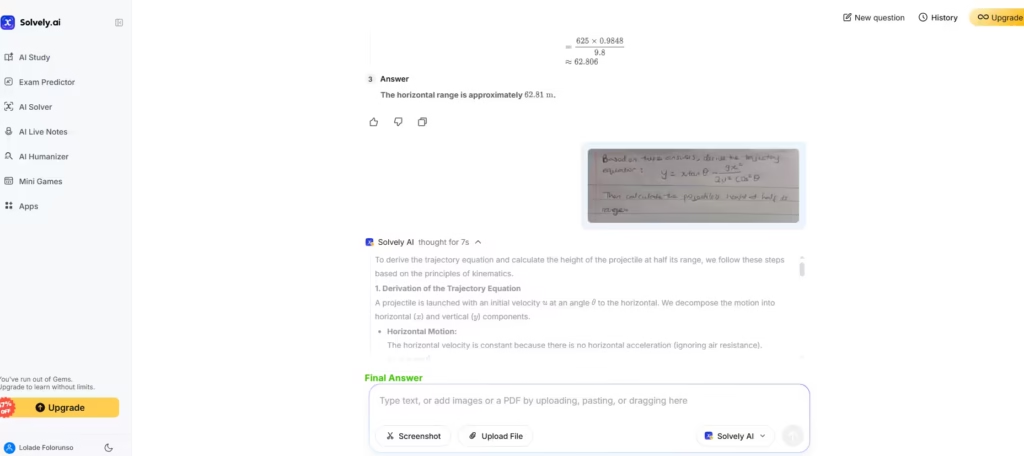
I tested this feature with a typed physics question, and the turnaround from snap to solution was under ten seconds.
2. Step-by-Step Explanations
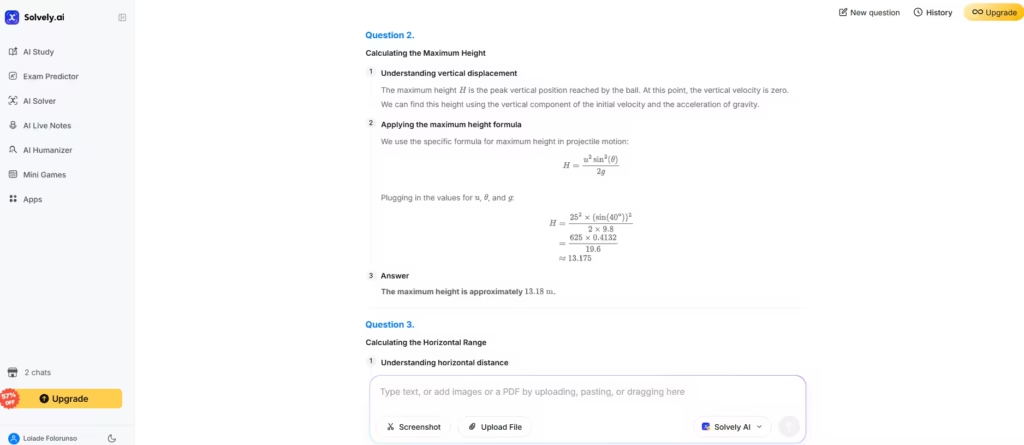
Every solution Solvely generates includes a full breakdown. No logic is skipped. No steps go unexplained. Each one is annotated in plain English alongside the math. This is what separates Solvely from tools that hand over answers without context.
During testing, the step-by-step explanations consistently matched or exceeded what a competent tutor would provide for standard problems. Advanced topics occasionally required a follow-up question to the AI Tutor to fully clarify, but that is expected behavior.
Also read: Symbolab: The Best AI Math Calculator?
3. Interactive AI Tutor
The AI Tutor allows for interactive follow-up questions, powered by advanced models including Anthropic’s Claude and GPT-4. Students are not locked into one response. They can push back, ask for clarification, request a different approach, or explore a concept more deeply.
This is where Solvely earns the title of “tutor.” In testing, I asked a follow-up question on an earlier physics problem by uploading a picture of it, which was handwritten. The AI Tutor picked it up immediately and responded with a simple breakdown.
Also read: 10 Best AI for Math Problems
3. AI Live Notes
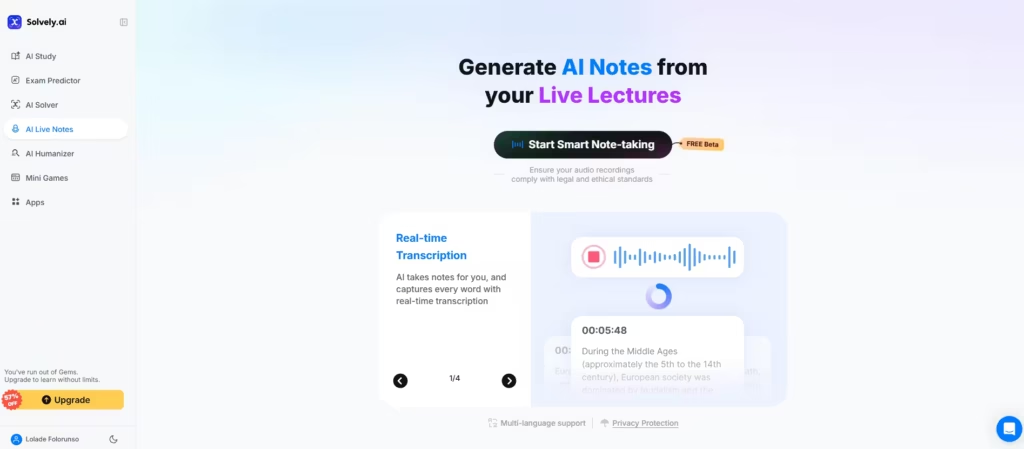
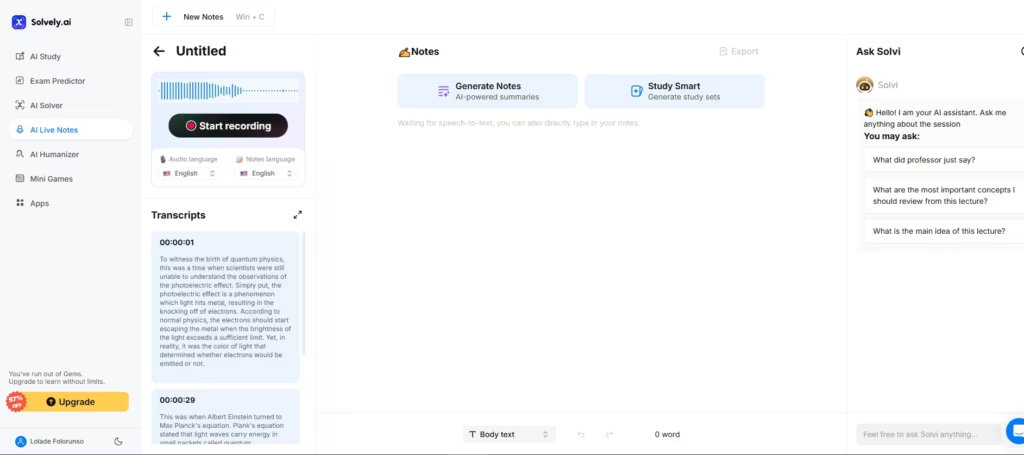
The AI Live Notes listens, transcribes content, and extracts key takeaways from audio recordings. The notes are structured, and key information is highlighted. It also lets the users choose a note-taking style with room for edits.
I tested this feature with a recorded video on quantum physics. The transcription accuracy was strong, and the auto-generated quiz questions were genuinely relevant to the lecture content. I had the option to switch up audio and notes languages, make edits, and also ask the AI, Solvi, for clarifications and explanations
4. Quiz and Exam Preparation Tools
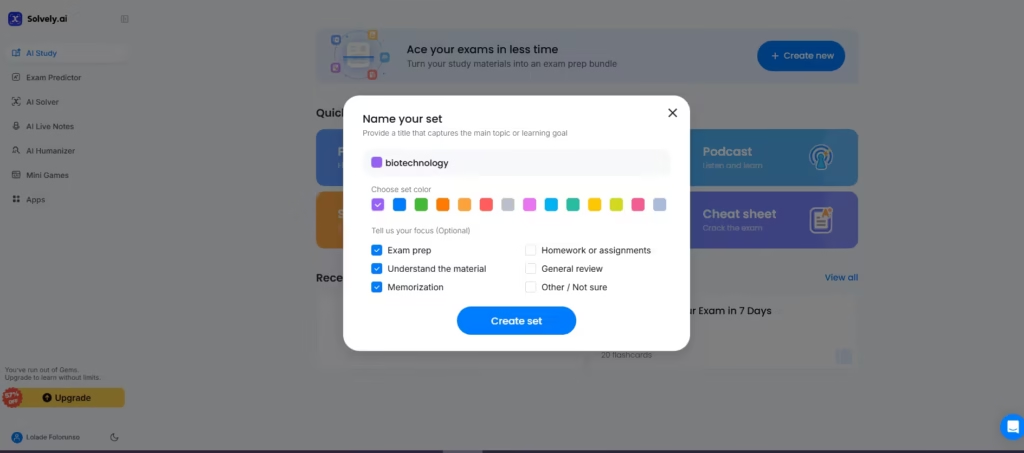
Solvely does not stop at solving problems. It also generates quizzes and flashcards from notes and study materials. Students can import almost any format, PDF, or slides and convert them into exam-ready content in minutes.
This feature proved particularly effective during testing when preparing for a test on the ‘separation techniques of compound constituents’. The auto-generated quiz accurately targeted the chapter’s core concepts and flagged gaps in understanding within minutes.
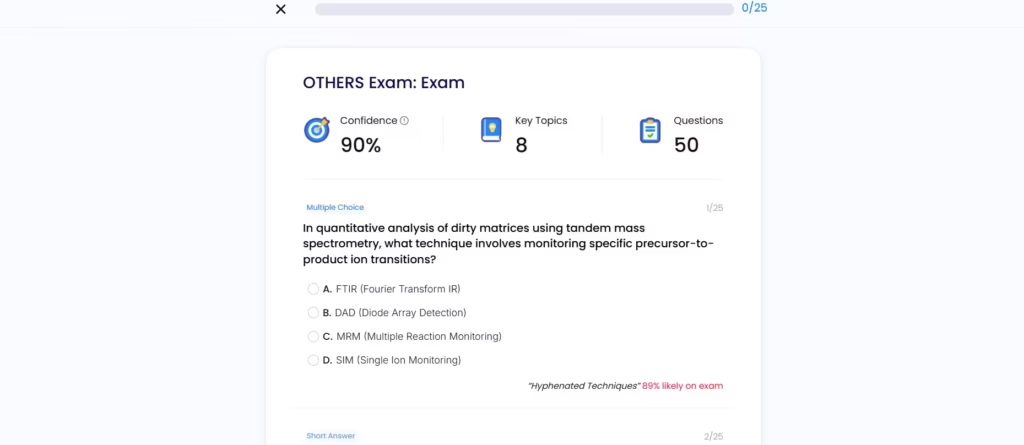
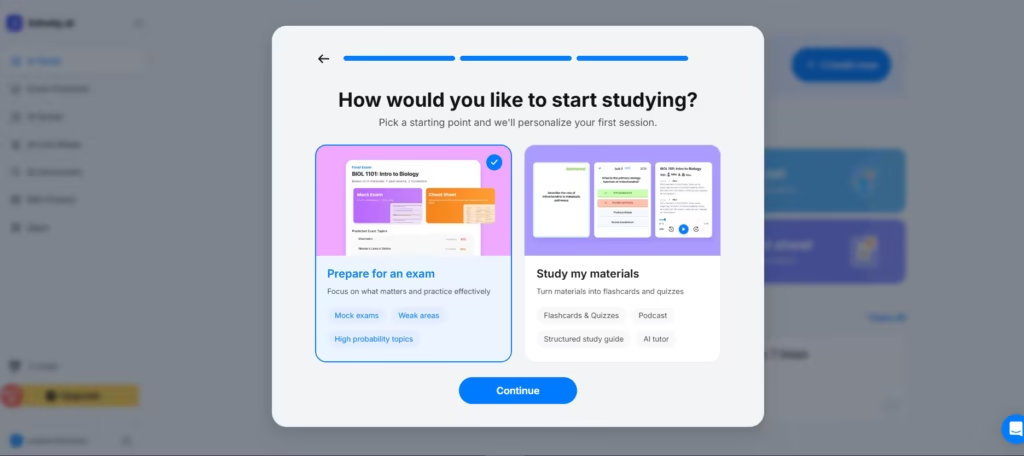
Even before generating the quiz, Solvely asked questions about my exam targets and focus for a truly tailored experience.
5. All-in-One Study App Design
Solvely includes Exam Predictor, AI live notes, AI Solver, AI, and Mini games within a single app. Also, study progress, notes, and solutions sync across devices
Pros and Cons
Pros: Multi-model accuracy cross-checking, broad multi-subject coverage, step-by-step learning approach, AI Tutor, live lecture transcription, and affordable annual pricing.
Cons: Free tier is nearly unusable at just two solves, and the gem-based pricing system adds confusion.
Verdict
Solvely AI is not a magic shortcut. It is a well-built, thoughtfully designed learning tool. The multi-model engine delivers accuracy that rivals human tutoring for STEM subjects. The AI Tutor pushes students toward real understanding rather than answer-copying. The live note-taking feature addresses one of the most underserved needs in student life.
The free tier is too restrictive to evaluate properly, and the gem system should be simpler. But for students who commit to an annual subscription, Solvely provides exceptional value, available 24/7, across every subject, at a fraction of what a human tutor costs.
For students who want to actually understand what they are learning, not just get through tonight’s homework, Solvely AI is one of the strongest tools on the market in 2026.