
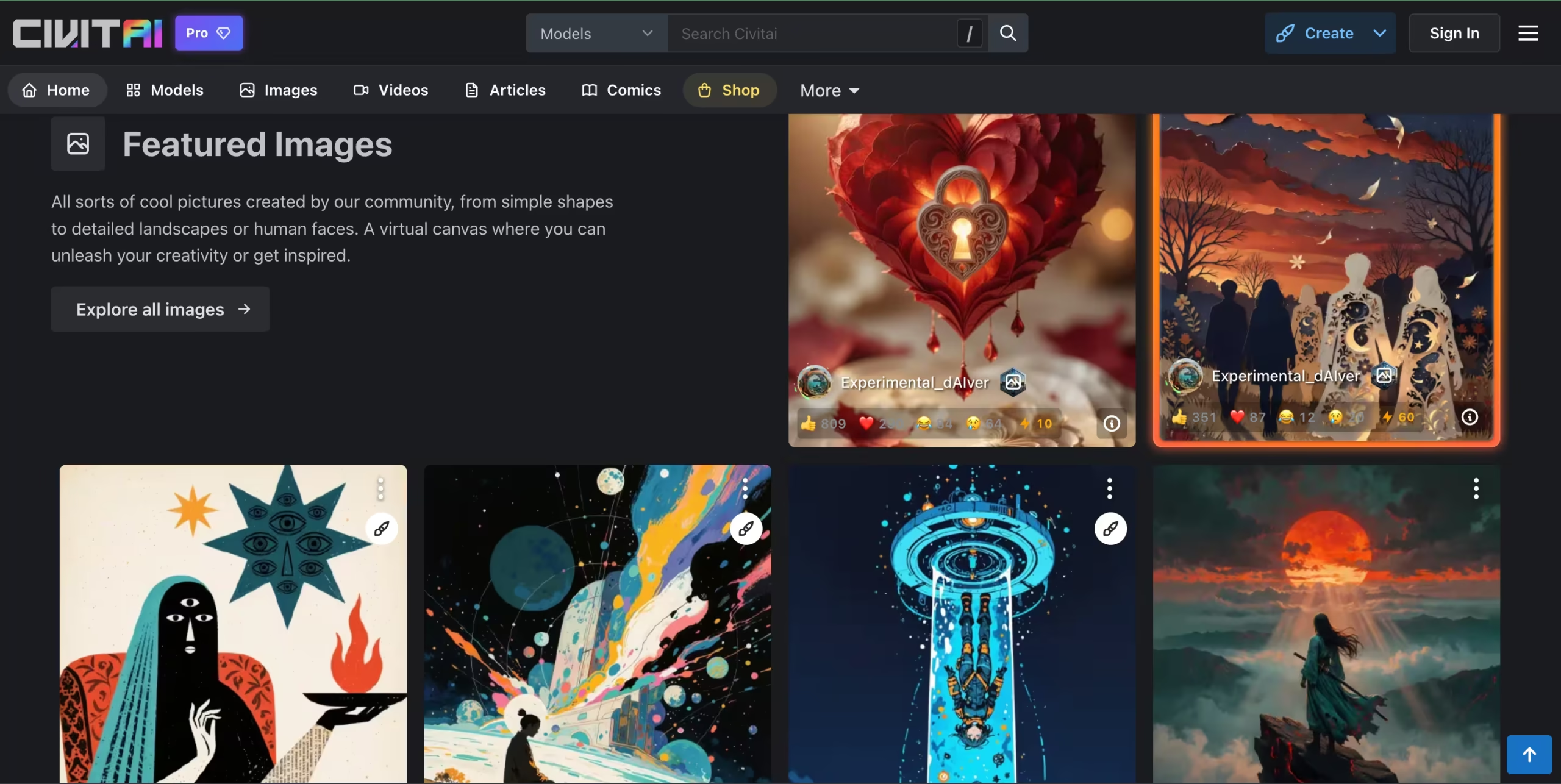

Civitai in 2026 is a model marketplace, cloud generation suite, LoRA training environment, creator economy, and community hub – all crammed into one platform.
Over 200,000 models live here, spanning Flux 2, Stable Diffusion 4, SDXL, SD 1.5, and every community variant in between.
Whether you need a photorealistic portrait checkpoint, an anime-style LoRA, or a niche embedding for a specific art style, someone on Civitai has probably built, shared, and documented it.
I spent weeks on the platform – browsing the model library, generating images through the Airship generator, training a custom LoRA, and studying the Buzz economy.
The experience rewards curiosity and patience in equal measure.
If you enjoy picking apart how an image was made – studying the exact prompt, negative prompt, sampler, CFG scale, and seed that produced a specific result – you’ll lose hours here.
Every sample image on every model page exposes its full generation recipe, which means you’re learning prompt engineering just by scrolling.
But the rough edges are hard to ignore. On my first day, I spent 20 minutes trying to understand the three-color Buzz system before I could generate a single image. The UI is dense – menus nested inside menus, filters that reset when you navigate away, model pages that take 8–10 seconds to fully load during peak hours.
And the content moderation challenges are real: the platform hosts a wide range of user-generated content with looser moderation than mainstream platforms, which has drawn documented criticism and payment processor consequences.
Stable Diffusion veterans will shrug at all of this. They’ve already learned the ecosystem.
Beginners expecting something as polished as Midjourney or Leonardo AI? They’ll feel like they walked into a factory when they expected a showroom.
Key Features
1. The Model Library: 200,000+ and Growing
Ask any SD power user why they keep coming back to Civitai despite the server issues and Buzz headaches, and the answer is always the same: the library.
Over 200,000 community-created models – roughly 4x larger than Tensor Art’s – covering checkpoints, LoRAs, textual inversions, embeddings, and hypernetworks, all downloadable for free.
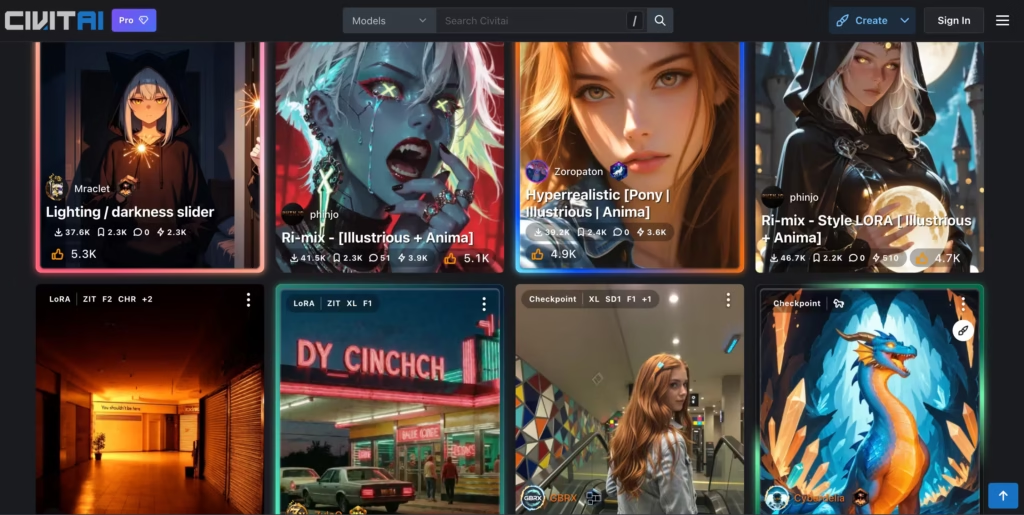
What makes it useful rather than just big is the metadata layer.
Each model page shows sample images with the exact generation settings that produced them, user reviews calling out specific strengths and weaknesses, ratings, and recommended prompts.
I’ve used plenty of model repositories where preview images look incredible but the actual outputs disappoint.
Civitai’s visible settings let you verify before you download and that saves real time when you’re evaluating 10 models to find the right one for a project.
The real value isn’t just the volume – it’s the metadata.
I downloaded a photorealistic portrait checkpoint called CyberRealistic, copied the creator’s exact prompt, seed, sampler (DPM++ 2M Karras), CFG scale (7), and step count (30), and reproduced a nearly identical result in my own ComfyUI setup.
That reproducibility – the ability to reverse-engineer someone else’s output – is what makes Civitai invaluable for learning.
2. Airship: The Built-In Cloud Generator
You don’t need local hardware to generate images on Civitai. The Airship generator runs in your browser and supports ControlNet, inpainting, upscaling, and adjustable sampling parameters.
You select a model from the library, write a prompt, and generate. Each generation costs Buzz – the amount varies by model, resolution, and step count.
I tested Airship across three models: SDXL base, Flux 2, and a community anime checkpoint. Generation times ranged from 15 seconds (SDXL, low resolution) to about 45 seconds (Flux 2, high resolution).
The output quality matched what I’d get running the same models locally, minus the GPU electricity cost. For users without powerful hardware, Airship removes the biggest barrier to Stable Diffusion generation.
For my workflow, I still prefer running locally. The 30-day auto-deletion policy makes me paranoid about losing work – I forgot to download two test batches during my first week and they were gone by week three.
But for anyone who doesn’t own a GPU or doesn’t want to deal with ComfyUI dependency management, Airship is the most convenient way to access community models without any local setup.
3. On-Platform LoRA Training
You can train custom LoRA models directly on Civitai’s cloud servers – no local GPU required.
Upload your training images, configure parameters (learning rate, epochs, network rank), and let their infrastructure handle the compute. Bronze members get priority queue access; free users can train but face longer wait times.
This feature keeps many creators loyal to Civitai.
Training a LoRA locally demands a powerful GPU (typically 8GB+ VRAM minimum), and Civitai removes that hardware barrier entirely. I uploaded 15 reference images of a specific illustration style and had a trained LoRA ready in about 25 minutes.
The output quality was comparable to a locally-trained model – not identical, but close enough for most creative workflows.
4. Video Generation: 8 Engines in One Interface
Civitai has quietly become a multi-model video generation hub.
As of June 2026, the platform integrates eight video engines from major AI labs – including Kling 3.0, Veo 3, Wan Video, LTX Video, and Vidu – all accessible from the same interface. Each generation costs several hundred Buzz depending on the model, resolution, and duration.
Quality varies across engines. Kling 3.0 and Veo 3 lead on motion smoothness and visual fidelity. Wan Video and LTX Video offer faster, more budget-friendly outputs with lower quality.
I burned through roughly 2,000 Buzz testing Kling 3.0 across five prompts – at that rate, a Bronze membership’s entire 10,000 monthly Buzz allowance covers maybe 25 video experiments before you’re buying more.
For a platform that started as a model repository, the video capabilities are surprisingly robust, but treat video generation as an expensive add-on, not a core feature your membership budget can sustain.
5. Creator Program and Buzz Economy
Civitai isn’t just a platform – it’s an economy.
The Creator Program lets model developers earn Buzz whenever others use their work.
Popular model makers earn thousands of Buzz monthly from downloads and on-platform generation. Buzz can be banked, and under certain conditions, extracted as real earnings through the Creator Program’s payout system.
The community features extend beyond earning. Bounties let users request specific models and offer Buzz rewards – I saw active bounties ranging from 500 to 50,000 Buzz for everything from “realistic cloth simulation LoRA” to “Flux 2 anime style checkpoint.”
Tipping lets you support creators directly, though the amounts feel small enough that most creators treat tips as community appreciation rather than income.
Reviews and ratings help surface quality models, but the rating system skews positive – most rated models sit between 4.0 and 5.0, making it hard to distinguish “good” from “great” without reading the actual review text.
6. Community Metadata and Learning
Every image posted to Civitai’s community gallery exposes its full generation recipe: model name, LoRA stack, prompt, negative prompt, sampler, CFG scale, seed, and step count.
You can copy any of these settings and reproduce the result yourself.
For intermediate creators trying to understand why one image looks professional and another looks generic, this transparency teaches more in an hour than most prompt engineering tutorials cover in a full course.
Competitors Comparison
| Feature | Civitai | Tensor Art | Leonardo AI | ComfyUI Online | PixAI |
|---|---|---|---|---|---|
| Starting Price | $10/mo (Bronze) | $9.90/month | $12/mo | $20/mo | $9.99/mo |
| Free Tier | Yes (earn Buzz) | Yes (generous) | Yes (150 daily tokens) | Yes (limited credits) | Yes (generous) |
| Model Library | 200,000+ (largest for SD/Flux) | Large (community) | Multiple proprietary | Uses Civitai/HF models | Large (anime-focused) |
| LoRA Training | Yes (cloud-based) | Yes | Yes | No | Yes |
| Video Generation | Yes (8 engines) | Yes | Yes (Motion) | Community workflows | Limited |
| Standard Credit Card | No (crypto only; CC on civitai.green) | Yes | Yes | Yes | Yes |
| Prompt Metadata Visible | Yes (full recipe on every image) | Partial | No | Full workflow visible | Partial |
| Server Stability | Inconsistent | Better | Strong | Moderate | Good |
| Content Moderation | Loose (SFW filters available) | Moderate | Strict | Varies | Moderate |
| Learning Curve | Steep | Moderate | Easy | Very steep (node-based) | Easy |
| Best For | SD/Flux model discovery and community ecosystem | Smoother generation, no payment friction | Polished output quality | Cloud-based ComfyUI without local GPU | Anime creators wanting simplicity |