
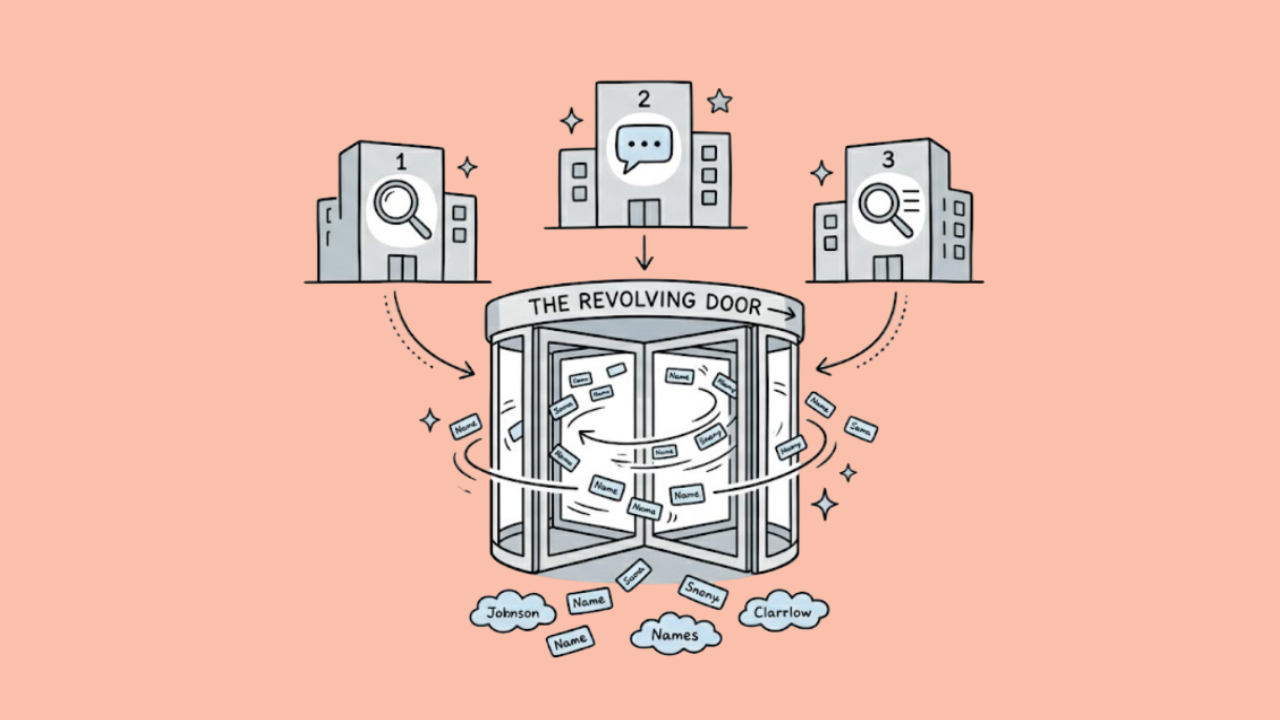

Automation used to mean connecting one tool to another and letting simple triggers do the busy work. That helped, but only up to a point.
Most business workflows are not clean “if this, then that” situations anymore. A ticket, payment request, lead, or approval often needs context before the next step makes sense.
That is why AI workflow automation is moving beyond basic triggers. The real shift is the rise of decision layers: systems that can review context, assess risk, and decide what should happen next before the workflow continues.
( )
The Old Automation Stack Was Built for Clean Processes
Traditional automation worked well when the task was simple. A form came in, and a CRM got updated. An invoice was paid, and a receipt went out. A ticket appeared, and the support team got a notification. That kind of workflow saved time because there was no real judgment involved.
The limits showed up when the process needed context. A lead might deserve priority because of the company behind it. A support ticket might look normal until the customer’s history is checked. A payment request might pass the basic rule but still raise questions.
That is where older automation fell short. It could move information between tools, but it could not always tell whether the next step made sense. So teams automated the routine parts, while the decisions still stayed with people.
Payment Workflows Show Why Simple Automation Is Not Enough
Payouts are a good place to see where basic automation starts to fall short. On paper, a withdrawal request looks like a simple job: receive it, check it, approve it, and send the money. In real life, there is usually more going on. The same request can look completely different depending on the user’s history, the payment method, account activity, location, and previous behavior.
In sectors like fintech, marketplaces, gaming, and iGaming, payout workflows are no longer just back-office tasks. Users want fast withdrawals, and operators need systems that can handle KYC checks, fraud scoring, payment routing, and manual reviews without slowing everything down. This is especially clear in iGaming, where resources such as Online Australian Casinos help players compare the best payout online casino options, while operators still need the technology behind the scenes to approve, process, and protect real-money transactions reliably.
This is where the newer type of workflow makes more sense. It is not about letting software approve everything blindly. It is about sorting the obvious cases from the ones that deserve a closer look. A clean request can move quickly. A strange one can wait. That small difference saves time without pretending that every decision should be automatic.
Autonomous Decision Layers Are Not the Same as Giving AI Full Control
When a company adds AI to a workflow, the first question should not be how much it can do. The better question is what it should be allowed to do. Tagging a ticket is one thing. Holding a payout, blocking an account, or moving customer data is something else entirely. A wrong tag is annoying; a wrong decision in a sensitive workflow can cost money, create complaints, or cause compliance trouble. That is why these systems need limits built into them from the start.
Low-risk cases can move through on their own, but anything unusual should be sent to a person with enough context to review it properly. The workflow also needs a simple record of what was checked and why the case moved in a certain direction. Without that, the process may look faster, but it becomes harder to trust. Used well, AI is not there to run the whole operation. It is there to do the first pass, spot patterns, and leave people with the decisions that actually need judgment.
Rules Engines Are Still Useful, Just Not Enough on Their Own
AI decision layers should not replace rules completely. In most serious workflows, rules are still the part that keeps the system grounded. If a customer needs to upload an ID before a payout, that requirement should stay fixed. If a fraud team has a hard limit for certain types of activity, the model should not be able to talk its way around it. Some checks are there for compliance, not convenience.
The problem is that rules alone can be too blunt. A payment above a certain amount might always get sent to review, even when it comes from a long-time verified user with normal activity. At the same time, a smaller request could pass through because it sits under the limit, even though the account behavior looks strange. That is where teams lose time, because the rule catches some risk but also creates a lot of unnecessary manual work.
A better setup is to let rules handle the non-negotiable parts and use AI around them. The AI layer can compare patterns, read context, flag unusual behavior, and help decide which cases deserve attention first. Then people step in for the edge cases. It is not as flashy as the idea of a fully autonomous agent, but it is much closer to how these systems should work in real operations.
The Human Role Moves From Doing the Work to Designing the Judgment
The human role does not disappear just because a workflow becomes more automated. In most companies, someone still has to decide how the system should behave before it starts handling real cases. That part is not always visible, but it is where a lot of the responsibility sits.
A payments team, for example, cannot just switch on automation and hope the model understands the difference between a normal payout and a risky one. They have to define what “normal” means for their business. Is it the size of the request? The age of the account? The payment method? The customer’s history? Usually, it is a mix of all of these things.
So the work changes. People spend less time checking every routine case, but more time setting limits, reviewing exceptions, and fixing the workflow when it starts creating the wrong kind of friction. If too many cases go to review, the system is not really saving time. If too few go to review, the business is taking on risk. AI can help sort the work, but people still need to decide what a good decision looks like.
What Advanced Teams Will Build Next
The next stage of workflow automation will probably be less dramatic than the AI-agent demos make it look. In practice, most companies will not hand an entire process to one agent and let it run on its own. The safer version is more layered.
A workflow still needs a trigger to start it, rules to keep it inside business and compliance limits, and AI to help with the parts that are harder to judge at a glance, such as classification, risk signals, summaries, and routing.
That setup is not as exciting as saying an agent can “do everything,” but it is much closer to what teams actually need. Most companies already use too many tools, so the real problem is not connecting another app to the stack. The harder problem is deciding what should happen between those tools.
Should the case move forward, wait, or go to review? Is this a normal request, or does it need a closer look? That is where automation becomes more useful: not by adding more steps, but by helping the business make better decisions before those steps happen.
