
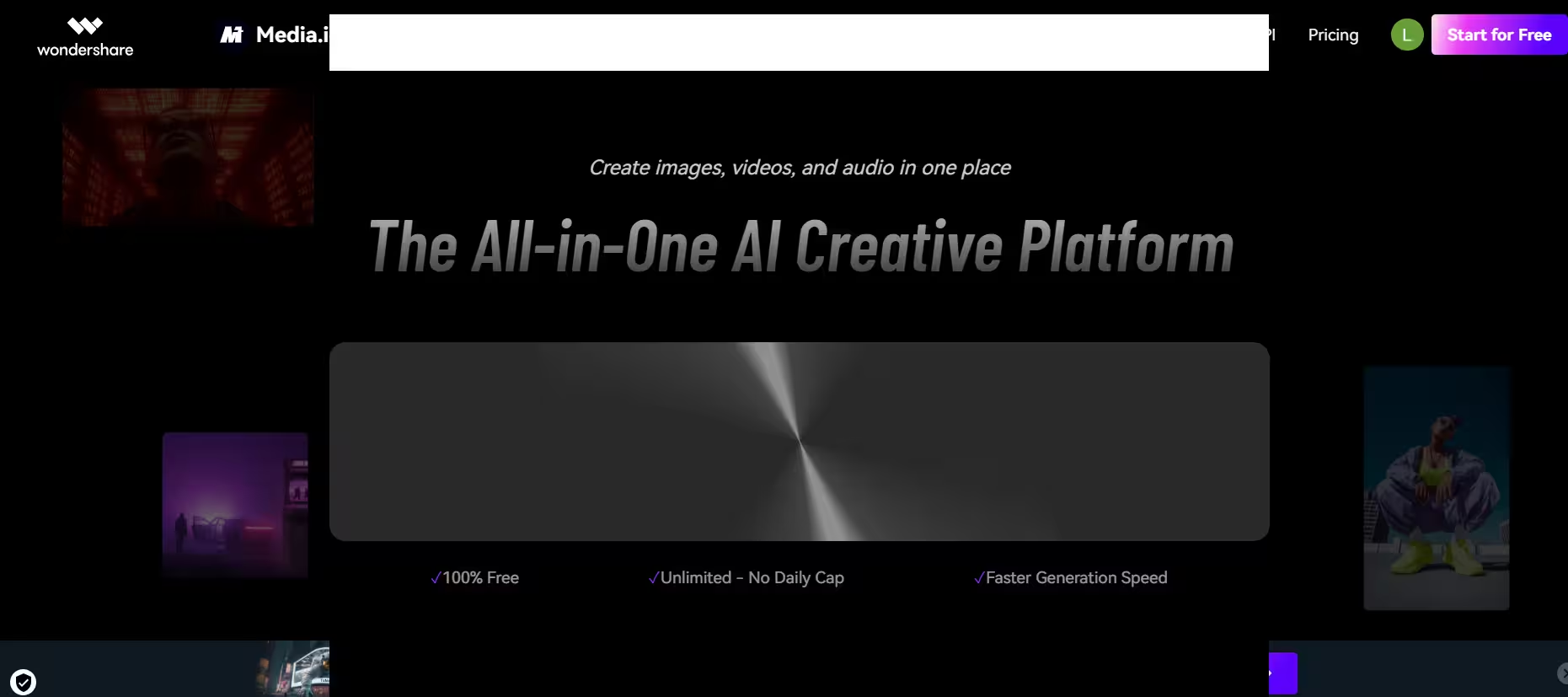


Media.io is a browser-based generation tool from Wondershare, the company also behind Filmora and PDFelement, so it inherits some of that suite’s editing DNA. It provides a mix of video editing, audio processing, image manipulation, and generative AI into a single interface, which is convenient compared to juggling separate tools like Runway for video and ElevenLabs for audio.
In my testing, though, the trade-off was that no single tool inside Media.io was quite as polished as its dedicated, standalone competitors. There are three distinct, although synergistic, aspects of Media.io. It has video, audio, and image tools which act as broad compartments for smaller related tools.
Key Features
1. Video Tools
Each time you upload a text or image prompt, Media.io’s integrated models, Kling and Wan, generate the clip behind the scenes. From there, editing extras kick in: dialogue translation into over 120 languages, voice cloning, auto-subtitle generation, object/watermark removal, video compression, and format conversion.
Of these, the auto-subtitles and format conversion are the most useful. Once a video is done, Media.io can also scale lower-resolution footage up to 4K or 8K while reducing blur and noise.
2. Audio Tools
Media.io can generate genre-specific music from a prompt, using either text-to-music or lyrics-to-song. Audio cleanup is also built in, with tools to separate vocals from instrumentals and denoise background noise like static or wind. Voice manipulation rounds out the set, covering a range of tone and style presets for changing how a voice sounds.
3. Image Tools
This category covers an image and portrait generator, an AI avatar generator, headshot tools, an object and background eraser, and photo enhancers. Of these, the headshot and portrait tools felt the most production-ready, solid enough for a LinkedIn photo or team page without much cleanup.
I found the image generator to be prompt-adherent: I used a fairly demanding prompt to gauge Media.io’s handling of realism and textural fidelity, and it held up well.
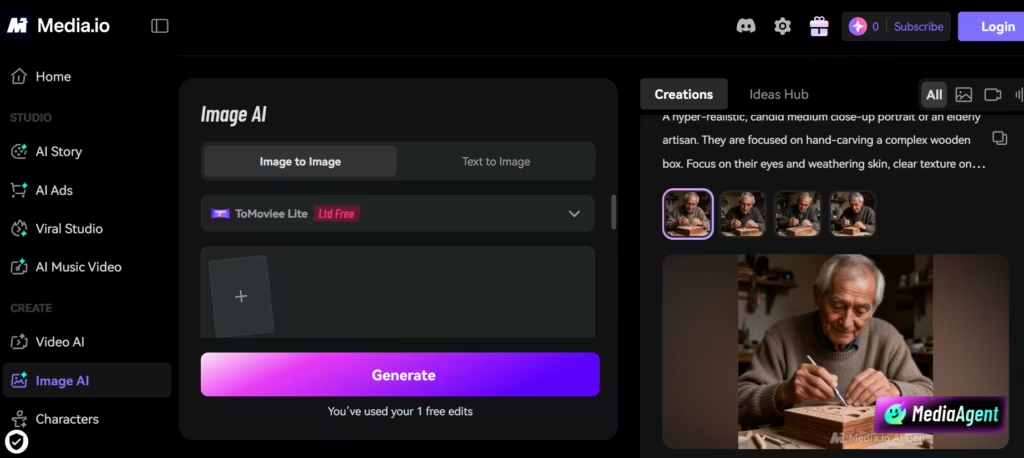
You should note that all images created in the free plan are watermarked. To create images without watermarks, you would need a subscription.
4. AI Story
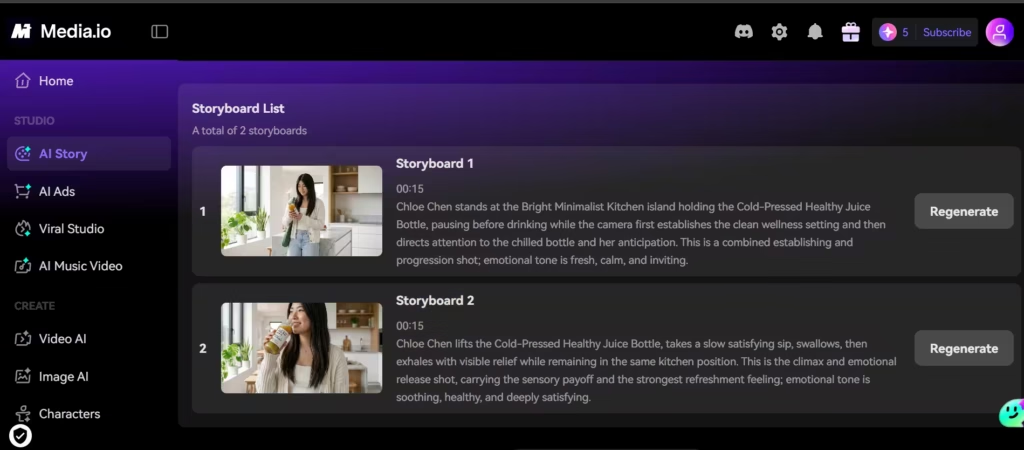
This is a feature marketing and advertising teams would love. The entirety of this sub-tool is to create a short storyline to communicate a message. It requires a starting script or concept, which forms the basis of the outline, characters, and storyboard.
I had the option to regenerate parts of the storyboard, which gave me more control over the final results. Once I gave the go-ahead, Media.io generated the video according to those instructions.
5. Viral Studio
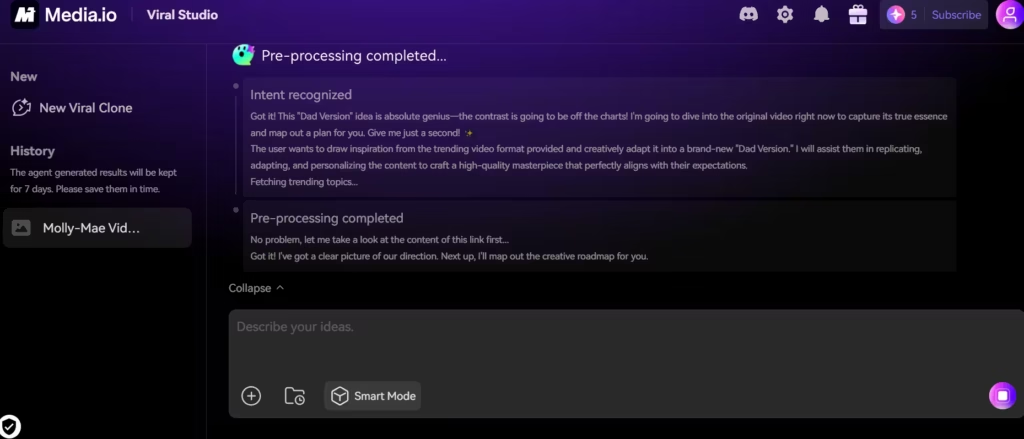
If you want to come across a viral video you want to replicate, this is the tool feature you need. All you have to do is paste in the link of the original video and watch Media.io analyze its elements.
When I tested this with a trending short-form TikTok banter video, Media.io correctly identified the audio track and suggested a few similar templates to riff on.
What Other Reviewers Say
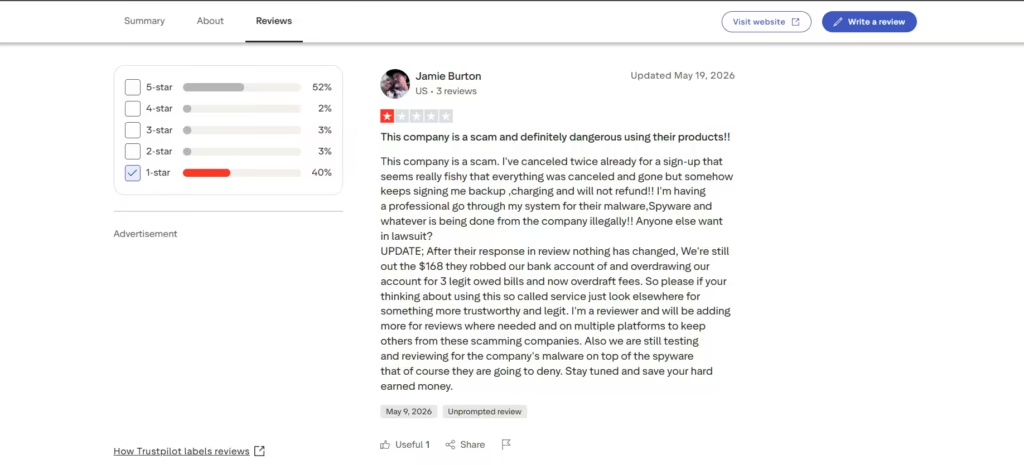
Reviews are split. Roughly half of Media.io’s Trustpilot reviews are five stars, praising the range of AI tools and ease of use. The other half tell a different story: a recurring cluster of one-star reviews describe being charged again after cancelling during the free trial, alongside complaints about refunds being denied and output quality falling short of what was shown in the marketing.
Should You Use Media.io?
Media.io packs a set of AI content tools into one subscription, more than most single-purpose competitors like Synthesia offer on their own. But breadth isn’t the same as depth: several individual tools, voice cloning and the background eraser among them, lagged behind what dedicated competitors deliver, and the repeated billing complaints on Trustpilot are hard to ignore.
Given those two issues together, I’d recommend holding off on subscribing until Wondershare addresses the billing pattern; if you need reliable AI video generation today, Synthesia or HeyGen are better alternatives.