

A winning ad doesn’t stay winning for long. CPMs creep up, the creative fatigues, and a performance team is expected to have the next variant ready before that happens, not weeks after.
Scaling a winning ad isn’t the same task as making a new ad from scratch. It means taking what already works, the framing, the actor, the pacing, the hook, and changing exactly one thing, usually the product, across as many variants as the campaign needs, without the rest of the ad drifting in the process.
That distinction is what makes variant scaling either fast and reliable or a source of inconsistent, off-brand output. Here’s what actually holds a variant set together.
Why swapping everything at once breaks a winning ad
Regenerating a winning ad from scratch for every new variant almost always changes more than intended, the actor’s face shifts slightly, the lighting reads differently, the framing moves. The ad stops feeling like “the same ad with a new product” and starts feeling like eight unrelated ads.
The fix is locking nearly everything and swapping only the one variable that actually needs to change. For most performance teams that variable is the product itself, keep the same actor, setting, camera angle, and edit pattern, and change only what’s in the subject’s hands or on screen. This is the same logic invideo Agent applies to its own variant-scaling workflow, treating the original winning ad as a locked structure rather than a starting point to regenerate from.
How the product gets locked before anything is swapped
A product that drifts in size, color, or material between variants is the most common way a variant set falls apart. A few things keep it locked: using real product photos rather than pulling an image from a website, including a hand-holding shot so the model has a true sense of scale, and describing how the material actually behaves in physical terms, soft and fuzzy versus hard and reflective, rather than leaving that to the model to guess.
Invideo Agent locks the first shot of a setup before generating any variant, then runs a multi-model pipeline, one model for the base aesthetic and a separate, dedicated pass for locking the product itself, so the product’s proportions and material hold steady across every version that follows.
What Agent Two adds: expanding one locked visual into many directions
The newer invideo Agent Two model can study a single locked key visual and propose its own variation directions, different settings, different poses for the actor, or tighter product close-ups, rather than requiring a new brief written out for every direction.
It can also work from a custom brief specifying exactly how many variants are wanted, so a request for eight or ten options returns that many distinct directions built from the same locked visual, instead of one director manually sketching out each variant by hand.
Choosing what to vary and what to lock
For a straightforward product swap, the “scale the winner” approach, lock everything except the product itself: same actor, same setting, same camera move, same edit. The goal is for a viewer to recognize it as the same ad they’ve seen before, just for a different item.
For a broader campaign across a full catalog, the goal shifts from swapping one product to transferring a whole look. That means extracting the “brand DNA” from a set of reference creative, the color grade, the framing style, the pacing, and reapplying that DNA to a different product line entirely, rather than locking one specific shot.
Common problems when generating ad variants at scale
Product proportions drifting is the most common failure, usually because the original reference was a website image rather than a real photo with a clear sense of scale.
Material behaving inconsistently between variants is the second most common issue. A vague description leaves the model to guess how something should move or reflect light, which shows up differently in each generation unless the material is described in specific physical terms.
Background or lighting shifting slightly between variants breaks the “same ad, new product” illusion just as much as the product itself changing. Locking the first shot of the setup before generating variants is what prevents this.
How this fits into a full AI performance ads workflow
Scaling one ad into several variants is usually one step inside a larger testing loop, not the final output. A team replicates a winning ad’s structure, scales it into new variants, and then localizes the strongest performers for other markets, all from the same locked brand and product setup.
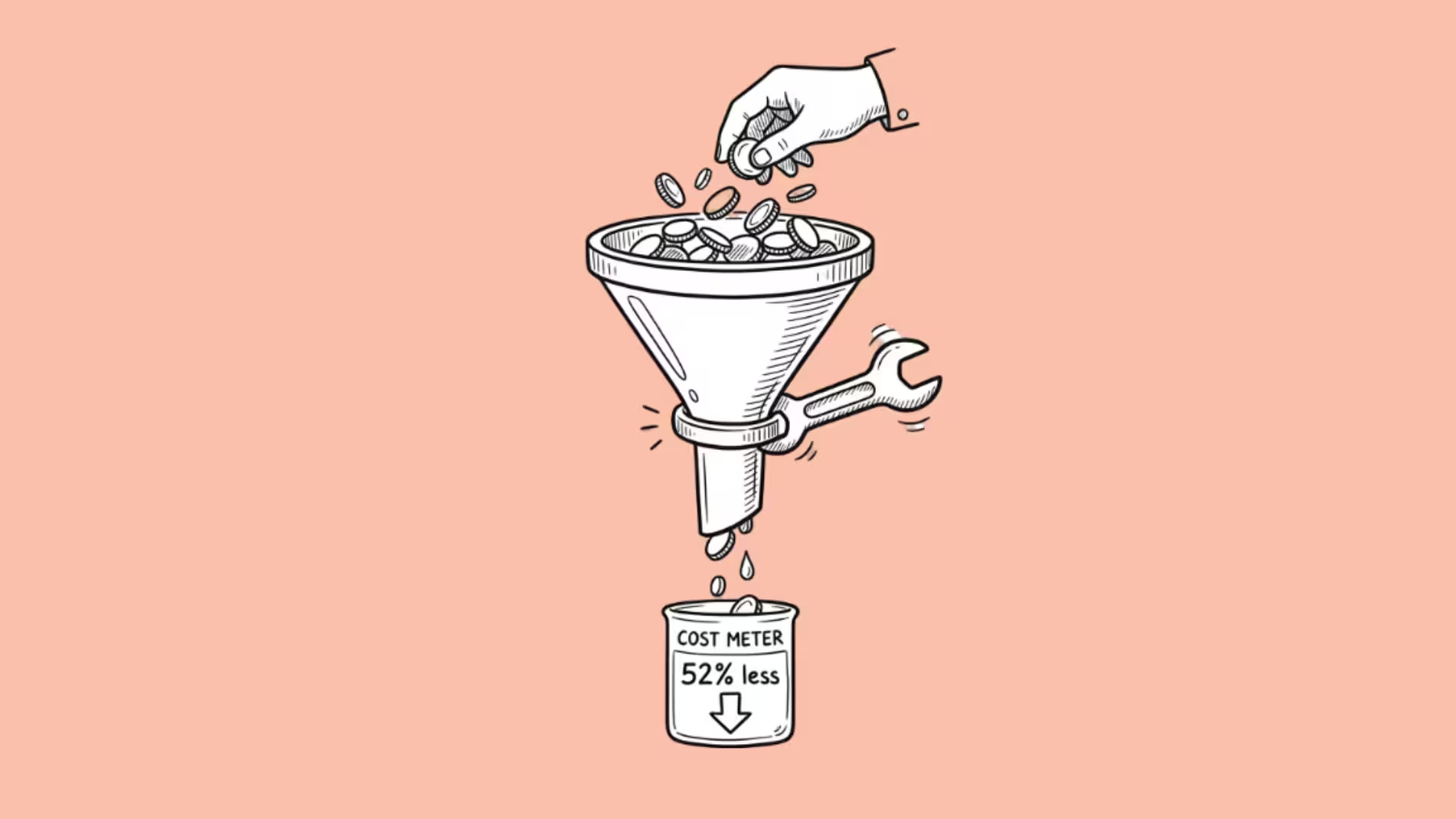
Invideo has published a real example of finished ads produced this way at roughly four to five ads a day for around $125 per ad, inside the same AI performance ads pipeline used to lock the product and generate each variant.
Common mistakes when scaling ad variants
- Regenerating the whole ad instead of locking most of it. Changing everything at once is what makes a variant set look like unrelated ads rather than one consistent campaign.
- Sourcing product images from a website instead of using real photos. Website images rarely give a model an accurate sense of scale or material.
- Describing a material vaguely instead of in physical terms. “Soft and fuzzy” or “hard and reflective” gives a model something concrete to hold onto; a generic description doesn’t.
- Skipping a hand-holding reference shot. Without one, a model has to guess a product’s true size relative to a person.
- Not locking the first shot of a setup before generating variants. Without a locked reference, lighting and background can drift as much as the product itself.
FAQ
How many variants can realistically be produced from one winning ad in a day? invideo has published a real example of roughly four to five finished ads a day using this workflow, though the number depends on how many variables are being changed and how complex the product is to lock.
Do I need to reshoot anything to scale a winning ad? No, that’s the point of the workflow. The original ad’s structure, actor, and setting stay locked, and only the product itself is swapped, so no new shoot is needed per variant.
What’s the difference between scaling a winning ad and localizing it? Scaling changes the product across variants while keeping the rest of the ad the same. Localizing takes one finished ad and adapts it for a different market, usually through translated, lip-synced voiceover, without changing the product at all.
Does this approach work for a full product catalog, not just one item? Yes, though it shifts from a single product swap to transferring a broader “brand DNA,” the color grade, framing, and pacing of a reference set, onto a different product line entirely.
