
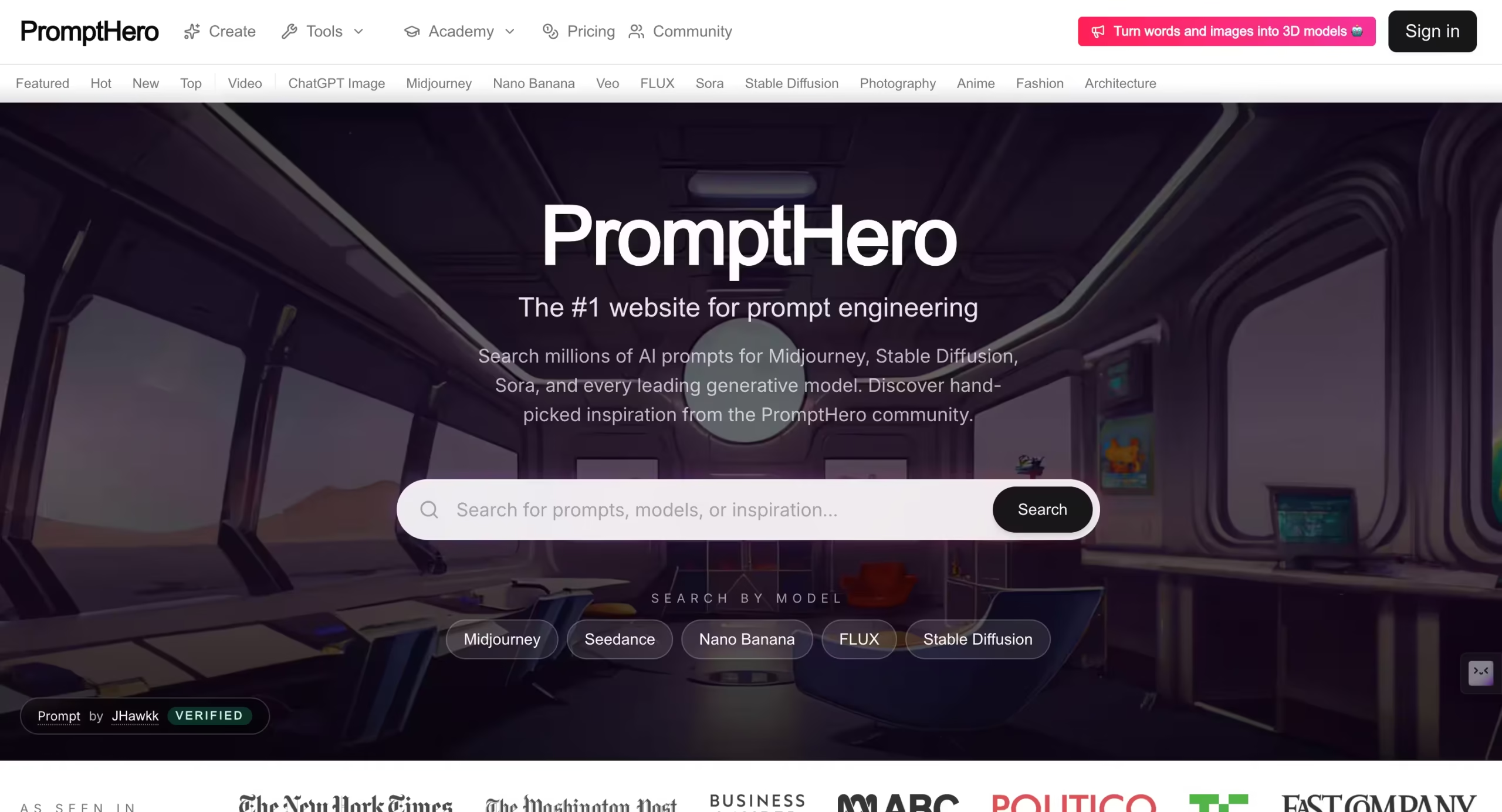

PromptHero calls itself the “#1 website for prompt engineering,” and by volume, that claim holds up.
The platform hosts millions of prompts across every major generative AI model: Midjourney, Stable Diffusion (all versions), FLUX, DALL-E, ChatGPT, and Sora.
Each prompt is paired with its generated output, creating a visual search engine where you can browse results first and study the prompts that produced them second.
That reverse-engineering loop is what makes PromptHero different from tools that simply generate images. You’re not typing a prompt and hoping for the best.
You’re looking at a finished image you like, reading the exact prompt, model, sampler, CFG scale, and seed that produced it, and adapting those settings for your own work.
It’s the difference between learning to cook by following a recipe (input first, output second) and learning by tasting a dish and then asking for the recipe (output first, input second).
I spent two weeks on PromptHero, browsing roughly 500 prompts across Midjourney, FLUX, and Stable Diffusion categories, testing the built-in prompt builder, studying the trends dashboard, and generating 15 images using Starter plan credits.
The browsing experience is where the platform delivers genuine value.
Within my first hour, I found 8 prompt structures I’d never tried that produced noticeably different results than my usual approach.
One FLUX prompt used a negative prompt technique (excluding specific artistic styles rather than including them) that improved my portrait outputs by reducing the “AI look” I’d been struggling with for weeks.
The generation experience was less impressive. PromptHero’s built-in image generation is functional but produces lower-quality results than running the same prompts through Midjourney or Stable Diffusion directly.
Output resolution, detail rendering, and compositional coherence all fell slightly short of what I get from Leonardo AI or Civitai’s Airship generator at similar price points. The generation tool feels like a convenience add-on rather than a core product.
For anyone serious about improving their prompt engineering skills, PromptHero’s free browsing tier is one of the most valuable resources on the internet. For anyone looking for an image generator, there are better options at every price point.
Key Features
Prompt Search Engine
The core feature. Search by keyword, model (Midjourney, Stable Diffusion, FLUX, DALL-E, ChatGPT, Sora), style, theme, or visual element.
Results show the generated image alongside the full prompt text, model version, and (where available) negative prompts, sampler settings, and other generation parameters.
I tested searches across 12 different queries: “cyberpunk portrait,” “watercolor landscape,” “product photography lighting,” “anime character design,” “architectural rendering,” “food photography,” and 6 others. Each query returned between 200 and 10,000+ results depending on specificity.
The search ranking favors prompts with more community engagement (likes, saves, comments), which generally surfaces higher-quality examples at the top. Deeper pages contain more experimental or niche prompts that are hit-or-miss on quality.
The ability to filter by model is critical. A prompt that works beautifully in Midjourney often fails in Stable Diffusion because the models interpret language differently.
PromptHero’s model-specific filtering means you’re studying prompts that actually work with the tool you use, not generic prompt advice that may or may not translate.
Interactive Prompt Builder
An on-site tool that walks you through constructing a prompt step by step.
You select options for subject, style, lighting, composition, detail level, color palette, and aspect ratio. The builder assembles these selections into a formatted prompt you can copy directly into your generator.
I tested the builder on 5 prompts across portrait, landscape, and product photography styles. The structured approach produced more consistent results than my freeform prompts.
The builder doesn’t generate images itself (that requires credits), but the assembled prompts transferred well to Midjourney and Leonardo AI when I used them externally.
For beginners who don’t know prompt syntax conventions yet, the builder provides guardrails that prevent the most common mistakes (overly vague descriptions, conflicting style instructions, missing technical parameters).
Prompt Trends Dashboard
Shows which prompt categories, styles, and techniques are gaining popularity.
Rising trends, most-reused prompts, and emerging aesthetic movements are tracked and displayed.
I checked the dashboard weekly during my two-week testing period and noticed “3D product rendering” and “cinematic drone shots” trending upward, which aligned with what I was seeing on Instagram and Behance from AI creators.
For prompt engineers who sell their work or build libraries for clients, the trends dashboard provides market intelligence about what styles are in demand right now.
Prompt Engineering Courses and Education
PromptHero’s PRO section includes courses and learning resources covering prompt engineering fundamentals, model-specific techniques, and advanced methods like negative prompting, attention weighting, and ControlNet integration.
The educational content targets both beginners (what is a prompt, how do models interpret language) and intermediate users (how to achieve specific artistic effects, how to reduce common artifacts).
I skimmed through 3 courses during testing. The content quality was solid for beginners but thin for anyone with 6+ months of prompt engineering experience.
The real educational value of PromptHero isn’t in the courses themselves. It’s in the millions of prompt-to-output pairs that function as the world’s largest open study guide for visual AI.
Community Features
Users can share prompts, follow creators, save collections, and engage in discussions. Active community members build public portfolios that showcase their prompt engineering work.
Some creators have built significant followings on PromptHero, which feeds into freelance opportunities and consulting work.
The community quality mirrors most open platforms: a small percentage of creators produce exceptional, well-documented prompts with detailed breakdowns.
The majority produce average or poorly documented submissions. There’s no verification or quality rating system beyond likes and saves, so curation falls entirely on your ability to filter.
Competitors Comparison
| Feature | PromptHero | Lexica | PromptBase | Civitai | AIPRM |
| Starting Price | $19/mo | $10/mo | $14/mo | $10/mo | $20/mo |
| Free Browsing | Yes (unlimited) | Yes (unlimited) | Yes (limited preview) | Yes (unlimited) | Yes (limited) |
| Prompt Library Size | Millions | Millions (Stable Diffusion focused) | 100,000+ (marketplace) | 200,000+ models (not prompts) | 4,000+ (ChatGPT focused) |
| Image Generation | Yes (credit-based) | Yes (built-in) | No | Yes (Buzz-based) | No |
| Prompt-to-Output Pairs | Yes (core feature) | Yes | No (prompt text only) | Yes (on model pages) | No |
| Model Coverage | MJ, SD, FLUX, DALL-E, ChatGPT, Sora | SD, FLUX focused | MJ, SD, DALL-E, ChatGPT | SD, FLUX (deepest) | ChatGPT only |
| Prompt Builder Tool | Yes (interactive) | No | No | No | Yes (templates) |
| Educational Courses | Yes (PRO section) | No | No | No | No |
| Job Board | Yes | No | No | No | No |
| Sell Prompts | Yes (creator profiles) | No | Yes (core feature) | Yes (Buzz economy) | No |
| Text Prompt Focus | Weak (image-first) | Weak (image-first) | Strong (multi-model) | None (model-focused) | Strong (ChatGPT-native) |
| Best For | Learning prompt engineering through visual examples | Quick visual prompt search for SD/FLUX | Buying and selling tested prompts | Downloading AI models + community generation | ChatGPT prompt templates in-browser |