
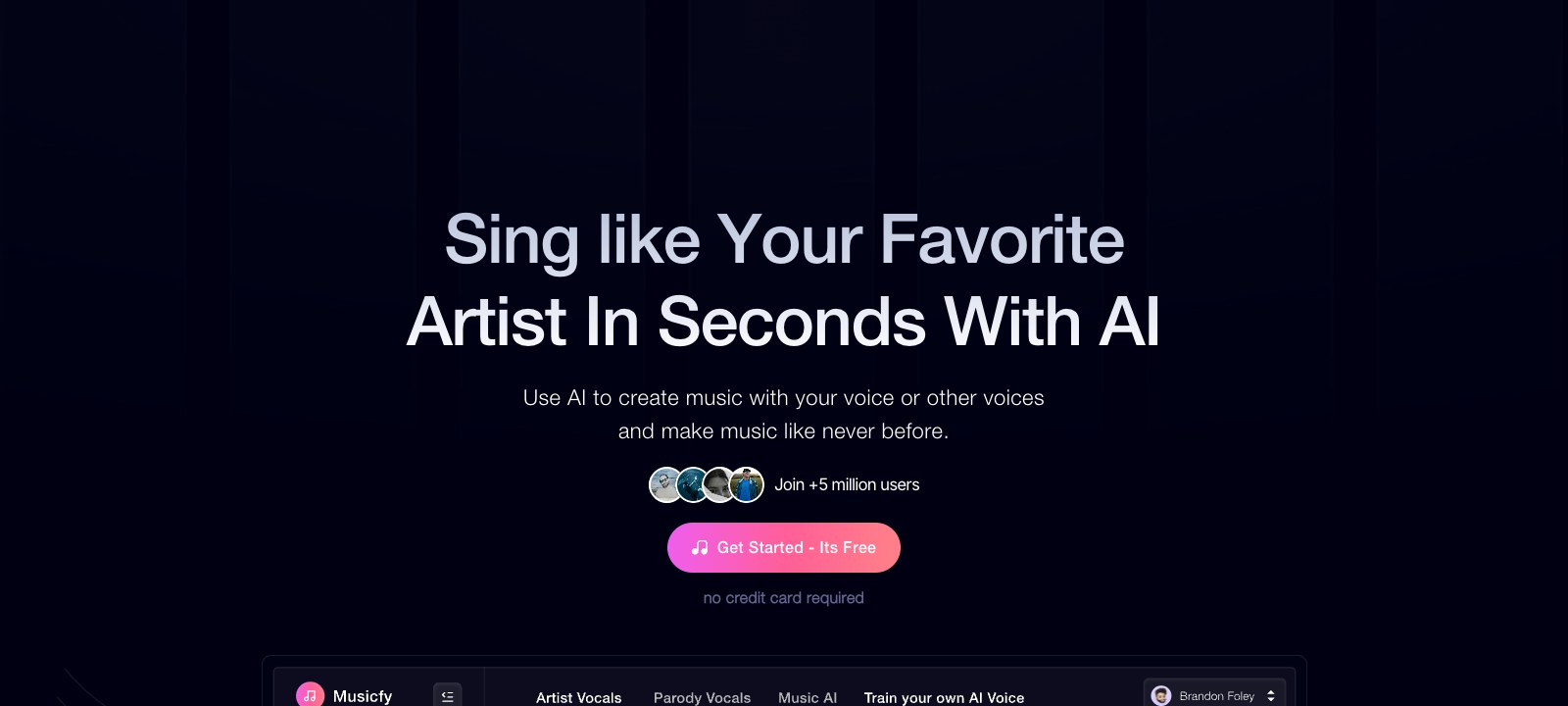


This Musicfy review starts with a distinction the marketing blurs. Musicfy is not mainly a “type a prompt, get a hit” generator like Suno. It is a voice-transformation toolkit with a text-to-music tool attached.
Musicfy Inc. says more than 5 million people use it. The pitch: sing through 100,000+ AI voices, clone your own, and release the result.
Whether that is worth a subscription depends on three things. How good the voice models are, how the credit limits bite, and how much risk you accept around voice rights. This article covers all three.
What Is Musicfy and How Does It Work?
Musicfy is a browser-based AI music platform built by Musicfy Inc. and launched in 2023. It went viral on AI voice covers, where a song is re-sung in a different voice.
The workflow is simple. You upload a vocal or a recording, pick a voice from the library (or your own trained model), and the platform renders the performance in the new timbre.
Your melody, timing and phrasing stay put. Only the voice changes. That is why producers use it for demo vocals rather than finished masters.
Text-to-music sits alongside it. You describe a track and get a short generated piece. The vendor’s homepage also lists voice-to-instrument, parody voices and royalty-free album creation.
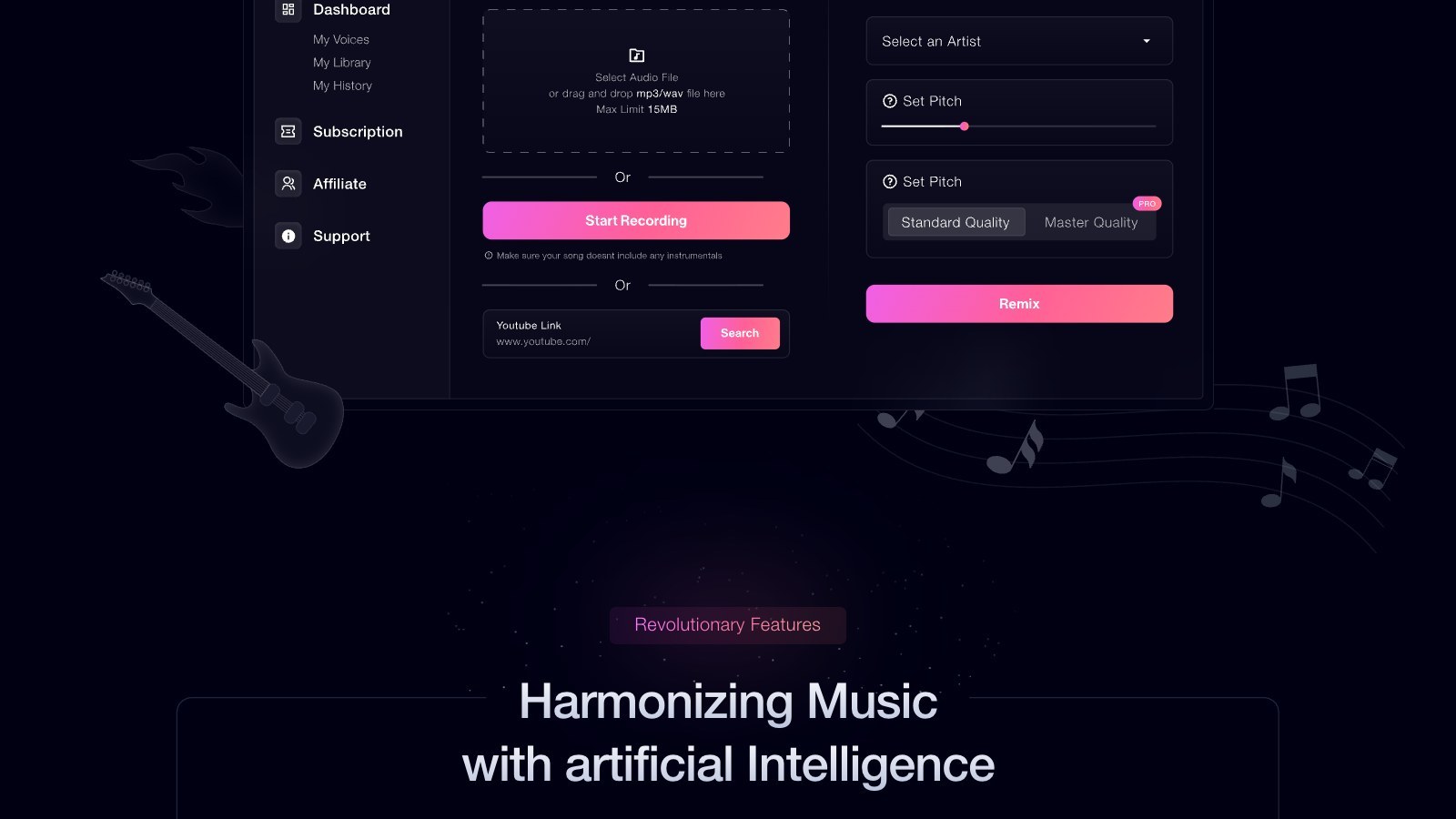
The Rundown’s tool page describes the platform as covering song generation, voice conversion, custom voice training and stem separation.
I think that is a fair frame: Musicfy competes on voice control, not on song quality.
Key Features
Musicfy AI Voice Models: 100,000+ Options
The library is the headline. Musicfy advertises 100,000+ voices, which include its own copyright-free “AI Voice Artists” plus community-contributed models.
Size is not quality. Reviewers such as Dupple praise the breadth, and I’d expect a long tail of weak or near-duplicate voices in any library this large.
Pick from Musicfy’s own voices when you plan to release anything. Community models are where the rights questions pile up (more on that below).
Voice Cloning: The Core of Any Musicfy Review
Cloning is the feature that separates Musicfy from song-only generators. You upload your vocals, and Musicfy trains a model that sounds like you, which you can reuse across tracks.
Plans cap how many custom voices you can hold. Starter allows 2, Professional 6 and Studio 30. Studio also adds one-hour training datasets and simultaneous training.
Upload limits scale too: 25 MB on Starter, 100 MB on Professional, 150 MB on Studio. A clone is only as good as your source recording, so a clean, dry vocal matters more than the plan tier.
The practical use case is lending your voice to parts you cannot sing. Think falsetto runs or a female harmony. One Musicfy testimonial describes exactly that, though the vendor chose to publish it.

Text-to-Music, Voice-to-Instrument and Voice Targeting
Text-to-music turns a written prompt into a short track. Treat it as a sketch tool. Musicfy’s own site frames it as a way to generate focus music and ideas, not finished singles.
Voice-to-instrument converts a hummed or sung line into an instrument part. For producers who think in melodies rather than keyboard notes, it is a quick way to capture ideas.
Then there is voice targeting, which The Rundown calls out as a distinctive part of the platform. Paid tiers meter it separately, so it eats into a smaller bucket of songs.
Stem Splitting
Stem separation pulls a mixed track into vocals, drums, bass and other parts. Dupple describes it as working on MP3 and WAV uploads, with free users getting two-track splitting.
There is a wrinkle. Musicfy’s own homepage still labels stem splitters “coming soon”, so the feature’s status looks inconsistent across the vendor’s pages and third-party reviews.
My view: don’t buy Musicfy for stems. Dedicated splitters such as LALAL.AI exist for that job, and Musicfy’s version reads as a bonus.
Musicfy vs Alternatives: Suno, Udio and Voice-Focused Tools
The comparison depends on the job. If you want a finished song from a prompt, Suno and Udio are the benchmarks. If you want to control the voice, the field is narrower.
Suno and ElevenLabs prices come from the comparison table on the Musicfy-styled site music-fy.com. Treat them as approximate and confirm with each vendor.
Udio is harder to pin down. Its download and licensing rules have changed since its 2025 deals with music labels, so read its current terms before comparing it on price.
Soundverse publishes its own head-to-head page. It claims a license ladder by tier and attribution tooling, and says Musicfy lacks an equivalent consent framework for royalty-free commercial use.
That is a competitor’s claim, so weigh it accordingly.
Musicfy’s edge is narrow but real. In my reading, it is the only option here that combines a large voice library, personal cloning and a commercial license in one subscription.
It loses to Suno on song quality from a prompt.
Copyright, Commercial Use and Legitimacy Concerns
This is where the top-ranking reviews go thin, and where most of the real risk sits. Start with what the vendor actually says.
Musicfy’s pricing page lists a “Commercial License” on Professional and Studio. The Starter card does not list one. Dupple reports that, per Musicfy’s terms, paid users keep rights to their generated content.
Those two statements do not obviously match. Before releasing anything from a Starter account, read the terms page at musicfy.lol/terms or ask support in writing.
Then there is the voice itself. The Rundown makes a point I agree with: a model being publicly listed does not grant permission to imitate a real person.
The Rundown’s advice is to clear your source material first. Use your own voice, a Musicfy copyright-free voice, or material you hold written permission for.
Dupple also flags that Musicfy’s terms do not fully address voice models that resemble real artists. That matters if you plan to upload to Spotify or YouTube, where takedowns of sound-alike vocals are a live possibility.
On legitimacy, Musicfy is a real product. It has a US-style company footer, a refund policy, a DMCA policy and an API.
The “waste your money” verdicts I’ve seen center on credit limits and output quality, not on scam claims.
One caution on domains: the official site is musicfy.lol, with the app at create.musicfy.lol.
Another site, music-fy.com, presents itself as Musicfy but routes its buttons through a third-party redirect. I’d start from musicfy.lol and check the URL before paying.
Is Musicfy Worth $8 to $56 a Month?
Pricing is the messy part. Musicfy’s pricing page shows annual-billing rates of $8 a month for Starter ($95.99 a year), $20 for Professional ($239.99) and $56 for Studio ($671.99).
Dupple lists monthly billing at $9.99 for Starter and $24.99 for Professional, which makes annual billing about 20% cheaper. Older directory listings still show $25, $60 and $175, so ignore those.
Here is the arithmetic I find most telling. Starter gives 150 songs a month, Professional 400, Studio 1,000. That works out to roughly 5 to 6 cents a generation on every tier.
So upgrading does not buy cheaper songs. It buys more custom voices (2, 6, 30), bigger uploads and, on the pricing page, the commercial license.
Credits are the other friction. Dupple warns that voice transformations, text-to-music and stem splitting burn credits at different rates.
Heavy users can run dry sooner than expected. The free plan, at 10 credits and a 15-second cap per Dupple, only proves the concept.

Musicfy suits producers auditioning a demo in many voices, songwriters who cannot sing a part, and game or film creators voicing characters.
Professional at $20 a month is the sensible entry because it carries the commercial license.
Skip it if you want a finished, mastered song from one prompt, since Suno is built for that. Skip it too if you need spotless stems or cannot clear the rights to your voices.
My call: Musicfy is worth paying for if your workflow starts with your own voice or melody. As a pure song generator, it is not.