
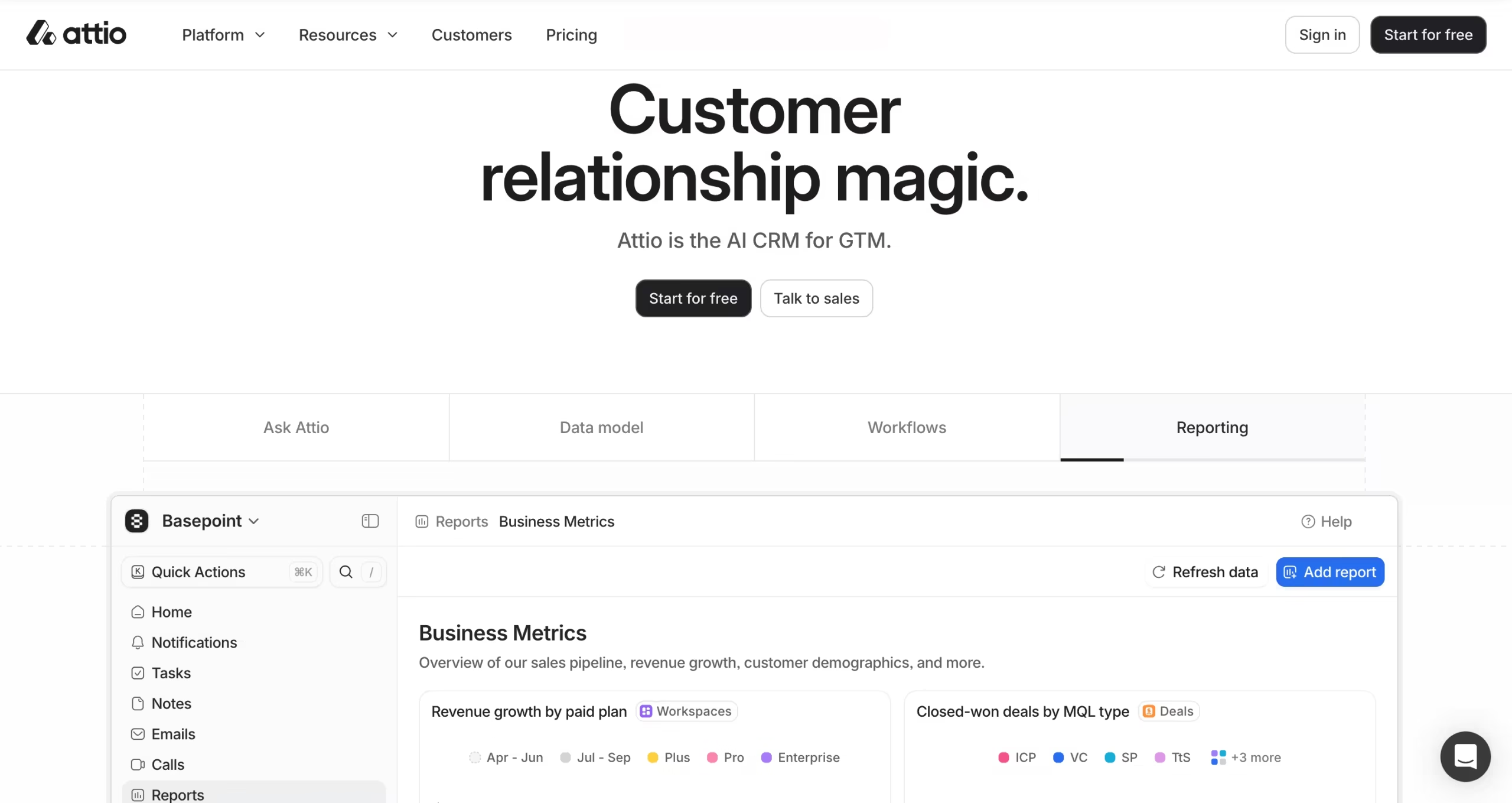


Every CRM promises flexibility. Most lie. They give you a handful of custom fields, let you rename a pipeline stage, and call it done.
Attio takes a fundamentally different approach, one that starts with the question: what does your business actually look like?
Traditional CRMs are built around fixed objects: Contacts, Companies, Deals, and maybe Tasks. That model works fine if you run a linear sales process.
But what if you’re a VC firm that needs to track Founders, LPs, Portfolio Companies, and Fundraising Rounds, and show how all of them connect?
What if you’re a B2B SaaS company tracking Customers, Prospects, Product Feedback, and Partner Relationships in the same system?
Legacy CRMs ask you to make do.
Attio says: build whatever you need.
Key Features
1. Custom Objects
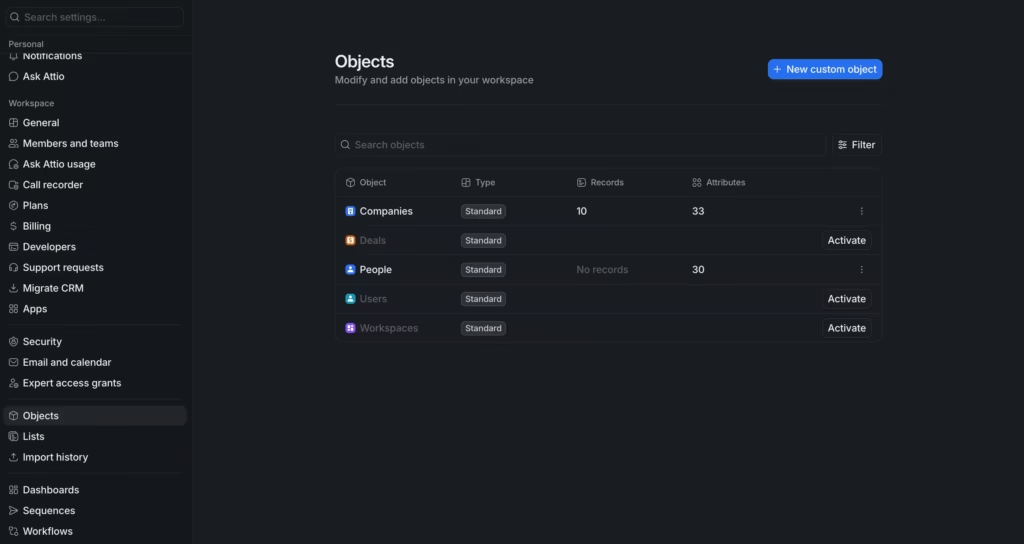
This is Attio’s core superpower. You create custom objects (entirely new categories of data) and define how they relate to each other.
A “Fundraising Round” object can link directly to “Investors,” “Portfolio Companies,” and “Founders.” A “Partnership” object can connect to “Contacts,” “Deals,” and “Account Managers.”
The relationships are real and navigable, not just a note in a text field somewhere.
The number of custom objects scales with your plan – up to 3 on Free, 5 on Plus, 12 on Pro, and unlimited on Enterprise. Most growing teams find Pro’s 12-object limit more than enough until they reach serious scale.
2. Real-Time Data Enrichment
Most CRMs make you fill in the blanks manually. Attio does the work for you.
Connect your Gmail or Outlook account and Attio builds enriched contact profiles automatically, pulling in job titles, company details, LinkedIn profiles, funding information, employee count, location, and communication history without you lifting a finger.
The enrichment runs continuously, not just at import.
When a contact changes companies or a prospect raises their next round, Attio updates the record. You stop maintaining your CRM and start using it.
3. AI Features
AI Attributes auto-fill fields across your objects, summarizing notes, categorizing leads, extracting key details from email threads, and generating consistent fields at scale.
If you have 500 contact records and want a one-line summary of each relationship, you don’t write that manually. You set up an AI attribute and Attio generates them in bulk.
AI Workflows let you trigger multi-step automations that include AI steps – classify this lead, summarize this call, fill this field based on this email thread, then notify the right team member. The AI handles the judgment calls inside the automation, not just the mechanical plumbing.
Ask Attio is a conversational AI interface built directly into the platform.
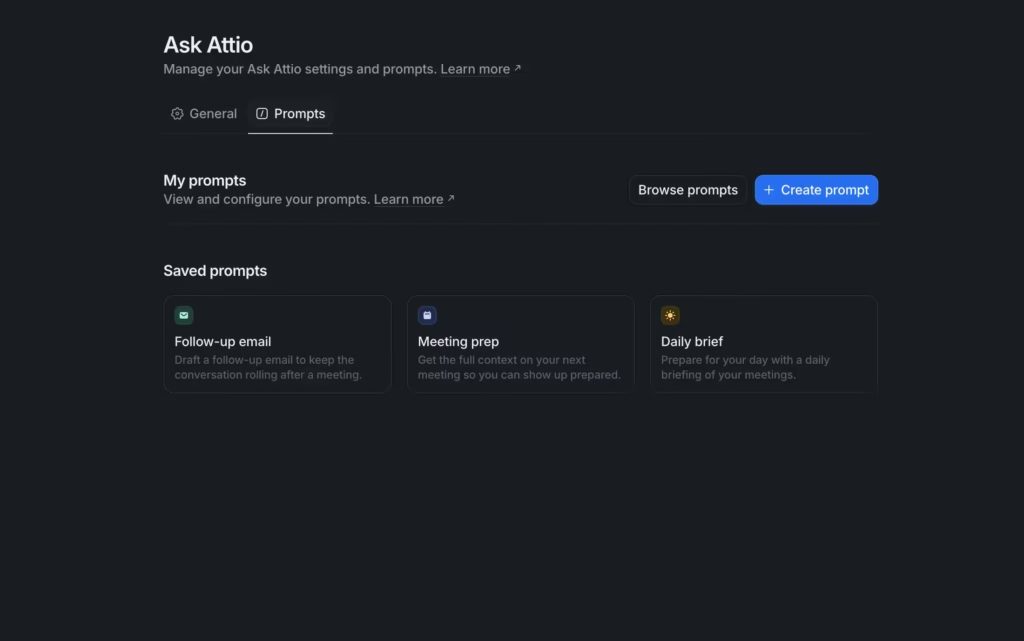
Ask it natural-language questions about your data: “Which deals haven’t had any activity in 30 days?” or “Show me all companies in fintech that we met at a conference this year” and it queries your CRM in real time.
4. Email, Sequences, and Call Intelligence
Email sync with Gmail and Outlook is two-way and real-time. Every email you send or receive that relates to a contact or deal logs automatically in Attio’s shared timeline.
Your whole team sees the full communication history without anyone having to manually log anything.
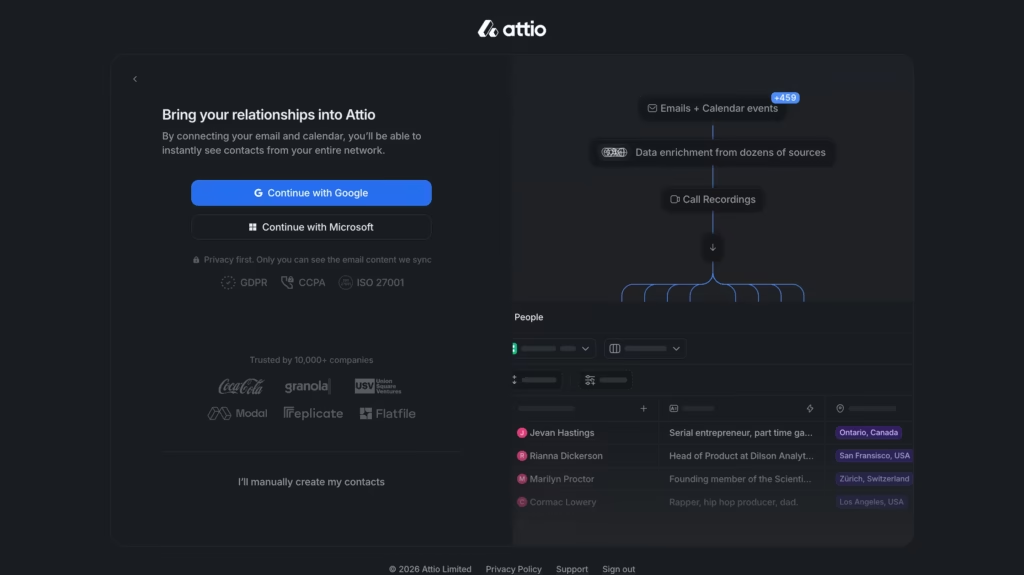
Free and Plus plans allow 1 email account per user. Pro allows 2 accounts per user. Email sending limits apply – 200 emails/month on Plus, 1,000/month on Pro, and unlimited on Enterprise.
Sequences (Pro plan) let you build multi-step outreach cadences – email one, wait 3 days, email two, notify your sales rep to call. Sequences are personalized using CRM data, so the emails don’t read like blasts.
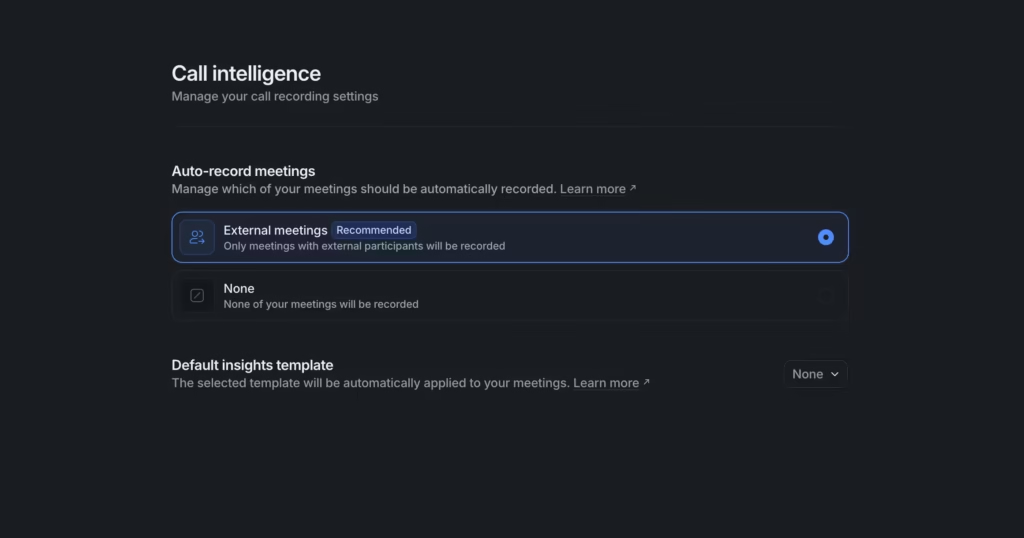
Call Intelligence (Pro plan) records and transcribes your meetings automatically, then surfaces key moments, action items, and summaries directly in the contact or deal record.
5. Chrome Extension, Mobile, and Integrations
The Chrome extension is consistently the most praised feature in user reviews. It lets you view and update Attio records directly from Gmail, LinkedIn, or any webpage, without switching tabs.
iOS and Android apps cover the basics well – viewing records, logging notes, checking pipelines. The mobile experience isn’t as rich as the desktop, but it’s functional.
On integrations, Attio connects natively with Gmail, Outlook, Slack, and Zapier. The developer API, MCP server, and SDK are all available and well-documented for teams building custom integrations. SOC 2 compliance and GDPR tools are included. SAML/SSO is Enterprise only.
Competitors Comparison
| Feature | Attio | HubSpot | Pipedrive | Folk | Salesforce |
|---|---|---|---|---|---|
| Custom Objects | Up to 3–12 by plan; unlimited on Enterprise | Limited (higher tiers only) | No | No | Yes (but requires dev setup) |
| Real-Time Data Enrichment | Yes (all plans) | Partial (paid tiers) | No (third-party only) | Basic | Third-party only |
| Call Intelligence | Yes (Pro plan) | Yes (paid) | No (third-party) | No | Yes (paid add-on) |
| Email Sequences | Yes (Pro plan) | Yes (all paid plans) | Yes (paid) | No | Yes |
| Starting Price | $36/month | $20/month | $24/month | $30/month | $25/month |
| Best For | Flexible, AI-native CRM for startups and GTM teams | All-in-one CRM + marketing + service | Simple sales pipeline management | Small, relationship-driven teams | Large enterprise, complex compliance |