
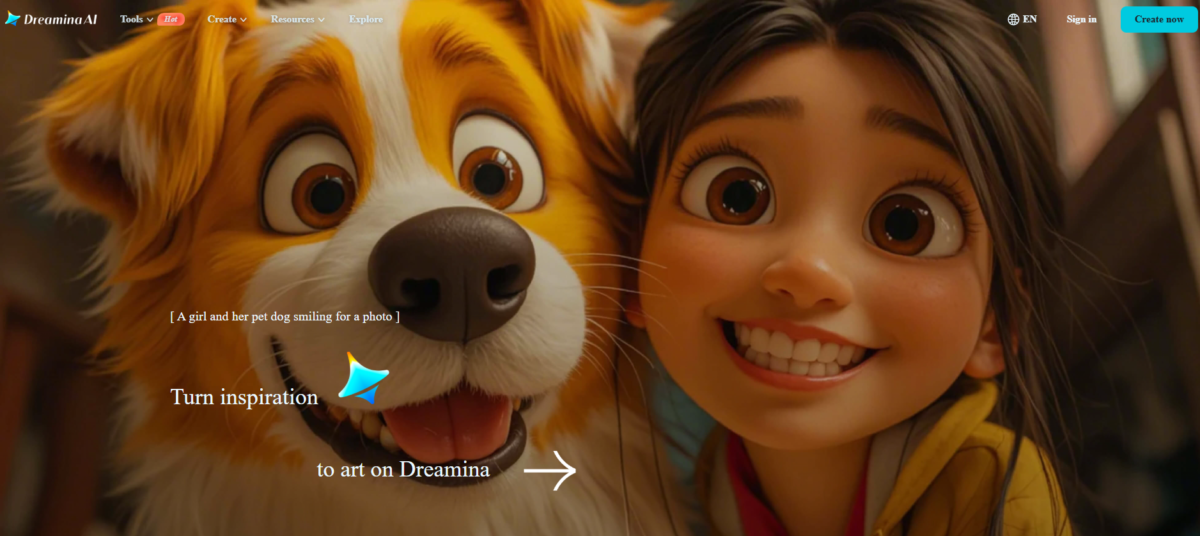
Dreamina AI is a dedicated creative tool for producing designs, posters, images, videos and avatars. It also has an added AI agent that bears some semblance to ChatGPT in its way of being a good starter for tasks.
Key Features
1. AI Agent
This is a general tool that cuts across text, design and image generation. It involves feeding it a request of almost any kind, like you would a staple AI tool like ChatGPT or Gemini. It’s the Dreamina AI feature to turn to when you feel stumped or unsure of a creative direction.
2. AI Image
Dreamina’s AI image generator is what any ultra specific designer or content creator would love. It is strict on prompt adherence and execution, providing image elements as specified by the user.
3. AI Video
The video generator is a step further from the image generator. It uses text and image prompting to create short video clips that fit the specified narrative.
4. Assets
Dreamina AI has a conducive community to view and get inspired by the creations of others. Some of these assets are truly awe-inspiring.
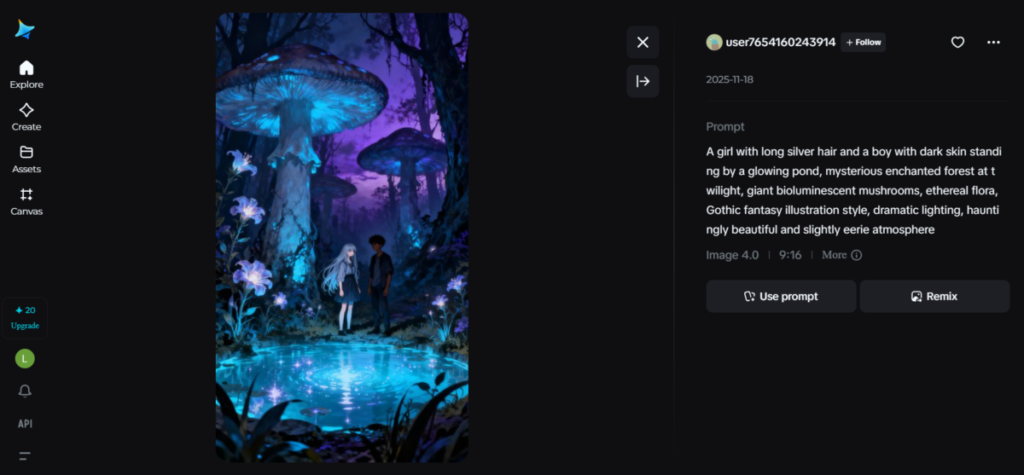
They can be remixed, and the prompts can be reused.
5. Canvas
Canvas is what it sounds like; it’s a blank slate for endowing creative ideas with life. It’s a place to add images, make edits and combine assets for completely dynamic designs.
Using Dreamina AI
1. AI Agent
I started out using the AI agent by presenting it with a simple request to make thank you cards. I didn’t give specifications or detailed instructions, literally giving the AI free rein in creative freedom.
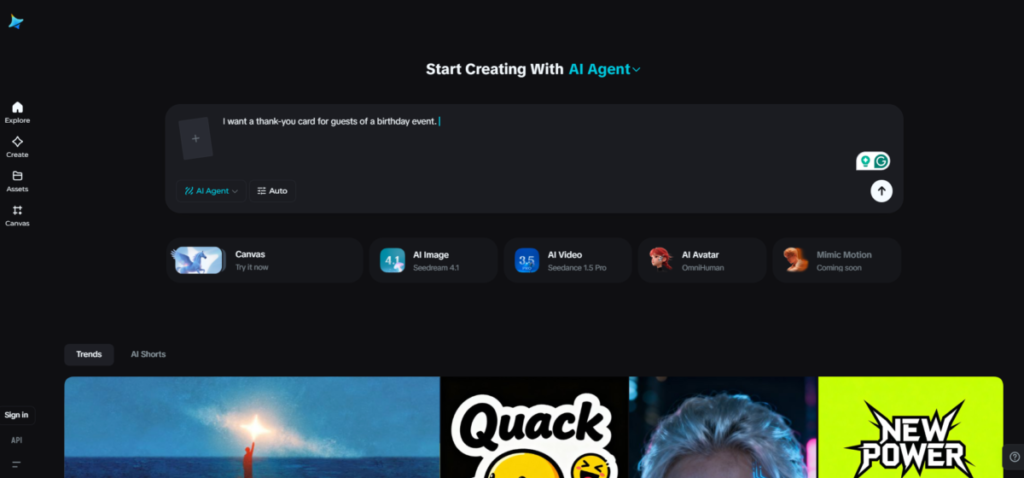
And here was the result;
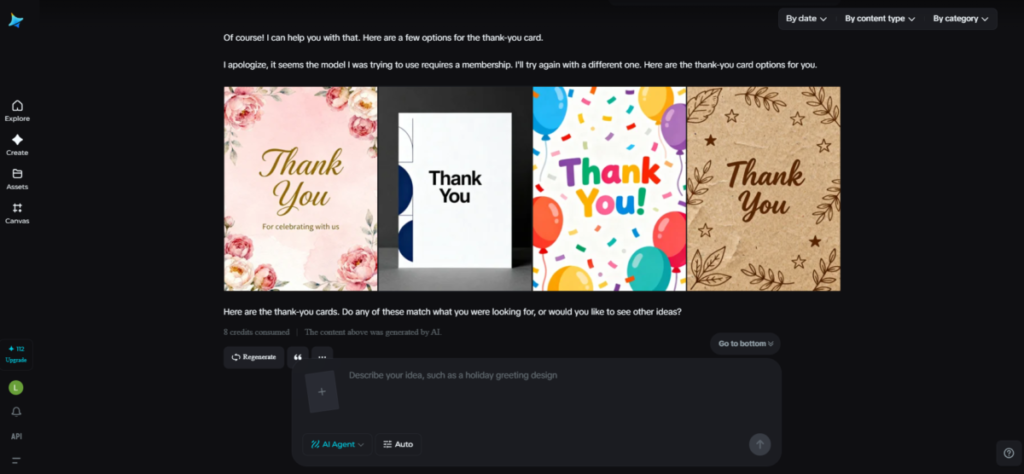
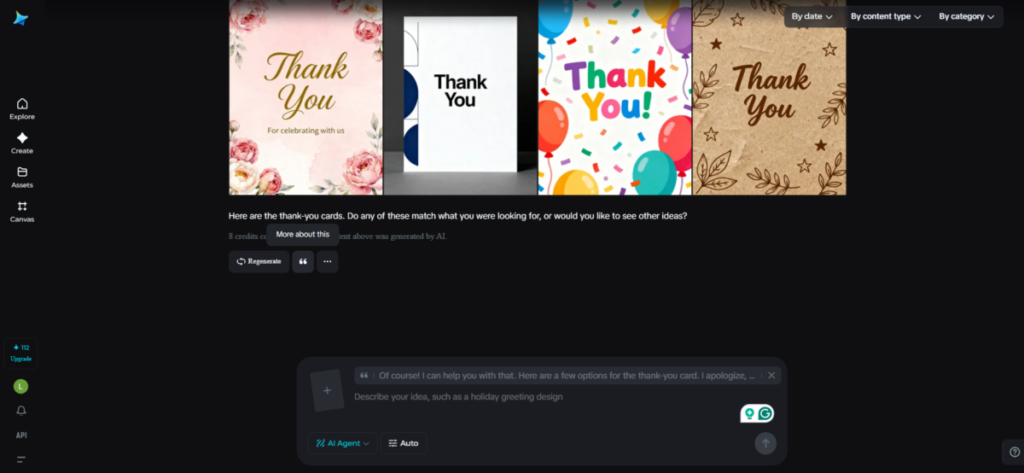
This did give me a “ChatGPT vibe.” The gentle nudge at the end of the response capped it off. There were a few improvement options as well. The quotation-like marks were to add extra details to the initial prompt for refinement. This level of fine-tuning will prove helpful to people looking to achieve specific outcomes.
2. AI Image
For this, I wanted to put Dreamina AI through a kind of benchmark test, something like a standard that an AI image generator should meet before it’s considered good. For this, I used a prompt that tested prompt understanding & adherence, spatial reasoning, and text rendering.
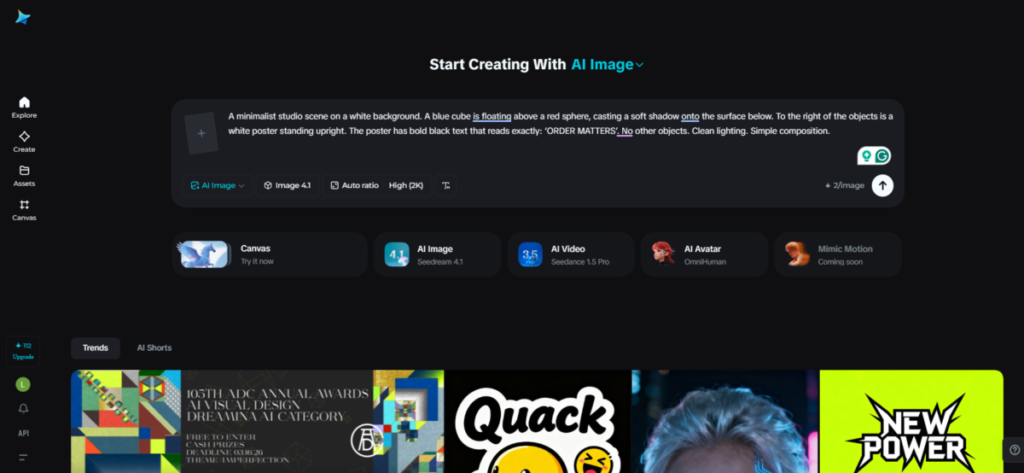
It passed.
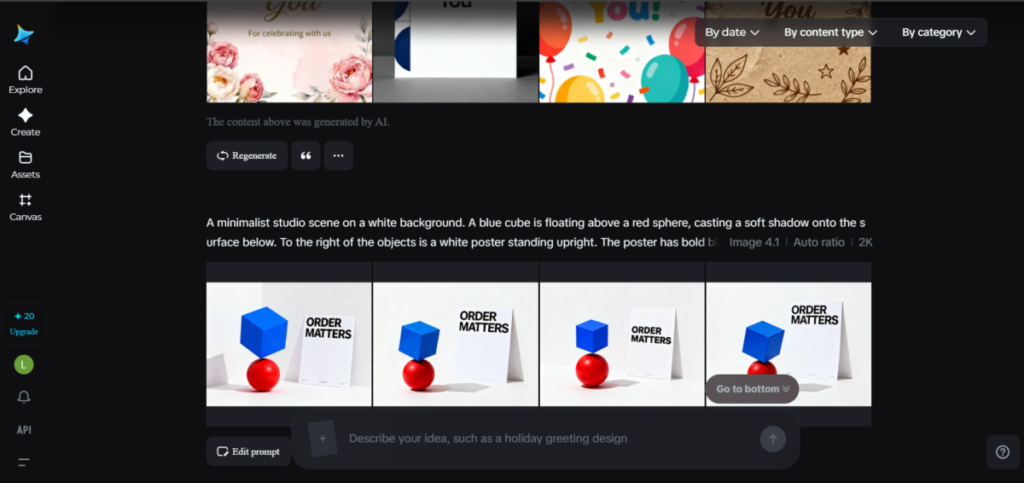
For comparison, I entered the same prompt into a well-established image generator like Gemini’s Nano banana. It produced something similar that reinforced the validity of Dreamina’s creation.
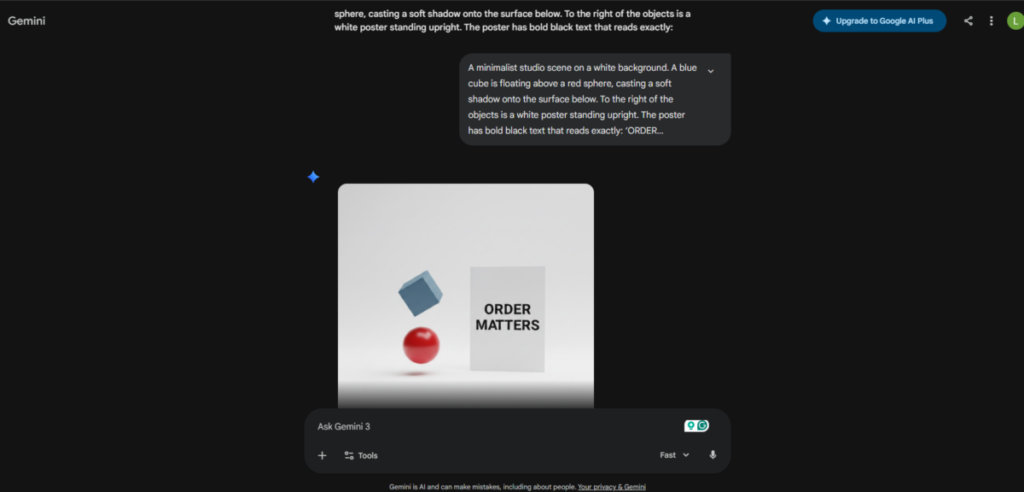
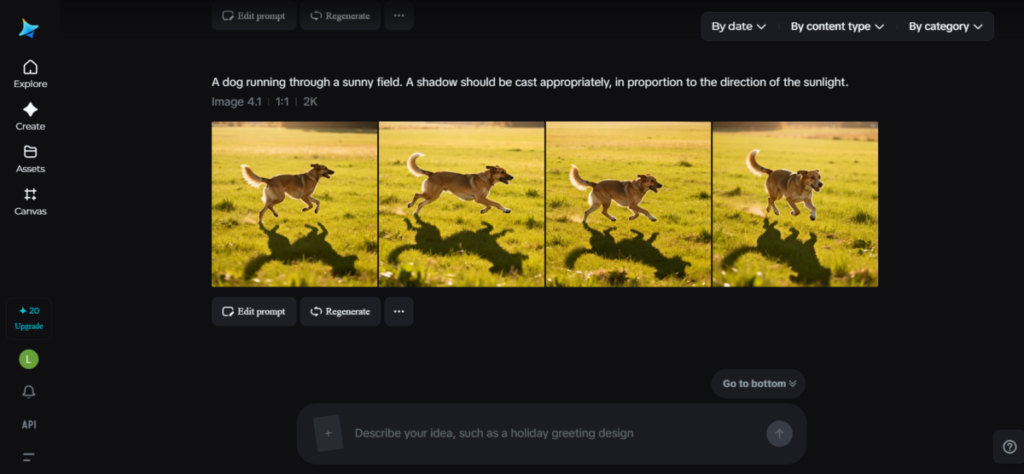
Then, I gave Dreamina AI another prompt, a simpler one with a catch. I had asked that Dreamina AI create the image of a dog running through a field, with a shadow cast proportionately to the direction of the sunlight.
Dremaina AI executed the prompt accurately
3. AI Avatar
For this, I was required to detail the speech of my intended avatar, upload a reference photo, and select a voice from the options. I could also give descriptions of motions and camera movements, which I did. I uploaded a photo of a teen and selected a voice.
The voice options were numerous, but I didn’t quite find what I was looking for (teen boy). Male voice options were either that of a little boy or an older adult; still, I went with the closest option.
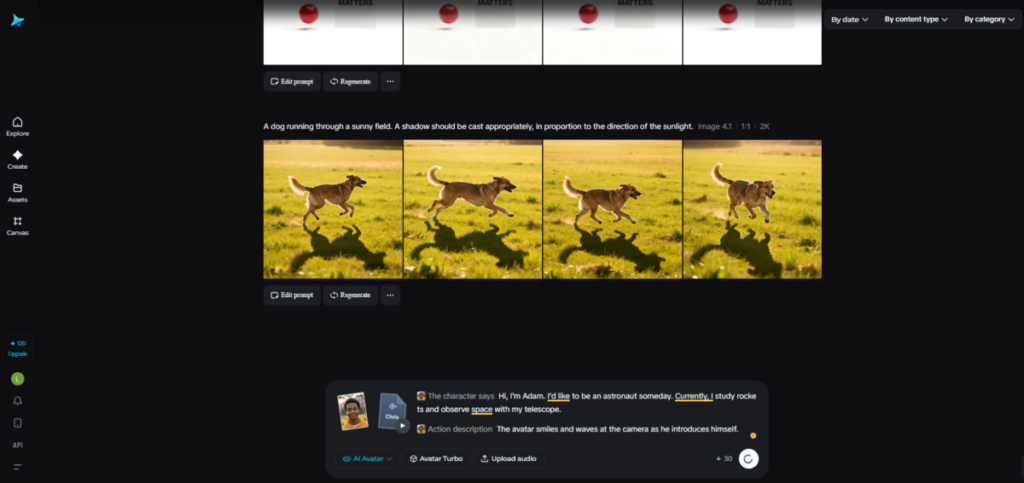
The avatar video came out well.
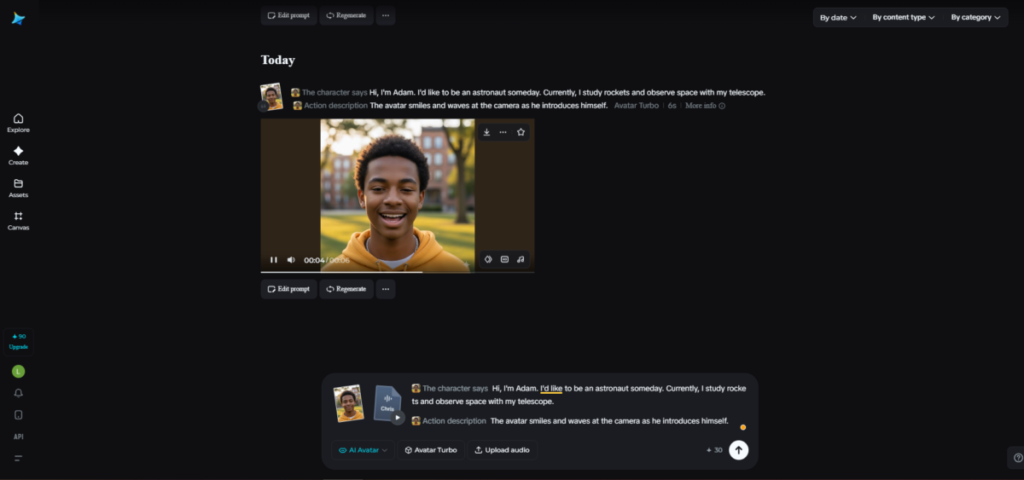
Movements matched the description I gave. There was a wave and a smile where the prompt had specified.
4. Canvas
I uploaded an image of a teen boy with a blurred building in the background as a base. Then, I chose the inpainting option.
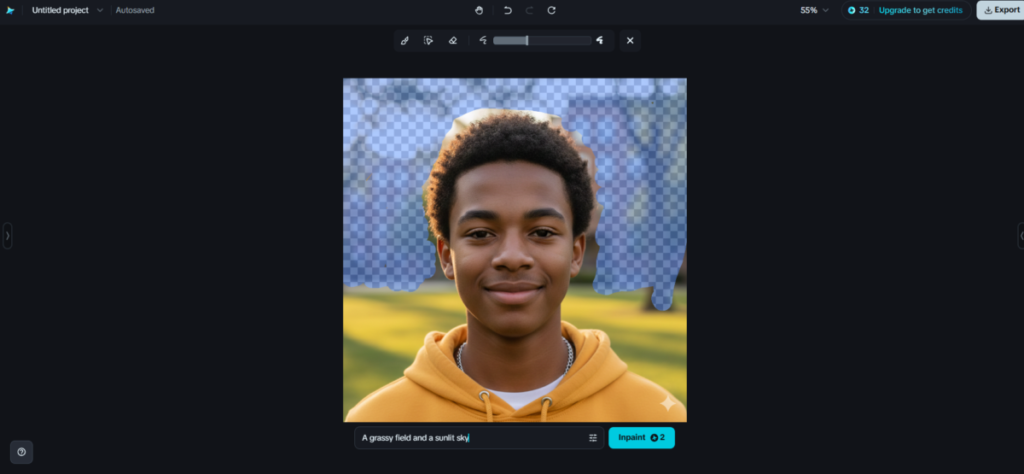
Surprisingly, there was only a slight difference between the original and generated images.
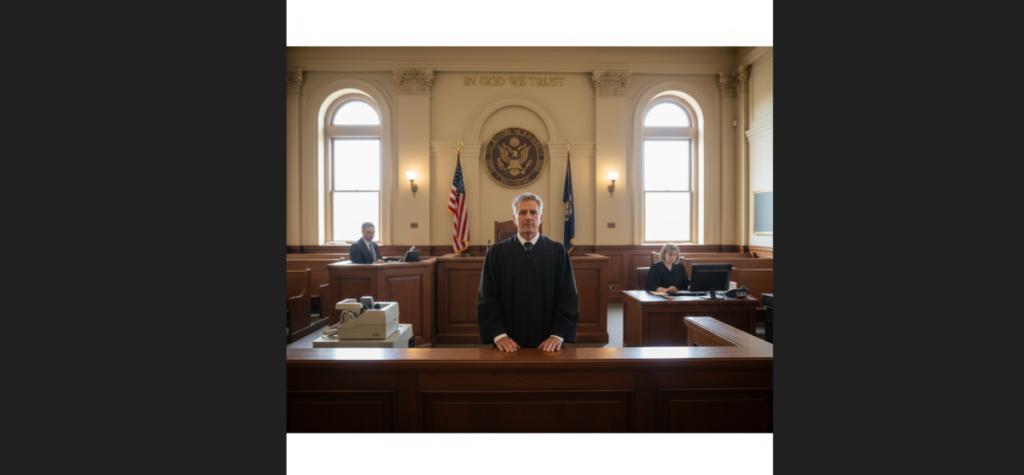
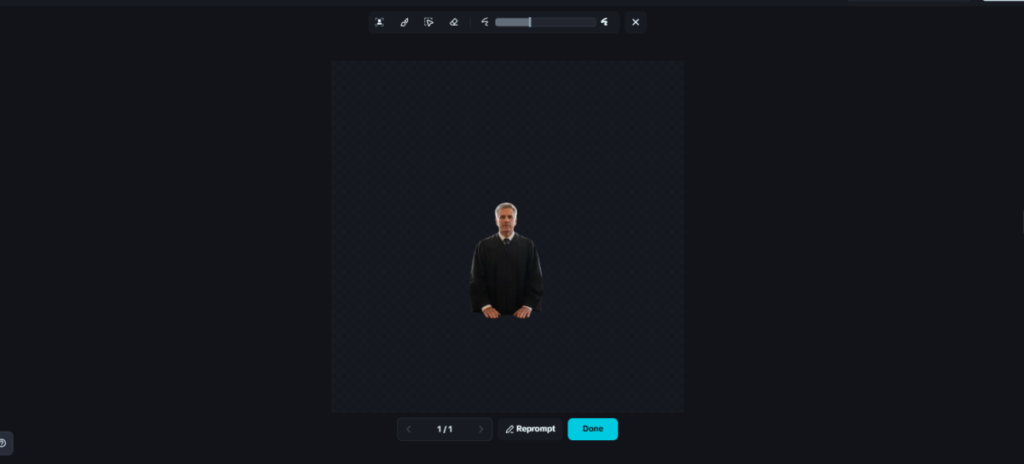
The background eraser option was next, and it worked quite well. I had used an image with multiple background elements, yet the AI was still able to adequately recognize the main character/focus and isolate it.
Before:
After:
The Bottom Line
I’d say that Dreamina AI is a good media generator. Its design ability is decent and can prove useful for artistic endeavours.