
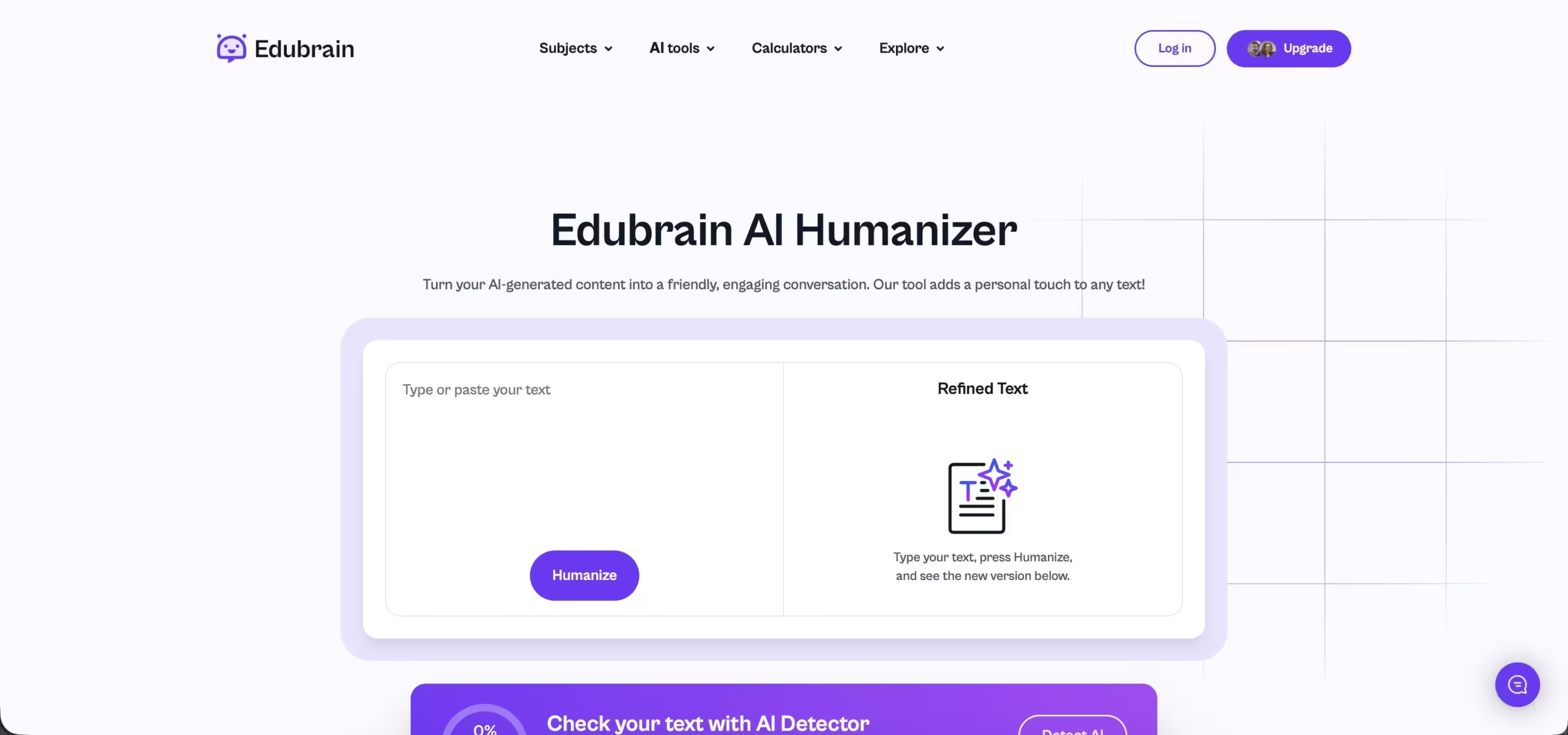


EduBrain AI Humanizer is built for a pretty specific use case. You already have AI-generated text, but it doesn’t quite sound right. Maybe it feels too clean, too structured, or just a bit off. That’s where this tool comes in.
It doesn’t try to rewrite everything from scratch. Instead, it works more like a layer on top. It keeps what you’re saying but adjusts how it comes across. Sentences get reshaped, phrasing changes slightly, and the overall flow feels less predictable.
This becomes useful when text starts triggering AI detectors or just reads in a way that doesn’t feel natural. After running it through the tool, the output usually feels a bit more relaxed and closer to how people actually write. Not perfect, but definitely less robotic.
Main Features
AI-to-Human Text Conversion
The core feature is straightforward. You paste your text, click one button, and get a rewritten version that sounds more natural. It doesn’t try to change your message. It focuses on how it’s delivered. The wording shifts, sentences vary more, and the overall tone feels less mechanical.
Detection-Focused Rewriting
The tool looks for patterns that usually trigger AI detectors. These include repetitive structure, overly clean phrasing, and predictable flow. It then adjusts those parts to make the text less uniform. This can help reduce AI detection scores, especially when the original text feels too structured.
Fast Processing Speed
There’s no waiting around. You paste the text and get a result almost immediately. This makes it easy to use in the middle of writing or editing without slowing things down.
Wide Language Support
The tool works across multiple languages. It handles common languages well, and while results may vary with less common ones, it still performs consistently for most users.
Simple Workflow
There’s nothing to set up. No account, no extra steps. Paste the text, click “Humanize,” and copy the result. That’s the entire process.
Data Handling and Privacy
The tool processes text temporarily and doesn’t store it. Once you’re done, the content is cleared. Nothing is saved or shared, which makes it safer for academic use.
Using EduBrain AI Humanizer
Entering Text
You paste your AI-generated content into the input field. No formatting or preparation needed.
Getting a Result
Click the button, and the tool processes the text right away. Even longer inputs don’t take more than a moment.
Reviewing the Output
The rewritten version keeps your original meaning but feels less rigid. You’ll notice more variation in sentence structure and a more natural flow. It usually doesn’t need much editing after, but you can still tweak it if needed.
In real use, it works well for polishing drafts before submission. It saves time and helps avoid that “too perfect” AI tone that stands out. The biggest strengths are speed, simplicity, and natural output. The limitation is that it doesn’t fix everything, especially plagiarism or factual issues, so a quick review is still necessary.