

I signed up for the Creator plan and uploaded 15 reference photos – a mix of indoor and outdoor shots, varied angles, different lighting conditions, no filters.
Training the Digital Double took about 35 minutes.
The platform asks for 10 to 20 photos and recommends diversity in angles, distances, and expressions.
This is not optional advice.
The quality of your training photos determines everything downstream, and Foxy AI’s onboarding does not explain this well enough.
After training finished, I landed on a dashboard with three things on it and nothing else.
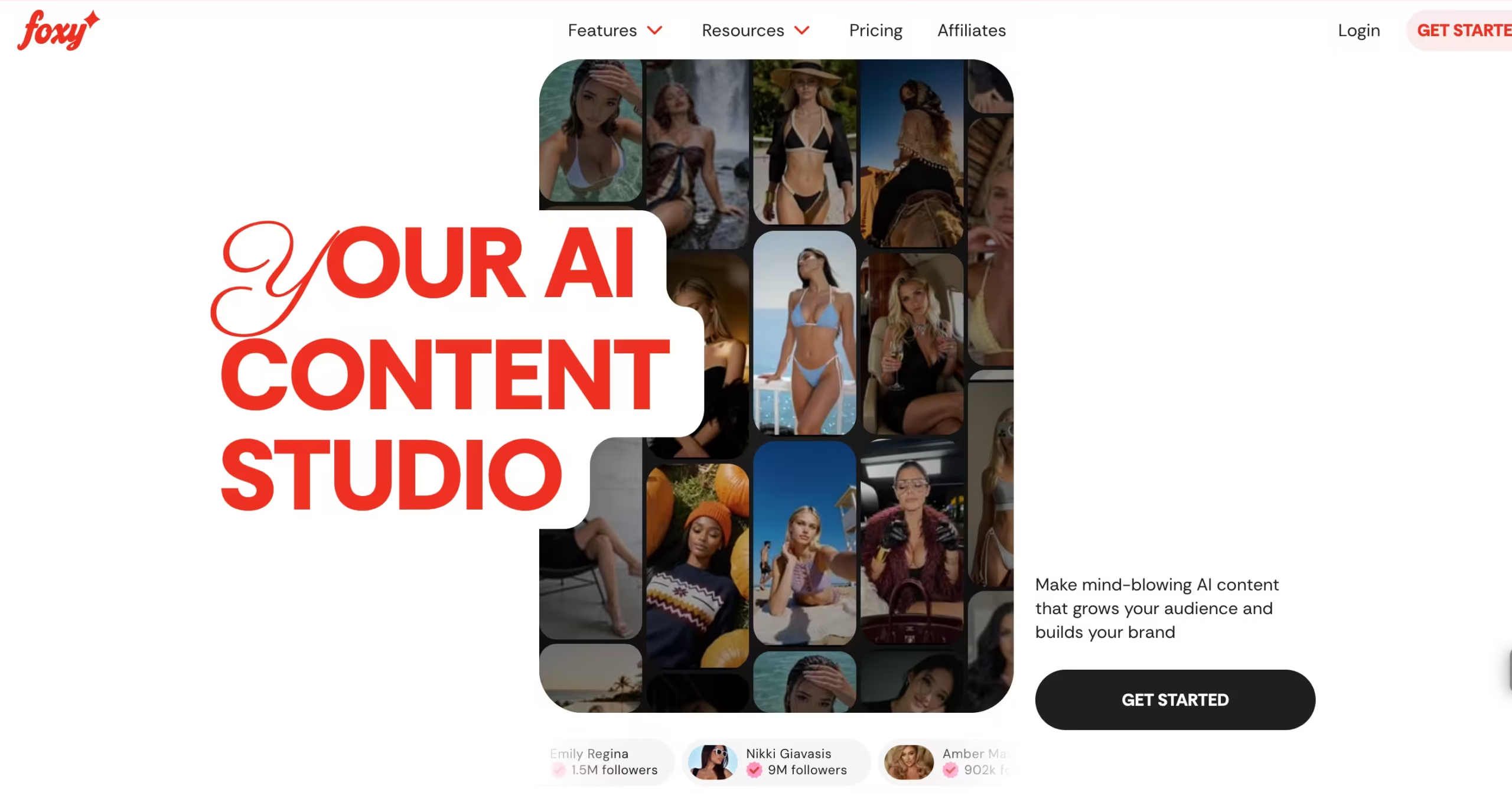
You get a dashboard with your Digital Double, a library of “Viral Presets” (one-tap templates organized by category – Luxury, Daring, Signature, Lifestyle, Cosplay, Artistic), and a custom prompt field for freeform generation.
The presets refresh weekly to align with social media trends.
There is no mobile app – this is a web-only platform, which is an odd choice for a tool targeting creators who live on their phones.
Foxy AI was founded in 2023 by Sam Emara and is based in Los Angeles.
The company raised a $1.5 million seed round in early 2024 and currently has 11 to 50 employees.
Their marketing claims over 100,000 creators on the platform, though I could not independently verify that number.
The site receives roughly 531,000 monthly visits according to third-party traffic estimates, with the US, UK, and Canada as the top regions.
The first Lifestyle preset I tried – a beach scene – kept my face shape, skin tone, and proportions well enough that it passed as a real photo on a phone-sized scroll.
So did a coffee shop setting and a streetwear pose. Zoom in and the tells appear: slightly too-smooth skin texture, earrings that shift between images, hands that occasionally have anatomy issues.
But at Instagram consumption size, I would post these. Custom prompts were a different story.
I tried specifying a particular jacket, a bookstore setting, warm overhead lighting.
About 4 in 10 came out usable. The presets clearly get more internal optimization, and the gap is wide enough to change how you budget credits.
Key Features
Digital Double Training
This is the foundation.
You upload 10 to 20 photos, wait 20 to 60 minutes, and the platform builds an AI model that can generate you in new scenes.
The likeness held well in my testing across multiple settings – my face in a fitness studio, a rooftop bar, and a grocery store aisle all looked recognizably like me.
Skin tone handling was notably good, which matters for darker-skinned creators who have had poor experiences with other AI image tools. But the system is garbage-in, garbage-out.
Viral Presets
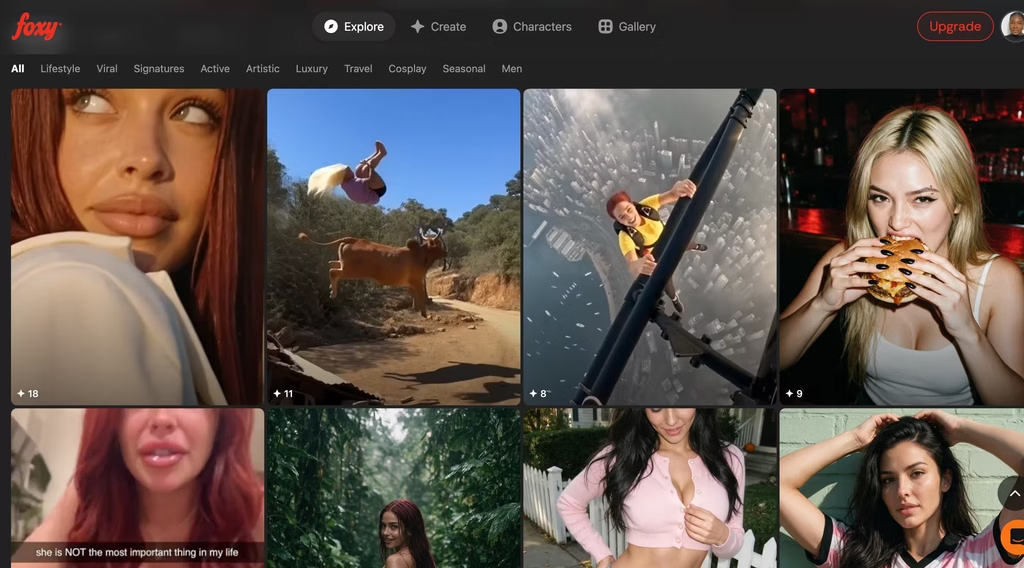
One-tap templates organized by category (Luxury, Signature, Lifestyle, and so on) that refresh weekly.
These handle roughly 80% of everyday content needs.
I tested about 30 presets across three categories and found them consistently strong — well-composed, trend-aware, and fast.
Each preset generated in under 10 seconds.
The weekly refresh is a real feature, not marketing – new templates appeared the following week that reflected current Instagram aesthetic trends. For creators who need volume over creative control, presets are the fastest path to usable content.
Custom Prompts
Natural-language descriptions of what you want: outfit, setting, lighting, pose, mood.
I got a usable image about 4 out of 10 times. The successes were genuinely specific – a brand-partnership flat lay in a particular café aesthetic, a location I described down to the wall color – things the presets could never produce.
The failures were not subtle.
Wrong outfit entirely, a pose that looked nothing like what I typed, or a composition so off I could not crop my way to something postable.
Foxy AI offers almost no prompt guidance, no example gallery, no auto-suggestions. You are on your own figuring out which keywords the model responds to.
That hit rate means an 80-credit Starter allotment can vanish in two prompt sessions if you are chasing a specific composition.
Batch Generation
Generate up to 50 images at once with consistent styling.
A Creator plan user could knock out a full week of Instagram posts in one batch run, which is the main reason the higher tiers exist.
The styling stays consistent across the batch – same lighting, same color grading, same general aesthetic – which is important for maintaining a cohesive feed. Export resolution goes up to 4K.
AI Video and Reels
Image-to-video generation with lip-sync and voice capabilities, outputting in 9:16 for TikTok and Instagram Reels.
The feature exists, but the quality is visibly behind the static images.
Movement looks mechanical. Pose transitions are stiff. The lip-sync works for short clips but breaks down on longer speech.
I would not post the video output without heavy editing, and at that point the time savings disappear.
The platform lists “Talking Video” as coming soon, which suggests they know the current video is not ready for prime time.
Collaboration Mode
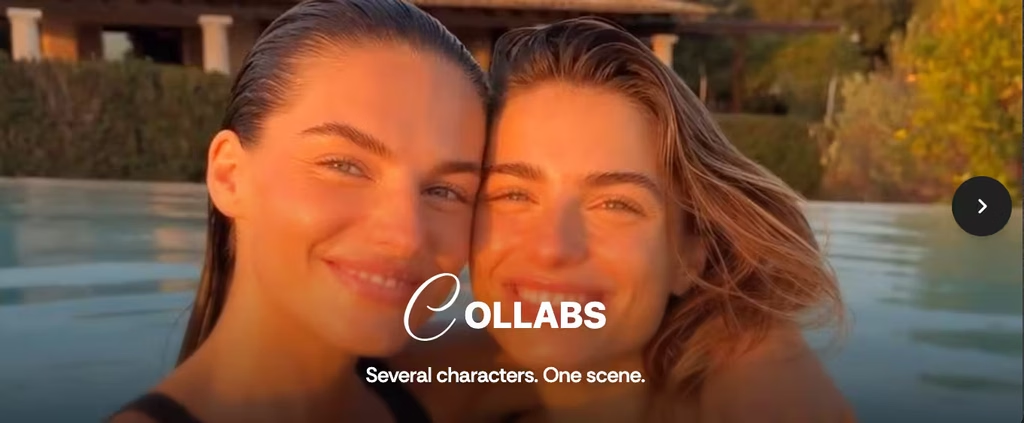
Places two creators’ Digital Doubles in the same scene, with mutual consent required from both parties.
This solves a real logistics problem for creator collaborations – two people in different cities can produce joint content without traveling.
The joint images I tested (using a second account) looked surprisingly natural, with no obvious compositing artifacts. The mutual consent requirement is a good ethical safeguard.
Competitors Comparison
| Feature | Foxy AI | BetterPic | HeadshotPro | Synthesia | Reface | Astria |
| Starting price | $9/mo | $35 one-time | $29 one-time | $29/mo | $15.99/mo | $5.0/prompt (pay-as-you-go) |
| Pricing model | Subscription | One-time | One-time | Subscription | Subscription | Usage-based |
| Free tier | No | Free credits | No | No | Yes (limited, watermarked) | No |
| Output type | Photos + video | Photos only | Photos only | Video only | Photos + video | Photos + video |
| Uses your likeness | Yes (trained model) | Yes (uploaded photos) | Yes (uploaded photos) | Yes (custom avatar) | Yes (face swap) | Yes (fine-tuned model) |
| Video generation | Yes (basic) | No | No | Yes (advanced) | Yes (face swap) | Yes (via API) |
| Batch generation | Up to 50 | Up to 100 | Up to 70 | Bulk via API | No | Via API |
| Content styles | Lifestyle, fashion, cosplay, artistic | Professional headshots | Professional headshots | Corporate, marketing | Templates, GIFs, memes | Any (prompt-based) |
| Monetization tools | Yes (AI Mirroring, paywalls) | No | No | No | No | No |