
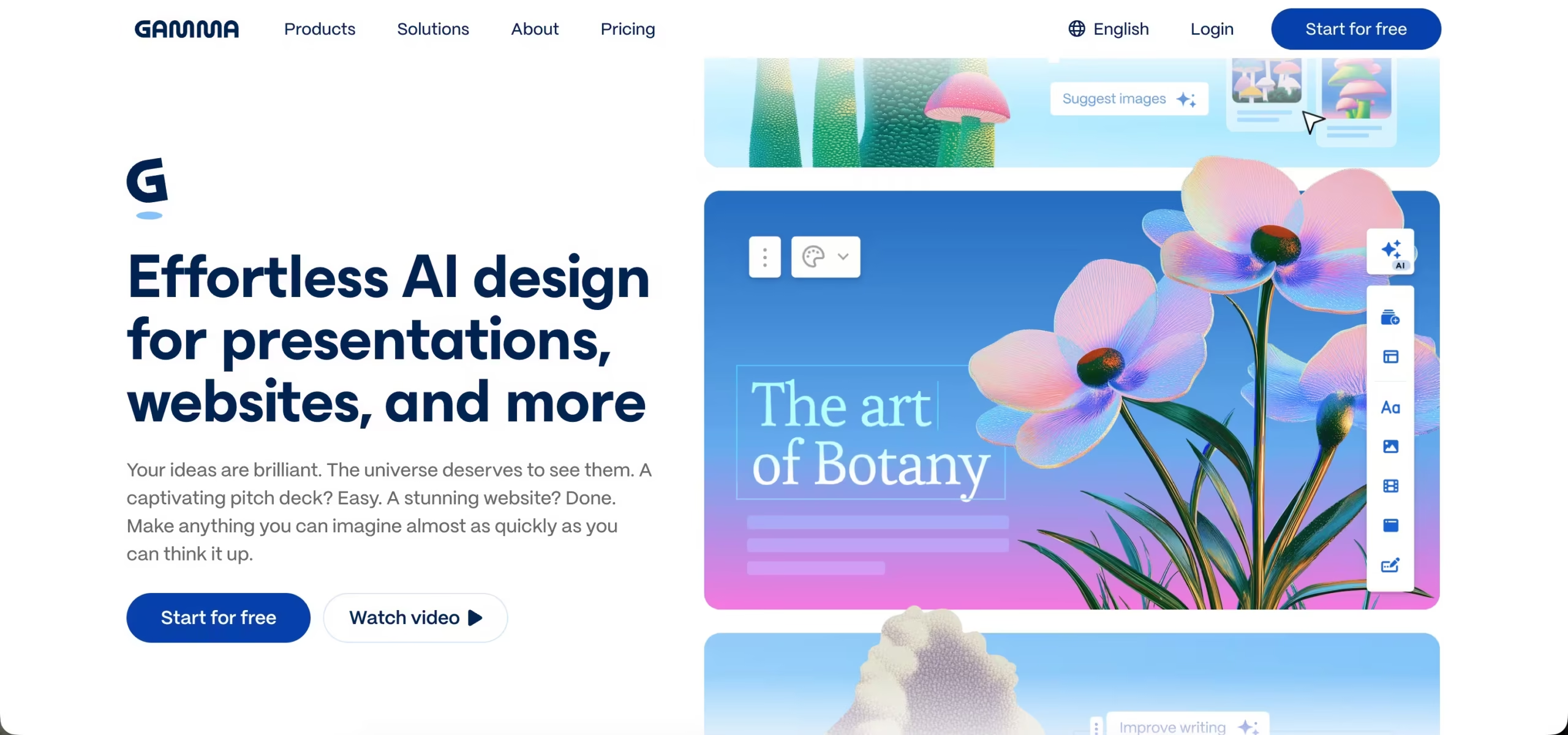


Gamma AI is a game-changing AI-powered platform that changes the way you make slides, docs or websites.
You describe your content and Gamma’s AI generates stunning, interactive decks even faster than you can pitch it.
The intuitive interface, custom themes, and collaboration tools mean that it’s ideal when you need a professional presentation, no matter your situation.
Accessible through the web with smart automation, Gamma AI offers a new, contemporary way of storytelling and communication.
Key Features
1. AI-Powered Content Generation
The most remarkable thing about Gamma AI is that it produces content on its own. Just plug in your topic or a few bullet points, and the AI creates a nicely structured outline, writes the text and even picks out images.
You don’t have to spend hours brainstorming and writing, making it great for people who have a hard time starting a presentation and need to get it done quickly.
2. Customizable Design Themes
Once your content is created, Gamma allows you to visualise and customise every aspect of your presentation.
You can choose from plenty of beautiful themes, customize colours, fonts and layouts easily with only a few clicks.
This allows for your deck to reflect the style and your brand or personality without having to be a graphic designer.
3. Interactive Elements
Gamma goes beyond static slides by allowing you to embed interactive content like GIFs, videos, charts, and even live websites. This makes your presentations more engaging and dynamic, helping you capture and hold your audience’s attention.
4. Collaboration Tools
Working with a team? Gamma’s collaboration features let multiple users edit and comment on presentations in real-time.
You can share links easily, gather feedback, and keep everyone on the same page, no matter where they are.
5. Flexible Output Options
Gamma presentations are designed to be flexible.
You can present directly from the web, export your deck to PowerPoint or PDF (though with some limitations), or share a simple link with your audience. This versatility ensures your work fits your preferred workflow.
6. Advanced Settings and Automation
For users who want more control, Gamma offers advanced options like tweaking the tone of your content, setting the target audience, and adjusting card aspect ratios.
Plus, its automation features can handle repetitive tasks, so you can focus on refining your message.
What’s New: Gamma 3.0
Gamma 3.0 launched in September 2025 and changed what the tool is. It moved from an AI slide maker to a broader platform for decks, documents, websites and social posts, all built from the same card-based editor. Several updates have landed since.
Gamma Agent
The headline feature is an AI assistant that edits through plain-language instructions. You can ask it to make a slide more visual, restyle the whole deck, add a competitor comparison section, or research a topic and add sourced facts. This replaces much of the slide-by-slide manual editing from earlier versions. In practice, broad edits can touch slides you were happy with, so check the whole deck after a big change.
Gamma Imagine
Added in March 2026, Imagine generates branded visuals from text prompts, including charts, infographics and social graphics. It puts Gamma in direct competition with Canva for marketing assets, not just presentations.
Other recent additions
- AI animations in place of static images (higher-tier plans)
- Studio Mode, with image-based slides and more advanced image models
- API access for generating decks from other tools (Pro plan and above)
- SOC 2 Type II certification for business use
Competitors Comparison Table
| Feature / Tool | Gamma AI | Presentations.AI | Plus AI | Beautiful.ai | Microsoft Copilot for PowerPoint | Canva |
| AI Content Generation | Strong AI for content and layout | Advanced AI content creation | AI-powered presentation help | AI-assisted design suggestions | AI-powered content within Office apps | Limited AI, more design-focused |
| Customization | Easy theme and style tweaks | High customization, brand-focused | Moderate customization | High design customization | Extensive customization via PowerPoint | Extensive design flexibility |
| Collaboration | Real-time collaboration and feedback | Team collaboration features | Collaboration tools available | Collaboration available | Deep integration with Microsoft Teams | Robust collaboration features |
| Interactive Elements | Embed GIFs, videos, charts, websites | Supports multimedia and interactive content | Supports multimedia content | Some interactive elements | Supports rich media in presentations | Supports multimedia and animations |
| Ease of Use | Intuitive, fast AI-powered creation | User-friendly, slightly steeper learning curve | Easy to use with AI assistance | User-friendly with design focus | Familiar interface for Office users | Very easy, drag-and-drop interface |
| Best For | Fast, flexible presentations for startups, educators, marketers | Brand-aligned, polished presentations for teams | Quick, AI-assisted presentations | Design-focused users wanting polished visuals | Enterprise users within Microsoft ecosystem | General users needing flexible design |