
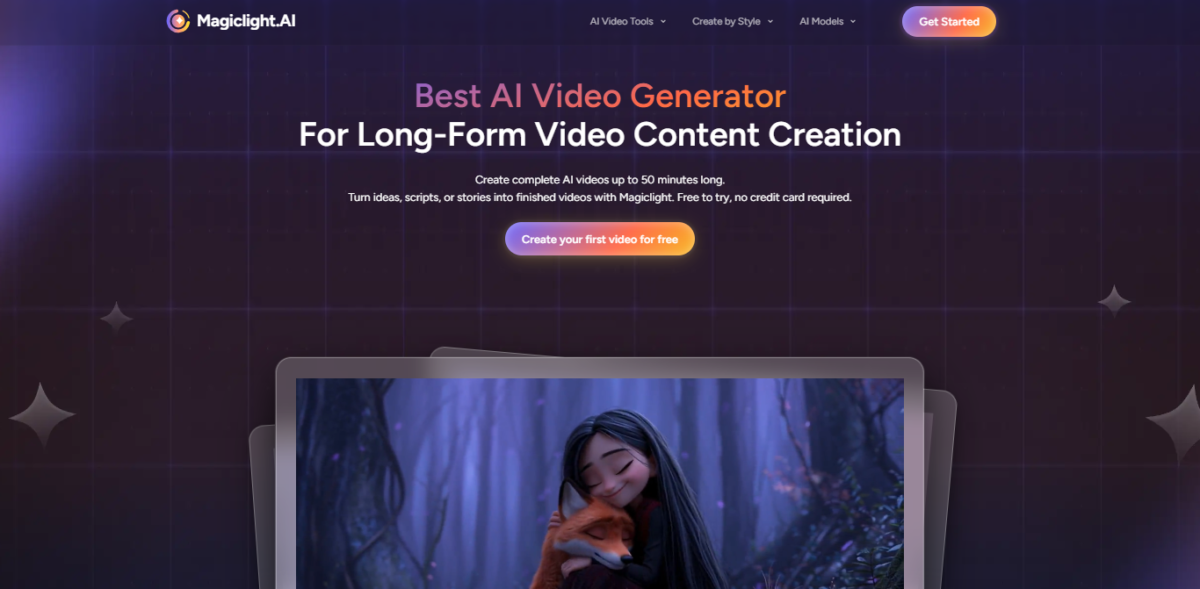


MagicLight AI is an AI video tool that turns your written text into animated videos without you touching a timeline or an editor.
Instead of spending hours learning software, you type what you want, and the tool builds the scenes, characters, and motion for you.
At its core, MagicLight AI is all about speed and simplicity. You don’t have to draw or animate anything yourself. You just write a story or description and the AI interprets that into a sequence of animated scenes.
Overall, MagicLight AI is targeted at people who want animated videos fast without learning editing software. It’s especially appealing to parents, creators on a deadline, or anyone who just hates video editing.
Key Features
1. Story To Video
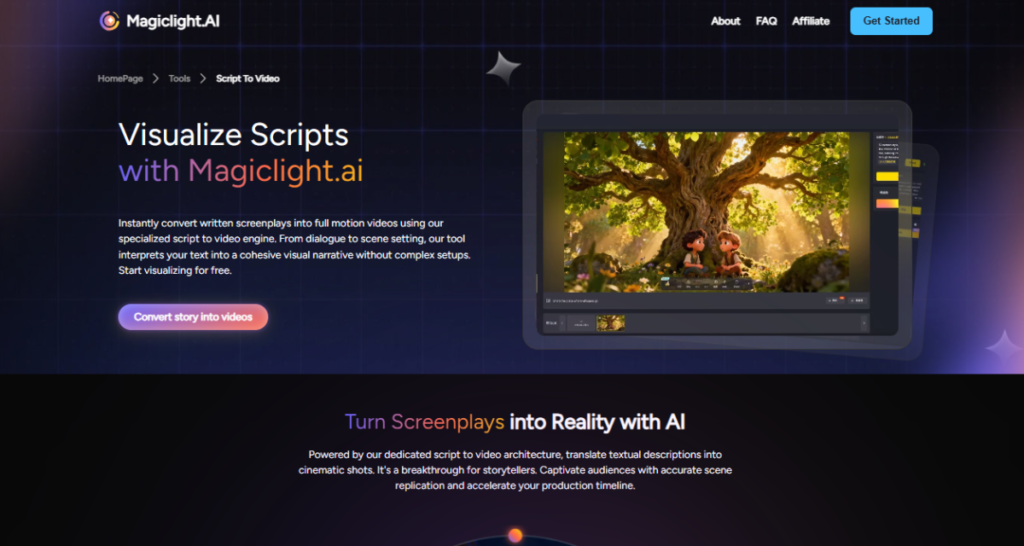
Just type a story, and MagicLight AI will turn it into a complete video that has several scenes.
The AI analyzes your story to the beat and the actions of the characters so that you can get a fully animated movie without having to draw it frame-by-frame.
2. AI Lip Sync
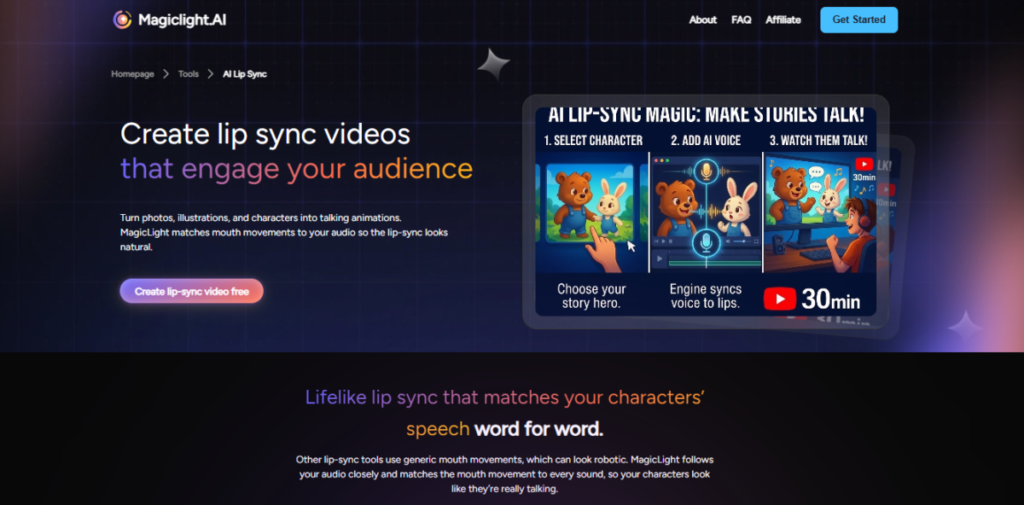
Your video characters can open their mouths and lips and move in sync with conversations or music.
This is a realistic addition that increases the captivation of your audience to the narration of the story, particularly for explainer videos or character-driven scenes.
3. Create Music Video
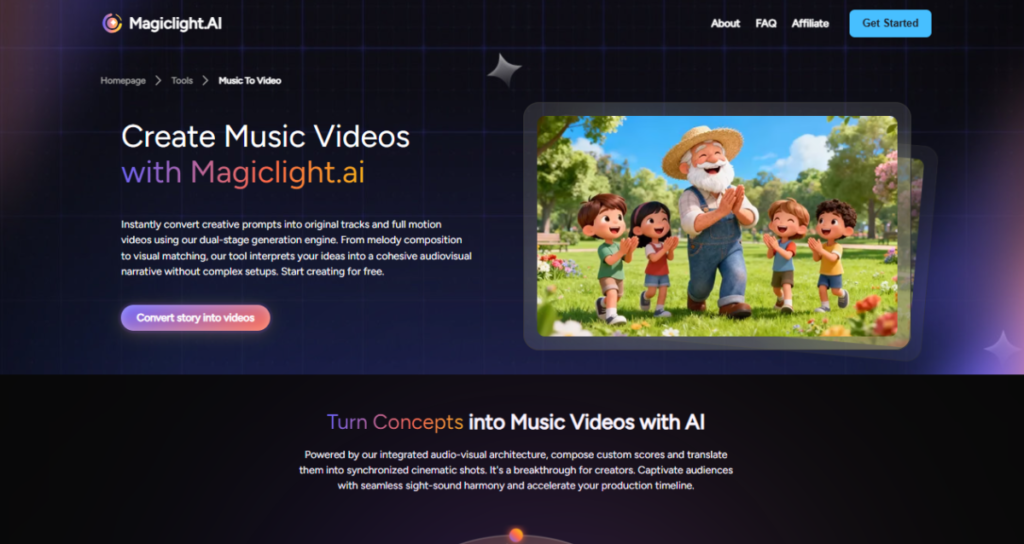
Feel like using pictures with a song?
MagicLight AI can generate the animated sequences that are synchronized with music.
It is also a simple method of creating fun and entertaining music videos without professional editing software.
4. Create Religious Stories
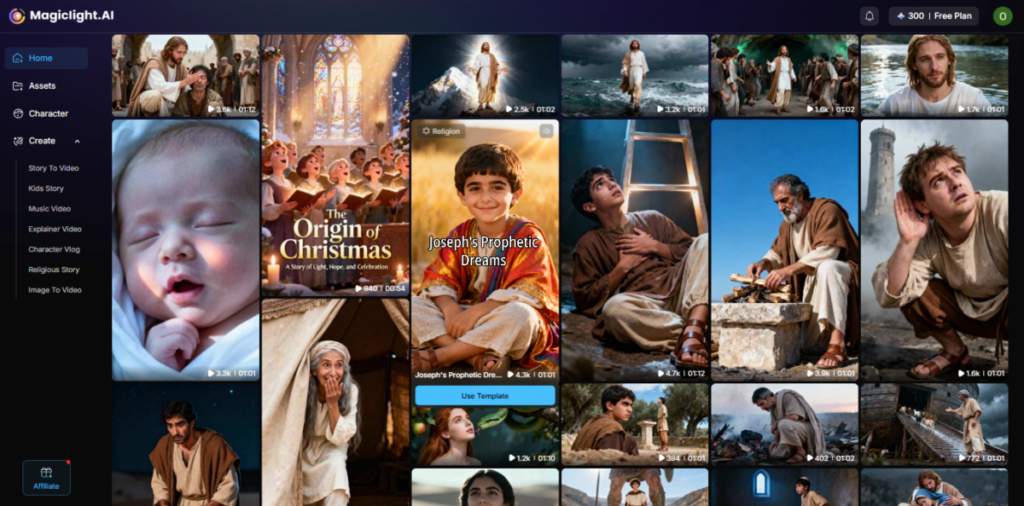
Whether it’s Bible stories, parables, or moral lessons, MagicLight AI makes it easy to bring religious narratives to life. Characters remain consistent, and visuals can match the tone, making it ideal for kids’ ministry, church content, or personal projects.
5. AI Animation Generator
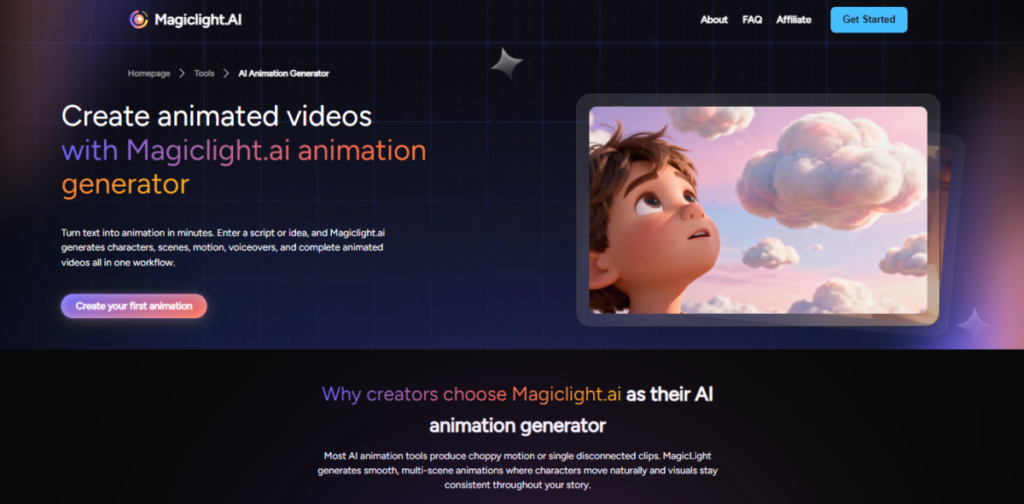
The core strength of MagicLight AI is its ability to turn your texts into animated videos automatically.
You do not have to draw or design or work with timelines, and the AI does everything, including scenes, movements, and visuals, allowing you to create your story rather than focus on technical work
Competitor’s Comparison
| Feature / Tool | MagicLight AI | HeyGen | Synthesia | Lumen5 | Pictory AI |
| Primary Focus | Animated text-to-video | AI avatar or video clips | AI presenter or avatar videos | Blog or text-to-video marketing | Script or long-content to video |
| Character/Avatar Support | Animated characters | Realistic AI avatars | Realistic AI avatars | No avatars | No avatars |
| Best For | Story videos and animations | Marketing & social clips | Training & corporate video | Social media marketing | Repurposing blogs/webinars |
| Output Type | Animation from text | Talking heads/avatars | Talking avatars/videos | Slide-style videos | Captioned clips/summaries |
| AI Voice / Lip Sync | Yes (basic) | Yes | Yes (multi-lingual) | Basic AI voice | Yes (auto voiceover) |
| Typical Use Case | Kids’ stories, explainers | Sales/ marketing clips | E-learning & training | Content marketing videos | Turning articles into video |
| Strength | Automated animated storytelling | Avatars & language support | Wide language range | Auto blog or video conversion | Auto summarization & captions |
| Weakness | Credits run out fast | Less cinematic motion | More expensive | Basic style videos | Limited generative visuals |