
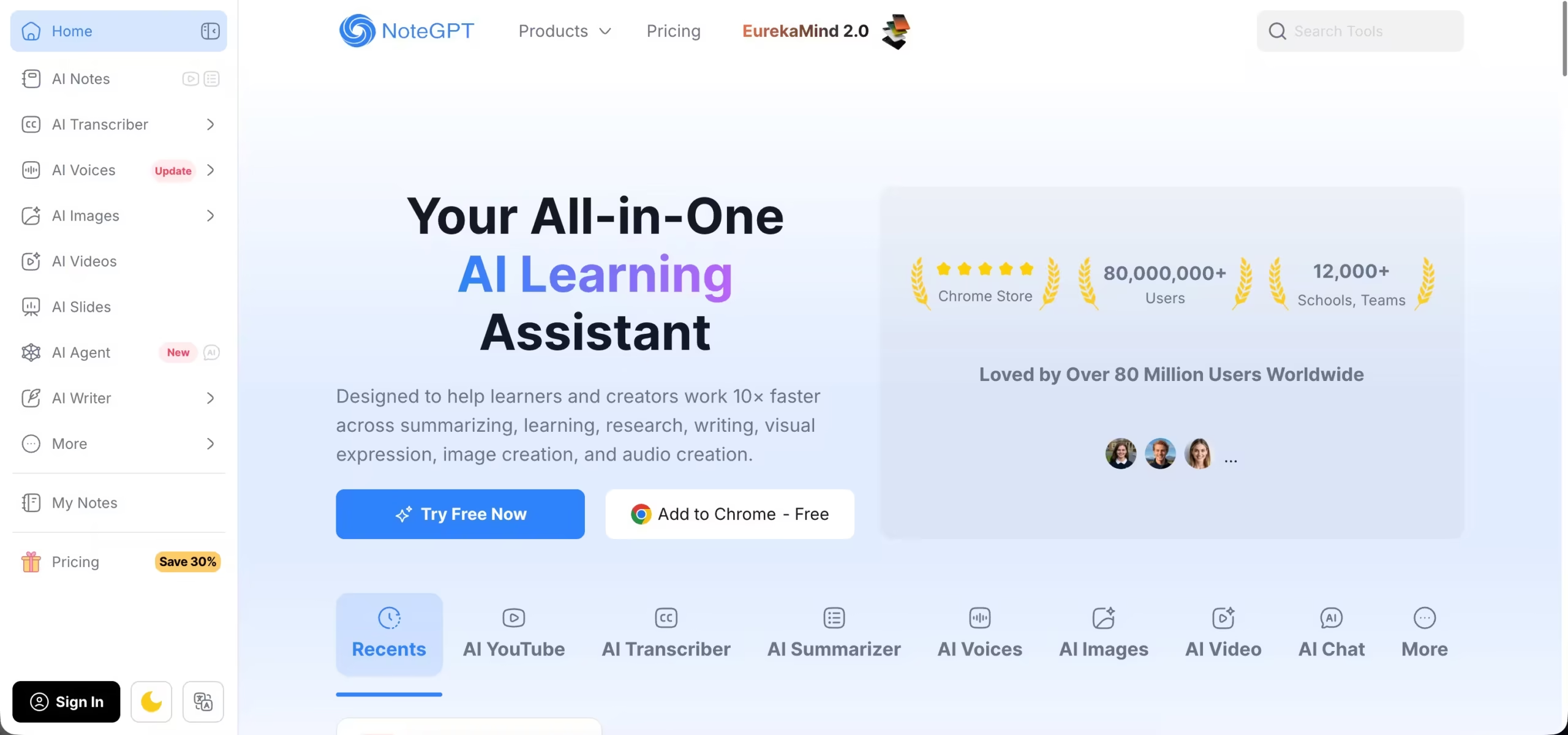
NoteGPT is not another AI tool that produces summaries. It is more of a smart assistant that knows how individuals learn.
You drop in a YouTube lecture, a PDF, a lengthy article, or even an audio file, and NoteGPT creates clean notes, concise summaries, flashcards, mind maps, and more.
The difference between NoteGPT and other tools in the saturated AI note-taker market is its pragmatic nature.
It does not replace your thinking but rather helps it by putting information in an organized way that your brain can actually use.
Key Features
1. AI Transcriber
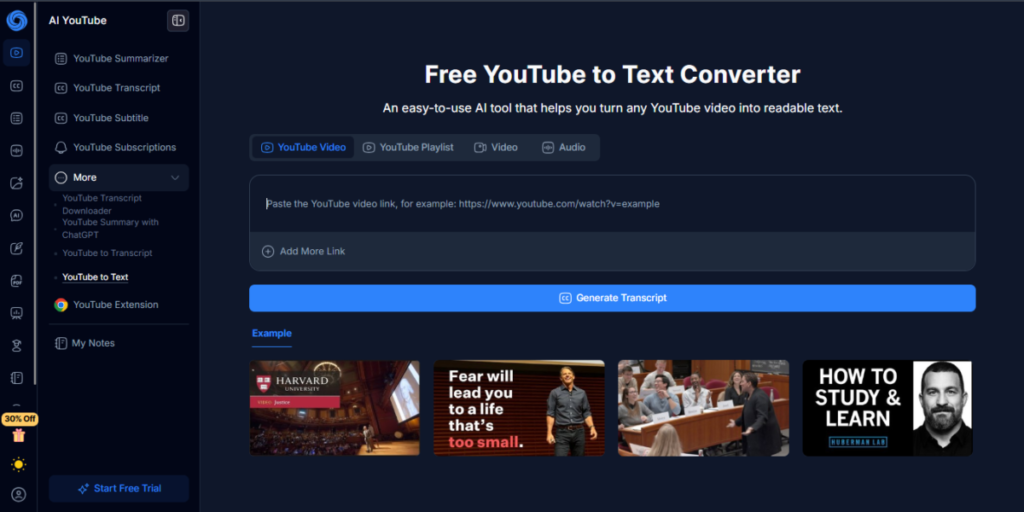
NoteGPT’s AI Transcriber transcribes verbal information in videos, lectures, webinars and uploaded audio and converts them into clean and searchable text that can be used immediately.
Timed transcripts provide words with the timestamps so you can skip to the main moments of the videos or tape recordings.
NoteGPT supports YouTube videos as well as audio files, PDFs with embedded audio, among others.
NoteGPT’s AI Transcriber will transform hours of listening into minutes of reading and provide you with a good foundation for summaries and notes.
2. AI Summarizer
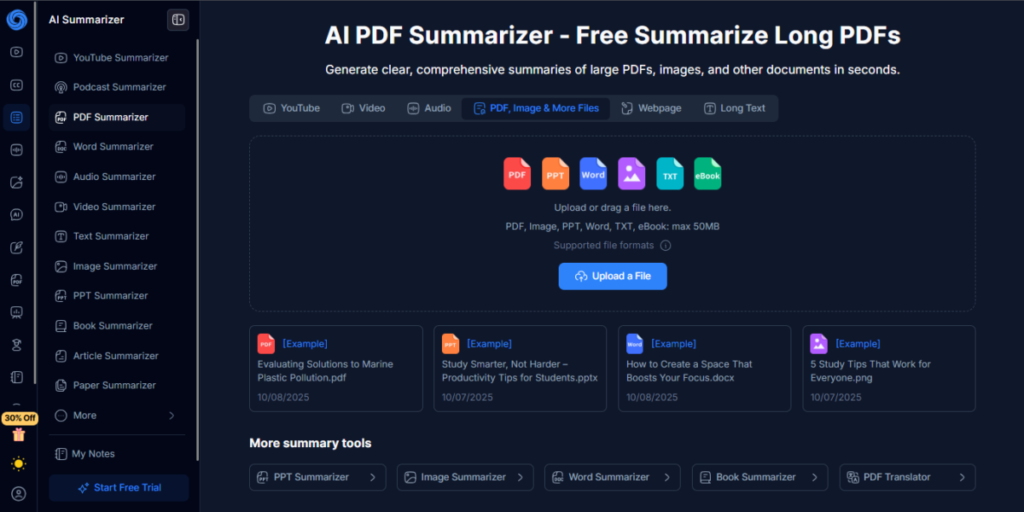
NoteGPT has an AI Summarizer as one of its core tools.
It is designed to condense long content into bite-sized summaries and draw out what is important.
You can summarize YouTube videos, PDFs, articles, PowerPoints, web pages, images, and more.
Get summaries in the form of bullet points, one or two-line sentences or headings based on how you want the information.
Main ideas, critical facts, and high-impact insights that are found in the system are identified automatically.
It can be used by learners all around the world as it works in different languages.
NoteGPT is perfect for skimming long documents or videos and extracting the essence without losing the subtext.
3. AI Images
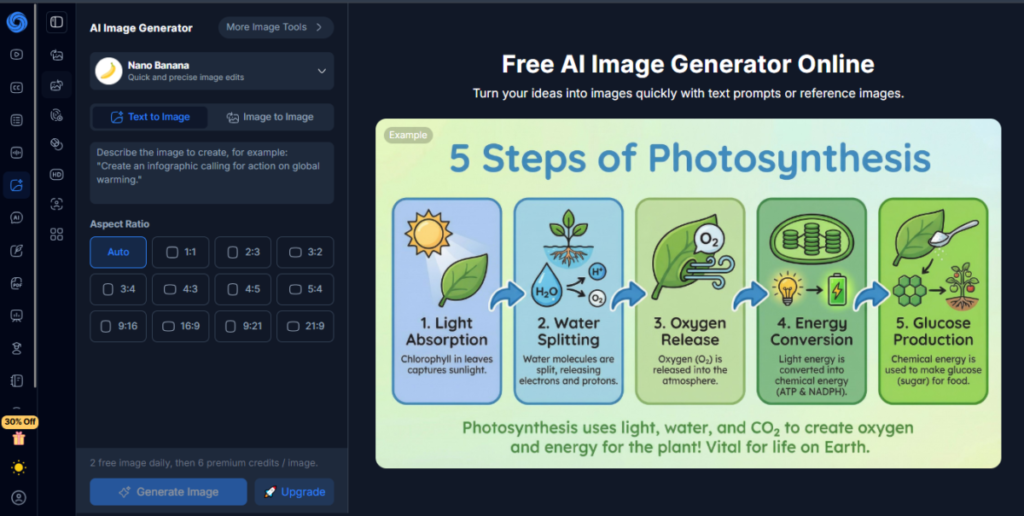
The AI Image Generator lets you generate visuals straight from text prompts.
In note‑taking and creativity, visuals help you memorize and explain concepts quickly.
Using NoteGPT, you can create diagrams, illustrations, infographics and mind-map images that are linked to your study or project content.
4. AI Voices
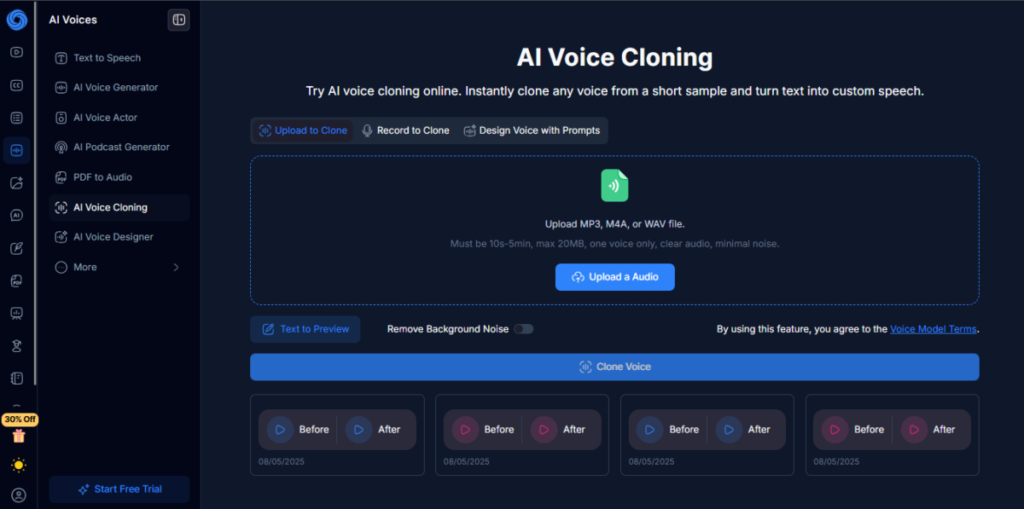
Yes, you also get AI voice cloning feature with NoteGPT. It feels as though someone is reading your notes, reading them out loud and in a human voice.
With multiple voice styles, you get to choose the tone and pace that suits your content.
You can turn summaries and transcripts into audio files that you can listen to at any given time. It is also possible to create small audio lessons or teaser videos based on your notes or your research summaries.
5. AI Study
AI Study is where NoteGPT shines for learners. It automatically converts your crude content into study-ready materials.
You can automatically generate flashcards from summaries and notes. With one click, you can also create visual maps that connect concepts and break down complex topics visually.
You get to practice questions based on your notes so you can test your understanding as you go.
With NoteGPT, you can store all your summaries, flashcards, and mind maps in organized folders and searchable collections.
6. AI Writer
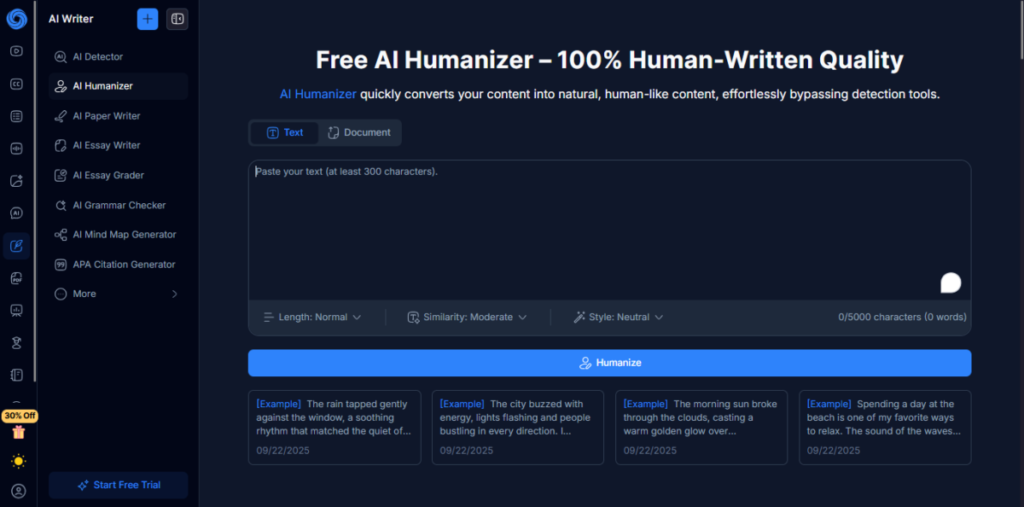
AI Writer by NoteGPT allows you to write, revise, and edit your content without sounding like a robot. The AI writer has different sub-features that aid your writing.
The AI Essay Writer gets you started fast by turning prompts or ideas into structured drafts.
The AI Humanizer then smooths out stiff sentences, so your writing sounds natural and real. AI Detector monitors AI-like patterns and points to the areas which might require adjustment.
Lastly, the AI Essay Grader checks your writing in terms of clarity, structure and grammar and provides you with practical feedback before you submit.
7. YouTube Transcript Generator
NoteGPT’s YouTube Transcript Generator turns any YouTube video into a clean, readable transcript in seconds, no sign-up or extension required.
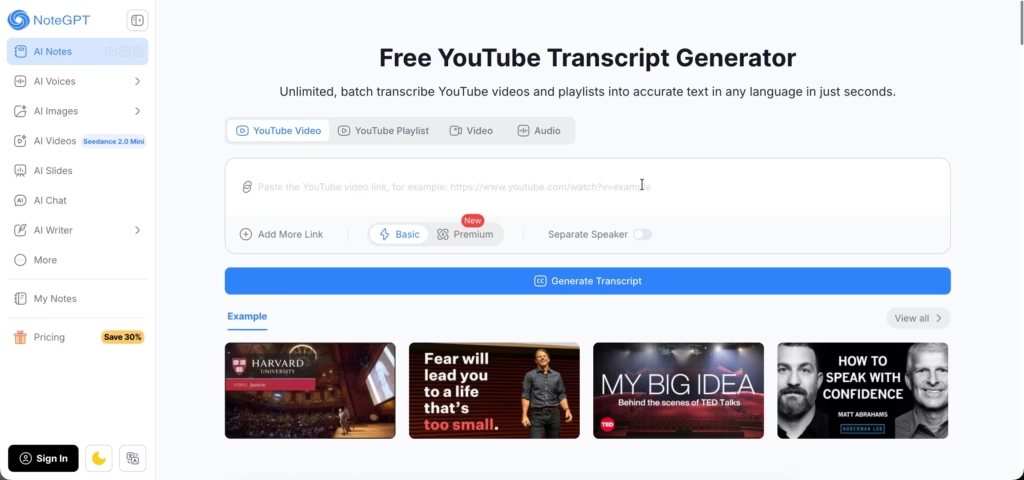
Paste a YouTube link, click generate, and NoteGPT pulls the full transcript with timestamps attached, so you can jump straight to the moment in the video a quote or explanation came from.
It works on videos that already have YouTube captions and, notably, on videos that don’t: NoteGPT’s AI generates the transcript from audio directly when no official captions exist.
You can toggle timestamps on or off, copy the transcript straight to your clipboard, or download it as a text file.
There’s also a batch mode for processing an entire YouTube playlist at once, which is useful if you’re working through a full course or a multi-part series instead of a single video.
The tool supports multiple languages and includes an optional speaker-separation setting, useful for interviews or panel-style videos with more than one speaker.
Competitor’s Comparison
| Feature / Tool | NoteGPT | NotebookLM | Notion AI | Otter.ai | Mem AI | Noiz |
|---|---|---|---|---|---|---|
| Primary Use Case | All-in-one AI learning & productivity assistant | AI research assistant for uploaded documents | AI workspace for notes, docs & project management | Real-time transcription & meeting summaries | Context-aware notes & reminders | AI voice cloning & text-to-speech |
| Summarization | PDFs, videos, articles, PPTs | Limited | Workspace content | Meeting transcripts | Contextual notes | No |
| Transcription | Video / audio / PDF | Only if doc has text | Mainly text | Live + recordings | Audio capture | No |
| AI Writing / Essay Tools | Yes,draft, humanize, grade | No | Yes,suggestions & templates | No | Limited | No |
| Voice / Audio Generation | Yes,AI Voices | No | Limited | No | Limited | Yes,cloning & TTS |
| Best For | Students, professionals, creators, researchers | Researchers & academics | Teams & productivity users | Professionals & meetings | Knowledge workers | Creators, podcasters, devs |
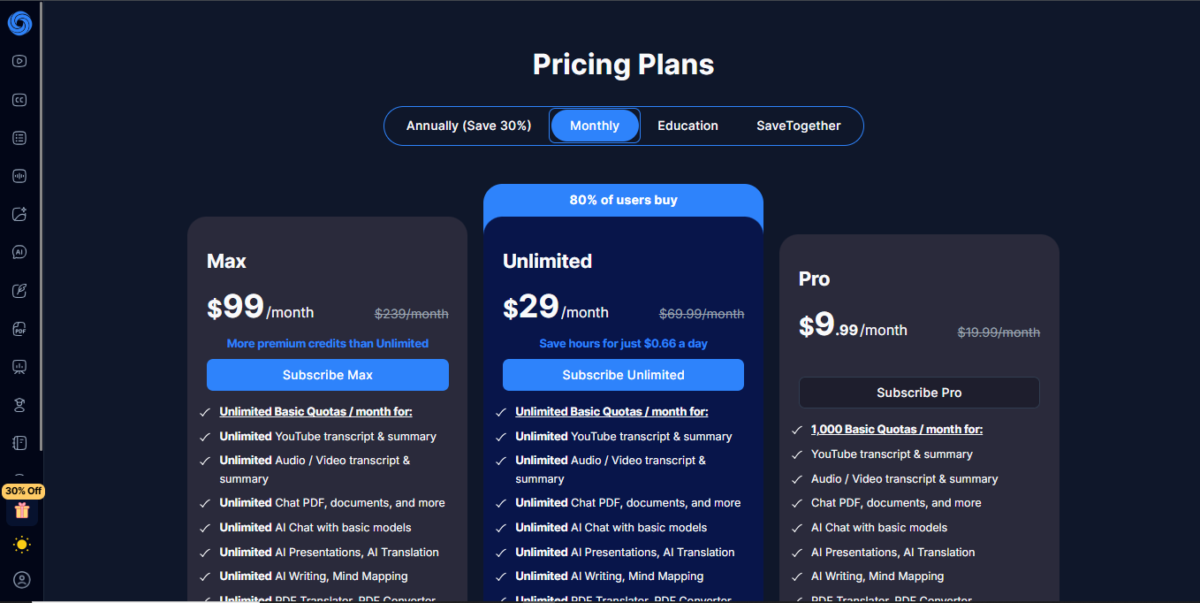
| Starting Price | $9.99/mo | $1.99/mo (Google One) | $10/mo | $16.99/user/mo | $12/mo | $3.9/mo |