
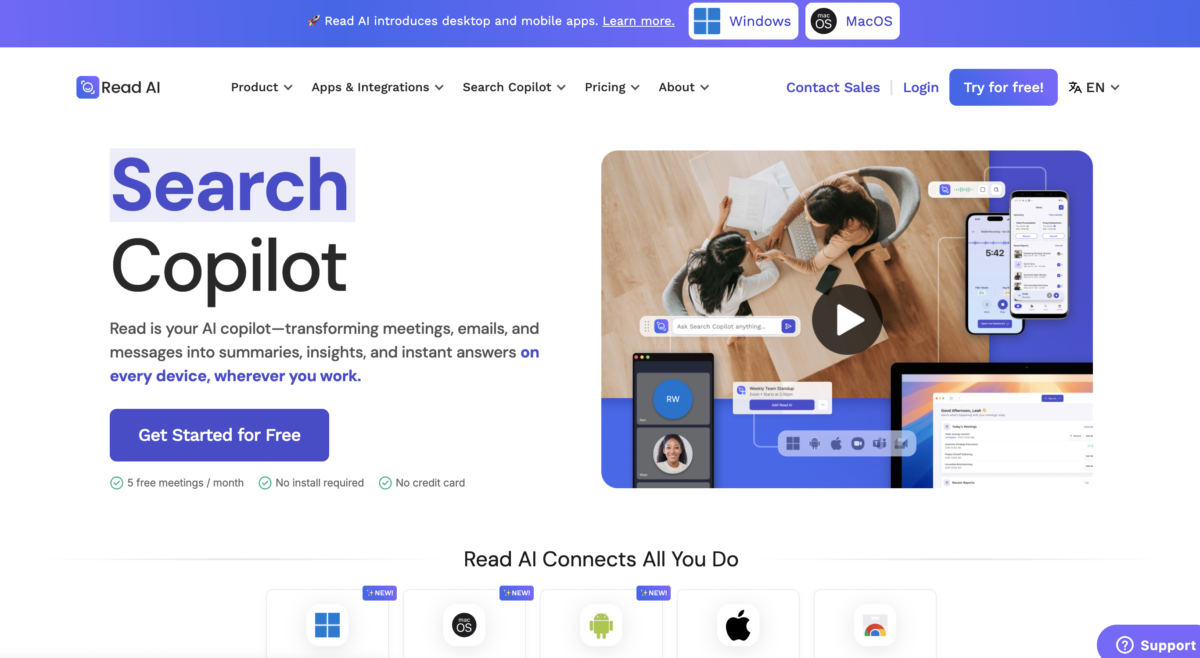


Read AI works like this: You hook it into your conferencing tools (Zoom, Google Meet, Microsoft Teams) and email or messaging channels.
Once connected, it automatically captures the conversation, transcribes it, and delivers smart summaries, insights, and highlights.
The platform also offers enterprise search, a feature that lets you ask questions across all your meetings, emails, and docs all at once – so you can find context instantly without digging through endless notes.
Key Features
1. Automatic Meeting Transcription
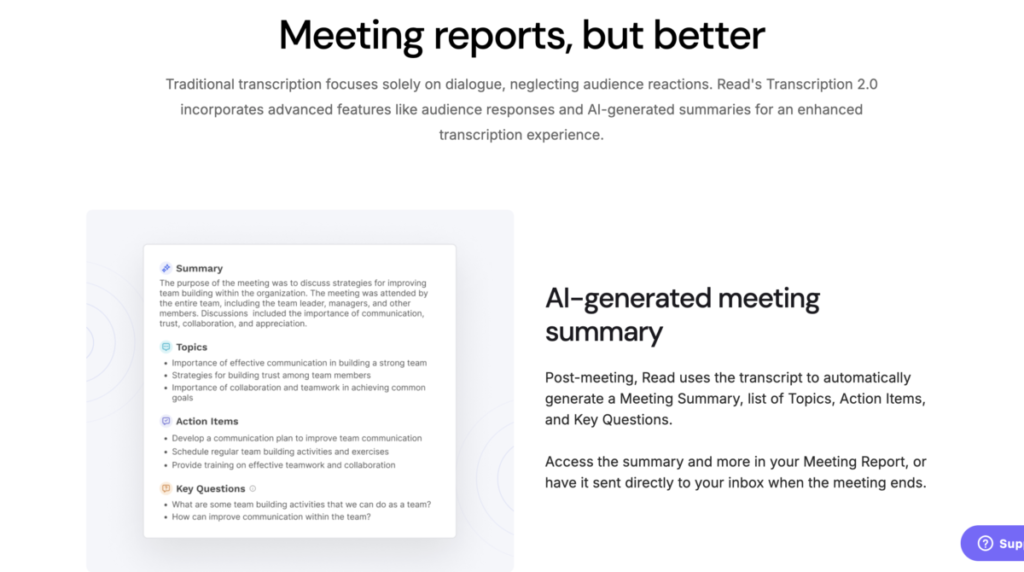
Meetings are captured and converted into text in real-time. This means no more last-minute typing or fuzzy memory. You can search transcripts by speaker or topic later.
2. Actionable Summaries & Insights
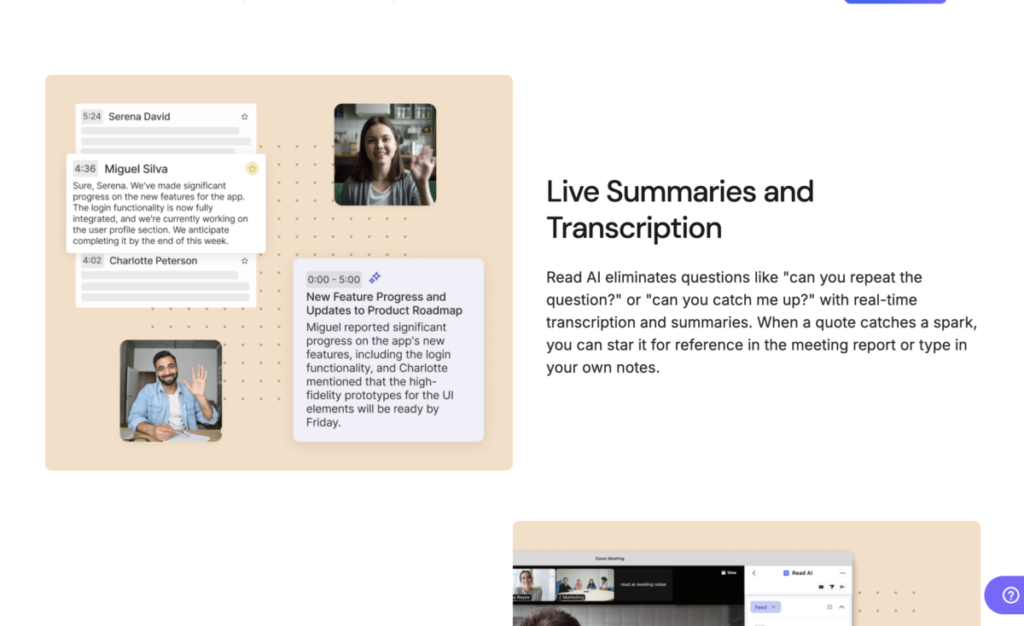
After a call ends, Read AI doesn’t just give you a rough transcript. It produces a clean summary, highlights action items, and identifies key moments.
3. Real-Time Meeting Assistance
While the meeting is happening, Read AI can provide live notes, metrics, and even coaching tips that help you speak more clearly or stay focused on priorities.
4. Enterprise Search Copilot

This feature allows you to search across meetings, emails, chats, documents, and more – all in one place. It’s like having a memory bank for your entire workspace.
5. Multi-Platform Integrations

Read AI connects with Zoom, Google Meet, Microsoft Teams, Gmail, Outlook, Slack, Notion, HubSpot, Salesforce, Jira, Confluence, Asana, and dozens more.
You don’t need to switch tools. Read AI brings insights right where you already work.
6. Cross-Device Support
You can use Read AI in your browser, or install apps on Windows, macOS, Android, and iOS. Your account syncs across every device.
7. Privacy & Compliance
Read AI is built with security in mind. It complies with SOC 2 Type II, GDPR, and HIPAA standards, making it a fit for industries where data protection matters.
8. Personalized Coaching & Metrics
Unlike basic transcription tools, Read AI can analyze things like talking pace, sentiment, and participant engagement, helping you improve meeting performance.
Competitor’s Comparison
| Tool | Best For | Key Features | Pricing (typical, per user/month) | Notable Limits / Cons |
|---|---|---|---|---|
| Read AI | Automated meeting “reports” and team analytics | Records meetings, transcription, AI summaries, action items, questions, sentiment and engagement metrics, team workspaces. | Starting at $19.75 | Free tier is limited; some users report accuracy and reliability issues at scale compared to rivals. |
| Otter.ai | Real‑time transcription and collaboration | Live transcription, speaker identification, shared notes, search, multi-meeting join, file import, team admin controls. | Starting at $8.33 | Interface can feel complex; relatively expensive versus some newer tools; limited pre‑meeting workflows. |
| Fireflies.ai | Call recording with conversation intelligence | Auto‑join meetings, transcription, AI summaries, soundbites, analytics, CRM integrations, “notetaker bot” for major platforms. | Starting at $10 | “Unlimited” often excludes uploaded files, which may incur extra costs; some users report cluttered UI. |
| MeetGeek | All‑in‑one meeting capture for SMB teams | Automatic recording, transcription, AI highlights, action items, searchable archive, templates, extensive integrations. | Starting at $9.99 | Some advanced features only in Business; smaller ecosystem than Otter/Fireflies in some markets. |
| Jamie AI | Privacy‑focused note‑taking without visible bot | Offline or “no‑bot” capture, AI summaries, transcripts, action items, decision logs, semantic search, custom templates, multi‑language. | Starting at €47 | Higher entry price than many competitors; focused mainly on notes, not full revenue/CS intelligence. |
| Avoma | Revenue & conversation intelligence on top of notes | Meeting assistant, transcription, AI notes, deal and pipeline insights, coaching, conversation and revenue intelligence, CRM sync. | Starting at $19 | Many key voice/SMS and advanced intelligence features require extra paid add‑ons; cost can scale quickly. |