
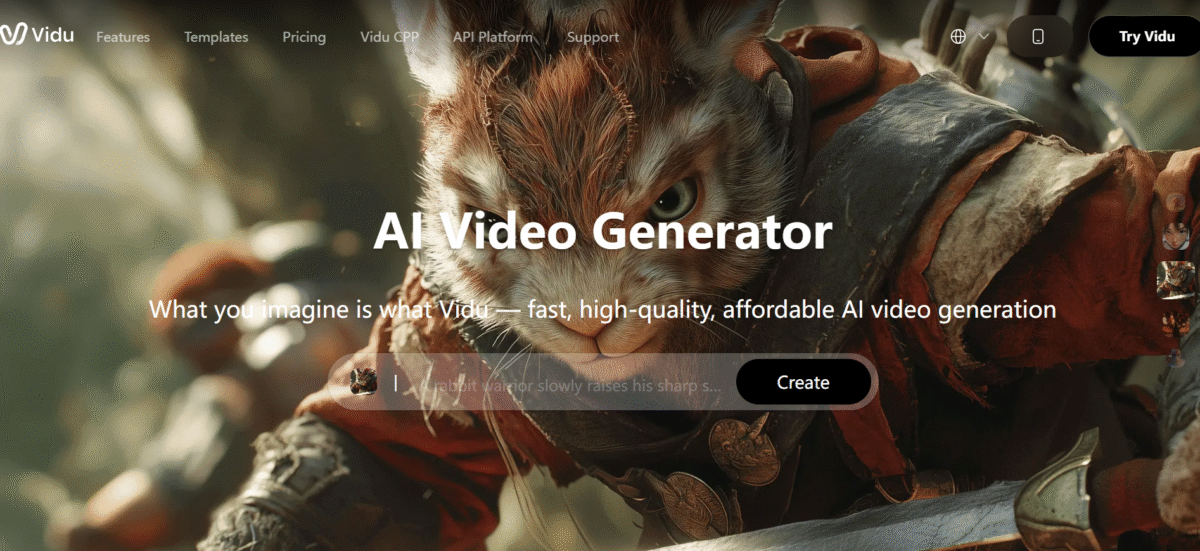
Vidu AI is a text-to-video/image-to-video tool that creates short videos (16 seconds) in 1080p resolution.
Vidu AI uses U-ViT architecture that combines diffusion models with transformer architectures for consistent video frames.
Also read: Top 20 AI Video Generators 2025
Main Features
1. Text-to-Video Generation
This Vidu AI feature allows users to enter text prompts. Then the AI analyzes and creates a short, realistic video based on the details. The videos are relatively long in length (16 seconds) when stacked against other AI tools, which can only provide a few seconds.
Thanks to this extended length, the video can detail more narrative, dialogue, and visual flow without stitching together multiple clips. This leads to smoother and more cohesive videos.
Note: Vidu AI also creates animations and video ads.
2. Image-to-Video Conversion
Vidu AI animates static images by applying elements of a moving video. It uses the visual details of the provided image as a foundation and reference point. For example, a portrait can be animated to have subtle movements like blinking, head turning, and walking. Yet, it keeps the subject core intact.
The image-to-video prompting also has a sub-feature, an AI kissing generator. This feature takes two images of two people and converts them into a short romantic video.
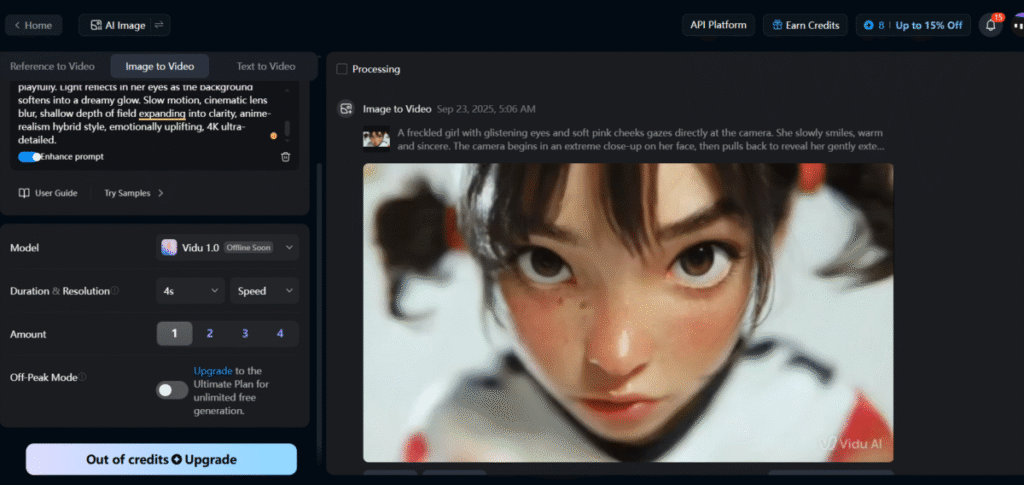
I tested out this feature by going with a default prompt on the platform. The generation process took significant time to complete, but the resulting video had a high degree of prompt adherence. The quality was also great.
3. High Resolution Output (up to 1080p)
Vidu AI produces videos in full high definition (1080p) with crisp, clean visuals for professional use. The HD output ensures that details (facial features, textures, and lighting) appear sharp and appealing. This widens its applications to settings like social media that depend on visual quality for perception.
4. Reference-to-Video
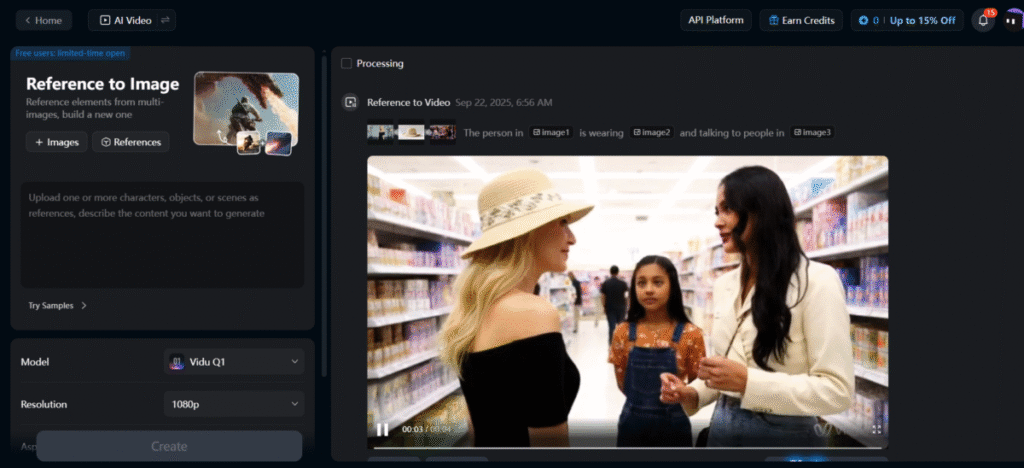
Users are allowed to provide 3+ reference images for characters, objects, and environments. Vidu AI then generates a video using that as a guide so the subject stays consistent in pose, style, and look.
PROS:
- Fast generation speed: 4-second clips in approximately 10 seconds, longer clips under a minute, making iteration practical rather than laborious.
- Strong frame consistency: reducing the object warping and character drift common in competing tools.
- Reference-to-video mode: maintains subject consistency across frames when multiple reference images are provided, which is rare at this price point.
- Vidu integrated audio generation: background music and environmental sound are produced alongside the visual rather than requiring separate audio tools.
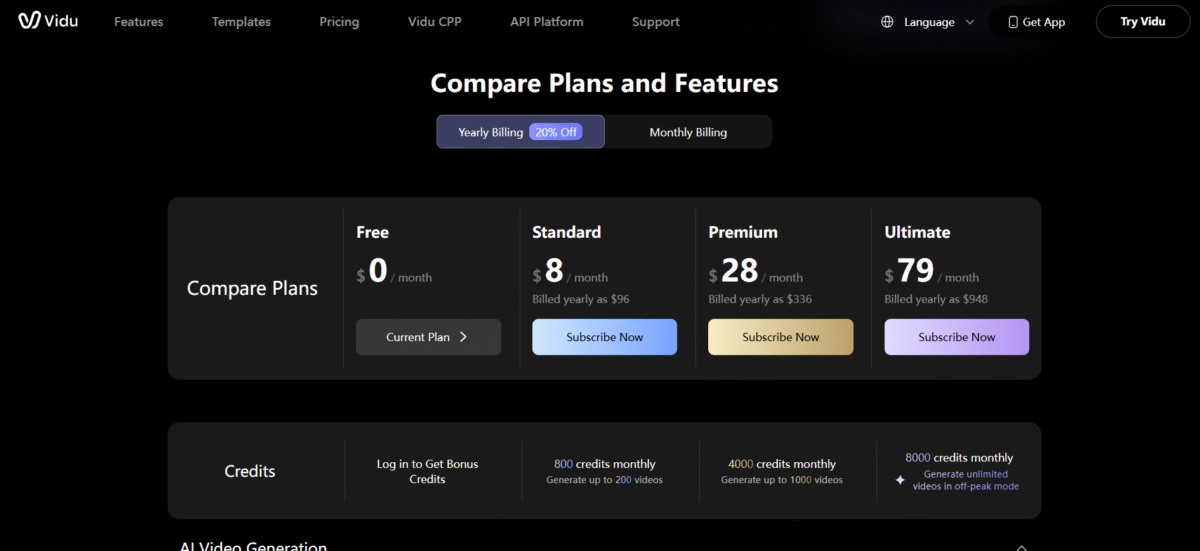
- Free plan available: with 80 monthly credits, sufficient for testing and light use.
CONS
- Occasional visual artifacts: most commonly in early frames, particularly with detailed subjects — requiring multiple generation attempts.
- No built-in text overlay or caption tools: external software is needed for adding subtitles, CTAs, or lower thirds.
- Audio generation in Q3 works better at a macro level (mood, pacing) than micro level (precise sound effects synced to specific actions).
The AutoGPT Verdict
Vidu AI is a strong option for content creators, social media marketers, and digital artists who need fast, visually consistent short-form video at an accessible price.
Its generation speed is genuinely differentiated; the iteration loop is fast enough to make it practical for users who expect to regenerate multiple times before landing on usable output.
The reference-to-video feature and frame consistency also put it ahead of many competitors at a similar price point.
It is less suited to users who need long-form video, precise audio-visual sync, or commercial output on a free plan.
The 16-second cap will feel limiting for anyone working on longer narratives, and complex physical interactions remain a weak point across the current model.
Within the AI video generation space, Vidu sits between Pika Labs (faster, simpler, shorter clips) and Runway Gen-3 (higher ceiling, higher price, steeper learning curve).
For users who want a capable mid-tier tool with fast iteration and good character consistency, Vidu AI is worth a trial on the free plan before committing to a paid tier.