
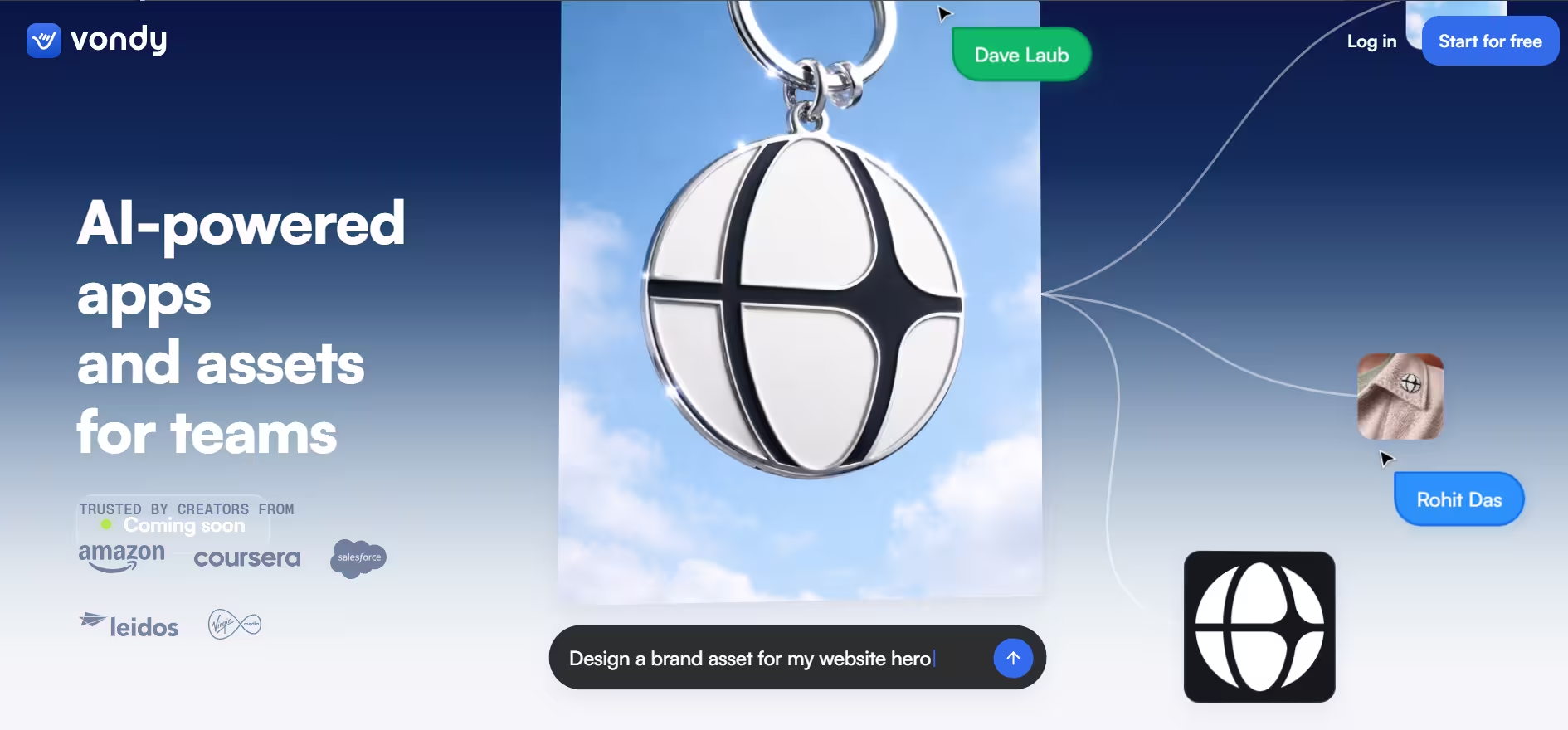


Vondy is a browser-based hub for AI generators. Its homepage claims 40,000+ generators, 1,000,000+ creators, and 10,000,000+ assets created. The homepage doesn’t say when those numbers were last updated, and as of October 2026, I could not independently verify them.
In practice, Vondy works as one login for thousands of AI tools. This allows users to access micro-applications or build their own without coding and complex set-ups. It removes software fragmentation, which helps its users work through several tasks, such as content generation and website development, quickly.
Key Features
1. Vondy’s AI Image and Design Generators
Vondy produces everything from logo designs and game art to tattoo designs and album covers. Illustrations, pattern designs, book designs, portraits and caricatures, cartoons and comics, and backgrounds fill out the rest.
That’s a wide selection. So I wrote one prompt that stretched across the nuances of each image category and tested three things: delicate lighting, fine detailing, and prompt adherence. Vondy returned four images. Same concept but slight variations.
For a designer, that means one prompt gives you four takes to compare, and each kept the same window light, so you can pick the strongest without losing the lighting you asked for.
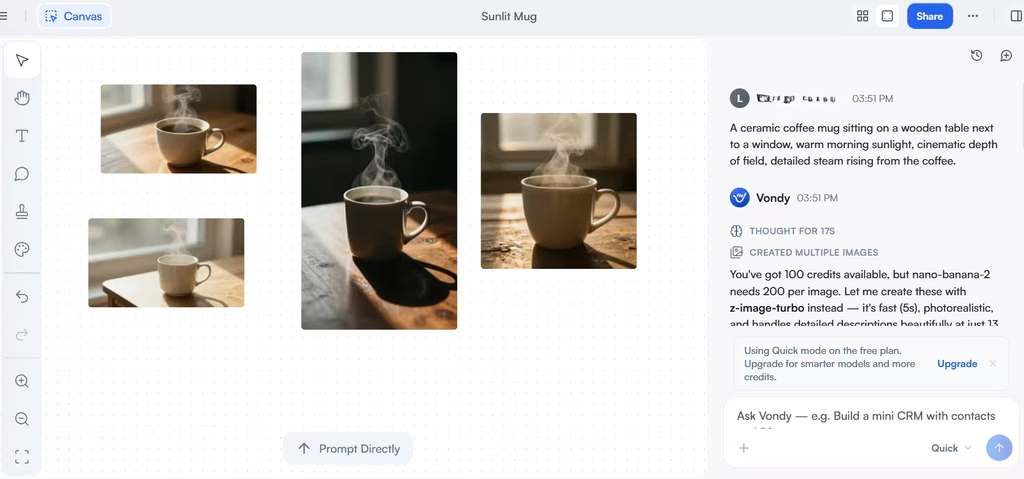
Per the prompt, each image had a soft, natural directional sunlight streaming from the window. Just like a realistic image, the lighting cast realistic shadows on the opposite side of the light source. The rim highlights and glints on the ceramic edges also match the sunlight perfectly.
Vondy also detailed other elements like steam, showing its ability to handle transparent elements. In my test, the realistic lighting and steam make Vondy a strong pick for concept art and quick drafts.
Also read: The Best Tools for AI Photo Editing
2. Writing and Translation Tools
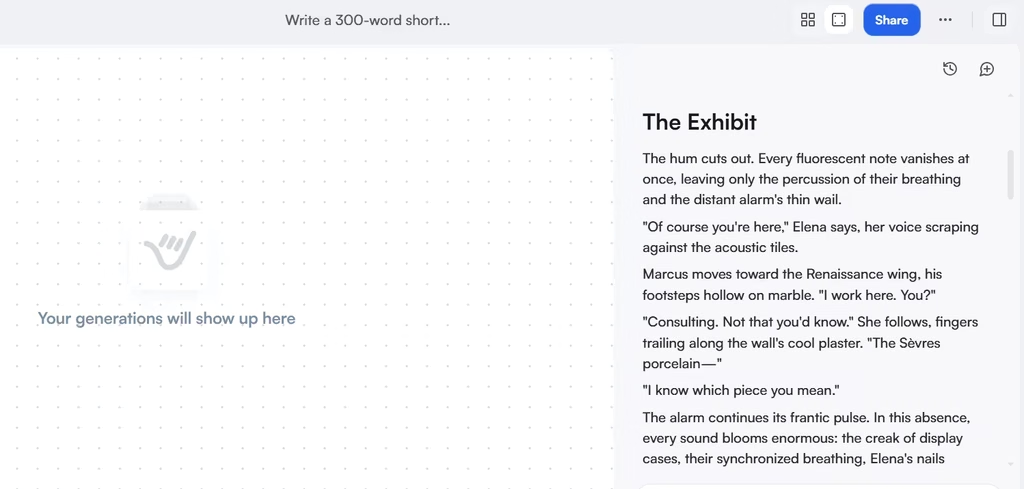
Writing is where one-click generators often sound generic, so I wanted to see whether Vondy could follow constraints. This category covers every conceivable type/form of text, but I settled on a prompt for a short story with details on word constraints, point of view, and dialogue subtext.
The story came out without the restricted words, and the dialogue sounded natural, without being overexplanatory. It was more of “show, don’t tell.”
Translation was next. I asked Vondy for the same story in French, then ran that French version through Google Translate to see whether the original wording would come back.
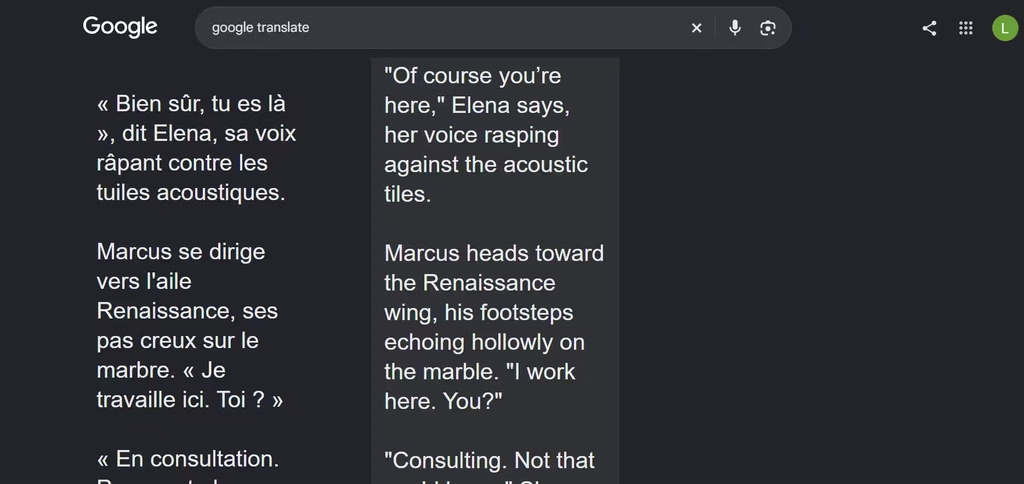
The reverted story ended up being very similar to the original, with the exception of a few minor phrasing. For instance, “the distant alarm’s thin wail “ from the original story became “the distant, thin, high-pitched wail of the alarm” in the reverted story. The idea is the same, only with an extra word and a slightly different phrasing.
3. Audio and Voiceover Tools
Audio is where Vondy’s all-in-one pitch gets tested hardest, because it spans voiceover, podcast production, audiobook production, guided meditation, and sound effects. Could it voice the story it had just generated? It could, and fast: about 47 seconds.
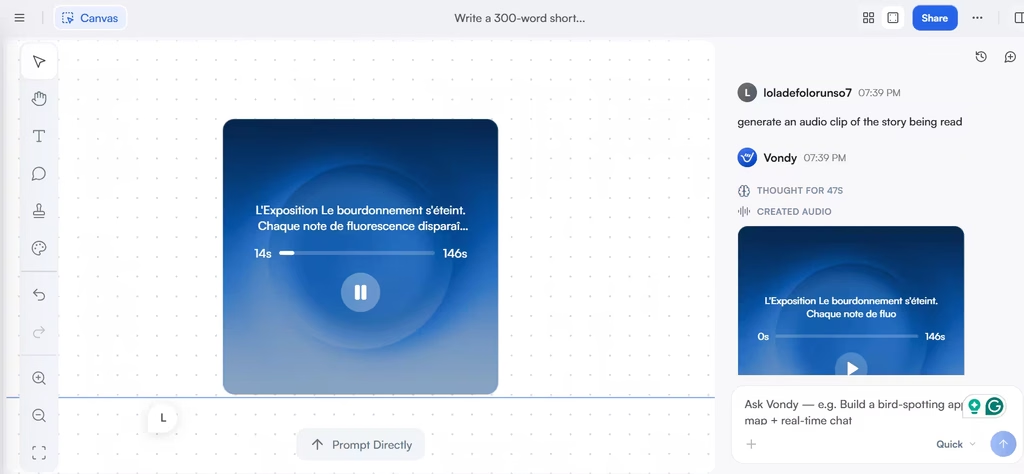
I liked how the voice held its rhythm and pitch. It raised its pitch at the end of questions and varied its speech the way people naturally do. With dialogue, though, it did more: the tone shifted to reflect each character’s state of mind and mood. The one limitation? Scenery. There, it stayed flat.
4. Marketing Copy Generators
Digital Marketing covers the copy tasks that pile up every week: website content, email writing, product descriptions, ad copy, and social media marketing. Popular picks include Amazon listings and cold emails. Marketers thus get commercial copy tools besides the creative ones.
5. Multi-Model Access
The homepage advertises 48+ models. The pricing page says Pro unlocks all models for image, video, audio, writing, and code. So you can switch models instead of switching platforms. Honestly, that is more choice than most users need.
The value here is flexibility, not volume: when one model misses, you can try another without leaving Vondy. The homepage places that number beside images, video, 3D elements, and icons, but it shows model logos rather than naming each model in text.
6. Credits, Downloads, and Workspace
Vondy meters usage in credits, which are limited on the free plan. The paid plans, however, have higher credit allowances and unlimited downloads for better use. In my testing, generating the four images cost 13 credits, the AI chat ranged from 7 to 20 credits (depending on the task), and the 146-second voiceover cost 75 credits. To me, that makes the credit system harder to read than it should be.
There is also an attached Vondy AI Assistant, even in the free plan, and a project workspace. The workspace is more collaborative. As I found, just like a typical work communication channel, I was able to react to tasks and leave comments.
This ensures team members work synergistically. In my view, that’s enough for quick feedback loops, though I only tested comments and reactions, so I can’t vouch for heavier team workflows.
Is Vondy a Good Creative Suite?
Vondy makes sense if your work jumps between formats. Its generators cover images, writing, audio, and marketing copy under one login. In my view, $20 per month is fair if you need image, writing, and audio tools together, because that one login replaces separate image, writing, and voice subscriptions.
It’s overpriced if you only use one category, because dedicated tools can go deeper in their niche. For comparison, Canva Pro costs $18 per month on monthly billing, but it centers on design layouts.
However, the platform has limits. Its credit system makes your actual cost depend on the models you choose. During my testing, generating four images, a short story, its French version, one voiceover, and 5 other tasks used 179 credits. Because I was on a limited free plan, it showed me how quickly costs can add up when you experiment across models. A subscription, however, doesn’t have this issue.
Also, the homepage now emphasizes app building, even though it remains a creative suite. My verdict: Vondy is worth upgrading to Pro if you regularly produce images, writing, and audio together. If you need only one of those, skip it. Pick Midjourney for images, ElevenLabs for voice, or Jasper for marketing copy, since each one focuses on a single format. Either way, start on the free plan first.