
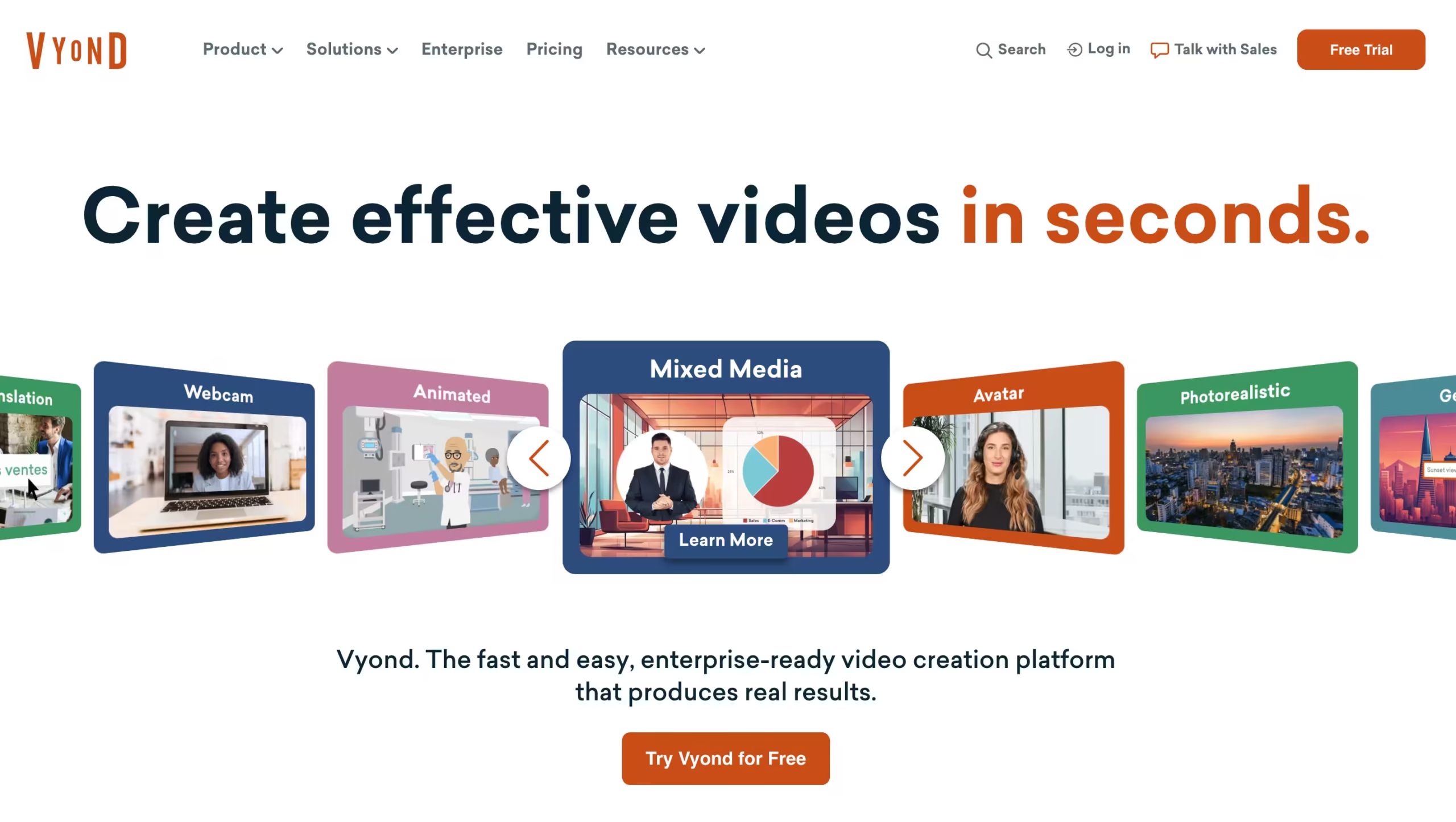

Vyond has been around since 2007 (originally called GoAnimate), and it’s grown into one of the most widely used animated video platforms in the corporate world.
Over 65% of Fortune 500 companies use it, and more than 40 million videos have been created on the platform to date.
At its core, Vyond AI gives you two ways to make videos. Vyond Studio is the full drag-and-drop editor where you build scenes manually.
Vyond Go is the AI-powered shortcut that generates a video draft from a text prompt or uploaded document. Both tools live inside the same browser-based platform – no downloads, no installs.
The biggest strength is speed paired with polish.
I tested Vyond AI across three use cases – a compliance training video, a product explainer, and a quick social clip – and consistently went from blank screen to exportable draft in under 45 minutes.
That’s faster than any other animated video tool I’ve used, including Animaker and Powtoon.
The biggest weakness is cost and predictability.
If you’re a heavy user on the Starter plan, you’ll feel the 10,000-credit ceiling before the month is up.
And at $699/year minimum, Vyond AI prices out most casual creators before they even start.
Key Features
The Editor: Vyond Studio
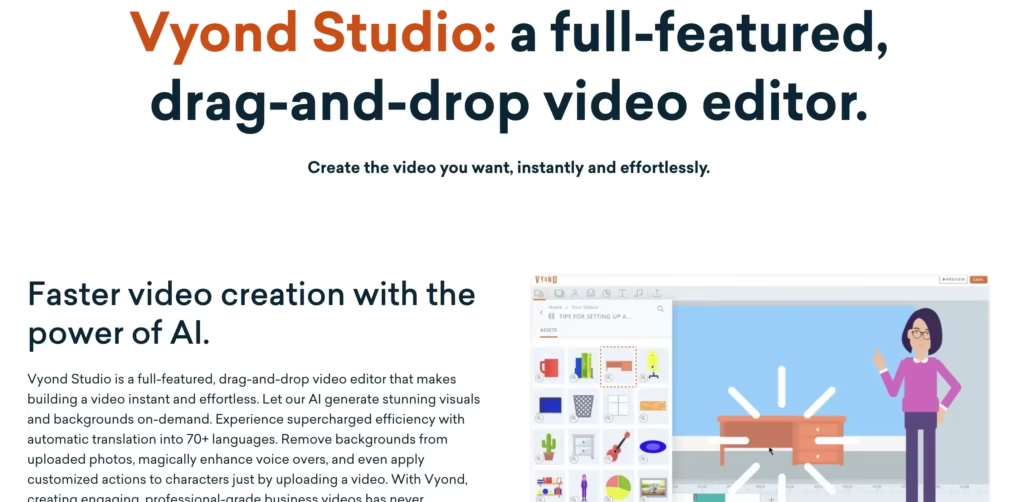
Vyond Studio is where you’ll spend most of your time, and honestly, it feels like someone rebuilt PowerPoint specifically for animation.
You pick a scene, drag characters onto it, assign actions, add dialogue, and hit export.
The timeline sits at the bottom of the screen. You can layer audio, adjust timing, and preview everything in real time.
That said, browser performance is a real limitation. When I tested a 12-scene compliance training video with voiceovers on every slide, Chrome became noticeably sluggish by scene 8.
Preview playback stuttered and timeline scrubbing lagged by about 2–3 seconds.
There’s no desktop app to offload the processing, so you’re at the mercy of your browser and machine specs. Power users on forums report similar slowdowns, especially on laptops with 8GB of RAM or less.
The character rigging also feels stiff compared to what you’d get in dedicated animation software like Adobe Animate.
Movements are pre-set actions you select from a menu – you’re choosing from “wave,” “walk,” or “point” rather than keyframing custom motion.
For corporate training videos, that’s plenty. For anything that needs fluid, custom animation, you’ll hit the ceiling fast.
Vyond AI Generator: The Vyond Go Shortcut
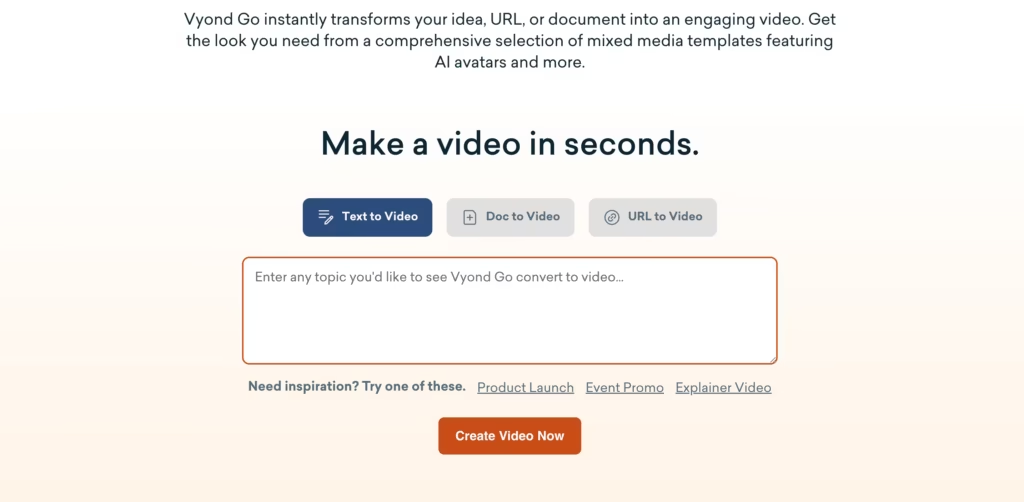
Vyond Go is where the AI side of Vyond AI lives. You type a prompt or paste a script, and it generates a full video draft – characters, backgrounds, transitions, voiceover – in under a minute.
You can also feed it a document or PDF, and it’ll convert that into a video. For L&D teams sitting on piles of written SOPs, this cuts hours off the production process.
It’s a first-draft tool, not a finished-product tool. But a first draft that’s 70% there in 90 seconds is a meaningful productivity gain over building from scratch.
The Vyond Character Creator
The Vyond character creator deserves its own section because it’s one of the platform’s biggest draws.
You can build characters from scratch – choosing body types, facial features, clothing, accessories, and skin tones.
You can even turn a photo into an animated character using AI.
The character library already includes thousands of pre-built options, but the custom builder is where Vyond really separates itself from tools like Powtoon or Animaker. Neither competitor offers the same depth of body type, outfit, and accessory combinations.
One heads-up: custom AI avatars (the photorealistic ones) cost extra – $200 per avatar on top of your subscription. And using them in videos now eats into your monthly credit allocation.
That’s a cost that adds up quickly if you need avatars for multiple presenters or spokespeople.
How to Add Text to Speech in Vyond AI
Adding text-to-speech in Vyond is straightforward:
- Open your project in Vyond Studio.
- Select the scene where you want voiceover.
- Click the audio/dialogue option.
- Choose “Text to Speech.”
- Type or paste your script.
- Pick a voice and language (80+ languages available).
- Preview, adjust pacing if needed, and apply.
The AI handles lip-syncing automatically, which eliminates what used to be hours of manual alignment work.
The English (US) “Samantha” voice is the one I used most during testing – it sounds natural enough for training content, though it still carries a slight digital flatness that trained ears will catch.
Compared to ElevenLabs, the voices lack emotional range. Compared to Amazon Polly, they’re on par or slightly better for longer narration.
You can adjust speed and tone, though you don’t get the granular control (pauses, emphasis, breathing) that Animaker offers with its text-to-speech engine.
Keep in mind: text-to-speech uses your AI credits.
A 5-minute training video with wall-to-wall narration consumed about 1,200 of my 10,000 monthly Starter credits. Scale that across 8–10 videos per month and you’ll brush up against the limit.
How to Make Vyond Interactive
This is a question that comes up a lot, and the answer is nuanced. Vyond itself doesn’t have built-in interactivity – no branching scenarios, no clickable hotspots, no embedded quizzes inside its video player.
You can work around this by exporting as SCORM and uploading to an LMS like Articulate Rise, Moodle, or TalentLMS. From there, you add quizzes, knowledge checks, and branching paths around your Vyond videos.
Some users also pair Vyond with tools like H5P to layer interactive elements on top of exported MP4s. It takes extra steps, but it works.
For a tool that counts L&D teams as its core audience, the lack of native interactivity is a notable gap.
Synthesia added clickable CTAs and in-video quizzes to its platform in 2025. Vyond hasn’t matched that yet, and it shows when you’re trying to build a complete training module without leaving the platform.
Competitors Comparison
| Feature | Vyond | Animaker | Synthesia | Powtoon |
| Starting Price | $58/mo (annual) | $20/mo (Basic) | $18/mo (annual) | $16/mo (annual) |
| Free Plan | Trial only | Yes | Yes (Basic) | Yes |
| AI Video Generation | Yes (Vyond Go) | Yes | Yes | Yes (AI-powered) |
| Custom Character Builder | Deep customization | Good | Avatar-only | Basic |
| Text-to-Speech | 80+ languages | 25+ languages | 130+ languages | Yes (AI-powered) |
| SCORM Export | Yes | Yes (paid) | Yes | Yes (paid) |
| AI Avatars | Yes ($200 extra) | No | Core feature | Yes (via partners) |
| Auto-Translation | 80+ languages | Limited | 130+ languages | No |
| Best Use Case | Animated training videos | Budget animations | Talking-head videos | Quick presentations |