
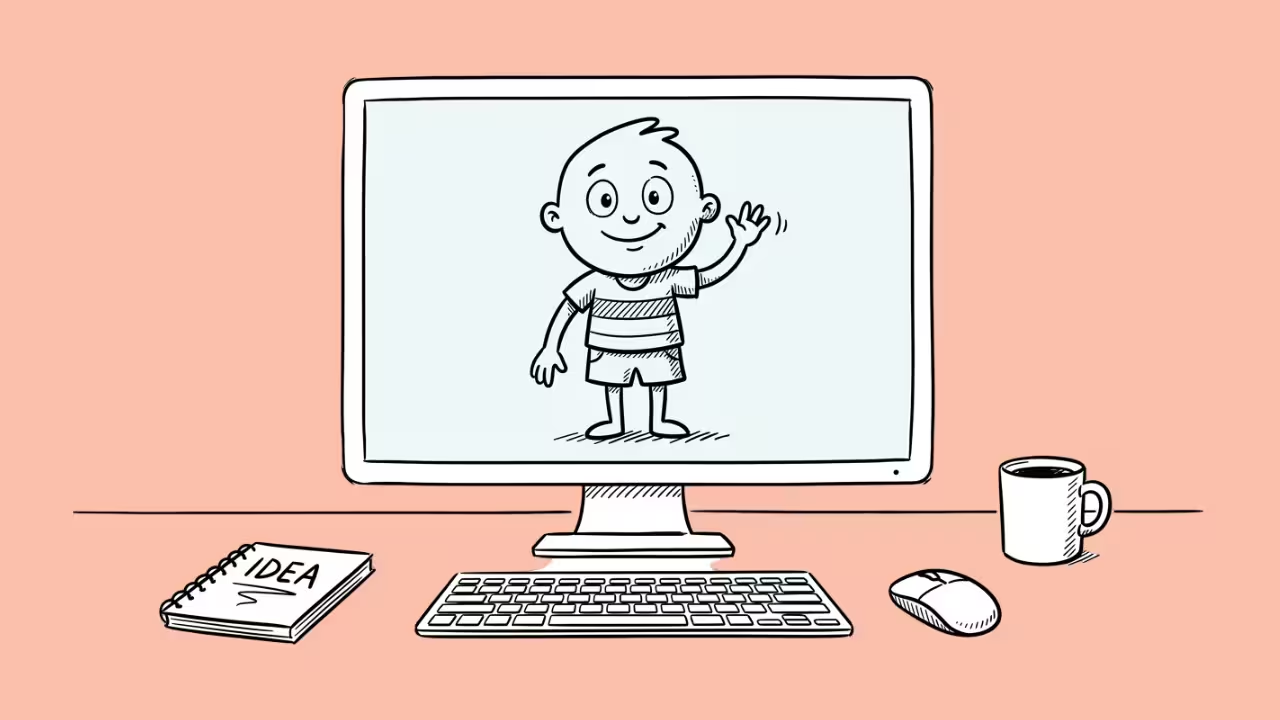

Social media has seen an inflow of stylish, cartoon art dominating the screens. The surge in popularity of anime and many cartoon characters has sensitized the average eye to the artistic wonders of cartoon characters.
Now, everyone wants to join the trend. And with the existence of AI tools, creating cartoon elements is easier than before. All tools aren’t created equal; that’s why this article provides a compilation.
Each tool listed accommodates style preferences, gives editing control, and is user-friendly, thereby falling into the class of AI generators that create the stylish cartoon art everyone loves.
1. MidJourney
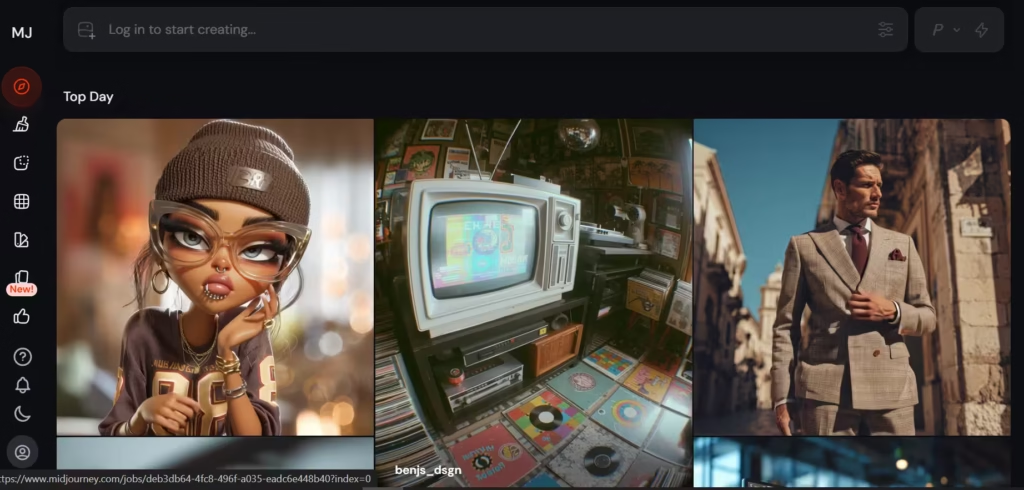
Midjourney v7.0’s ability to produce polished and cinematic cartoon visuals has ranked it as the leader in artistic quality and stylization. This stems from its interpretation of prompts, which borders on the poetic. Therefore, the resulting generations are distinct, mood-rich artworks that appear handcrafted. This functionality comes at a price; MidJourney requires more skillful prompting and experimentation. However, the visual depth, style, and high-end aesthetics make the effort worth it.
Features
- Generates highly stylized cartoon images from detailed prompts.
- Produces artistic, cinematic visuals with strong aesthetic quality.
- Operates via Discord with continuous model improvements.
Pros
- Delivers some of the highest-quality cartoon visuals available.
- Excels at creative interpretation and unique styles.
- Ideal for concept art and storytelling imagery.
Cons
- Requires learning prompt techniques for best results.
- Runs through Discord, which may be inconvenient for some users.
- Lacks built-in editing tools compared to design platforms.
2. Canva
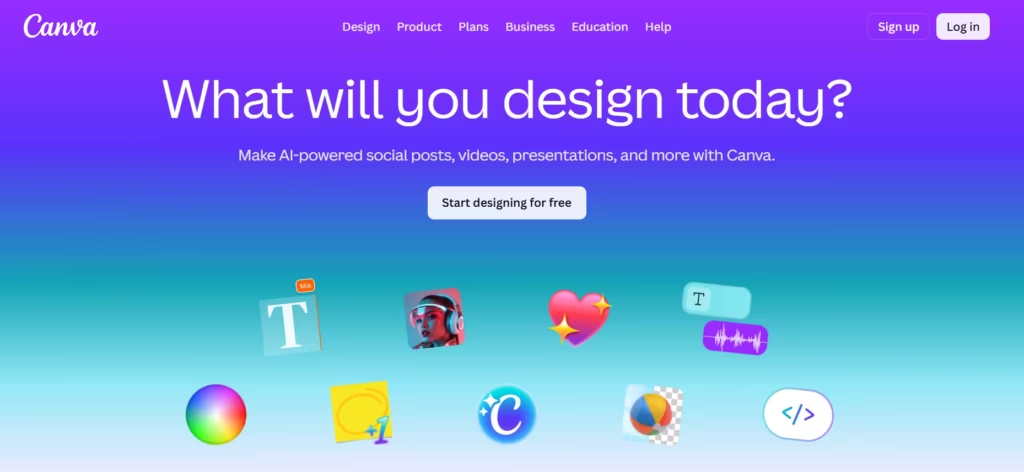
Canva’s Magic Media is an accessible, all-in-one design generator for creating cartoon elements from start to finish. It provides the tools necessary to complete a cartoon generation process without the associated complexity.
It’s powered by Leonardo’s technology to make room for enhancements such as the multi-subject scenes and reference-based generation. This gives more control while still maintaining Canva’s signature drag-and-drop ease.
Features
- Converts text instructions into cartoon images within Canva’s design space.
- Allows direct use of generated cartoons in presentations and social media designs.
- Supports multiple styles and scene compositions with simple controls.
Pros
- Extremely beginner-friendly with drag-and-drop usability.
- Combines cartoon generation with full design editing tools.
- Hastens and expedites content creation for marketing and social media.
Cons
- Provides limited fine-tuning compared to advanced AI tools.
- Requires a Pro subscription for full AI access.
- Outputs may feel less unique compared to high-end generators.
3. Picsart
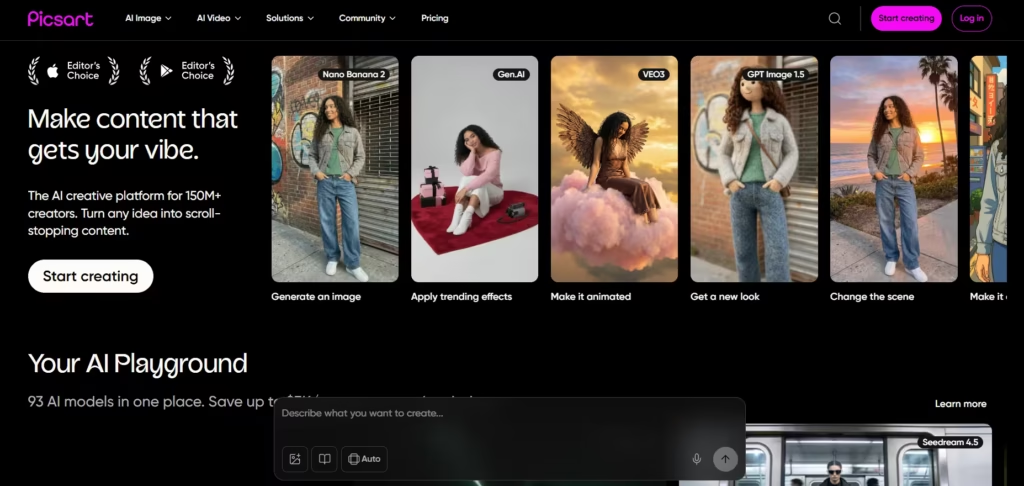
Picsart’s AI Lab is a mobile-first cartoon generator. Picsart emphasizes ease; it turns selfies and photos into cartoon-style artwork in mere seconds. Post generation, Picsart provides editing functions, filters, and social-sharing features to make it especially appealing to content creators.
Features
- Transforms photos into cartoon-style images with AI filters.
- Includes a variety of artistic styles and effects for customization.
- Offers mobile-friendly editing tools and social sharing features.
Pros
- Ideal for quick cartoon transformations of selfies and photos.
- Works seamlessly on mobile devices for on-the-go creation.
- Includes a wide range of built-in editing tools beyond AI generation.
Cons
- Lacks advanced prompt-based generation capabilities.
- Results can feel template-based rather than highly original.
- Some features are locked behind a premium subscription.
4. Leonardo.ai
Leonardo.ai is a cartoon and game asset specialist that maintains excellent character consistency across multiple generations. This makes it ideal for comics, animation, and storytelling narratives where a character must appear repeatedly. Leonardo.ai has a canvas-based workflow, custom model training, and a “blueprint” to build and maintain a consistent visual identity. This ability has made Leonardo succeed in an area where many other AI tools struggle.
Features
- Generates high-quality cartoon characters and environments using AI models.
- Supports custom model training for consistent character design.
- Provides canvas editing tools and asset generation workflows.
Pros
- Excellent for maintaining character consistency across projects.
- Offers strong control for game art and storytelling visuals.
- Produces high-quality, stylized cartoon outputs.
Cons
- Requires time to learn advanced features and workflows.
- Free usage is limited by daily token restrictions.
- Interface can feel complex for beginners.
5. Fotor
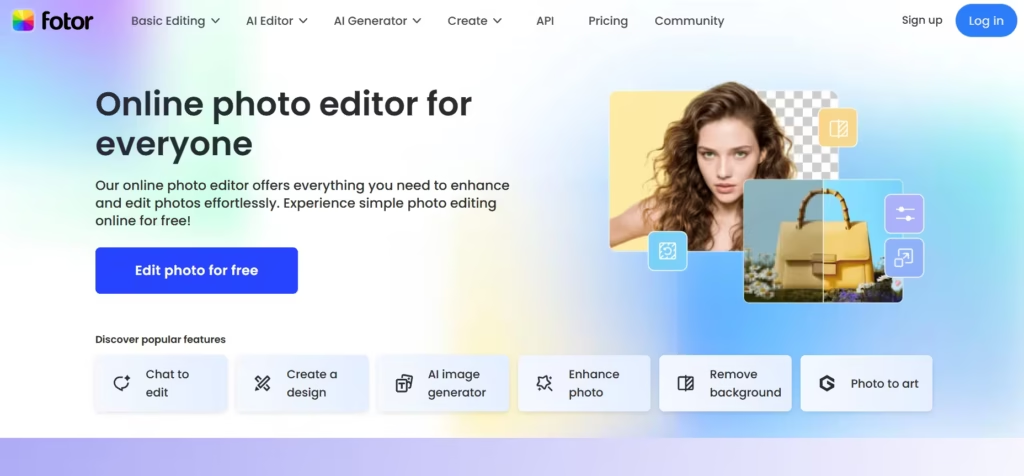
Fotor, the art generator, balances two delicate variables – simplicity and stylistic variety. It supplies a long selection of cartoon filters and AI art styles without appearing overwhelming. Fotor fits the tool profile of quick cartoon creations and batch processing. Therefore, it is very useful for creators who need to meet tight deadlines without learning complex prompting.
Features
- Converts images into cartoon styles using AI filters.
- Provides multiple preset cartoon effects for quick editing.
- Operates as a browser-based tool with minimal setup.
Pros
- Very easy to use with one-click cartoon generation.
- Offers fast processing for bulk or quick edits.
- Accessible without advanced design knowledge.
Cons
- Limited control over detailed customization.
- Cartoon styles may lack uniqueness.
- Advanced features require a paid plan.
Also read: How to Use an AI Art Generator to Create Stunning Images
6. Adobe Firefly
Adobe Firefly was made for the professional cartoon creation business. It has been trained on the licensed and publicly available data to avoid copyright infringement. Firefly is deeply integrated with Adobe Photoshop and Illustrator, which are tools that allow users to generate, refine, and edit cartoon visuals. Adobe Firely is particular about giving its users some degree of granular control. This is why tools like Generative Fill and style control exist within the tool.
Features
- Generates cartoon-like images from text prompts, based on commercially safe training data.
- Integrates directly with Adobe Creative Cloud apps like Photoshop and Illustrator.
- Offers advanced editing tools like Generative Fill and style customization.
Pros
- Ensures safe commercial usage due to licensed training datasets.
- Provides professional-grade control over cartoon outputs.
- Fits seamlessly into existing creative workflows for designers.
Cons
- Requires an Adobe subscription for full functionality.
- Has a steeper learning curve compared to beginner tools.
- Offers less stylistic experimentation than some art-focused AI tools.
7. Artbreeder
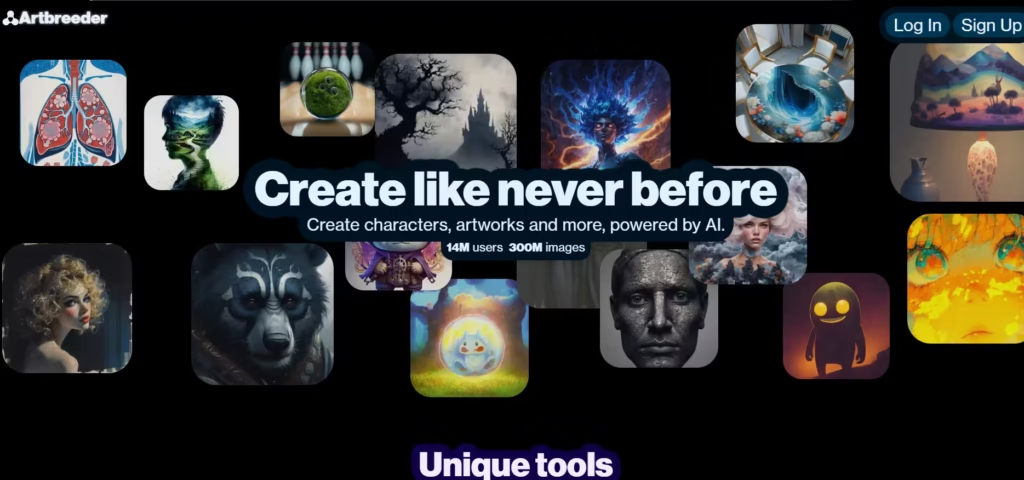
Artbreeder is a genetic-style image blending system that lets users “breed” and evolve cartoon characters by adjusting traits like facial features, colors, and styles. Artbreeder adopts an interactive system, which is an ideal technique for character design. This lets users iterate and refine cartoons through controlled variation and remixing. The level of customization this gives is better than many tools can give.
Features
- Artbreeder’s cartoon characters are made by breeding.
- Supports collaborative remixing and image variation.
- Focuses on character creation and facial design.
Pros
- Enables precise control over character traits.
- Great for iterative design and experimentation.
- Encourages creative exploration through image mixing.
Cons
- Limited in generating full scenes or complex compositions.
- Interface may feel outdated compared to newer tools.
- Less suitable for fast, one-click cartoon generation.
8. CapCut
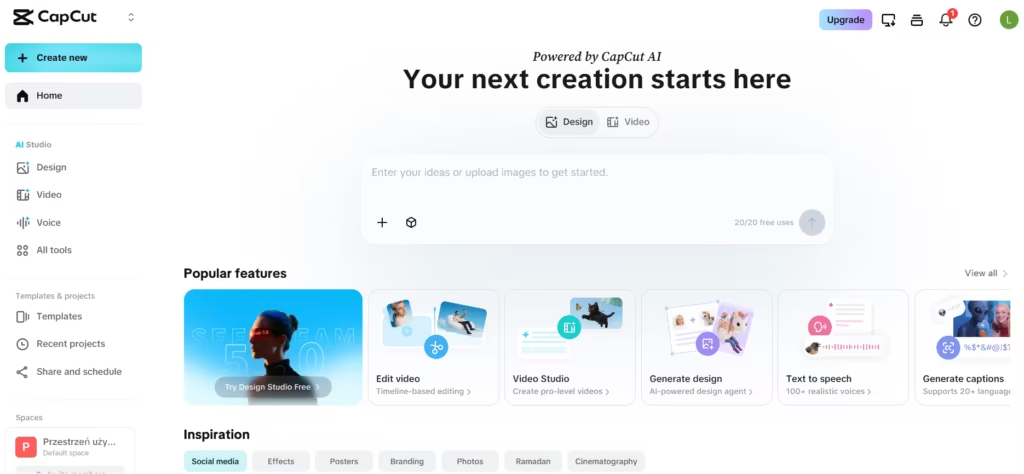
CapCut’s AI Magic Tools is a video-first cartoon generator for producing animated and short-form content. It’s not static like an image generator but integrates cartoon effects (transitions, effects, and music) directly into video editing workflows.
Features
- Applies cartoon effects to videos and images.
- Integrates AI tools into a full video editing workflow.
- Includes templates, transitions, and audio features.
Pros
- Ideal for creating animated cartoon-style content.
- Delivers video editing and AI generation in one tool.
- Highly optimized for social media video creation.
Cons
- Focuses more on video than high-quality imagery.
- Limited advanced AI image generation capabilities.
- Some features require a paid subscription.
9. Photoroom
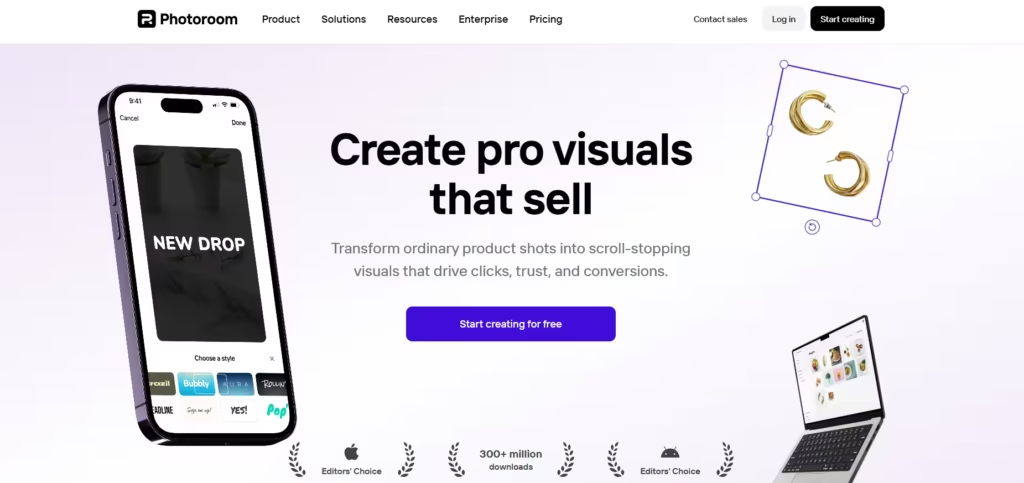
Photoroom is streamlined to meet the product-focused cartoon and visual storytelling needs of e-commerce and branding. It has editing controls such as background removal and scene generation. Essentially, Photoroom is a commercial product visualizer that turns ordinary product images into cartoon-like marketing media.
Features
- Generates cartoon-style imagery for product marketing and branding.
- Includes background removal and scene creation tools.
- Provides templates for e-commerce and branding.
Pros
- Excellent for product-focused cartoon visuals.
- Speeds up creation of marketing-ready images.
- Easy to use for non-designers.
Cons
- Less focused on artistic or character-based cartoons.
- Limited creative control compared to advanced AI tools.
- Premium features require a subscription.
10. Runway
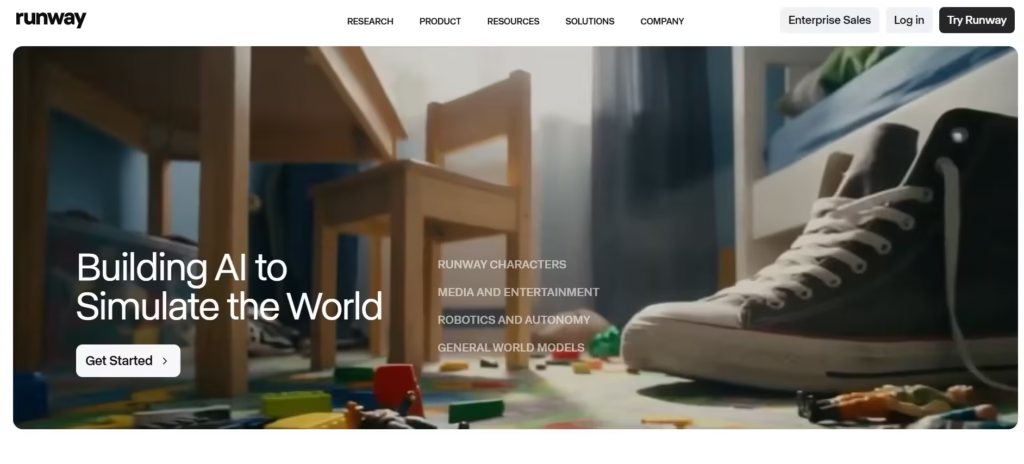
Runway Gen-3 Alpha is a next-generation AI video and motion cartoon generator. Its key advantage is the ability to generate and edit animated sequences using AI. It has advanced controls over motion, style, and scene composition. This, hereby, makes it ideal for filmmakers and creators who want cinematic cartoon content.
Features
- Generates animated and video-based cartoon content using AI.
- Runway has advanced tools for motion control and scene editing.
- It functions both as a text-to-video and image-to-video tool.
Pros
- Runway is a leader in cartoon video generation.
- It’s generations meet high standards of cinematic quality and storytelling.
- Ideal for filmmakers and advanced creators who require a huge amount of creative control.
Cons
- Requires significant computing resources and credits.
- Has a learning curve for new users.
- Not primarily focused on simple static cartoon generation.
