


Teachers notoriously frown on their students’ use of AI to complete assignments and homework. And rightfully so; the point of AI is to aid learning, not replace it. That’s why teachers themselves are turning to advanced tools to enhance their teaching and students’ learning experiences.
It’s not uncommon to use AI to create lesson plans, student activities and other personal resources. Due to the delicate nature of learning and the tendency for AI hallucinations, here is a list of the top 10 tools teachers can use to aid education.
1. ChatGPT
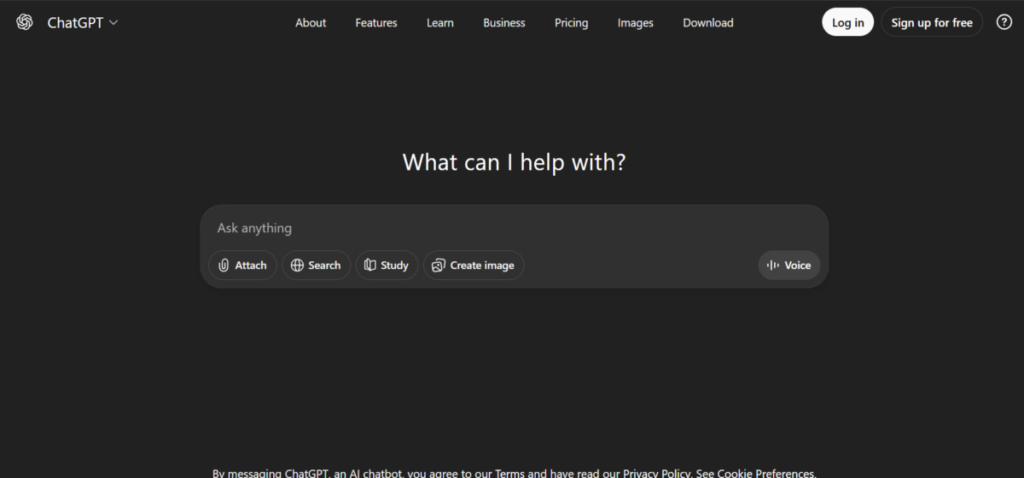
ChatGPT is the first on the list and for good reason; it is the most widely used chatbot. ChatGPT is built on a massive database that makes it a creative generalist. It acts like a “quick-thinking partner” that incites ideas to increase students’ comprehension. ChatGPT also helps to refine existing plans.
It uses natural language processing (NLP) to draft outlines, brainstorm discussion prompts, and even simulate Q&A sessions. What distinguishes it is its adaptability; ChatGPT can generate explanations at varying complex levels. But that doesn’t take away from its ability to simplify abstract concepts.
This means less time is spent on research and more on delivery. Overall, this tool blends seamlessly into daily routines, empowering teachers to personalize education without overwhelming tech setups.
Features
- The AI tool generates tailored lesson plans and worksheets based on grade levels or specific topics.
- It can simulate dialogues for role-playing historical events or practising teaching scenarios.
- It allows multilingual translation of materials for diversity in classrooms.
- To promote quick study, ChatGPT creates flashcards and summaries from uploaded texts.
- ChatGPT can be integrated with other apps via APIs for automated grading suggestions.
Pros
- It handles creative tasks like story prompts or debate outlines effortlessly.
- The free tier provides robust access, with premium options for advanced customization.
- ChatGPT offers instant responses, saving hours on prep work.
Cons
- It requires precise prompts to avoid irrelevant or incorrect outputs.
- ChatGPT lacks built-in education-specific safeguards, risking biased content.
- There is no native integration with learning management systems like Google Classroom.
2. MagicSchool AI
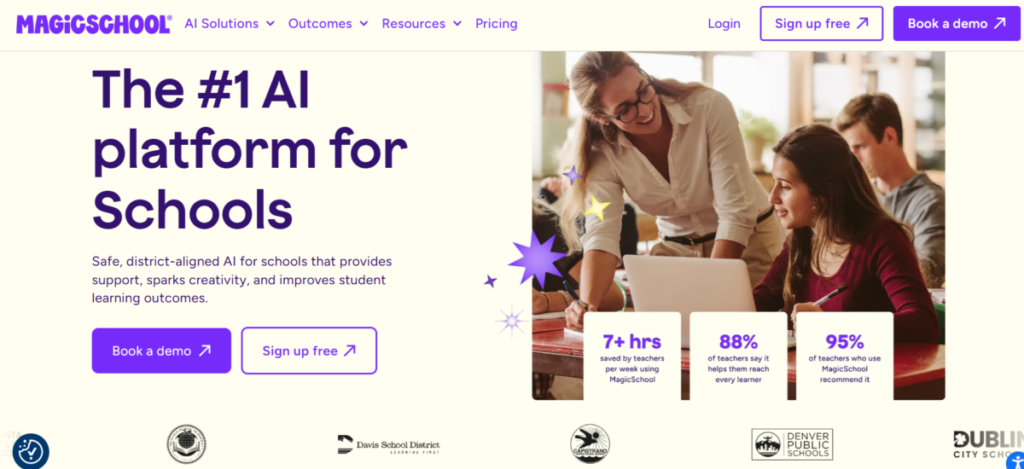
MagicSchool AI has the essence of intuitive design and delivers a suite of features that anticipate teachers’ needs. It generates differentiated activities, such as levelled reading passages or math problems that adjust to student skill sets. These features make it ideal for inclusive studying sessions.
MagicSchool AI acts as a co-pilot by enhancing both instructional quality and teacher well-being. Teachers appreciate how it automates exhaustive tasks, like progress reports and creating IEPs, therefore allowing more energy for direct interaction. Also, the platform promotes deeper learning by suggesting real-world examples for lessons to bridge theory and practice.
Features
- MagicSchool AI generates engaging slides and videos from text inputs.
- The platform produces customizable rubrics and assessment tools aligned to standards.
- Teachers can track student progress on the analytics dashboard for data-driven adjustments.
- With its parent communication templates, families are kept abreast of their children’s performance.
Pros
- MagicSchoolAI has an intuitive dashboard that reduces the learning curve for busy teachers.
- It auto-differentiates materials for all levels.
- With its AI-assisted feedback on essays, it saves time on grading.
- It integrates seamlessly with Google Workspace for an effortless workflow.
Cons
- The premium features require a monthly subscription.
- Users unfamiliar with data interpretation may be overwhelmed by its analytics
- MagicSchool AI is less effective for higher education compared to K-12 focus.
- There may be occasional glitches in content generation that require manual tweaks.
3. Khanmigo
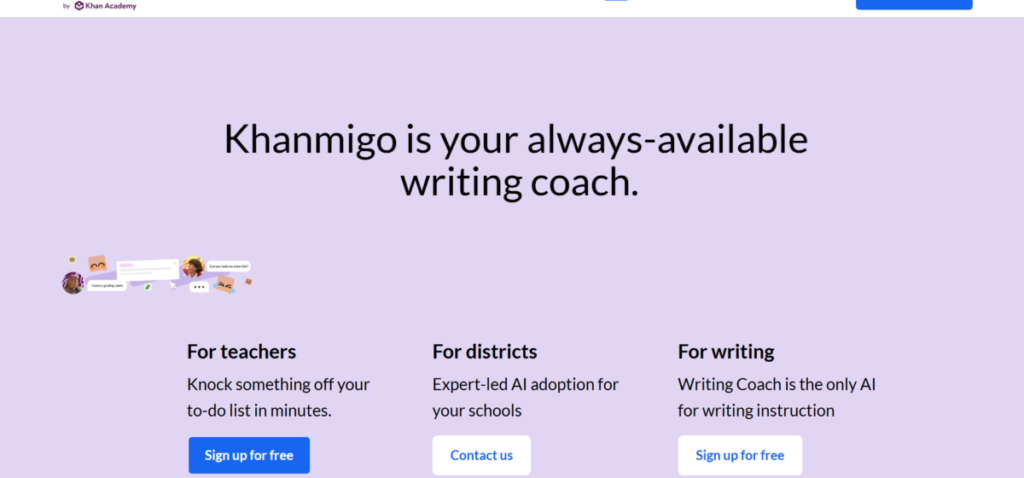
Powered by Khan Academy expertise, Khanmigo acts as a gentle tutor that nudges learners toward self-discovery rather than spoon-feeding them. The tool is best for math and science studies because it encourages critical thinking and problem-solving. Teachers use it to assign modules, supplement lessons, and correct misconceptions.
With this approach, students not only deepen their understanding but confidence. At its best, Khanmigo bridges gaps between instruction and independent practice. This makes it ideal for personalized learning paths.
Features
- Khanmigo delivers step-by-step guidance without direct answers, promoting active learning.
- It integrates video lessons with interactive exercises for hybrid studying.
- Teachers can monitor class progress via their dashboards.
- The AI tool supports multiple subjects, from algebra to science.
- Teachers can export reports for parent-teacher meetings or reviews.
Pros
- Khanmigo fosters long-term retention through inquiry-based interactions.
- It is free for educators via Khan Academy partnerships.
- The platform aligns with Common Core and other standards for easy adoption.
- Teacher workload is reduced as it handles routine tutoring.
Cons
- Khanmigo is limited to Khan Academy’s curriculum, restricting topic variety.
- The interface feels more student-oriented, with fewer teacher customization options.
- It requires student accounts, increasing setup time.
- It is less robust for creative subjects like art or writing.
4. Curipod
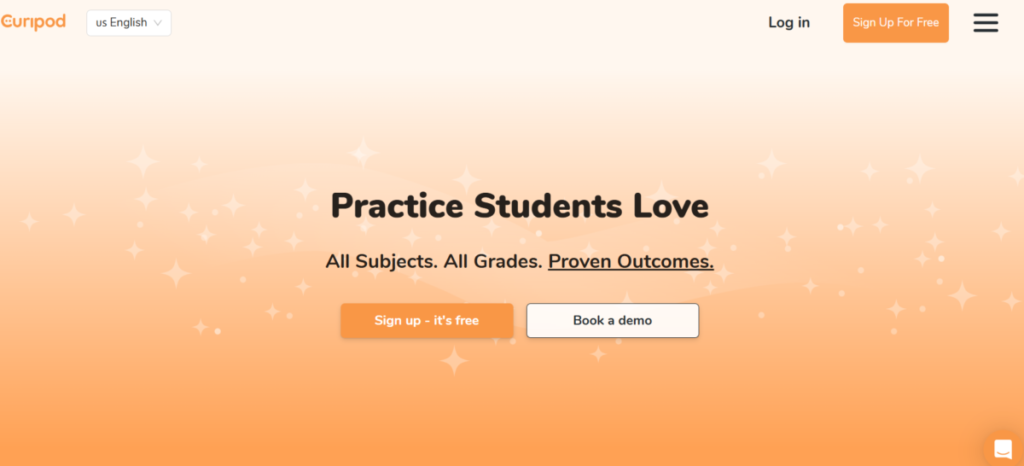
Curipod transforms boring presentations into lively experiences. It makes learning interactive through polls, drawings, and quizzes embedded in slides. This boosts retention and helps diverse learners grasp concepts through multiple modes. Teachers create sessions in minutes, incorporating real-time feedback to pivot lessons on the go.
Features
- Curipod has interactive slides with drag-and-drop elements like AI-generated images.
- It incorporates live polls and quizzes for instant assessment.
- The tool supports hybrid learning with easy sharing to student devices.
- Based on session outcomes, it generates follow-up activities.
- Curipod includes accessibility tools like text-to-speech for inclusivity.
Pros
- The data visualizations help teachers spot learning gaps immediately.
- The free basic version suits small classrooms.
- It encourages creativity by blending fun with educational rigour.
Cons
- Curipod is dependent on a stable internet, challenging in remote areas.
- The overemphasis on visuals may distract from core content.
- It has a steeper learning curve for non-digital natives among teachers.
5. Quizizz
Quizizz increases the efficiency of assessments with its game-like quizzes. In each session, students can turn the review into motivating challenges. Quizizz also follows a proven psychological technique for learning by offering adaptive modes that increase difficulty as mastery grows. This will ensure practice and boost confidence over time.
Teachers use it for formative checks, gathering insights on misconceptions to adjust instruction swiftly. The speed of teaching is hastened by its ability to handle large groups and create leaderboards to promote healthy rivalry. This makes learning fun for students while helping teachers measure progress without monotony.
Features
- Quizizz creates self-paced or live quizzes with multimedia questions.
- It tracks performance analytics for individual and class trends.
- Allows meme and GIF integrations for engaging formats.
- The AI tool supports team modes to promote peer learning.
- Quizizz exports data to spreadsheets for further analysis.
Pros
- It increases retention through competitive, enjoyable formats.
- Quizizz’s mobile-friendly design works across devices.
- The basic plan is free with affordable upgrades.
- It provides immediate feedback to guide studying.
Cons
- The “gamification” feature can trivialize high-stakes topics.
- The analytics require time to interpret fully.
- There are limits to advanced reports in the basic version.
- It is easy to get distracted by the fun elements.
6. EdTool
EdTool condenses workflows into a single hub and generates everything from syllabi to email newsletters with precision. It also creates adaptive study guides that match student profiles; therefore, teachers save hours on routine tasks and focus instead on mentoring.
Although versatile, its strength lies in administrative support and its intervention suggestions based on performance data.
Features
- EdTool automates lesson plans with template libraries.
- The tools can craft personalized emails and announcements.
- It generates study aids like mind maps from key texts.
- Some of its key features include basic grading for quick scans.
- Teachers can create a collaborative space for team teaching.
Pros
- It has a user-friendly interface for quick daily use.
- EdTool has affordable pricing for schools.
- It enhances organization with reminders.
- The tool tailors output to specific curricula.
Cons
- It has limited depth in specialized subjects.
- Some of its beta features may have bugs.
- The tool requires consistent updates for accuracy.
- It is less focused on student-facing interactions.
7. Gradescope
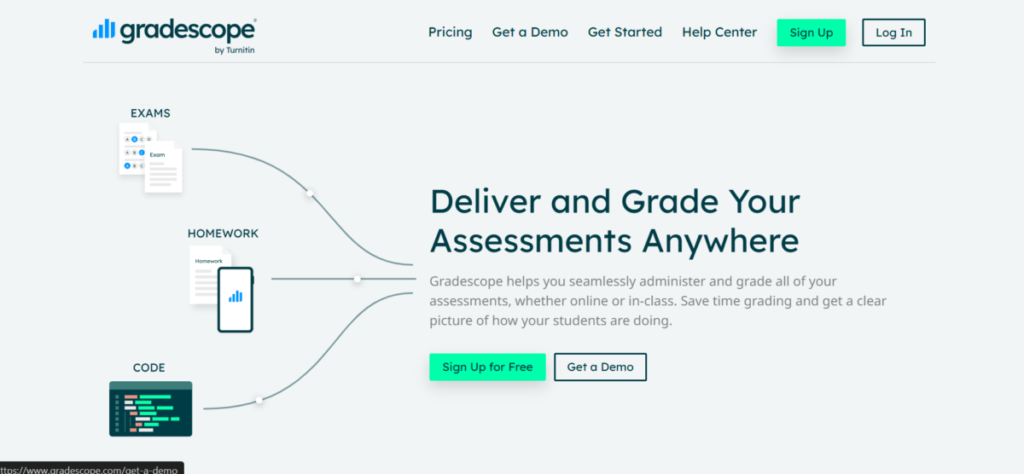
Gradescope is an innovative tool that simplifies grading and assessment and, therefore, helps educators concentrate their efforts on teaching. It supports learning by providing detailed feedback that guides revisions and helps students improve.
Gradescope also lets teachers spot patterns that need refining in teaching. Its ability to elevate assessment integrity makes it ideal for higher institutions where depth is highly regarded. Yet, it adapts well to high school classes.
Features
- It has an AI-assisted grouping for handwritten or digital exams.
- Gradescope has a student portal for self-review and resubmissions.
- When there are regrade requests, it is handled systematically.
- Gradescope is integrated with an LMS like Canvas.
Pros
- It speeds up grading by 50-70% for essays and math.
- Gradescope promotes fairness with blind scoring options.
- It creates detailed reports in the form of curriculum tweaks.
- It improves student outcomes via transparent feedback.
Cons
- It is less effective for subjective creative work
- The premium features are expensive.
- It relies on clear scanning for handwritten inputs.
8. Education Copilot
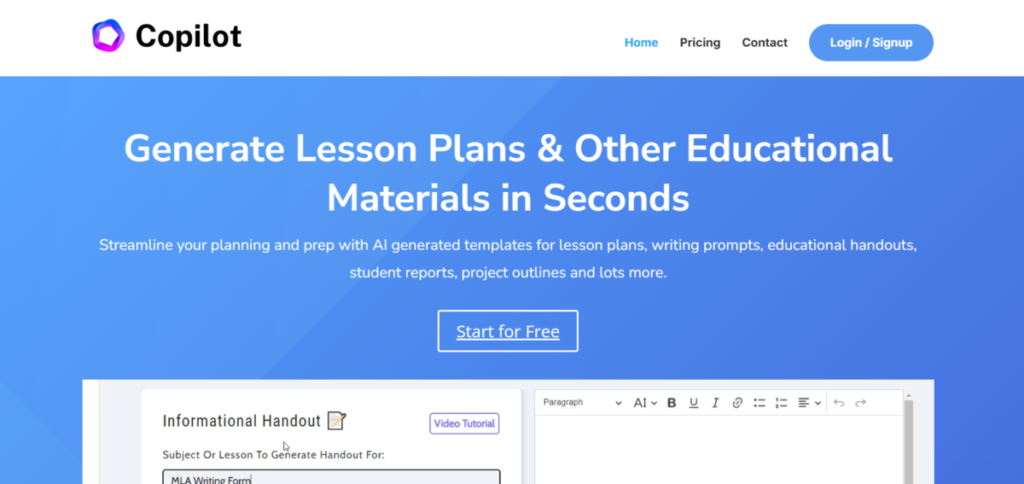
Education Copilot provides a personalized learning experience for students. It builds on intrinsic motivation by recommending resources that align with student interests. Teachers still retain the lead and are in charge of setting goals.
When the goals are in place, Education Copilot provides outputs of sequenced activities that are ideal for project-based learning. Although this tool is geared toward elementary school, it can be applied on a much larger scale.
Features
- It has a vast array of resource recommendations from libraries.
- Education Copilot has a behavioural tracking feature for engagement metrics.
- It has multiple collaborative tools for co-planning.
- It allows exportable plans in multiple formats.
Pros
- It personalizes planning to teacher styles.
- Education Copilot integrates with calendars for scheduling.
- There are free trials available to subscribers
Cons
- It is limited to English-language resources and does not support multilingual translation.
- Veteran teachers find it overly prescriptive.
- A subscription fee is required for advanced analytics.
- It has a slower processing time for complex queries.
9. SchoolAI
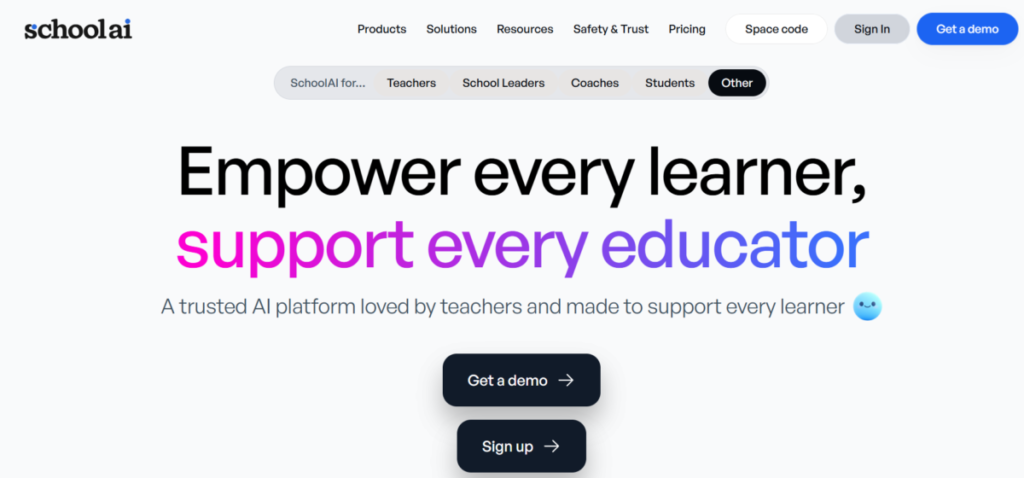
SchoolAI connects teachers across departments, forming collaboration links for sharing and refining resources. It ensures syllabus relevance with adaptive module features that evolve with usage data. SchoolAI also predicts resource needs based on trends.
Administrators and teachers can use SchoolAI to co-create policies to fashion a communal approach for district-wide implementation.
Features
- It has a shared resource library with AI curation.
- Multiple teachers can plan group sessions via chat.
- The tool has an array of adaptive modules for cross-grade use.
- School leaders can access the analytics for better performance.
- SchoolAI is integrated with district systems.
Pros
- SchoolAI fosters collaboration and reduces isolation.
- Scales for entire schools are affordable.
- The tool tracks long-term impact metrics.
- It evolves content through collective input.
Cons
- It requires institutional adoption for full value.
- The user interface can feel cluttered.
- It is much slower for solo teachers.
- The free plan is available, but with limited access.
10. Diffit
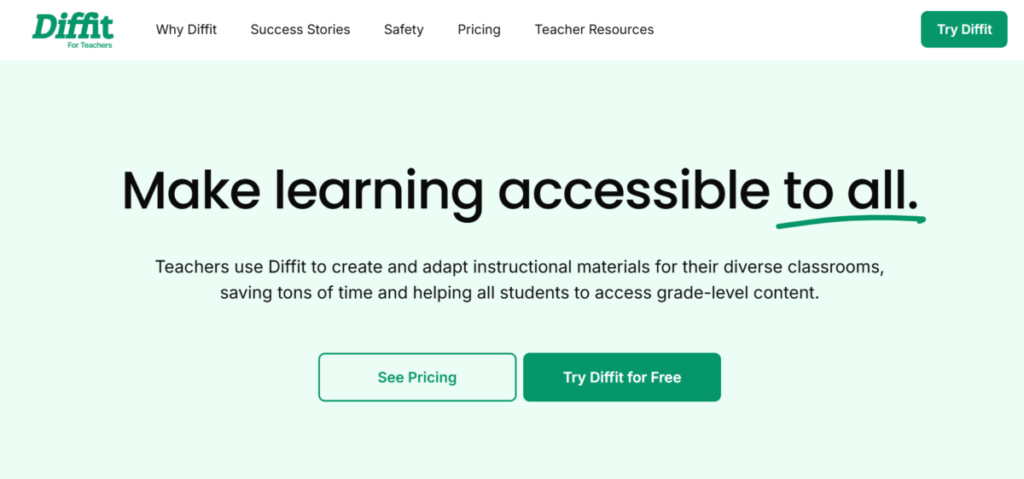
Diffit differentiates texts by generating versions at multiple Lexile levels, making complex readings approachable for all. It revolutionizes studying by pairing passages with built-in questions and vocabulary aids, building comprehension skills. Teachers assign levelled sets effortlessly, tracking growth through dashboards. Diffit is perfect for literacy-focused classes, although it excels in social studies too. Furthermore, it sources from reliable databases. In essence, Diffit levels the playing field, enabling deeper analysis without frustration.
Features
- It has an “instant text adaptation” feature for various reading levels.
- Diffit is embedded with multiple glossaries and quizzes.
- Teachers can track students’ progress with exportable reports.
- Diffit has a library of pre-made differentiated units.
Pros
- Diffit directly addresses reading barriers for struggling readers.
- It has a user-friendly interface for daily use.
- There is a free plan for all subscribers.
Cons
- It has a narrow scope beyond literacy tasks.
- The output is dependent on the input text quality.
- Without a premium plan, it can not deliver a full analytics report.
The Bottom Line
These AI tools have one thing in common – they make the lives of teachers easier. Although using multiple tools at a time has its own appeal, it could lead to an undesirable aftereffect – organized chaos. As a rule of thumb, educators should try out each tool per time. This will allow both parties (educators and students) to adapt and reap maximum benefits.
