


Managing projects efficiently is no longer a luxury but a necessity. Traditional methods often buckle under the weight of complex workflows and the relentless pace of innovation.
As remote work surges, project management tools have entered the stage, transforming chaos into clarity. These tools are not just digital task lists; they are proactive partners that learn from users’ patterns to drive productivity.
This article discusses the best AI-powered tools, stating their features, pros, and cons.
1. ClickUp
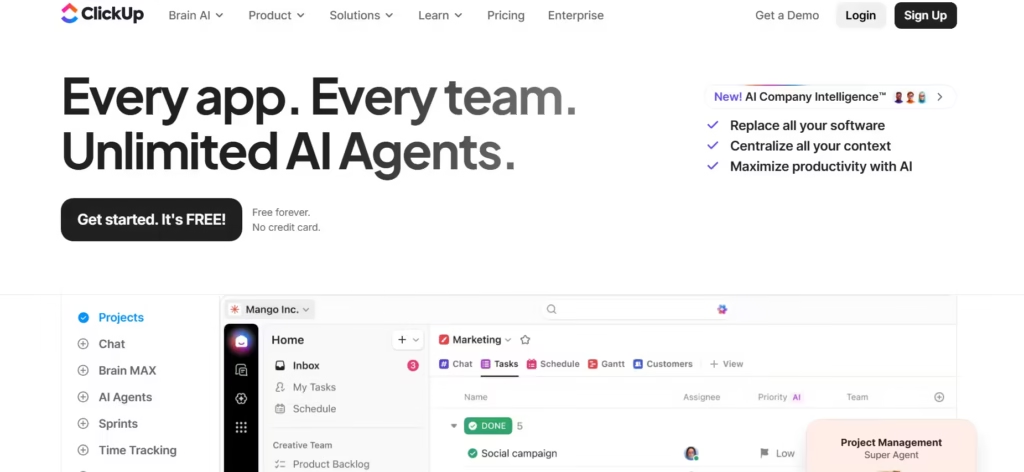
ClickUp is an all-in-one productivity powerhouse where AI acts as a co-pilot across tasks. This tool surpasses basic management by utilising machine learning to automatically generate project summaries, refine task descriptions, and draft action items from meeting notes.
In addition, it functions as a central nervous system for work, connecting all silos into a single, dynamic interface that adapts to various project management methodologies. Recently, its “AI Brain” feature has begun predicting timeline risks by analysing historical data. As a result, it serves as a command center for teams.
Features
- ClickUp’s NLP instantly converts requests like “Plan Q3 campaign” into structured tasks with assignees and deadlines.
- The tool employs predictive analytics to forecast project timelines and flag potential delays before they impact deadlines.
- It automates planning by allocating tasks based on team capacity and historical velocity metrics.
- Its real-time document collaboration includes AI editing that suggests improvements and tone adjustments.
- ClickUp’s customisable dashboard gathers data from calendars, emails, and files to provide unified progress snapshots.
Pros
- All important features, goals, docs and chat are within a single platform, eliminating app-switching.
- Its templates adapt to various industries, thereby slashing setup time by 80%.
- Granular permission settings allow secure client access to specific project segments without data exposure.
- The free tier offers robust AI features uncommon in competitors.
Cons
- New users can be overwhelmed by its numerous features, requiring weeks to master.
- Mobile app syncing delays occasionally cause discrepancies between desktop and device updates.
- Occasionally, complex automations may crash during high-load periods unless users throttle rule volumes.
- AI summary accuracy isn’t 100% with highly technical jargon, requiring manual reviews.
2. Asana
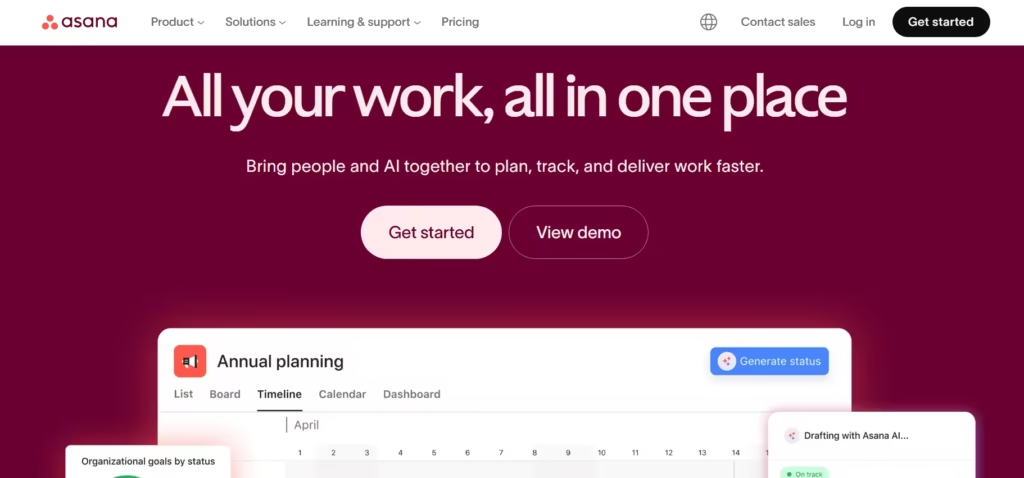
Asana is a strategic advisor, focusing on work orchestration through “Smart Suggestions” and risk mitigation. It helps teams coordinate initiatives from daily tasks to cross-functional goals. Furthermore, Asana algorithms analyse tasks and flag discrepancies before they escalate. Finally, its integration with Slack, Google Drive, and Microsoft Teams makes it a powerhouse for teams prioritizing scalability.
Features
- Asana’s “Smart Fields” auto-populate project data like budgets using pattern recognition from past entries.
- Workflow builders translate flowcharts into automated task sequences with AI-recommended assignees.
- Risk predictors analyze deadline histories and resource loads to alert managers about at-risk deliverables.
- Its “Meeting note” feature imports transform transcripts into tagged action items with owners and due dates.
- Custom “Rules” use natural language programming to auto-tag incoming requests.
- Asana’s integrations with Zoom and Adobe Creative Cloud unify hybrid workflows.
Pros
- Its minimalist design balances power with usability, easing onboarding for non-technical users.
- “Portfolio views” show how tasks connect to company-wide OKRs.
- Asana generates AI workload reports to prevent burnout by highlighting imbalances.
- The free version supports up to 15 collaborators and is ideal for small teams.
Cons
- Advanced AI features require a premium subscription, raising costs.
- Subtask management feels clumsy compared to counterparts, often burying granular steps.
- There’s limited offline functionality, therefore requiring internet connections.
3. Monday.com
Monday.com operates as a dynamic work operating system that uses AI for automation and data visualisation engines. Its “WorkGPT” feature drafts project briefs, suggests process improvements, and automates CRM updates. Tailored for sales and operations teams, Monday.com turns data into actionable intelligence through colour-coded dashboards.
Features
- The AI column types auto-calculate metrics like campaign success rates or ROI from raw data.
- “Automatons” trigger cross-board actions (e.g., moving a task to “Done” updates inventory).
- Monday.com’s task management system assigns tasks, sets deadlines, and prioritizes work based on project requirements, ensuring that teams stay on track.
- Sentiment analysis scans client feedback to prioritize high-impact issues.
- The platform integrates with multiple tools and services, including Google Drive, Trello, and Slack, to provide a seamless workflow.
Pros
- The visual timelines and Gantt charts simplify complex project tracking for users.
- An array of customizable templates covers 200+ use cases, from bug tracking to event planning.
- Client portals enable real-time collaboration without exposing backend data.
- The timezone synchronization adjusts deadlines globally for distributed teams.
Cons
- The premium plan is expensive for large teams.
- Monday.com‘s over-reliance on color-coding complicates accessibility for color-blind users.
- Occasionally, AI resource suggestions misjudge niche skill requirements.
4. Motion
Motion distinguishes itself as an AI-powered project manager and calendar scheduler that automates daily planning. It auto-schedules tasks based on energy levels, meeting patterns, and priorities, acting like a digital chief of staff. Motion AI is ideal for solopreneurs and consultants. Finally, it minimizes planning overhead by syncing with email and calendars.
Features
- Motion’s AI engine automatically schedules tasks and projects into the user’s calendar based on priority, deadline, and estimated duration.
- “Meeting negotiators” proposes ideal slots to attendees by analyzing existing commitments.
- Priority engines rank tasks using Eisenhower Matrix logic, then slot them into calendars.
- Progress predictors update ETA for goals daily based on completion trends.
- Focus mode silences distractions during deep-work sessions scheduled by AI.
Pros
- It reduces time spent on scheduling by 90%, reclaiming hours for strategic work.
- Adaptive rescheduling instantly reprioritizes when emergencies arise.
- The time analytics reveal productivity leaks like excessive meeting hours.
- Motion AI integrates with Google Calendar, Outlook, and Zoom.
- It has a simple interface that requires under 10 minutes to set up.
Cons
- Motion lacks collaborative features like shared task boards, limiting team use.
- Its rigid scheduling frustrates creative professionals needing unstructured time.
- There’s no free plan; the premium plan deters budget-conscious users.
5. Wrike
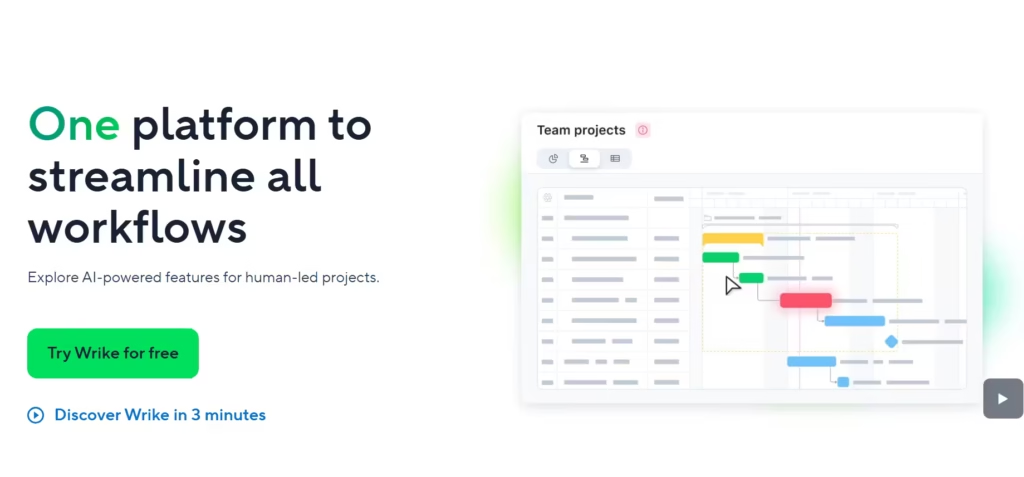
Wrike uses AI through its “Work Intelligence” suite to automate project creation and optimize workflows. This tool is designed for complex project and portfolio management. Wrike is built for enterprises; it offers military-grade security without sacrificing agility.
Features
- The risk radar uses Monte Carlo simulations to quantify project success probability.
- AI-assisted proofing to streamline feedback by tagging image/video edits directly in files.
- Wrike’s voice command processor turns verbal requests into tasks via mobile apps.
- The custom field recommendations apply metadata to tasks based on past projects.
- It has real-time budget trackers that flag overspending by comparing actuals against forecasts.
Pros
- Its enterprise-grade security includes SOC 2 compliance and granular access controls.
- AI-generated reports extract insights from raw data, replacing manual analysis.
- The free plan includes basic AI tagging and automation.
- Its detailed time-tracking and resource management tools are enhanced by AI for more accurate forecasting.
Cons
- It has a steep learning curve that demands dedicated training for advanced features.
- Customization requires SQL knowledge, alienating non-technical users.
- The mobile app struggles with large file uploads, slowing field teams.
- AI tagging errors occur with ambiguous project names, requiring manual fixes.
Also read: 10 AI Writing and Content Creation Tools for Digital Creators
6. Notion
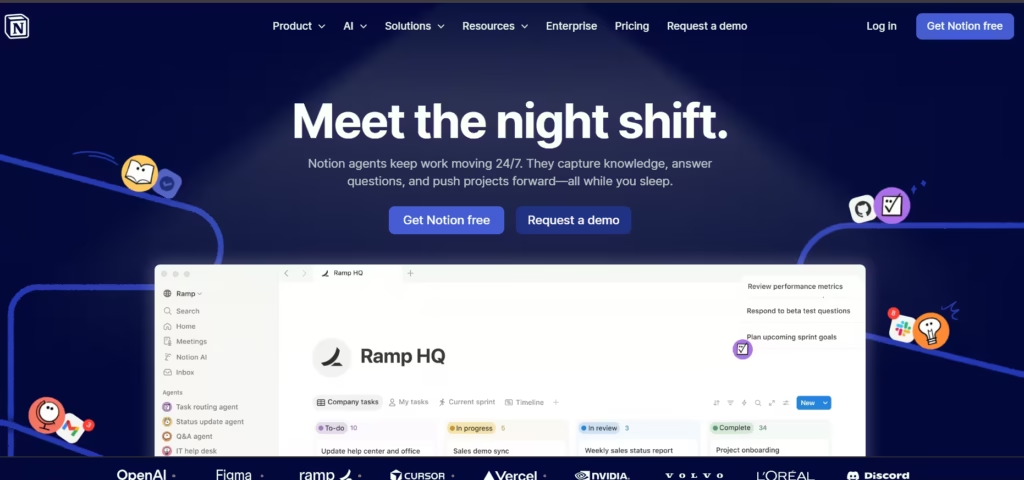
Notion serves as a connected workspace that combines notes, tasks, databases, and AI into a single flexible platform. Its “Q&A” feature acts like an in-house researcher, pulling answers from docs, meeting notes, or wikis.
Its AI acts as a creative and organizational partner, helping users write, brainstorm, and structure information.
Features
- The semantic search locates obscure project details across connected workspaces.
- An AI writing assistant to draft meeting agendas, project briefs, and release notes in brand voice.
- Notion’s database automations sync updates.
- Its template generator creates custom trackers for content calendars or bug logs.
Pros
- It’s an all-in-one flexibility as it replaces separate tools for docs, wikis, and task tracking.
- Offline editing syncs seamlessly when back online, making it ideal for travel.
- It has an affordable pricing which includes free AI features for personal accounts.
- A community template library with over 5,000+ plug-and-play solutions.
Cons
- It has no built-in time tracking and requires integration with tools like Harvest.
- The AI summaries sometimes omit critical information from complex documents.
- There might be performance lags in databases exceeding 10,000 entries.
7. Forecast
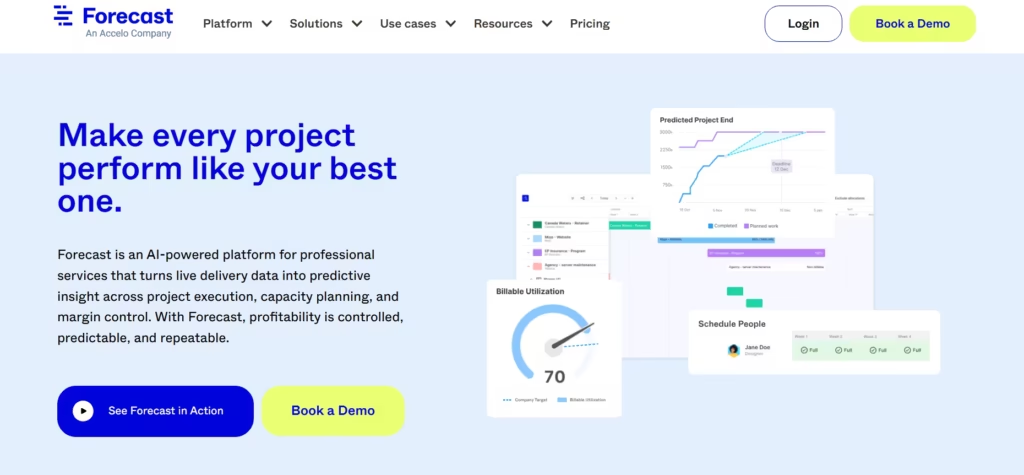
Forecast is a predictive analytics platform that uses AI to forecast project timelines, budgets, and resource utilization. It functions like a project economist by optimizing budget and resources, enabling teams to make informed decisions. Forecast auto-schedules tasks while balancing costs, deadlines, and skill gaps. Built for agencies and consultancies, its algorithms turn historical data into profit-maximizing forecasts. By utilizing Forecast’s AI capabilities, teams can work more efficiently.
Features
- A financial autopilot to track burn rates and predict overruns before they occur.
- Forecast’s capacity planners assign work based on real-time utilization data and skill matrices.
- The proposal generators draft scopes and estimates using past project benchmarks.
- The profitability analytics highlight underperforming projects or clients.
- It integrates with multiple tools and services, including project management software and ERP systems, to provide a seamless workflow.
Pros
- Forecast’s AI-driven predictive analytics ensures that teams respond to changes in project timelines, budgets, and resource utilization.
- It has client-friendly dashboards that showcase progress without backend complexity.
- Forecast integrates with Xero and QuickBooks for seamless invoicing.
Cons
- The premium plan is expensive for small teams.
- It has a complex setup that demands input from finance and operations teams.
- Forecast lacks creative tools like whiteboarding or mind mapping.
- The mobile app offers read-only views, limiting on-the-go management.
8. Trello
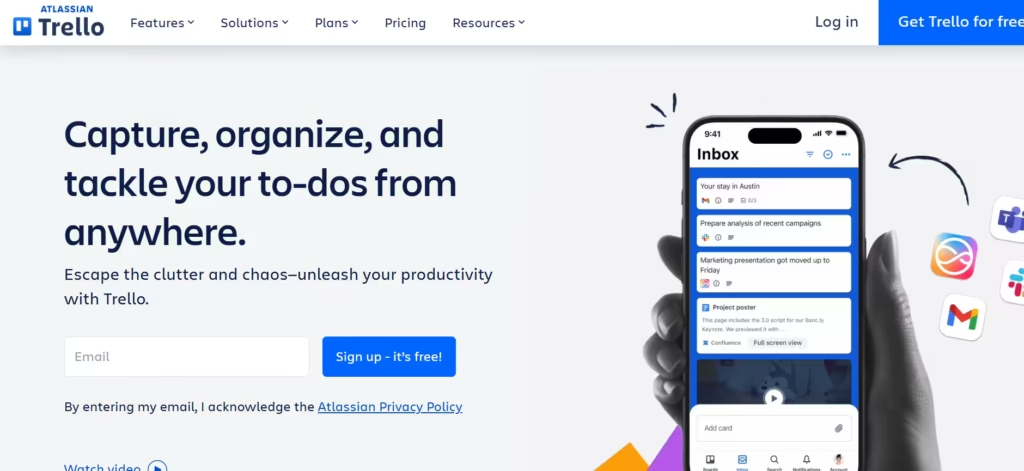
Trello’s AI-enhanced “Butler” automates Kanban workflows, turning cards into self-updating systems. It makes visual workflow management smarter by automating actions and generating content. This tool is ideal for visual thinkers because it uses natural language programming to create rules.
Features
- The Smart suggestions feature automates repetitive actions.
- With card generators, users can turn email requests into Trello tasks with labels and assignees.
- Its automation features reduce manual effort by handling repetitive tasks.
- Trello provides real-time collaboration features like comments, mentions, and file sharing.
Pros
- It has an intuitive drag-and-drop interface that requires zero training.
- Trello’s visual interface simplifies task management and enhances transparency.
- Its automation capabilities save time and improve workflow efficiency.
- The free plan supports unlimited users and cards.
- The tool’s integration capabilities enhance productivity by connecting with other apps.
Cons
- All advanced features require a subscription.
- Managing complex projects with multiple dependencies and detailed timelines can become cumbersome on a pure Kanban board.
- Trello’s user interface can be cluttered, making it difficult to navigate for new users.
9. Hive
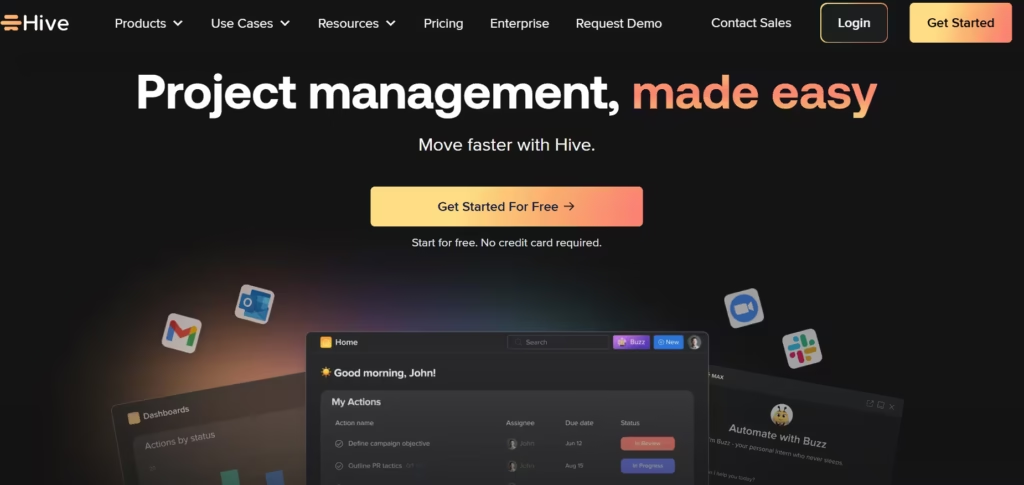
Hive markets itself as the first democratically built project management platform. This platform fuses messaging, tasks, and AI analytics into a “team operating system.” Hive’s predictive resourcing tool balances workloads, while language models summarize discussions and action items. Designed for fast-moving teams, it centralizes Slack-like chats and project tracking.
Features
- Hive has an action item extractor to convert chat threads into assigned tasks.
- Its feature “Hive Automation” uses AI to suggest automation templates based on the team’s common actions.
- The AI platform offers a “My Actions” pane that uses AI to pull all assigned tasks from across projects into a single, prioritized list.
- The tool provides AI-powered analytics that identify team productivity patterns and suggest workflow optimizations.
- Hive includes native chat, email integration, and proofing, with AI helping to connect conversations to actionable next steps.
Pros
- It combines project tracking with chat, reducing app sprawl.
- Hive supports six different project views (Gantt, Kanban, Table, etc.), allowing teams to work in their preferred format.
- Hive’s automation suggestions are practical and help teams discover efficiency gains they might not have identified manually.
- The combination of messaging, tasks, and files reduces app-switching and keeps project context centralized.
Cons
- The mobile app lacks the desktop’s AI functionality.
- While powerful, it may not have the same depth of specialized features as tools dedicated solely to resource management or complex portfolio tracking.
- Some users report that a learning period is needed to fully understand all its features.
- It doesn’t have budget tracking or invoicing tools.
10. Taskade
Taskade is a lightweight project management tool that focuses on task lists and team collaboration. With its “AI generative” assistant, teams can combine lists, notes, video chat, and real-time collaboration. Because it focuses on streamlining workflow creation and team synchronization, teams use it for task management.
Features
- Taskade features an AI assistant that can be invoked in any project to brainstorm ideas, expand on notes, or rewrite content.
- Its automation feature streamlines repetitive tasks, freeing up time for more strategic work.
- The platform integrates with multiple tools and services, including Google Drive, Trello, and Slack, to provide a seamless workflow
- Taskade’s AI can instantly generate structured workflows, task lists, and project outlines from a single text prompt.
- The platform integrates with multiple tools and services, including Google Drive, Trello, and Slack, to provide a seamless workflow
Pros
- It has a generous free plan that includes most AI tools.
- Taskade’s real-time collaboration feels like Google Docs for tasks.
- The platform has a clean and intuitive interface, promoting quick adoption with minimal setup time.
- It works well for fast-moving teams that need to quickly adapt and document their workflows on the fly
Cons
- The tool’s simplicity, while a strength, means it has fewer controls or custom fields compared to other options.
- Taskade’s pricing plans can be expensive for large teams.
- Oftentimes, it may lack the deep, advanced project management capabilities required for very large, complex, or regulated projects.
11. Linear
Linear is a project management tool designed for software development teams. This platform prioritises speed, keyboard shortcuts, and a streamlined workflow. Its “GitHub” sync turns commits into progress updates, appealing to devs who despise bloated tools. Overall, Linear AI helps manage the backlog, write technical descriptions, and automate cycles.
Features
- Linear’s AI can generate detailed issue descriptions from a title, create release notes from completed work, and summarize project cycles.
- The platform’s workflow automation feature eliminates manual tasks, freeing up time for more strategic work.
- The tool features “Cycles” that use AI to help with capacity planning and predict scope completion.
- It offers deep integration with GitHub, with AI helping to sync statuses and link code changes directly to issues.
- Linear’s reporting feature provides real-time insights into project progress, enabling teams to make informed decisions.
- The platform integrates with multiple tools and services, including Google Drive, Slack, and Microsoft Teams, to provide a seamless workflow.
Pros
- Linear’s AI-driven task management ensures that teams are always on top of their work.
- The tool’s integration capabilities enhance productivity by connecting with other apps.
- Linear’s focus on software development makes it a favorite among tech teams.
Cons
- Its specialization makes it primarily suitable for software teams, not for general project management.
- Linear’s user interface can be overwhelming for new users.
- While it integrates deeply with developer tools, its connections to broader platforms are more limited.
The Best Fit
Teams need to factor in their size, workflow, and specific project requirements before choosing a tool. It may take some experimentation and trying things out, but eventually, a team will find the tool that best suits their unique workflows.
