

An AI art generator empowers you to create stunning images in seconds, transforming abstract ideas into professional visuals. It drastically boosts workflow efficiency and stimulates creative inspiration, allowing designers and creators to focus on vision rather than manual execution. In today’s article, I’ll introduce the best AI art generator and show how to use it. Let’s start exploring.
What’s the Best AI Art Generator for 2026
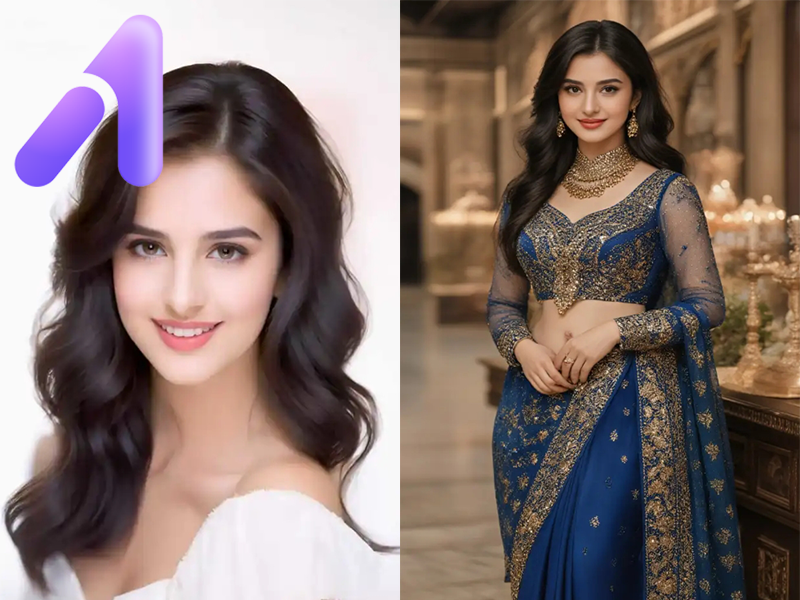
Choosing the best AI art generator in 2026 depends on usability, creative flexibility, and the variety of visual styles it supports. Among the many AI art generators available today, a1.art stands out for its strong focus on artistic diversity and ease of use. It allows you to generate artwork across a wide range of styles.
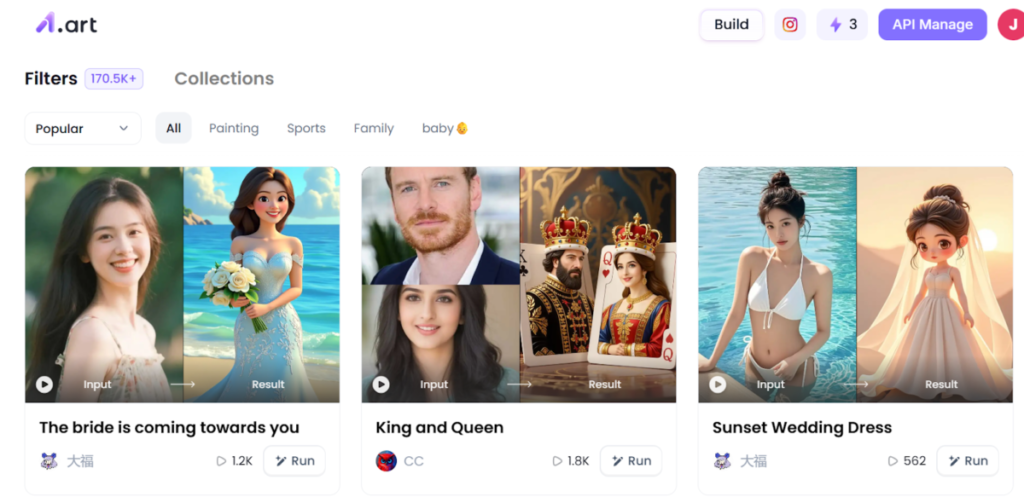
With a1.art, you can generate multiple artistic effects, including traditional and modern aesthetics. Popular styles include saree-inspired visuals, which reflect cultural and textile-based artistry, as well as abs-focused body aesthetics often used in fitness or character design concepts.
Key Advantages of a1.art include:
- Massive Style Library: Access over 28,000+ distinct image styles to suit any creative project.
- Extreme Speed: Generate high-quality images within minutes.
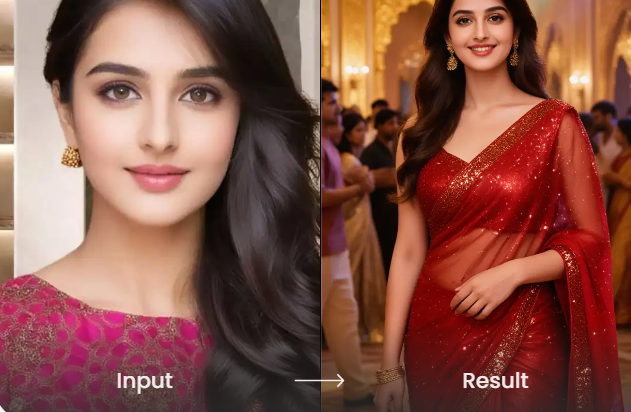
- Cultural Precision: Exceptional performance in rendering specific clothing like Sarees and anatomical details like Abs.
- User-Friendly Interface: No “prompt engineering” required—perfect for beginners and busy pros.
- Daily Free Credits: Allows you to explore and experiment with new styles every day at no cost.
How to Use an AI Art Generator to Create Stunning Images
It’s high time to make your own stunning images using the AI art generator. For example, if you want to showcase fashion, your core concept might be “a model in a vibrant Saree. Here’s how to generate it using a1.art.
Step 1. Open the AI saree page of a1.art and sign in to your account.
Step 2. Select your preferred saree style from the list and upload a photo from your local device. To get the best results, choose an image with high resolution.
Step 3. Click “Generate”. Wait for a few minutes, and then you’ll get a beautiful saree design.
How to Avoid Legal Risks of Using AI-generated Art
In general, most AI art generators allow users to create images for personal or commercial use, but legal clarity is still evolving as laws adapt to generative technologies. Here’s how to reduce potential legal risks:
- Review the Platform’s Terms of Use
Always check the licensing and usage rights provided by the AI art generator. Some platforms limit commercial use or require attribution, which can affect how images are legally used. - Avoid Replicating Recognizable Styles or Brands
Prompts that closely imitate specific artists, trademarks, or copyrighted characters may increase legal risk. Creating original descriptions helps reduce infringement concerns. - Stay Informed About Local Regulations: Copyright laws differ by region and continue to evolve. Keeping up with legal updates ensures AI-generated content remains compliant with current regulations.
Are There Limitations of Using an AI Art Generator
While AI art generators offer powerful creative capabilities, they are not without limitations. Transitioning from a simple prompt or photo to a perfect image often requires navigating several technical hurdles that the AI has yet to fully master.
1. The Problem of Spatial Logic
AI generators sometimes struggle with “common sense” physics. A Saree might blend into the background scenery, or a person’s limbs might appear in anatomically impossible positions despite looking visually beautiful.
2. Text and Typography Issues
If your image requires specific wording—like a brand name on a shirt—the AI may produce “gibberish” text. It treats letters as shapes rather than linguistic symbols, often leading to spelling errors.
3. Fine Detail Consistency
While the AI tool is excellent at rendering abs or textures, maintaining that same level of detail across a series of images (character consistency) remains a significant challenge for most generative AI.
In Conclusion
The emergence of the AI art generator is making it easier than ever to turn a thought into a visual reality. By using powerful platforms like a1.art, you can boost your productivity and unlock new levels of inspiration. While legal and technical limitations exist, the ability to generate stunning images is a superpower for any modern creator.
