


Teachers searching for an AI tool face a genuine fork in the road. ChatGPT is the most capable general-purpose AI available, but it wasn’t built for classrooms.
It doesn’t comply with student data protection laws by default, and gives students a blank page to generate anything, unchecked.
Magic School AI was built specifically to solve that problem, with 80+ education-specific tools, FERPA and COPPA compliance baked in, and a separate supervised student interface.
This article compares both tools directly for classroom use: what each does well, where each falls short, and which is the right choice depending on what you need.
Magic School AI
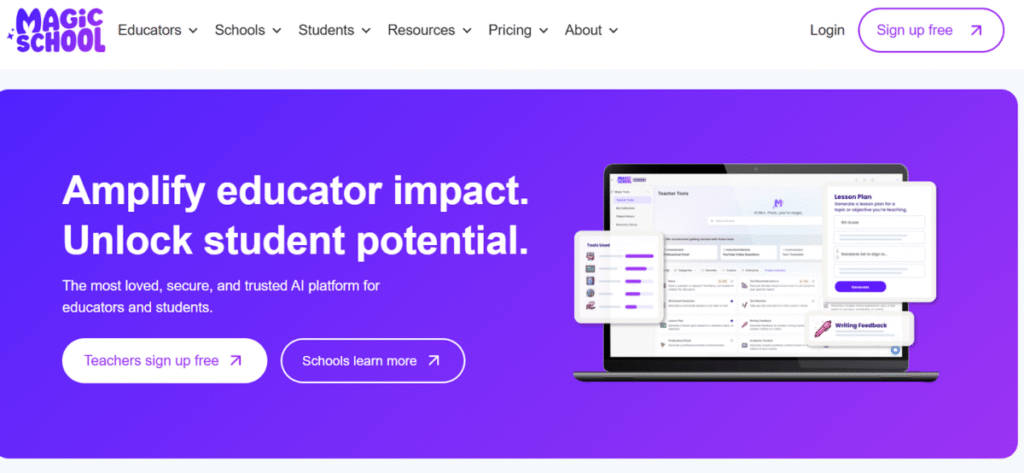
Magic School AI is a dedicated tool for creating lesson plans and general teaching. It helps educators save time, supports student learning, and incorporates AI into the classroom in a more responsible way.
It has grown significantly since launch. As of 2026, the platform has over 6 million users across more than 13,000 schools and districts in 160+ countries, at every level of K-12 education.
Magic School is also integrated with many Learning Management Systems (LMS) for easy incorporation into the learning process.
One technically important detail: Magic School AI is not a single-model tool. It uses a multi-model approach, pairing each tool with whichever underlying model performs best for that task, drawing on OpenAI GPT, Anthropic Claude, and Google Gemini depending on the use case.
Features
Magic School AI provides an exhaustive list of features for both teachers (80+) and students. Here are some of them;
- Text Translator/Rewriter/Leveler: The Leveler is especially helpful for rewriting text into a different reading level and also translating it into multiple languages.
- AI-resistant Assignments:
- Rubric Generator: To build custom grading rubrics for assignments.
- Report Card Comments Generator: Generate personalized report-card comments that touch on student strengths & growth areas.
- YouTube Video Questions/Video Summarizer: Input a YouTube link and get comprehension questions or summaries.
- Chatbot Creation/Custom Chatbot Tools: Build chatbots for students (e.g., study bots, role-play bots) or use pre-built ones for tutoring/feedback.
- Support for differentiated instruction & special populations: Tools to scaffold text, create leveled versions for ELL/MLL, SPED, etc.
- Idea generator/Study tools/Content-creation tools: It assists with planning, assessment, idea generation, presentation slide generation, and project-based learning (PBL) plans.
- Export & integration features: 1-click export to Google Docs/Slides, Microsoft Word/PowerPoint; LMS integrations like Google Classroom, Canvas, Schoology.
- Infinite generations/Output history: Ability for unlimited uses and full history of outputs.
MagicStudent
Alongside the teacher-facing toolset, Magic School AI includes MagicStudent: a dedicated, teacher-supervised student interface. Teachers assign students to “rooms” and control which tools are available to them.
All student activity is visible to educators in real time. This is a meaningful structural difference from ChatGPT, which has no equivalent teacher oversight layer.
Data privacy
Magic School AI never sells user data or uses personally identifiable information (PII) to train AI models.
The platform is FERPA and COPPA compliant and follows strict security and data-protection standards designed for school and district use. This is a non-negotiable requirement for most districts, and is one of the primary reasons educators choose it over general-purpose alternatives.
Use Cases
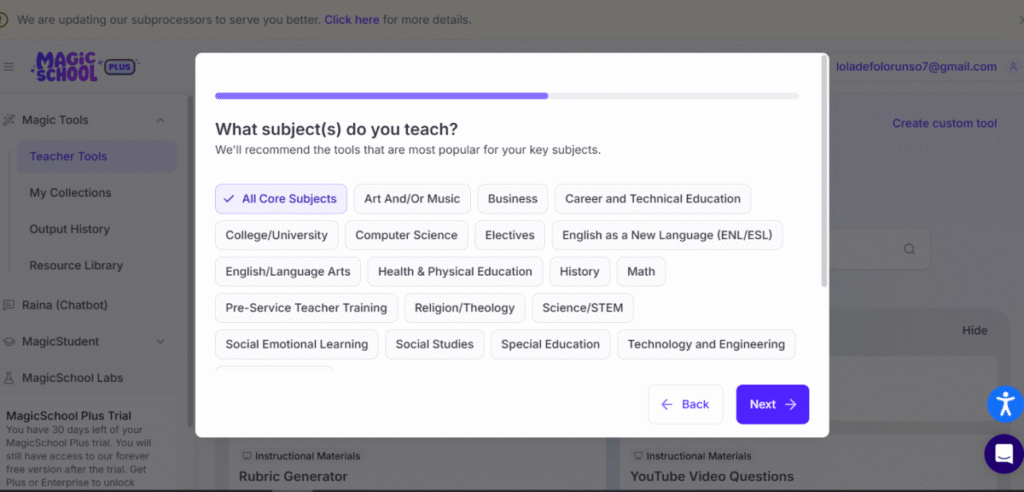
The onboarding process is very streamlined. Magic School AI will ask about the user’s role, location, and teaching subjects.
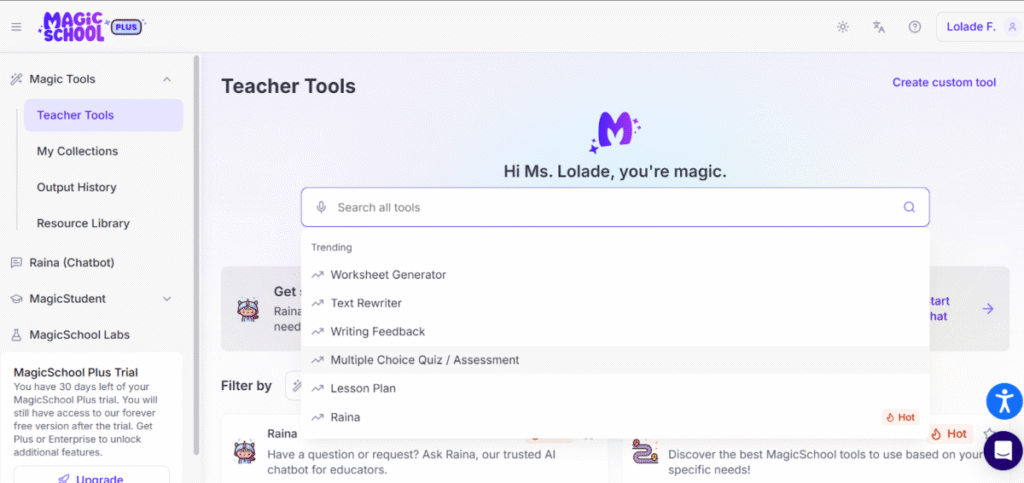
After the initial onboarding process, it opens up to a feature-rich dashboard. I noted that the search box had an interesting feature: a short list of all trending use cases/most searched Magic School AI tools.
1. Lesson Planning
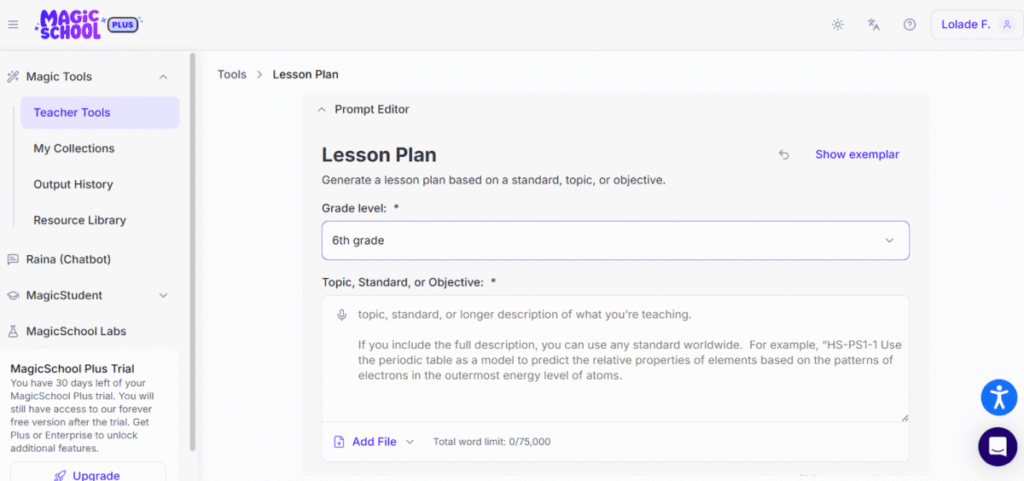
I decided to explore the lesson plan generator. I realized that I didn’t need to come up with a detailed, extensive prompt to get the desired action from Magic School. The tool had an ensuite prompt editor that just needed to be filled in.
The generated lesson plan for Grade 6 consisted of a learning objective, assessments, key points, lesson structure, assignment, lesson extension activities, and guided and independent practice. One thing I found particularly helpful was that the lesson plan ended with notes of the standards adhered to.
Magic School AI includes follow-up prompts at the end of each response:
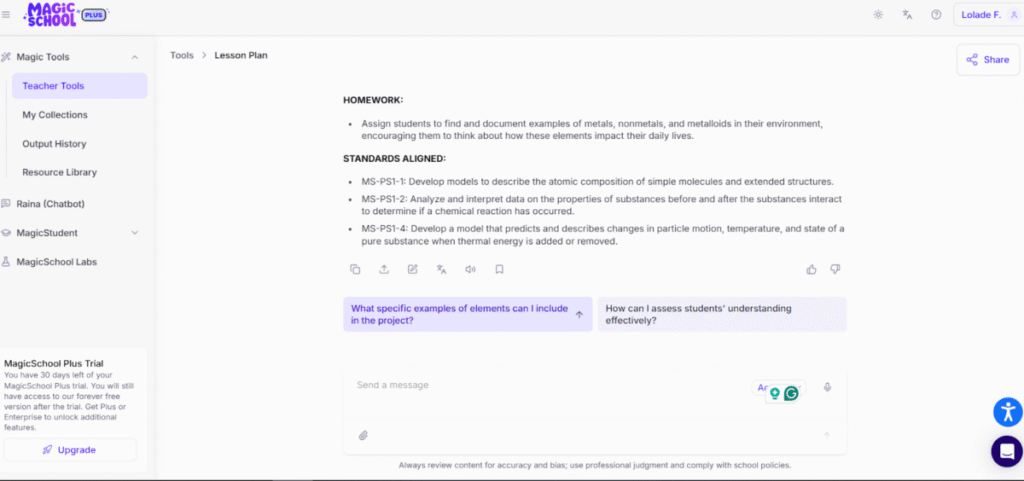
The outputs can also be tweaked further.
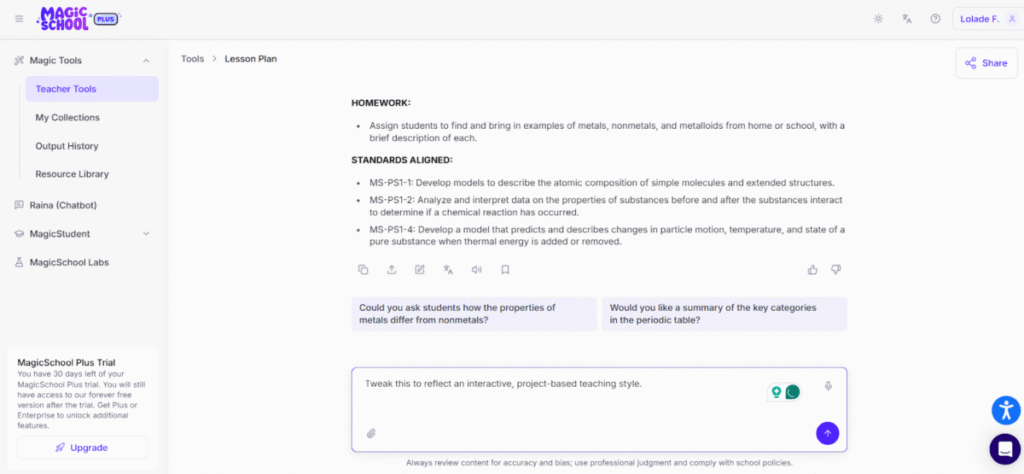
I further prompted Magic School to make the lesson plan as engaging as it could be, given that Middle-schoolers (Grade 6) have shorter attention spans. It generated a lesson plan that involved a fun project in a science fair format for better interaction and assimilation.
2. Text Generation
I filled in Magic School AI’s prompt editor, asking for lecture material on “Medieval Medical Practices that are Irrelevant Today.” It produced a 421-word essay on the topic, which I found to be rather skimpy.
Pros
- Due to the sheer amount of streamlined, precise features, educators do not need to write sophisticated prompts to generate specific results.
- Magic School AI can help with tasks educators were unaware of. The features act as prompts for tasks to explore.
- It has an interactive process for refining outputs.
- Magic School AI is a free tool.
ChatGPT
This is a general-purpose chatbot tool created by OpenAI. It is an advanced large language model trained on very large data from books, articles, websites, and other sources. And because of this training, ChatGPT can provide intelligent responses to a wide range of topics, including complex academic niches.
The most recent versions are significantly more capable than earlier models. They can reason more accurately, follow complex instructions, and even handle images, documents, or data analysis. The biggest benefit is flexibility and the chance to branch out its responses and follow the path for clarification.
Features
- ChatGPT generates human-like text responses
- It understands context and can maintain the natural flow of a conversation.
- ChatGPT can provide factual, creative, and analytical answers that can be as concise or as extensive as the user wants.
- The tone, style, and language are tweaked based on the input.
- ChatGPT functions as an assistant and educator; it explains, summarizes, and clarifies answers and concepts.
- It can also generate lesson plans, quizzes, one-on-one tutoring, flashcards, study materials, and feedback on writing or assignments.
Also read: All The ChatGPT Updates & Timeline
Use Case
1. Lesson Plan generation
I used the same prompt details I had used in Magic School AI in ChatGPT. ChaGPT generated a similar structured lesson plan with details on the duration, lesson sequence, and class outline.
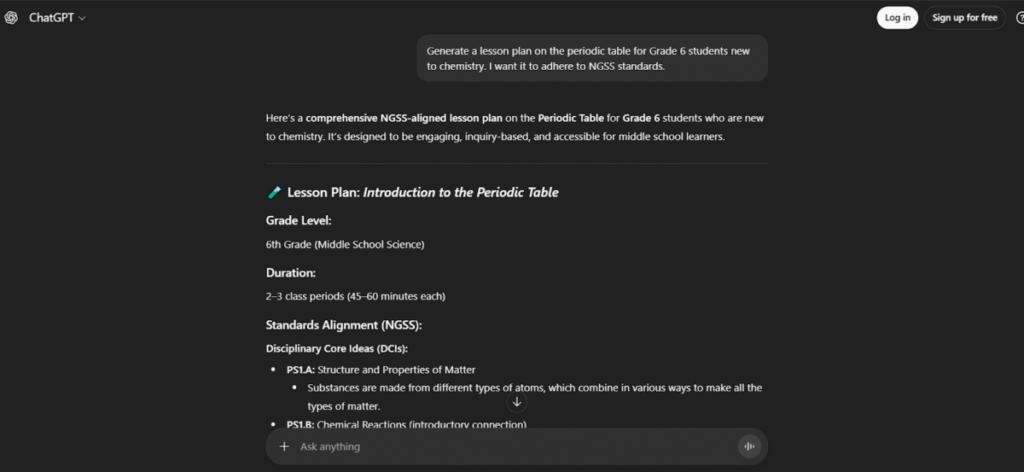
When I prompted it to further modify the lesson plan to make a more engaging lesson plan, ChatGPT returned a plan that involved gamified learning, storytelling, and a scavenger hunt without losing the essence of learning.
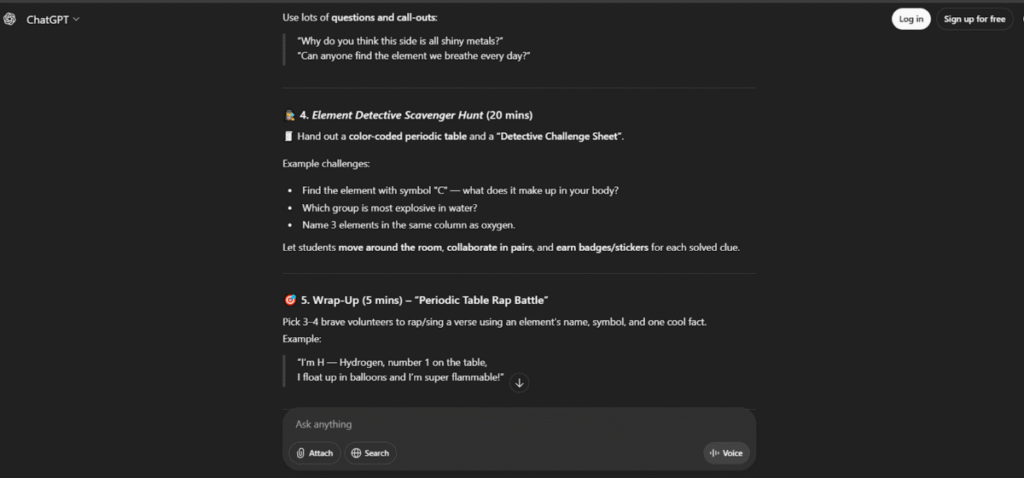
2. Text Generation
I entered a basic prompt into ChatGPT, and the chatbot returned an essay that provided more details in comparison to Magic School AI.
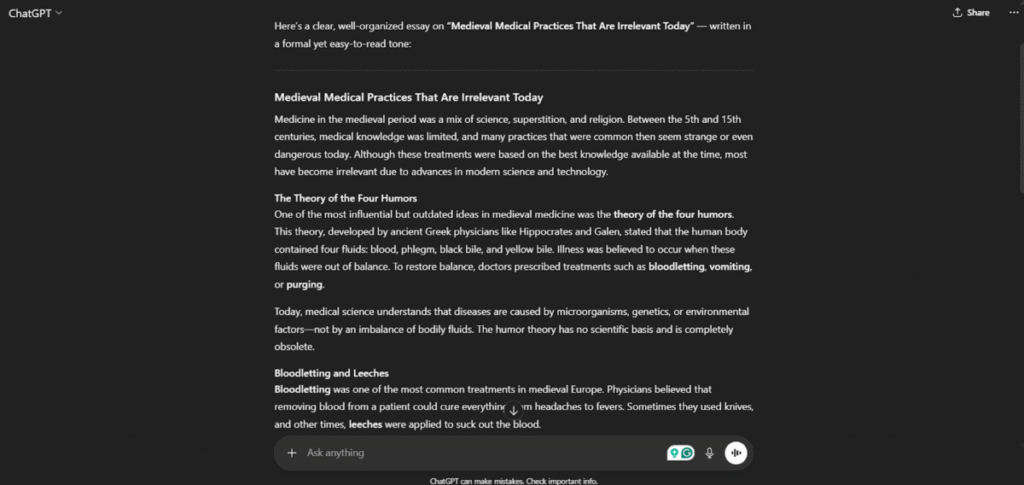
Pros
- ChatGPT is a dynamic, flexible tool. Therefore, it can produce deeper, more layered results due to its ability to branch off in multiple directions.
- The freedom to write complex, unique prompts translates to even more unique and custom answers.
- ChaGPT has a vast database of information and can be very useful for research.
- ChatGPT is primarily free.
Magic School AI vs ChatGPT: Head-to-Head
| Magic School AI | ChatGPT | |
|---|---|---|
| Primary audience | Teachers and students (K-12) | General users |
| Free plan | ✓ | ✓ (GPT-5 with limits) |
| Paid plan | From $8.33/month | From $20/month |
| Education-specific tools | 80+ purpose-built tools | General prompting only |
| Standards alignment | ✓ Real-time updated | ✗ Training cutoff applies |
| Student-facing interface | ✓ MagicStudent (teacher-supervised) | ✗ |
| FERPA/COPPA compliant | ✓ | ✗ By default |
| Trains on user PII | Never | Not used for training (opt-out available) |
| LMS integrations | ✓ Google Classroom, Canvas, Schoology | ✗ Limited |
| Export to Google/Microsoft | ✓ 1-click | Manual copy-paste |
| Underlying AI model | Multi-model (GPT, Claude, Gemini) | GPT-4o / o-series |
| Prompt skill required | Low (guided forms) | Medium to high |
| Text generation depth | Moderate | High |
| Research and general knowledge | Limited | Extensive |
For most classroom teachers, Magic School AI is the more practical choice, not because it’s more capable in raw terms, but because it’s the right tool for the job.
It handles the administrative and instructional tasks that consume the most teacher time — lesson plans, rubrics, differentiation, report card comments, faster and with less prompt skill required.
Its FERPA/COPPA compliance and supervised student interface make it deployable in a school setting in a way that general-purpose ChatGPT use is not. Independent reviews consistently report 7-10 hours saved per week for regular users, and 94% of users say it saves them meaningful time.
ChatGPT is the stronger tool for open-ended tasks that require depth, flexibility, or subject knowledge beyond curriculum scope. Writing nuanced long-form explanations, exploring unfamiliar topics, generating varied creative materials, or handling complex research —
ChatGPT’s breadth wins here. It also has no structural constraints on what it will produce, which is a feature for experienced users and a liability in a student-facing context without oversight.
FAQs
1. Which AI Is Better Than ChatGPT for teachers?
For most classroom use cases, yes. Magic School AI is purpose-built for education with 80+ teacher-specific tools, real-time standards alignment, FERPA/COPPA compliance, and a supervised student interface.
ChatGPT is more capable for open-ended tasks and deep research but requires more prompt skill and has no built-in student oversight. Most experienced educators use both for different purposes rather than treating it as an either/or choice.
2. Is Magic School AI free?
Yes. Magic School AI has a free plan that gives individual teachers access to the core tool library with no credit card required. A paid Plus plan is available at $12.99/month billed monthly, or $8.33/month billed annually ($99.96/year), which unlocks additional features and unlimited usage. Enterprise plans for schools and districts are priced separately. ChatGPT is also free at the base tier, with ChatGPT Plus available at $20/month.
3. Is Magic School AI Good?
Yes, Magic School AI is a good tool for teachers. It helps educators save time by generating lesson plans, quizzes, and parent emails. It’s especially useful for K-12 teachers who want pre-made templates and education-specific support.
4. How Much Does Magic School AI Cost?
Magic School AI offers both free and paid plans. The free plan gives access to basic tools, while the paid version costs $12.99/month. There are also custom pricing options for enterprise use.
5. What Is the Difference Between School AI and Magic School AI?
School AI is a broad term that for AI used in schools pr education. It includes grading assistants or tutoring bots. Magic School AI, on the other hand, is a specific platform built for teachers. It focuses on lesson planning, material generation, student engagement, and classroom management tools.
