
The main thing traders want to improve apart from making more money is the time it takes to get there.
Two tools, AI and mobile apps, can help with both for traders who know how to use them.
In the past, building an automated trading system meant either becoming a skilled programmer or hiring a developer for hundreds of dollars. But AI has changed that process entirely. Traders can now describe a strategy in plain language and have it turned into working code within minutes.
What Is a Trading Workflow
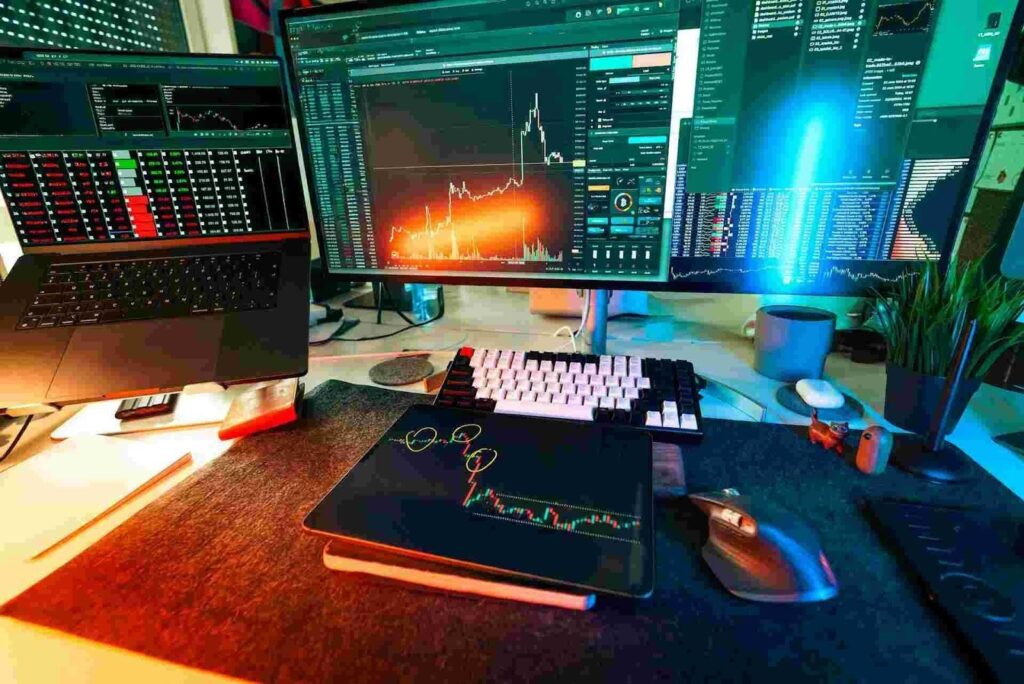
A trading workflow or trading process refers to the structured approach for buying and selling securities based on defined rules and criteria. It is a routine that is unique to each trader and begins from the moment they study the market to the moment they close a position and assess the outcome.
The depth and level of detail in a trading process depend on the type of trader. For instance, trading plans for swing traders or day traders tend to be quite extensive and contain thorough information. Investment professionals advise that traders should not put capital at risk until a trading workflow has been established.
A typical trading workflow looks something like this:
- Research and analysis
- Trade identification
- Trade Planning
- Execution
- Monitoring
- Exit
- Review
Regular traders know how each of these steps can take a lot of time when done manually. Many now use Artificial Intelligence to handle the first four automatically while mobile apps can be used to monitor trades and act from anywhere when they need to. This means less time on repetitive tasks and faster responses when the market moves.
How AI Tools and Mobile Trading Apps Can Optimize Your Workflow
Here is a step by step guide for traders who want to bring AI into their routine.
1. Pick a Trading Platform
A trading platform is a user friendly software that allows investors to manage trades and portfolios through a brokerage or financial intermediary. There are many platforms available but TradingView stands out as one of the best options, especially for traders who are still learning. TradingView offers over 100 indicators combined with intelligent drawing tools that cover global stocks, currencies and cryptocurrencies. Its public script library contains thousands of strategies and indicators published by other members, giving traders a head start without writing a single line of code.
2. Build a Strategy on TradingView
Everything starts with a strategy that depends on how you want to trade. Many trading strategies are built on either technical or fundamental analysis. Both should depend on quantifiable data that can be backtested for precision. For instance, it could be a straightforward trading strategy built around a moving average crossover, where a short term moving average crosses above or below a long term moving average
Next, head to TradingView and code your strategy in Pine Script. Pine Script is TradingView’s own programming language and it is less complex than most traders expect. The process is even much simpler with AI. There are available tools that can take a plain language description and turn it into clean, ready to use Pine Script code. A trader can type something like “buy when RSI crosses above 30 and the price is above the 200 day moving average” and receive working code in seconds. Pineify and OctoBot’s AI strategy generator are good examples of these tools.
3. Backtest Thoroughly
Backtesting allows a trader to test a trading strategy using historical data to produce results and evaluate risk and profitability before putting any real capital on the line. A properly executed backtest that delivers positive results gives traders confidence that the strategy is fundamentally solid and is likely to generate profits when applied in live conditions. In contrast, a properly executed backtest that delivers poor results will push traders to modify or abandon the strategy. TradingView allows traders to test their strategy against historical data to learn how the system would have performed in real market conditions. Once, the strategy stands the test of time, traders can proceed to the next stage.
4. Connect to Your Broker for Automation

Now that the strategy is solid, the next step is automation. Services like Tickerly, WunderTrading, OctoBot and PineConnector act as the bridge between TradingView strategy alerts and a brokerage account.
First sign up for a broker account such as OANDA and link it to TradingView. Once connected, trades can be executed directly based on the signals your strategy generates. Most of these services use webhooks, which send real time data from TradingView to the broker the moment an alert is triggered.
5. Set Up Alerts
On TradingView, alerts tell the system when to enter and exit trades. Move to the alert section on the app and define the conditions for buy and sell signals based on the strategy. Set these alerts to trigger in real time so the system reacts as soon as the criteria are met without any delay.
Alerts can be configured to send signals through webhooks to the broker for automatic execution, or they can be sent as push notifications to a mobile trading app so the trader can review and execute manually.
6. Use Mobile for Monitoring and Quick Execution
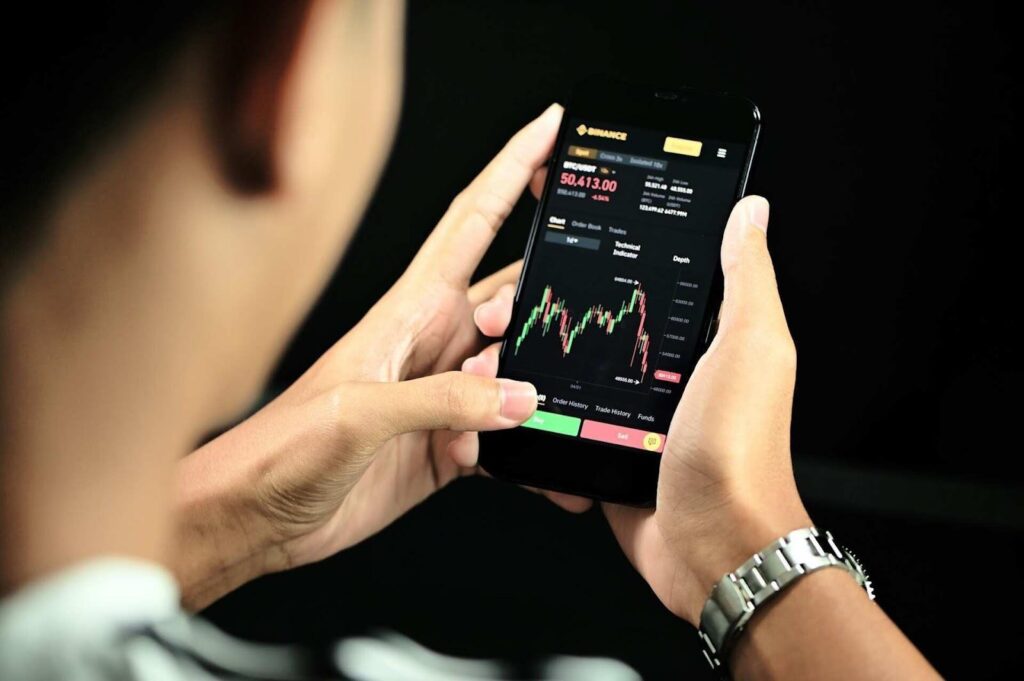
Once the strategy is live, the trader does not need to sit at a desk watching charts all day. Most major brokers now offer mobile apps with full trading functionality including live charting, order placement and push notifications.
7. Monitor and Optimize
Even the best automated systems need regular maintenance. Markets evolve and a strategy that worked well last quarter may need adjustments this quarter. Traders should always seek ways they can improve their strategy and profit.
Building a Workflow That Works for You
The tools to automate and streamline a trading workflow are now accessible to everyone, not just institutional traders with large budgets. TradingView, AI code generators and mobile trading apps have removed most of the technical barriers that used to exist. The traders who take the time to set up this workflow properly will spend less time on manual tasks and more time on the decisions that actually matter.