


These days, smartphones have cameras that rival DSLRs, yet most pictures end up looking blurry. Mobile AI photo enhancers and editors are pocket-sized powerhouses that use AI to transform ordinary shots into stunning visuals with just one tap.
These apps analyse pixels, alter lighting, swap faces, and erase backgrounds like professionals, saving hours otherwise spent neck-deep in desktop software. People use them because social media demands perfection. Moreover, they have little to no learning curves and pricey gear.
In a world where visuals drive 95% of engagement, these apps bridge the gap between “good enough” and gallery-worthy. This has fueled a mouth-watering mobile editing market that’s exploding. In this article, we discuss the top mobile AI photo enhancers/editors.
1. Epik
Epik is a mobile-first photo editor that leans hard into “camera-roll rescue.” It takes blurry, uneven, and low-light images and then makes them closer to the intended version.
Epik uses a drag-and-drop interface for its image and video edits. Recently, Epik rolled out a hyper-realistic body reshaping and tattoo generator, pulling from vast datasets to ensure edits blend invisibly.
Features
- Epik’s Face Swap tool instantly overlays one face onto another body, while maintaining skin tones and angles.
- The AI Age Progression slider ages or de-ages subjects, factoring in wrinkles, hair greying, and posture shifts.
- Users can activate Anime Converter to restyle portraits into vibrant characters, complete with exaggerated features and versatile shading.
- Epik’s Body Editor slims, bulks, or heightens figures proportionally, using AI to adjust clothing folds and shadows naturally.
- The Tattoo Studio applies custom ink designs to skin, simulating healing stages and blending with body contours effortlessly.
Pros
- All Face swaps execute in seconds, delivering photorealistic blends that fool the eye and boost social shares.
- Epik supports batch editing for influencers churning out content pipelines.
- The offline mode handles basic enhancements, perfect for travel without data drains.
Cons
- The free plan contains watermarks.
- Advanced features demand high RAM and can cause lagging on older devices mid-edit.
- There are privacy concerns from cloud uploads for complex AI processing.
2. Photoroom AI

Photoroom AI is a pocket-sized studio for people who need images that look “ready to post”. It has background removal and product photography, allowing users to take flawless shots anywhere.
Photoroom scans images in a flash, erases messy backdrops, and inserts studio-grade ones. Lately, Photoroom has integrated generative AI to create entirely new elements, like adding shadows or props, streamlining mockups for Shopify sellers.
Features
- Photoroom’s Magic Eraser wipes out unwanted objects or people precisely, filling gaps with context-aware pixels.
- All instant Backgrounds swaps scenes to 100+ presets, matching lighting and reflections automatically.
- Users leverage AI Product Studio to enhance items with shadows, highlights, and rotations for 360-degree views.
- Batch Processing handles dozens of images at once, ideal for inventory updates.
- The Reframe tool crops and resizes intelligently, preserving key subjects for social formats.
Pros
- Photoroom’s background removal rivals desktop tools, saving sellers hours on listings.
- The tool’s generative fills create pro mockups without Photoshop skills.
- It’s a free tier that exports high-resolutions without watermarks, unlike rival editors.
Cons
- Occasionally, complex scenes with hair or transparencies sometimes leave artefacts.
- The premium unlocks full AI generation, gating power users.
- It causes battery drain spikes during batch jobs on mid-range phones.
3. Evoke AI
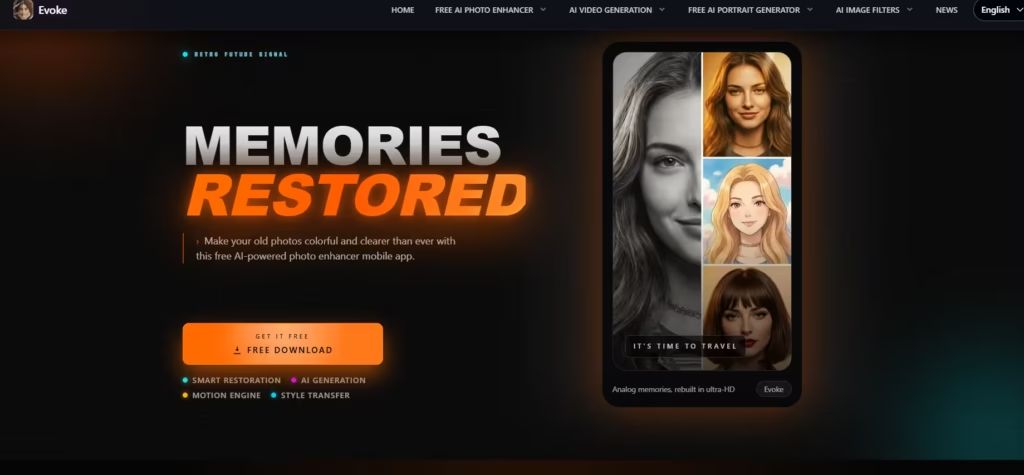
Evoke AI breathes life into dull photos through hyper-detailed upscaling and style transfers. With that tool, users can turn grainy pictures into 4K masterpieces. It employs AI-driven enhancement to tighten detail and bring the subject forward, so images look intentional instead of accidental.
Recently, Evoke added video frame enhancement, stabilising shaky clips while amplifying colours.
Features
- Evoke’s Upscale Engine boosts resolution up to 8x, reconstructing textures from noise alone.
- The “Style Transfer” feature applies famous artist filters while retaining composition.
- Users engage Video Enhancer to denoise, stabilise, and colour-grade footage frame by frame.
- The Portrait Refiner smooths skin, eyes, and adjusts lighting for model-like results.
- Evoke AI batch processes folders, applying uniform enhancements across albums.
Pros
- It’s upscaling revives old photos.
- Evoke’s style options ignite creativity for unique social posts.
- It doesn’t require subscriptions. Users pay per use to keep costs low.
- The results are exported in RAW for further tweaks.
Cons
- It’s heavy processing that overheats budget phones quickly.
- The free limits capacity at 2x upscale, teasing fuller power.
- Its artistic styles can overdo effects on subtle shots.
- Evoke is cloud-dependent, which slows rural users.
4. AI Mirror
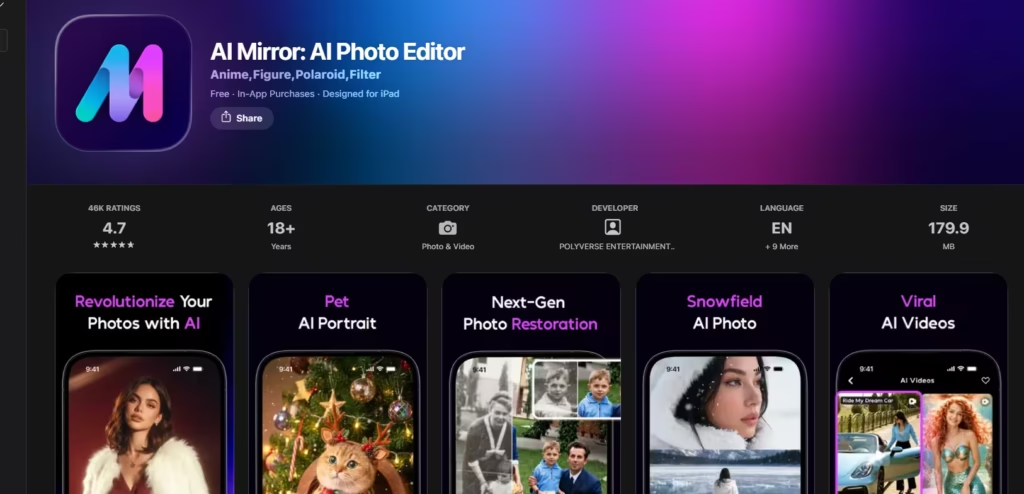
AI Mirror leans into the “instant transformation” side of mobile photo editing. This tool specialises in hyper-personalised selfies, using AI to try hairstyles, makeup, and outfits virtually before use.
It scans faces with pinpoint accuracy, simulates fabrics draping realistically, and previews ageing or gender swaps. Lately, there’s been a lot of buzz surrounding its AR try-on glasses and jewellery.
Features
- The AI Mirror’s Hairstyle Try-On library offers over 500 cuts, adjusting for face shape and hair type dynamically.
- AI Mirror’s Virtual Makeup applies shades, liners, and contours with blendable intensities.
- There’s an Outfit Simulator that layers clothes over poses.
- The Face Morpher alters age, gender, or ethnicity subtly for fun previews.
- All AR Accessories overlay specs, hats, and piercings in real-time camera view.
Pros
- The try-ons feel lifelike, slashing shopping regrets.
- Its offline library access works anywhere.
- All sharing templates go viral on TikTok.
- It has intuitive sliders that empower precise customisations.
Cons
- Enjoying premium services requires a paid subscription.
- The camera hog drains battery in sessions.
- There are privacy flags from facial data storage.
5. Face Dance AI
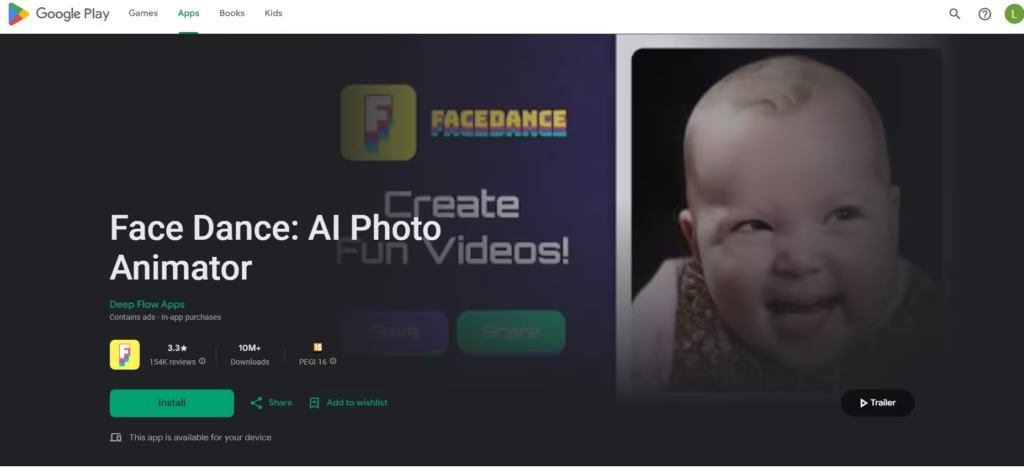
Face Dance AI focuses on one thing and then pushes it hard: it turns a still portrait into a short, expressive performance. Instead of treating animation as a complex editing timeline, it works like a “prompt-by-example” tool. It uses deep fakes ethically for memes and stories, generating clips from one photo. The latest update brings celebrity face dances and custom audio uploads.
Features
- Face Dance AI swaps expressions onto bodies, syncing to beats flawlessly.
- Its Lip Sync matches mouth movements to any song or voice clip.
- Users can craft videos with laughter, winks, or headbangs from templates.
- The Celebrity Mixer overlays stars onto user faces for duets.
- The Export Engine outputs HD clips optimised for reels and stories.
Pros
- All clips have instant virality and rack up views effortlessly.
- The low-light photos animate smoothly.
- It has share-ready formats to save export time.
Cons
- The free plan is often watermarked.
- Its ethical deep fake risks misuse.
- The upload limits curb long videos.
Also read: What is an Online AI Image Generator and How Does It Work?
6. PhotoAI
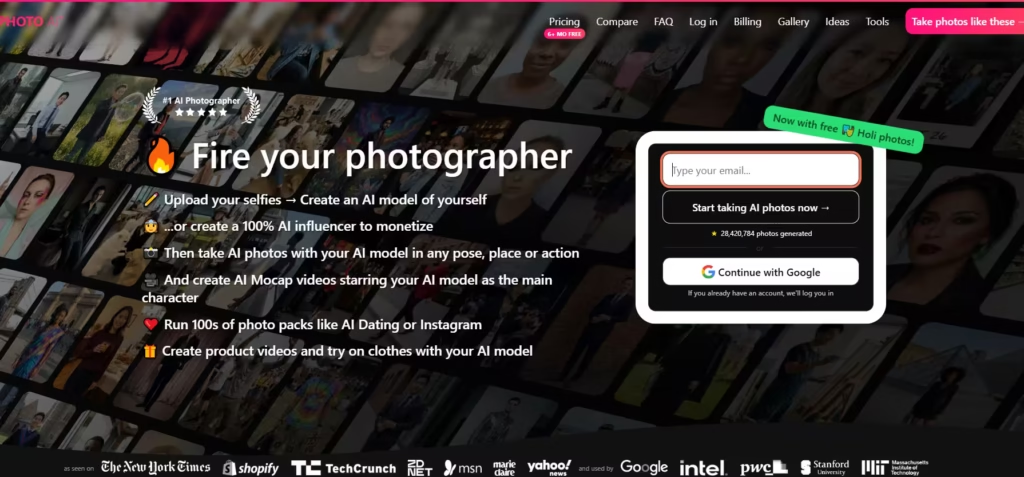
PhotoAI positions itself as a “full-stack” AI photo enhancement and generation app. Instead of running one trick, it combines multiple engines: AI-headshot generator, background replacement, lighting correction, and portrait cleanup. This means PhotoAI serves two audiences. On one hand, it helps everyday users rescue soft, noisy images and upgrade them for social media. On the other hand, it targets professionals who want polished profile photos without booking a studio. Recently, it included a “Professional Studio Pack” that mimicked NYC photographers.
Features
- PhotoAI’s Headshot Generator produces 100+ variants in casuals or suits
- The Avatar Creator builds RPG or NFT styles from traits.
- Users fine-tune with Style Packs for corporate or artistic vibes.
- The Group Shot merges faces into scenes seamlessly.
- Its Background AI swaps to offices or beaches contextually.
Pros
- The Pro headshots cost pennies versus studios.
- It has a fast turnaround under 5 minutes.
- Photo AI has privacy-focused local processing options.
- All downloads are high-resolution and print-ready.
Cons
- The training needs 10+ selfies for the best fit.
- The premium tiers dominate quality outputs.
- Some unnatural poses slip in generics.
- It requires the internet for image generation.
7. Hypic
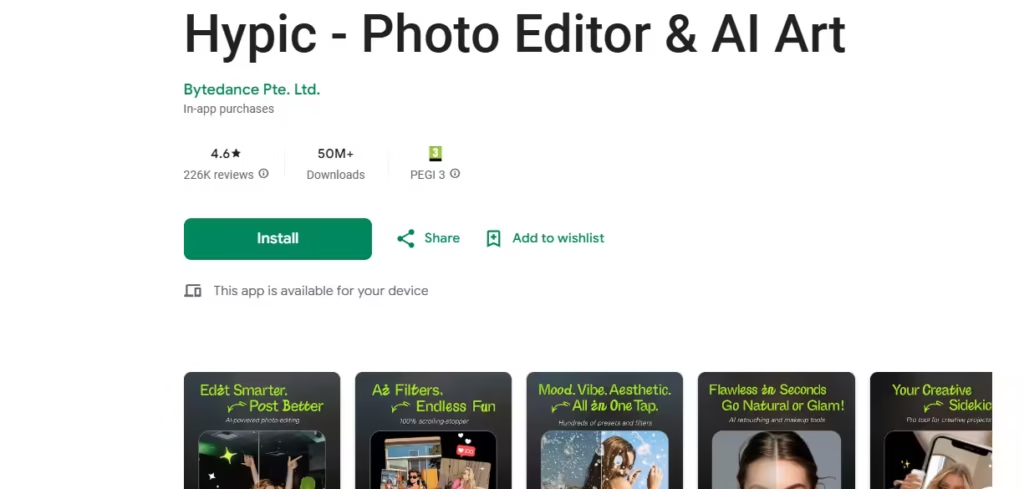
Hypic aims at modern, mobile editing with a heavy emphasis on “polish.” It acts like a hybrid between an enhancer and a lifestyle editor. Hypic fuses collage-making with AI enhancements, auto-curating layouts from camera rolls while upscaling and colour-correcting.
This AI tool detects themes, adds stickers, and generates text overlays intelligently.
Features
- Hypic’s AI Collage builder scans albums, grouping by colour or subject.
- Its One-Tap Enhance boosts clarity, vibrance, and exposure universally.
- Users insert Smart Stickers that resize and blend automatically.
- Text AI generates captions matching photo moods.
- The Video Mixer compiles clips into themed montages.
Pros
- It assembles collages in seconds, and they are story-ready.
- All enhancements are polished without effort.
- The free exports are unlimited.
- It has a beginner-friendly interface
Cons
- Its custom layouts feel rigid.
- The free plan contains ads which interrupt the free flow.
- There is a 10-second video limit in the free plan.
8. ArtMind
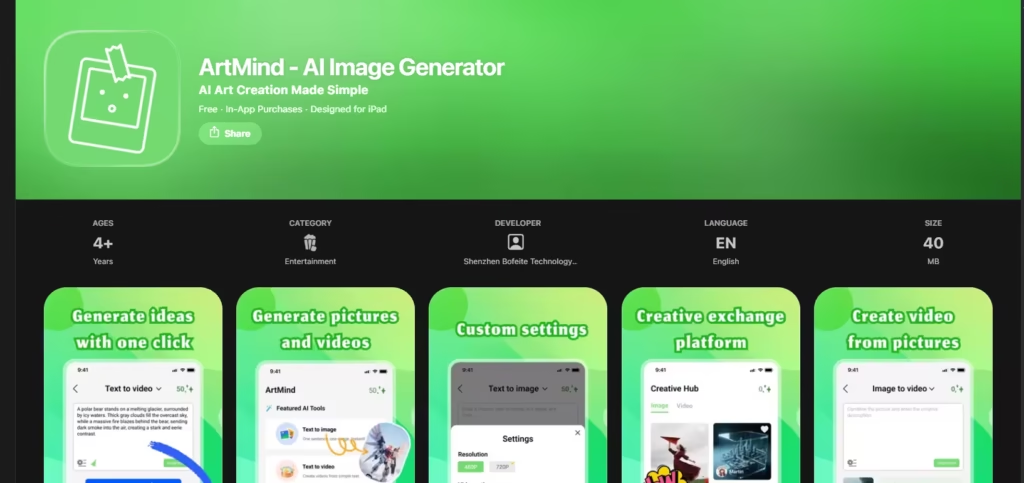
ArtMind tilts closer to “AI artistry” than classic photo editing. It transforms images through style engines such as anime, concept-art aesthetics, cinematic looks, illustration, and painting. It also dissects compositions, reapplies strokes, and iterates styles on demand.
As a result, ArtMind becomes more about reimagining photos than refixing them. This feature makes it ideal for creators who want striking thumbnails, profile art, or stylised visuals that stand out in crowded feeds. The latest version has a live sketch mode for real-time drawing aids.
Features
- ArtMind’s Style Neural applies Renaissance or abstract filters deeply.
- The Hybrid Generator merges user sketches with photo elements.
- Users iterate with Prompt Refiner, tweaking via text descriptions.
- All exports are in print-ready, canvas-sized files.
- It has a community gallery to share and remix creations.
Pros
- The transformations stun with depth beyond filters.
- ArtMind encourages experimentation, as users can explore many looks from one source photo.
- It reduces the need for manual digital painting because the model handles texture and shading.
Cons
- During peak periods, users may experience long processing queues
- The free plan is limited to several trials.
- It can introduce artefacts in hands and accessories, which is common in stylisation pipelines.
9. SnapEdit
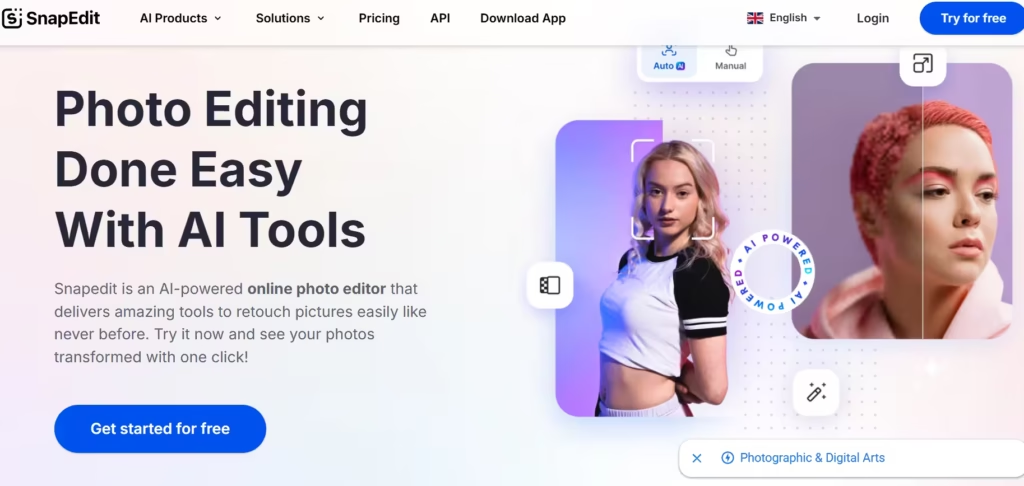
SnapEdit acts like a “cleanup crew” for camera rolls. It focuses on removal and inpainting, zapping exes and blemishes with AI fills that match the surroundings perfectly. SnapEdit prioritises “fix this problem” actions.
Features
- SnapEdit’s Lasso Tool selects, erases, and regenerates backgrounds.
- The Heal Brush clones textures intelligently across areas.
- Users can expand canvases and fill edges with generated content.
- The Portrait Cleaner removes acne, wrinkles, and distractions.
- It provides batch processing in some plans for faster edits.
Pros
- It’s great for removal, so travel and street photos look cleaner with minimal effort.
- SnapEdit keeps the workflow fast, and consequently, it suits quick edits before posting.
- It does not require skills as AI guess fills.
Cons
- It can struggle with complex textures, so fills may look blurry on patterns like tiles or hair.
- There are limits on exports in the free version.
- SnapEdit may fail on large removals because rebuilding an entire scene pushes the platform too far.
10. Photoleap
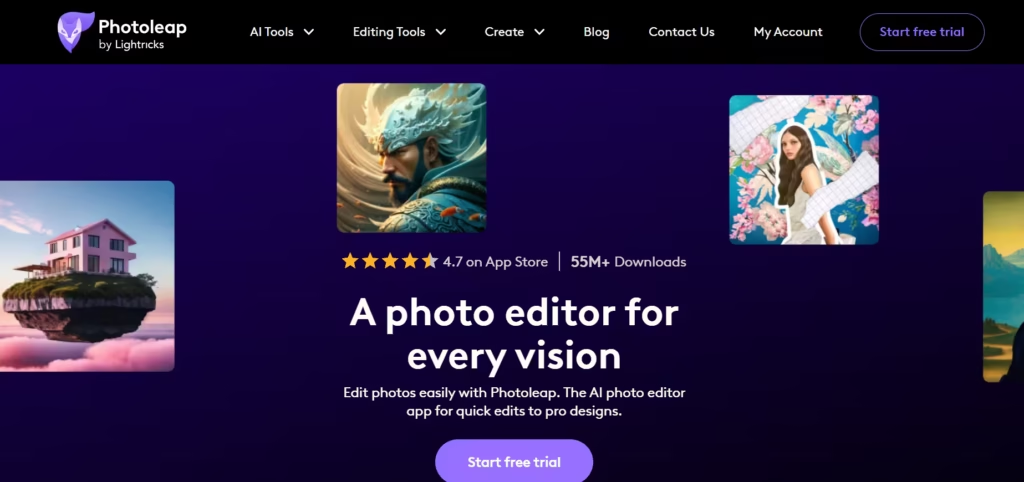
Photoleap is a “creative playground” that still respects editing fundamentals. It layers AI effects, animations, and sky replacements to craft dreamscapes from realities. This tool detects horizons, swaps weather, and animates elements. As a result, Photoleap fits creators who want more than a one-tap filter but still prefer mobile convenience over desktop complexity.
Features
- Photoleap’s Sky AI replaces clouds or adds sunsets precisely.
- The Layer Mixer stacks effects, masks, and overlays.
- Users animate with Particle Flows like fire or rain.
- Its 3D Text effect extrudes words with shadows.
- The AI Relight adjusts lighting post-edit.
Pros
- The platform combines AI speed with manual tools, and allows users to fix details the model misses.
- There’s a vast library free and accessible to users.
- It blends AI speed with manual refinement options for better control.
Cons
- Beginners can feel overwhelmed because it offers more tools than “one-tap” editors.
- Some advanced features require paid subscriptions.
- It can produce inconsistent AI backgrounds, especially when the subject lighting does not match.
11. Arta AI
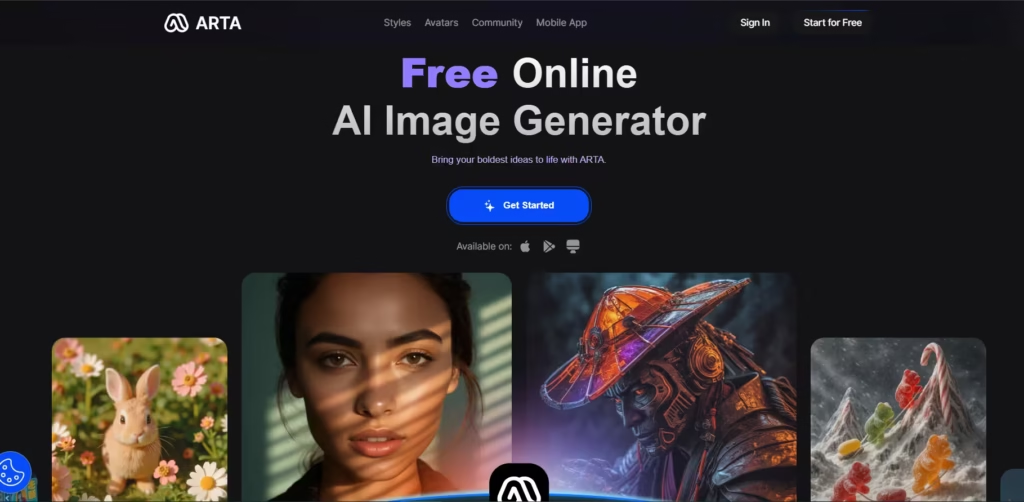
Arta AI turns snaps into gallery art via diffusion models that evolve iteratively. Its performance is based on prompts and style packs that turn ideas into images. While it can use photos as inputs in certain modes, it typically behaves more like an art studio than a correction tool.
Therefore, Arta AI works best for cover art, concept imagery, or profile graphics rather than faithful photo restoration. Arta AI’s latest feature, “Collaborative AI Duets”, helps users create magic.
Features
- Arta’s Diffusion Engine generates variants from seeds.
- The voice prompt evolves art through commands.
- Users can blend multi-image inputs creatively.
- Its Style Locker features allow users to save custom aesthetics.
- Arta AI supports upscaling, and therefore outputs look sharper for sharing or printing.
Pros
- Arta AI creates visually striking transformations that feel distinct and highly stylised.
- It works well for profile images, posters, and creative social content.
- It offers many styles, and users can pivot aesthetics without learning new tools.
Cons
- It doesn’t prioritise subtle, photorealistic enhancement for everyday photography.
- Some styles can distort facial features depending on intensity.
- Achieving consistency across multiple photos can be tricky for users seeking a uniform look.
12. Pixelcut
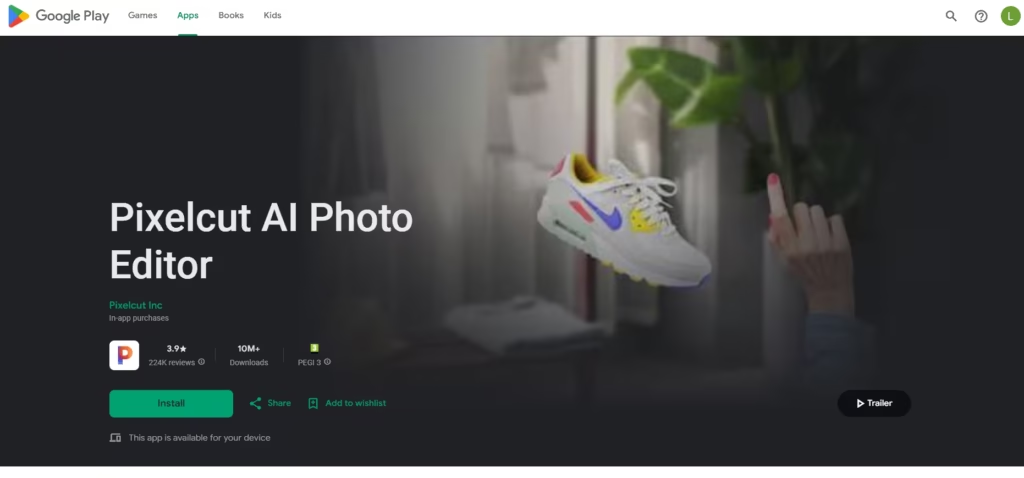
Pixelcut is an AI-first design and photo tool that makes product imagery cleaner, sharper, and more commercial. It acts like a mobile studio for sellers, creators, and small brands who need crisp backgrounds and catalogue-ready images without learning Photoshop. Instead of starting with filters, Pixelcut starts with outcomes: remove background, create product shots, generate backdrops, upscale for clarity, and assemble simple designs for listings and ads.
Features
- Pixelcut’s Product Backgrounds removes backgrounds automatically, and refines edges to keep products clean and sellable.
- The Shadow Generator adds realistic drops.
- Users can generate size guides from measurements.
- The Cleanup removes dust instantly.
Pros
- Pixelcut helps small businesses create polished, high-converting visuals without expensive shoots.
- It combines editing and light design in one place, which saves time and app-switching.
- It supports fast production of consistent assets for catalogues and ads.
Cons
- AI scenes can look mismatched if shadows and lighting don’t align with the original image.
- It requires a premium subscription for high-resolution exports and backgrounds.
- Template-based design can feel repetitive without customised layouts.
Creating Perfection
These photo editors use every pixel edit, lighting, and background change function as a brush stroke that paints a more intentional image. A quick lighting adjustment here, a softened shadow there upscales images from mere photos to moments that present something just a little more beautiful than reality.
