


Pictory video generator is a text, PPT, image, and URL-to-video tool. It lets users start making videos with a script, a PPT, images, and even a full blog post. The entire point is to take out the manual effort typically required. It does this by breaking text into scenes, matching each scene with a visual, and finishing off with captions and transitions.

It’s easy to see that Pictory isn’t a cinematic storytelling or custom animation tool. Rather, it prioritizes speed, simplicity, and accessibility, especially for people who lack technical skills. This makes Pictory very different from tools like Premiere Pro or Final Cut, and even from more design-heavy platforms like After Effects or motion graphics software.
Also read: Pictory AI Review (2025): Overview, Pricing & Features
How Pictory’s AI Video Generator Works
- Provide content by pasting a script, uploading text/image/PPT, or importing a blog post with a URL.
- Engage the scene detection to merge, split, and delete scenes.
- Visual selection and matching. This is a keyword-based process and works well with general concepts, but can be tricky with abstract ideas.
- Addition of text overlays, captions, and subtitles.
- Reviewing, editing, and exporting.
Pictory Video Generator Use Cases
1. Text-to-video
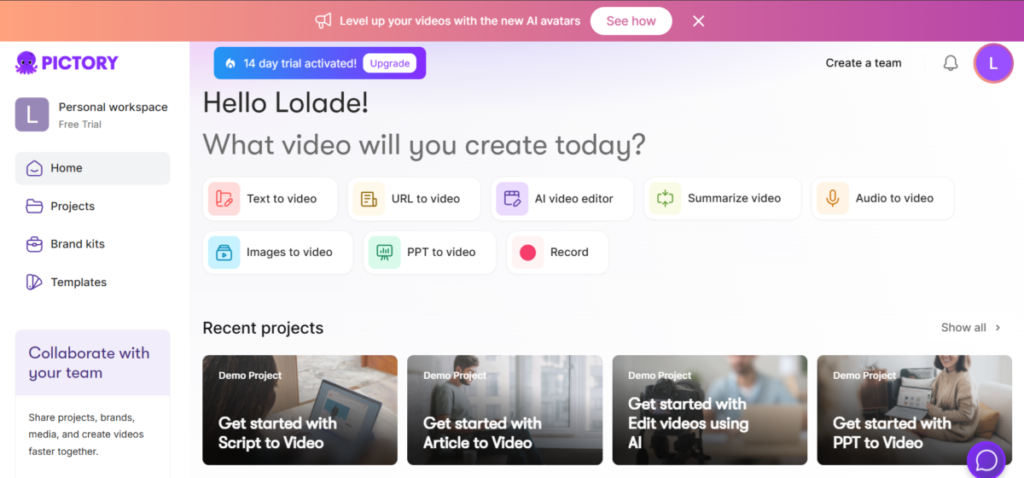
I used ChatGPT to create a script on a scene-by-scene basis. Then, I fed it into Pictory, and although there were a handful of theme options, I selected none. This was to give Pictory full creative expression.
Pictory generated the video in fragments to allow for edits and tweaks.
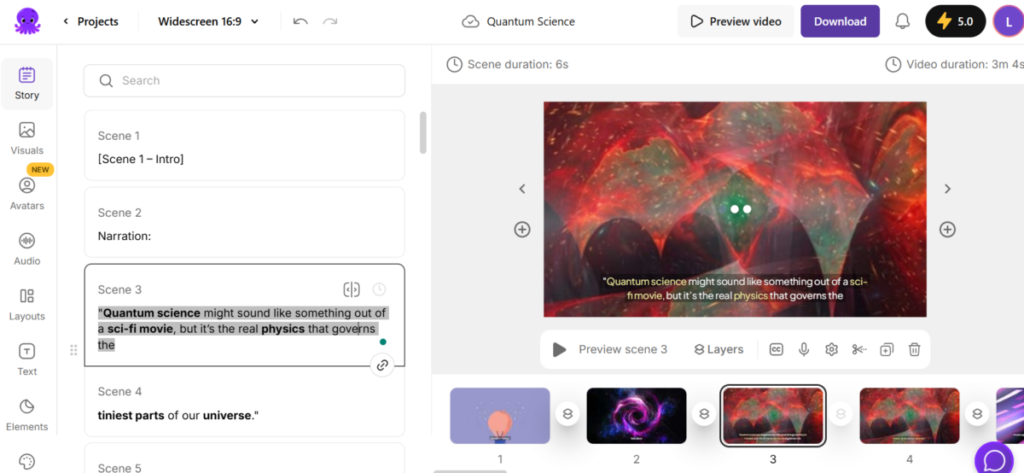
Upon preview, I found that the AI did follow the script, but I also noticed a few things I’d have loved to see. First, I had expected an AI voice to do the narration of the script. I had asked for an educational style video; I wasn’t expecting to read the words off the screen.
Another thing was the choice of music, or lack of. Pictory selected one for me, probably based on what it considered a good match. However, I would have preferred to choose the music and maybe also the volume.
Still, I liked that Pictory added complementary visuals that did, in fact, match the script, even though it wasn’t as close a match. The script was on quantum science, and Pictory added visuals that reflected an existential space where matter or particles moved.
Note: There is an option to generate a script with AI.
2. URL-to-video

This involves scanning and generating a script from a pasted website link. There were branding and scene settings options to add brand assets and inform certain display elements. I also had the option to rework the script with AI. Pictory’s AI could help rewrite, optimize, shorten, lengthen, and change the tone of the script. I could have asked it to do a bunch of other things, too.
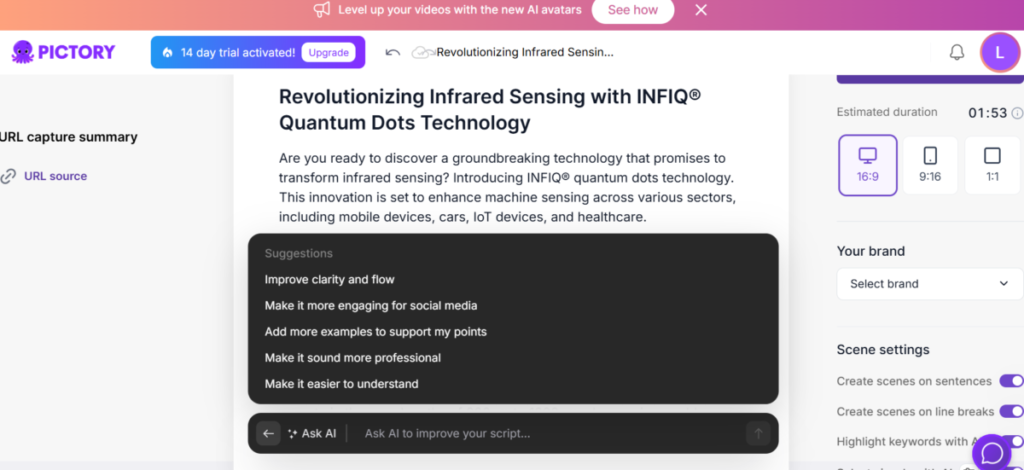
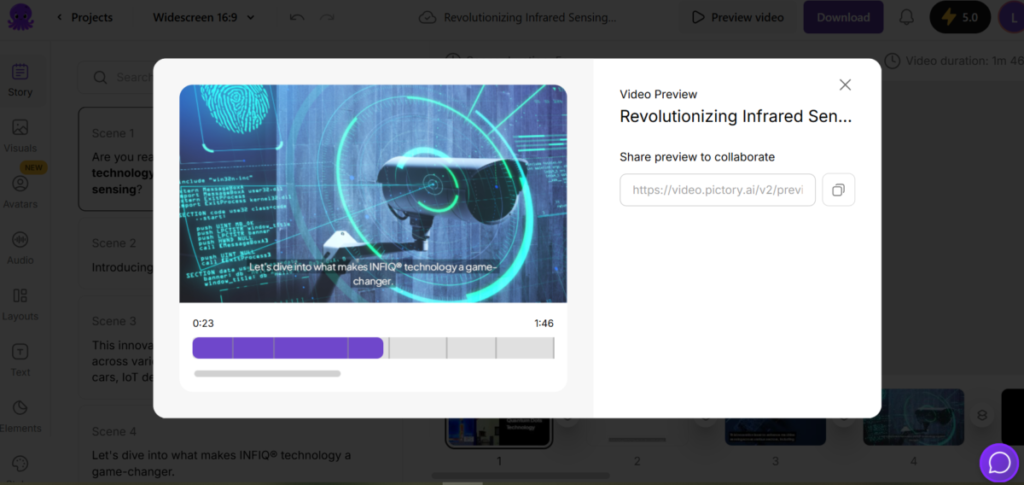
However, I chose to leave it as it was and proceed to video generation with a modern theme. The generated video came to 1min 46secs.
3. Image-to-video
This has a simple setup. I uploaded images, which could be dragged and dropped in the order I want the video to reflect. I did find it weird that this feature lacked a supporting/directing script.
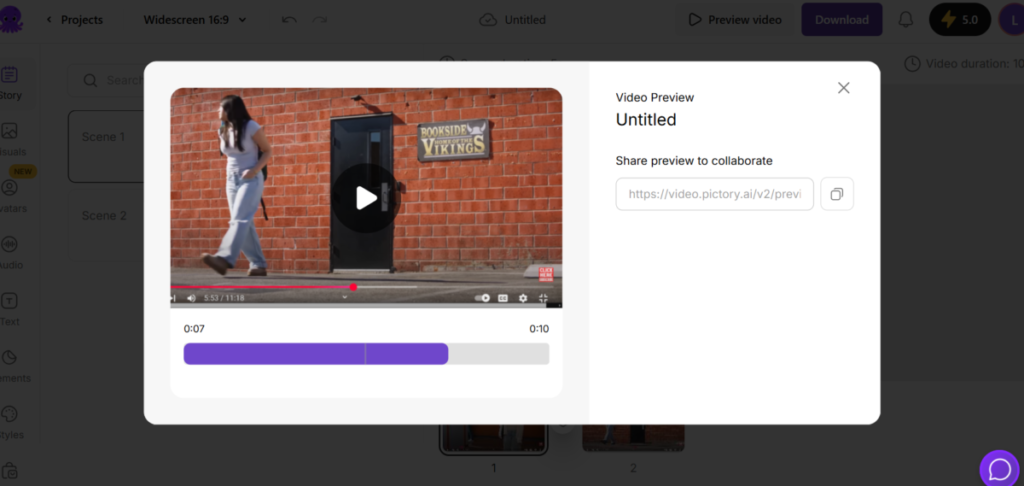
Generating the video told me why a script/prompt was lacking. The image-to-video was more like a slideshow of images than an actual image-prompted video.
4. PPT-to-video
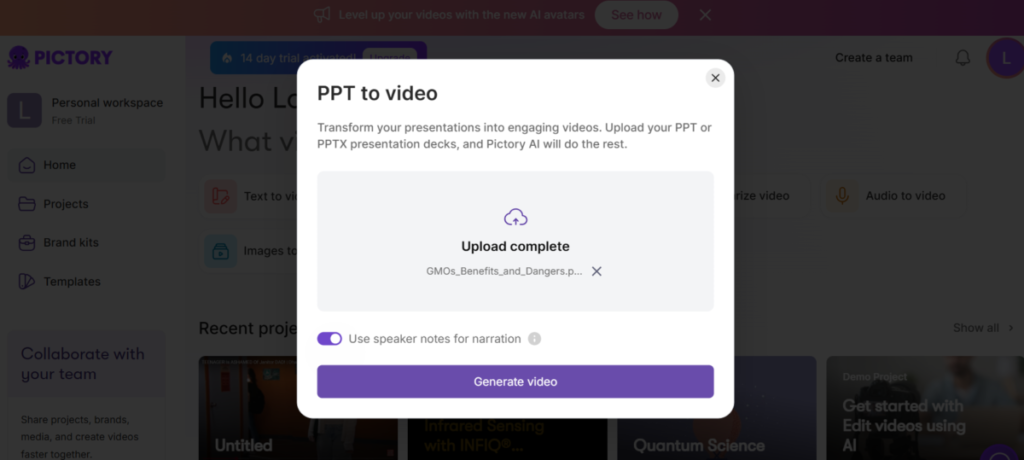
Although the upload was quite straightforward, the generation took some time to complete.
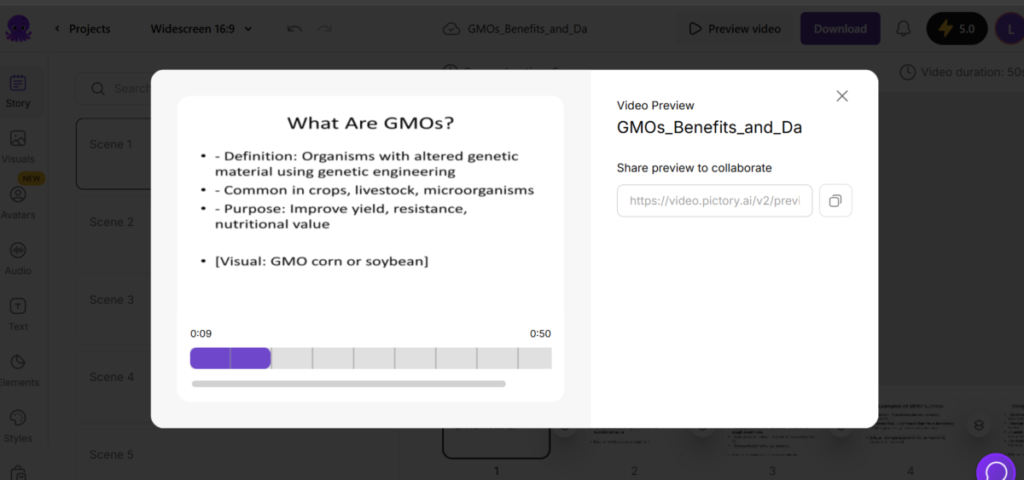
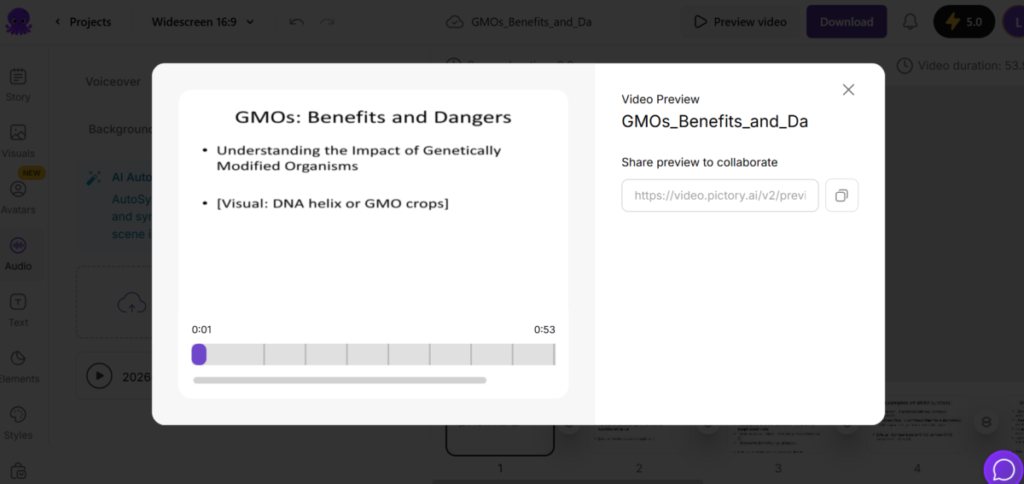
The PPT-to-video was also like a slideshow, and this time, Pictory added depressing music to match. I was able to take that off and replace with a voiceover I recorded. Pictory also added a collaboration feature to the video that included generating a shareable link.
Pros
- Automatic AI scene creation and structuring into appropriate segments, which can be manually edited.
- Pictory has a stock media library with good-quality visuals that go with an array of script concepts. This quells concerns about licensing and media assets handling.
- It generates social media-friendly captions that are easy to edit and swap out.
- Pictory has multiple formats: landscape, square, and vertical frames for reels, shorts, and TikTok.
- Fast content creation in minutes, not hours.
- The absence of a steep learning curve makes it beginner-friendly.
Cons
- Pictory’s visual stock clips can be generic and repetitive, with no true originality across videos. Therefore, the visual accuracy is not always good.
- Although Pictory has post generation editing options, there is no fine-tuning/granular control. This can be restrictive, especially in use cases that require advanced cinematics or branding.
The Bottom Line
Pictory video generation feature is a great tool for quick and handy content creation from text, URL, PPT, and images. This is good for casual use, but professional, higher-quality use cases demand more sophisticated software.
Performance marketers running dynamic video ads, for instance, usually need template-driven pipelines built on After Effects so headlines, prices, and product shots can be swapped per audience without re-rendering each cut by hand.
