


I some time building the same pitch deck in all eight tools. Some collapsed under real conditions, Copilot turned a vague prompt into 12 slides of generic bullet points. Others surprised me.
Gamma built a structured, investor-ready deck from three words. If you’re drowning in slide decks and wondering whether AI can actually help, it can. But the tool you pick matters more than most reviews admit.
Here are the eight best AI tools for PowerPoint, ranked after hands-on testing, with a clear winner at the end.
Pricing & Best Use Case Comparison
| Tool | Starting Price | Best For |
| Microsoft Copilot | ~$30/mo add-on | Enterprise PowerPoint users |
| Gamma | $8/mo | Fast, scratch-built decks |
| Beautiful.ai | $12/mo | Brand-consistent team decks |
| Canva | Free / $15/mo Pro | Creative & marketing slides |
| Plus AI | $15/mo | Native PowerPoint power users |
| Presentations.AI | Custom (enterprise) | Data-driven recurring decks |
| SlideSpeak | Free / $24.65/mo | Document-to-slide conversion |
| Prezi | Free / €5/mo | Live, high-impact presentations |
1. Microsoft Copilot for PowerPoint(Enterprise)
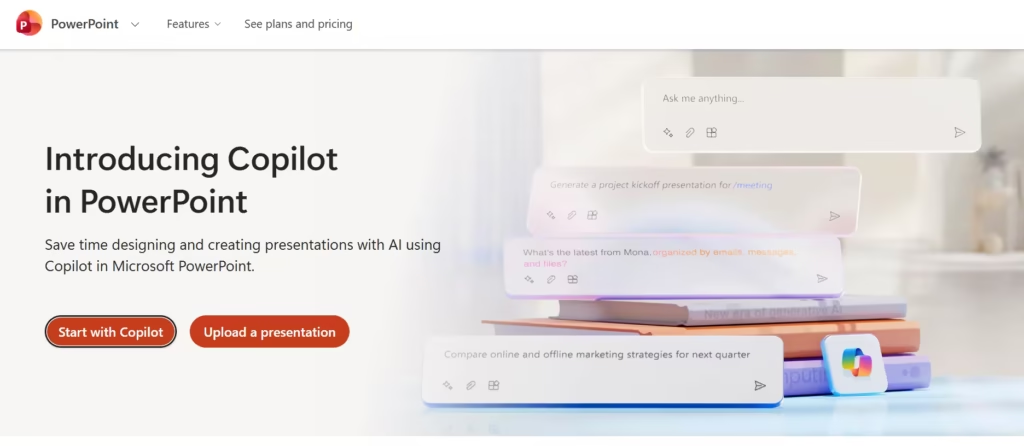
Microsoft Copilot lives directly inside PowerPoint. There is no tab-switching, no exporting, and no format-mangling from third-party tools. You prompt it, it builds.
It generates entire decks from a text description, rewrites slides, suggests layouts, drafts speaker notes, and summarizes existing presentations in seconds.
When I gave it a structured Word document as input, it produced a clean 28-slide deck with divider slides, fade transitions, and speaker notes, without a single extra instruction. That result is genuinely impressive.
But when I stripped the prompt down to just “marketing strategy,” it generated 12 slides of generic bullet points with no visual hierarchy. I had to restructure half the deck manually. That gap between structured and unstructured input is wider here than with any other tool on the list.
For anyone locked into Microsoft 365, this is still the most convenient option. The Teams, SharePoint, and OneDrive integration makes it powerful in corporate environments. At $30/user/month on top of your existing subscription, though, it is by far the most expensive tool here, and that price is harder to justify once you see what Gamma produces for $8/month.
Pro: Seamless, native PowerPoint integration with no export headaches.
Con: The $30/user/month add-on makes it cost-prohibitive for small teams, and the quality drops sharply when prompts aren’t structured.
2. Gamma(Best for PowerPoint AI Speed)

Here is what surprised me most during testing: Gamma produced a better deck from a worse prompt than any other tool on this list.
When I typed “marketing strategy for a SaaS startup”, deliberately vague, it generated slide dividers, a competitive landscape section, and a conclusion slide without being asked. Copilot, given the same input, produced the bullet-point mess described above. Beautiful.ai required me to approve an outline first; Gamma just built.
The tool was designed around AI from the start, and that shows in every interaction. The workflow flows from a single prompt. You type an idea, choose a visual style, and walk away with a structured, polished deck in under two minutes. The output feels intentional, not assembled. Gamma also functions as a web-first platform; you share a link, not a file, which is a real advantage for remote presentations and email embeds.
At $8/month for individuals, it offers the strongest value-to-quality ratio on this list. The one real frustration: the exported PPTX isn’t clean. When I opened a Gamma export in PowerPoint, several text boxes had drifted off their grid, and one chart had lost its data labels entirely. Budget 10–15 minutes for cleanup on any deck you plan to hand off.
Pro: The fastest path from idea to polished deck, with strong visual storytelling built in.
Con: Exported PPTX files need cleanup, text boxes shift, and charts lose formatting when opened in PowerPoint.
Also read: Is Gamma AI Free? (Here’s What You Get Without Paying)
3. Beautiful.ai (Best for PowerPoint Brand Consistency)
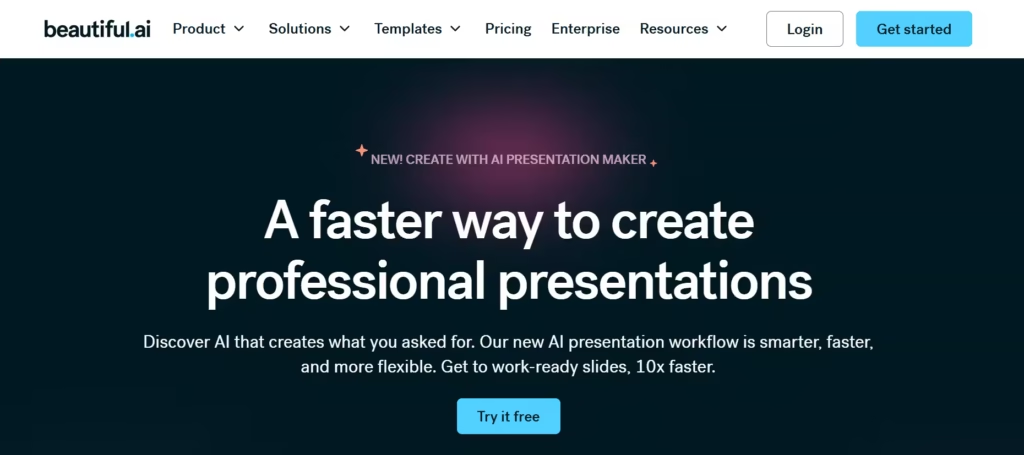
Most AI tools hand you a deck and walk away. Beautiful.ai stays in the room. Its Smart Slides engine enforces spacing, alignment, visual hierarchy, and chart layout in real time. Every time you change content, the layout adjusts automatically. No dragging text boxes, no fixing broken bullet points after edits.
I appreciated this most during mid-draft editing. When I added two extra bullet points to a Gamma slide, the text overflowed the box, and I had to reformat manually. The same edit in Beautiful.ai caused the layout to reflow cleanly, the slide tightened, the font scaled, and nothing broke. For teams who iterate heavily on content before presenting, this is worth more than it sounds.
The platform is strong on brand control. Teams can lock themes, apply brand kits across all slides instantly, and maintain consistency without a designer. The recently added “Create with AI” workflow takes you from prompt to outline to final design with iteration built in, directly solving the “generate it, hate it, start over” problem. At $12/month, it costs $4 more than Gamma per month and exports cleanly to PPTX and PDF.
Pro: Automatic design enforcement means every slide stays professional, even through heavy edits.
Con: The Smart Slides system is genuinely restrictive. When I tried to build an asymmetric hero slide, the tool kept snapping it back to a standard layout.
4. Canva (Best for PowerPoint Creative Design)
Canva offers over 250,000 templates. For context, Beautiful.ai has around 60 pre-built themes and Gamma offers roughly 40 visual styles. Canva’s library is genuinely 100x larger, and that breadth shows in the output. No other tool on this list gives you this much creative range.
The AI features go well beyond slide generation. Magic Write handles text creation and rewriting. Magic Media generates images, videos, and 3D graphics from prompts. A chat-based design advisor reviews your current slide and recommends changes in real time. During testing, the advisor flagged a slide where I had used three different font sizes inconsistently and suggested a fix in one click. That kind of contextual nudge is something none of the other tools offered.
Canva earns its place here, but with a clear caveat. It is not a native PowerPoint tool. When I exported a Canva deck to PPTX and opened it in PowerPoint, two fonts had been substituted incorrectly, one animation had disappeared entirely, and a background gradient had been flattened to a solid color. For users who present from Canva directly, none of this matters. For anyone handing off PPTX files to clients, plan on cleanup time. The Pro plan runs $15/month.
Pro: Unmatched design range with a template library 100x larger than most competitors and strong AI image generation.
Con: PPTX exports are unreliable, fonts substitute, animations vanish, and gradients flatten when the file opens in PowerPoint.
5. Plus AI (Best for PowerPoint Native Editing)

Unlike every other tool on this list, Plus AI doesn’t ask you to leave PowerPoint. It installs as a native add-in and works directly inside the editor you already use. There is no export step, no conversion, and no formatting surprise when you open the file.
When I tested Plus AI and Gamma side by side on the same prompt, Gamma produced the better-looking deck at first glance, with cleaner visuals, more considered layout. But the Gamma deck needed 15 minutes of cleanup before it was ready to share. The Plus AI deck was ready immediately. For professionals who hand off decks to clients or colleagues daily, that 15-minute difference compounds fast.
Its Remix feature is the standout. It simultaneously adjusts text and layout with a single click, eliminating the reformatting loop that makes slide editing tedious. All output is fully native, no conversion, no surprises. The tool works in Google Slides too, which makes it flexible for teams that operate across both platforms. Plans start at $15/month.
Pro: Fully native PowerPoint and Google Slides output, with zero conversion or formatting loss.
Con: Noticeably less guided than Gamma or Canva, when I tested it cold with no prior experience, it took longer to get a usable first draft.
When to Choose Gamma vs. Plus AI
This comparison comes up constantly, and the answer comes down to one question: where does your presentation end up? If you present from a web link or embed decks in emails, Gamma wins on speed and visual quality.
If your deck lands in someone’s PowerPoint inbox or gets handed to a client, Plus AI wins on compatibility and zero-cleanup output. Use Gamma to build fast. Use Plus AI to build clean.
6. Presentations.AI (Best for PowerPoint Data Decks)
Skip this tool if you only build one-off presentations. It is built for something more specific and more valuable for the right team. Presentations.AI connects your slides to live data sources and refreshes them automatically when the numbers change.
I tested this by linking a Google Sheet with mock Q4 revenue data, then changing three figures. The presentation charts are updated in real time without me touching a single slide. That feature alone justifies the tool for anyone who rebuilds the same quarterly deck from scratch every three months. The AI generation is solid too; it analyzes your content, identifies the core argument, and builds a presentation with clear narrative flow from a URL, document, or raw notes.
The exported PPTX is fully editable and retains all formatting. Pricing is custom and enterprise-focused, which is a real barrier for individuals and small teams. But for data-heavy organizations running recurring presentations, nothing else on this list comes close.
Pro: Live data connection and automatic refresh eliminate the quarterly deck rebuild entirely.
Con: Enterprise-only pricing puts it out of reach for most individuals, and the interface has a steeper learning curve than any other tool here.
7. SlideSpeak (Best for Converting Documents into PowerPoint)
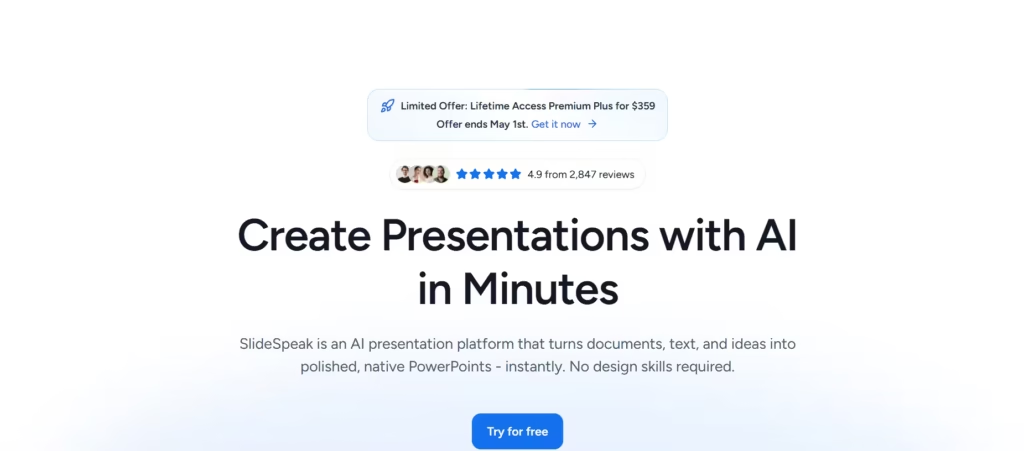
Every other tool on this list starts with a blank slate and a prompt. SlideSpeak starts with what you already have, and that makes it a different kind of useful. Drop in a PDF, a Word doc, an Excel spreadsheet, or raw text, and it converts the content into structured, polished PowerPoint slides automatically.
I fed it a 10-page PDF report and had a clean, logically organized 12-slide deck in under three minutes.
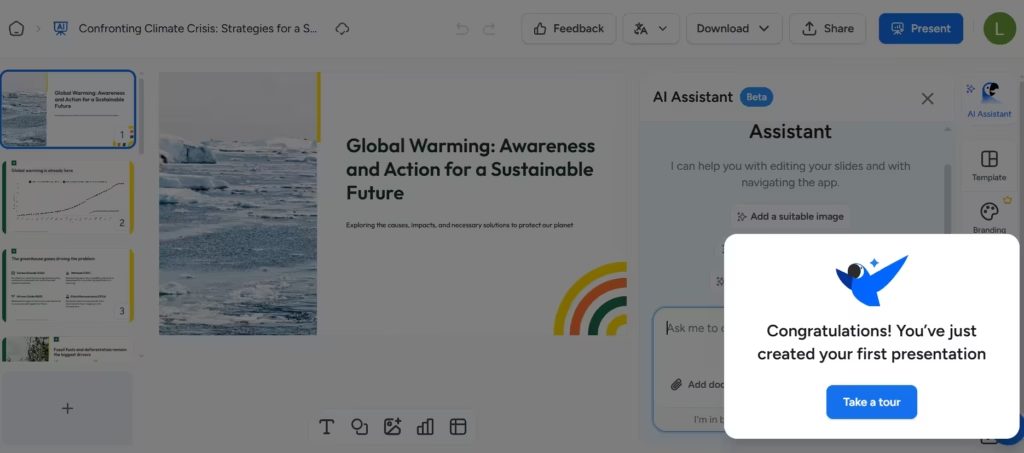
No copy-pasting, no reformatting, no rebuilding from scratch. For consultants, educators, or researchers who live inside source documents, this workflow removes the single most tedious part of presentation prep.
Its AI assistant, Charles, handles in-slide editing, rewriting copy, generating images, adjusting tone, and building infographics directly within your presentation. SlideSpeak also supports brand customization, voiceover video presentations, and multilingual translation that preserves layout. The free plan is functional. Paid plans start at $24.65/month, the highest base price on this list, which is a tough sell given the narrower use case.
Pro: Converts existing documents into polished PowerPoint slides faster than any other tool here; genuinely, nothing else works this way.
Con: As a from-scratch idea generator, it lags well behind Gamma and Beautiful.ai, and the paid plan is the most expensive entry point on the list.
8. Prezi (Best for Live PowerPoint-Style Presentations)
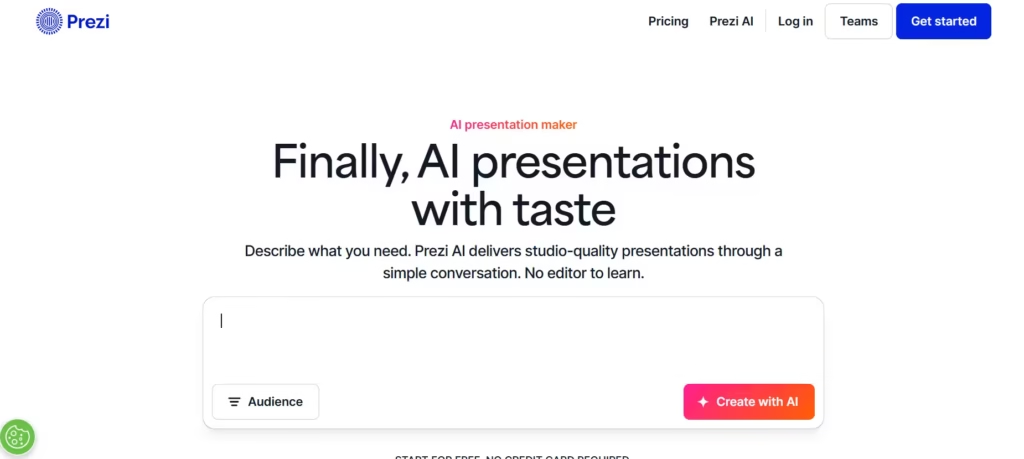
Prezi doesn’t make slide decks. It builds zoomable, non-linear presentations that move through space rather than advancing page by page. That format is difficult to describe and immediately obvious the first time you watch one, it creates a sense of cinematic movement that traditional slides don’t deliver.
The AI features have matured considerably. Prezi now generates complete presentations from prompts, applies consistent visual design, and includes 500 AI credits on the free plan. Paid plans start at €5/month, making it the most affordable non-free option here by a significant margin.
Prezi works for keynote talks, pitch competitions, and board presentations where standing out matters. Where it doesn’t work: standard PowerPoint handoffs. I tested the export, and the PPTX output was effectively unusable; layout relationships broke entirely because PowerPoint has no concept of spatial zooming. If your deck needs to live in someone else’s PowerPoint, don’t use Prezi.
Pro: The non-linear, zoomable format creates a cinematic impression in live, high-stakes presentations.
Con: PPTX export is functionally broken, the format doesn’t translate, and collaborators cannot meaningfully edit the file in PowerPoint.
The Verdict
After some testing, I’d pick Gamma first for most users. It produces the most polished output from the least effort, handles vague prompts better than anything else here, and costs just $8/month. The PPTX cleanup is a real friction point, but for most workflows, it is a 10-minute fix, not a dealbreaker.
The only reason to choose differently: if you hand off native PPTX files daily, switch to Plus AI. If your team needs rigid brand consistency at scale, Beautiful.ai is worth the extra $4/month. If you’re converting documents rather than building from scratch, SlideSpeak has no real competition.
And if you’re rebuilding the same data-driven deck every quarter, Presentations.AI will save you more time than any other tool on the list. Start with Gamma and adjust from there based on where your deck actually ends up.
