

A Piclumen alternative is any AI image generator that converts text prompts into visual art with comparable or better quality, speed, or pricing.
PicLumen made its name on one genuinely strong offer: unlimited free image generations in Relax Mode with commercial usage rights under an MIT license. No other tool matches that combination at zero cost.
After testing PicLumen alongside seven alternatives across 50+ image generations (product shots, character designs, social media graphics, and photorealistic portraits), I found that PicLumen’s free tier is unbeatable for volume.
But the moment you need consistent prompt accuracy, text rendering inside images, or professional-grade output, the alternatives on this list outperform it in specific, measurable ways.
Why Are People Looking for PicLumen Alternatives?
Four issues come up consistently in user reviews and community forums:
Prompt adherence is inconsistent. PicLumen regularly adds or omits elements from your prompt.
In my testing, roughly 4 out of 10 generations included details I did not ask for or missed details I specifically requested.
A prompt for “a woman holding a red umbrella in the rain” might return a woman without an umbrella, or with a blue umbrella, or in sunshine. That inconsistency wastes time on regeneration and eats through your daily Fast credits.
Relax Mode is slow during peak hours. The unlimited free generations come with a trade-off: during busy periods, Relax Mode queue times can stretch to 2 to 5 minutes per image. For someone producing a batch of 20 social media graphics, that turns a quick task into a 40 to 100 minute wait.
Advanced control is limited. PicLumen lacks prompt weighting (emphasizing specific elements), negative prompts on all models, ControlNet support, and model fine-tuning.
For professional digital artists who need precise control over composition, lighting, and style, PicLumen’s interface feels restrictive compared to Leonardo AI or Stable Diffusion.
The mobile app has bugs. Multiple reviewers on the App Store and Google Play report crashes, slow loading, and syncing issues between mobile and desktop. If mobile generation is part of your workflow, the experience is not yet reliable.
The 7 Best PicLumen Alternatives in 2026
1. Leonardo AI: Best for Creative Control and Model Training
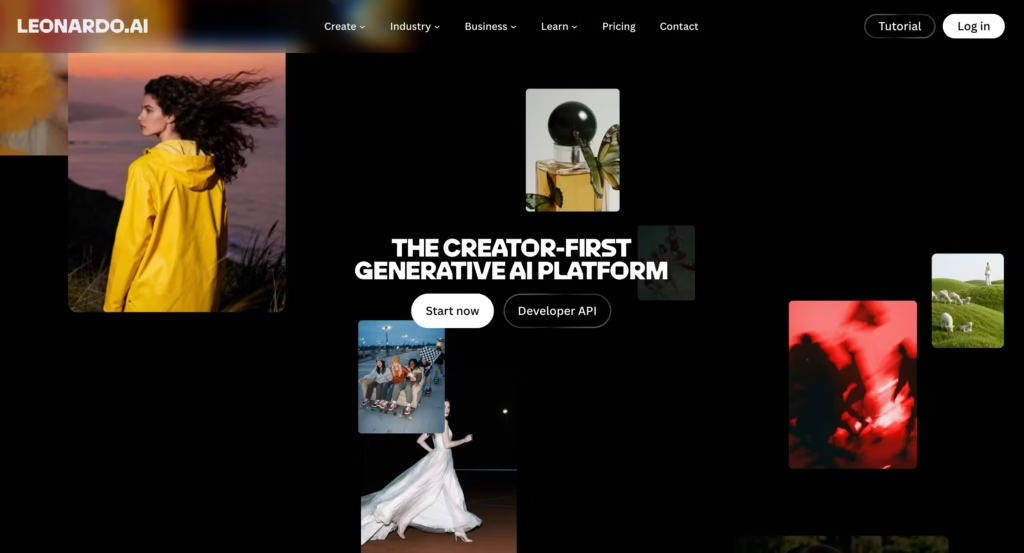
Leonardo AI gives you the control that PicLumen lacks.
Prompt weighting, negative prompts, ControlNet (guide generation with reference images for pose, edge, or depth), and the ability to train custom models on your own data.
For digital artists, game designers, and illustrators who need precise output, Leonardo provides professional-grade tools inside a browser-based interface.
The free tier is generous: 150 daily tokens (roughly 15 to 30 images depending on settings). No watermark. Commercial rights on all paid plans. The Phoenix and Flux models produce output that rivals Midjourney on stylized content while offering far more parameter control.
In my testing, Leonardo adhered to complex multi-element prompts more consistently than PicLumen. A prompt with 5 specific compositional elements produced accurate results 7 out of 10 times on Leonardo versus 4 out of 10 on PicLumen.
Best for: Digital artists and game designers who need fine-grained control.
Starting Price: $12/month
2. Midjourney: Best for Artistic Quality
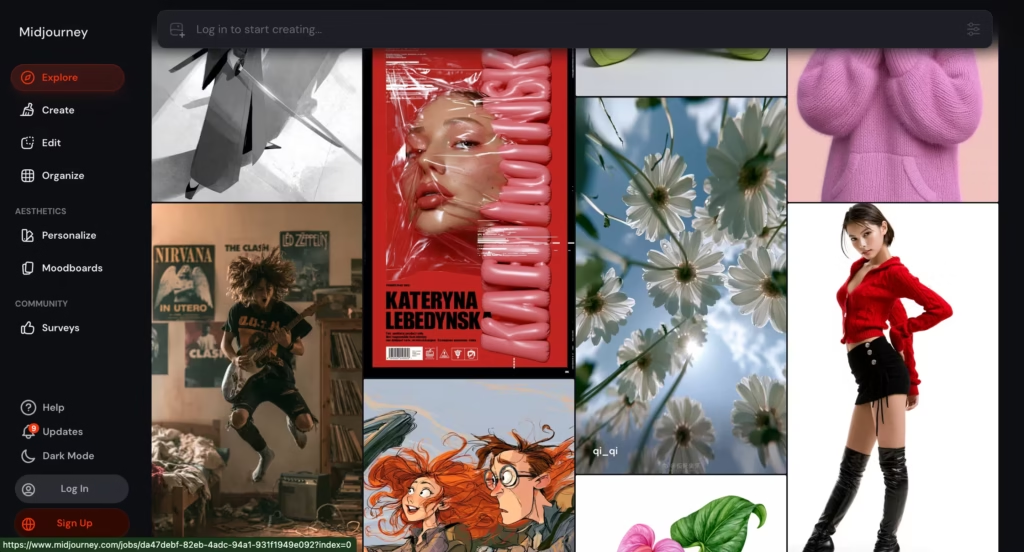
Midjourney produces the highest aesthetic quality of any AI image generator in 2026.
Version 7 generates images with a compositional sense, lighting quality, and color palette sophistication that other tools struggle to match.
The Style Reference feature locks a visual aesthetic across all your generations, and Character Reference maintains character identity across different scenes and poses.
The trade-off: no free tier. You need a subscription starting at $10/month.
The interface runs through Discord (or a web alpha that is still limited). And you write prompts in natural English rather than using the Danbooru tag system that some artists prefer.
For anyone producing portfolio pieces, client presentations, book covers, or marketing hero images where output quality is the priority, nothing else I tested matched Midjourney’s output on a per-image basis.
Best for: Highest aesthetic quality for portfolio, marketing, and editorial use.
Starting Price: $10/month.
3. Ideogram: Best for Text Rendering in Images
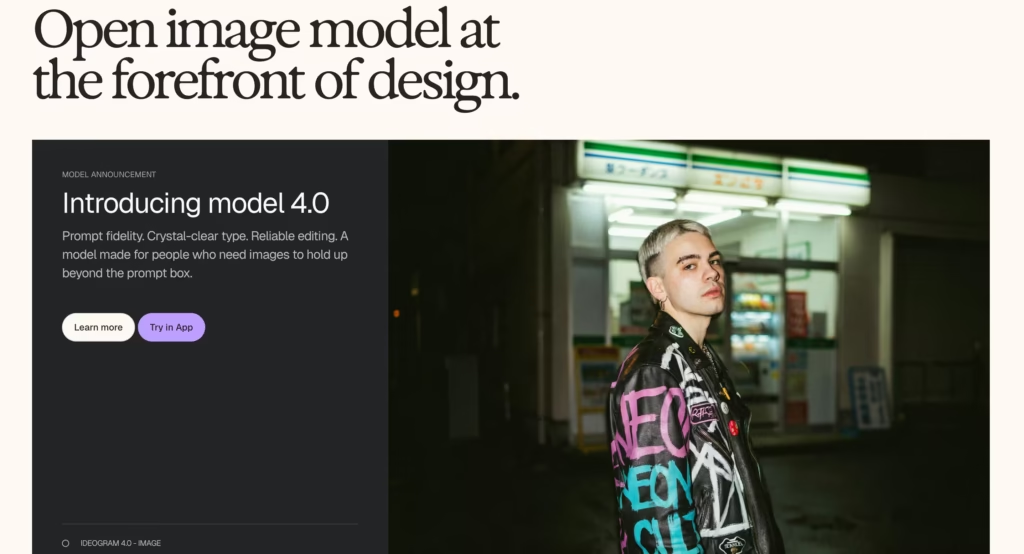
Ideogram solves the problem that frustrates every other AI image generator: putting readable text inside images.
Logos with legible company names, posters with clean headlines, product mockups with accurate labels. Every other tool on this list either garbles text or avoids it entirely. Ideogram renders it cleanly and accurately.
Beyond text, Ideogram 3.0 produces strong photorealistic and illustrative output across a wide range of styles. The free tier gives you 10 generations per day. Paid plans start at $8/month.
In my testing, I asked every tool on this list to generate “a coffee shop storefront sign reading ‘Morning Ritual’ in elegant serif font.” Ideogram was the only one that rendered the text correctly on the first attempt.
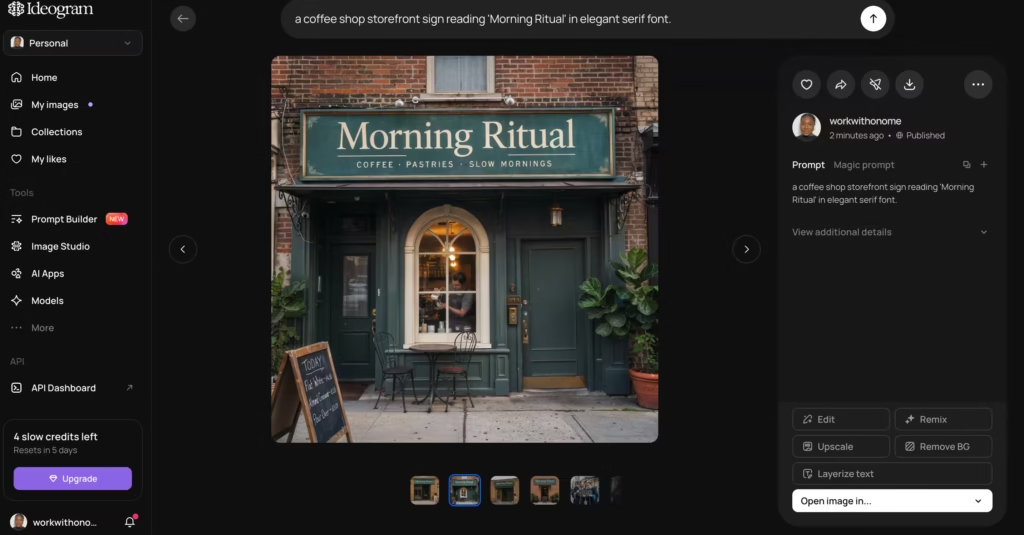
Every other tool required 3 to 5 regenerations or produced unreadable results.
Best for: Any project requiring legible text in AI-generated images (logos, posters, signage, mockups).
Starting Price: $8/month.
4. Adobe Firefly: Best for Brand-Safe Commercial Use
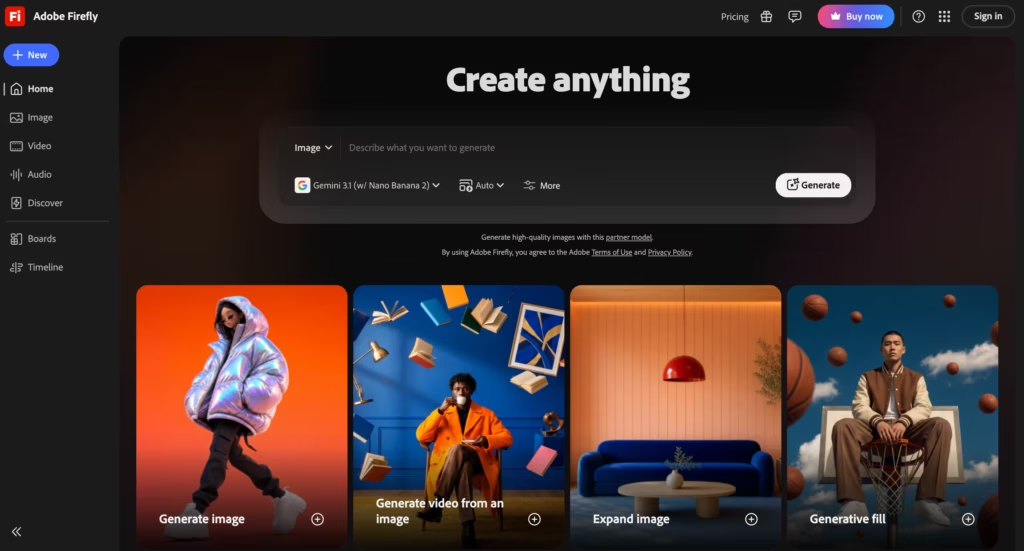
Adobe Firefly is trained exclusively on licensed content (Adobe Stock, openly licensed material, and public domain).
This means every image it generates is cleared for commercial use with no copyright ambiguity.
For marketing teams, agencies, and enterprises operating under legal review, that training data provenance is a compliance advantage no other tool can match.
Firefly integrates directly into Photoshop, Illustrator, and Adobe Express.
You can generate an image and refine it with professional editing tools in the same workflow. The output quality is clean and commercial, though it lacks the artistic flair of Midjourney or the creative range of Leonardo.
Best for: Brands, agencies, and enterprises that need legally defensible AI-generated images.
Starting Price: $9.99/month
5. Magnific AI Image Generator: Best Free Alternative for Marketing Assets
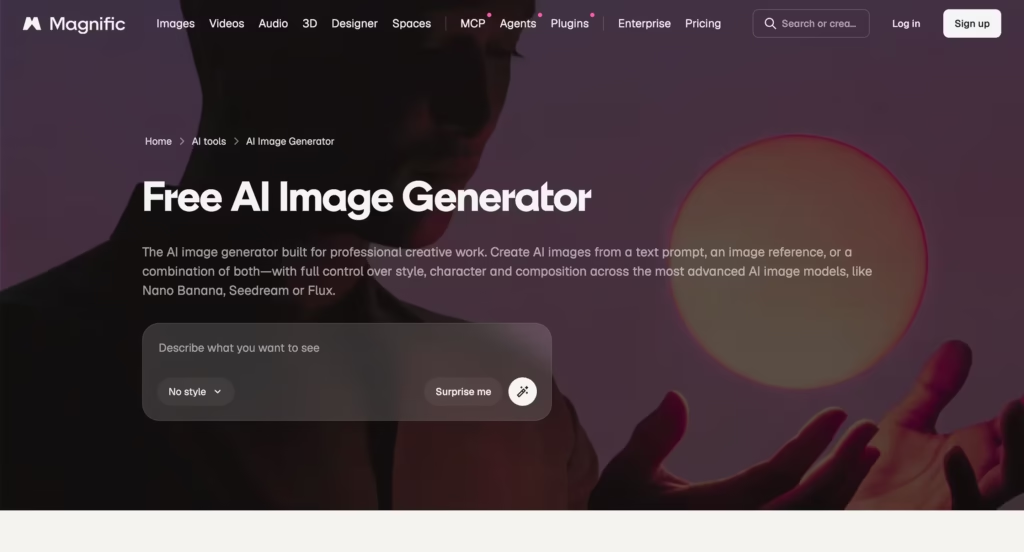
Magnific AI (formerly FreePik AI) turns text prompts into stock-style images, photos, and illustrations optimized for marketing, social media, and web design.
The output has a polished, commercial look that slots directly into presentations, ads, and blog posts without feeling like “AI art.”
The free tier gives you daily generations. Paid plans start at approximately $15/month. The images integrate into Freepik’s broader asset library (vectors, icons, templates), making it a one-stop shop for design resources.
For marketers and content creators who need clean, on-brand visuals rather than artistic experimentation, Freepik produces more immediately usable output than PicLumen because the images are optimized for commercial contexts from the start.
Best for: Marketers and content creators who need stock-style commercial images.
Starting Price: $15/month.
6. Craiyon: Best Completely Free Option
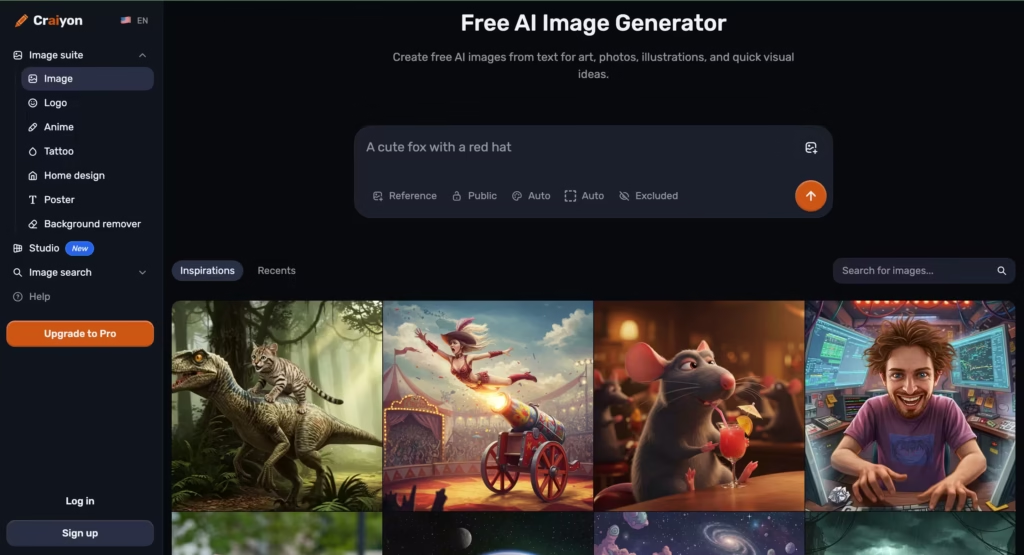
Craiyon (formerly DALL-E Mini) is the most accessible AI image generator available. No account required. No daily limits. Every prompt generates 9 variations simultaneously, giving you a broad range of options from a single input.
The output quality is lower than every other tool on this list.
Craiyon leans creative and abstract rather than photorealistic. But for brainstorming, mood boards, quick concept visualization, and educational use, the zero-friction access is hard to beat.
If your question is “what might this idea look like?” and not “I need a polished final image,” Craiyon answers it faster than anything else.
Best for: Rapid brainstorming, concept visualization, and anyone who refuses to create an account.
Starting Price: $10/month.
7. Stable Diffusion (via ComfyUI or Automatic1111): Best for Full Open-Source Control
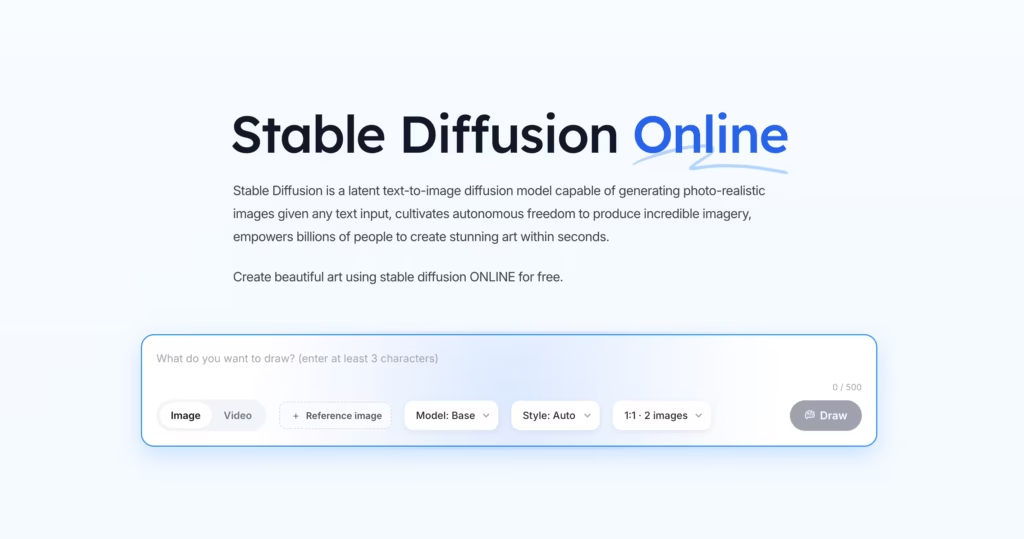
Stable Diffusion is the open-source model that powers many of the tools on this list (including PicLumen itself, which uses Stable Diffusion variants).
Running it directly through ComfyUI or Automatic1111 gives you total control: any model, any LoRA, any ControlNet, any parameter. No restrictions, no credits, no subscription.
The trade-off: setup requires technical knowledge. You need a GPU with at least 8GB of VRAM (ideally 12GB+), comfort with command-line tools, and willingness to troubleshoot. Once running, your cost per image is essentially $0 (just electricity).
For power users who generate hundreds of images weekly and want to train custom models on their own data, running Stable Diffusion locally is the most cost-effective and flexible option available.
It is not for beginners.
Best for: Technical users who want maximum control, privacy, and zero per-image cost.
Starting Price: Free (open source). You supply the GPU hardware.
How Do These PicLumen Alternatives Compare?
| Feature | PicLumen | Leonardo AI | Midjourney | Ideogram | Adobe Firefly | Magnific AI | Craiyon | Stable Diffusion |
| Best for | Free volume | Creative control | Artistic quality | Text in images | Brand-safe commercial | Marketing assets | Free brainstorming | Full open-source control |
| Free tier | Unlimited (Relax) + 10 Fast/day | 150 daily tokens | None | 10/day | 25 monthly credits | Daily generations | Unlimited, no signup | Free (self-hosted) |
| Prompt accuracy | 4/10 complex prompts | 7/10 | 8/10 | 8/10 (text), 7/10 (general) | 7/10 | 6/10 | 5/10 | Depends on model/settings |
| Text rendering | Poor | Poor | Poor | Excellent | Moderate | Poor | Poor | Depends on model |
| Model training | No | Yes | No | No | No | No | No | Yes (full flexibility) |
| ControlNet support | No | Yes | No (Style/Char Ref instead) | No | No | No | No | Yes |
| Max resolution | 4K | 4K+ | Up to 2048px | Up to 2048px | 2048px | Varies | 1024px | Unlimited (hardware-dependent) |
| Commercial rights | Yes (MIT license) | Paid plans | All plans | All plans | Yes (trained on licensed data) | Paid plans | Yes | Yes (open source) |
| Starting paid price | $5/month | $12/month | $10/month | $8/month | $9.99/month | $15/month | $10/month | Free (hardware cost) |
Which PicLumen Alternative Should You Pick?
| Your situation | Best pick |
| Need maximum free generations with no limits | Stay with PicLumen (Relax Mode) or Craiyon |
| Need precise control over composition and style | Leonardo AI |
| Need the highest quality output for portfolio or client work | Midjourney |
| Need legible text rendered inside images | Ideogram (only reliable option) |
| Need legally defensible images for a brand or agency | Adobe Firefly |
| Need stock-style commercial images for marketing | Magnific AI |
| Want zero cost, zero signup, instant brainstorming | Craiyon |
| Want full open-source control with no per-image cost | Stable Diffusion |
| Generating 50+ images daily on a budget | PicLumen free + Leonardo free (combine both) |
After testing all seven against PicLumen, my recommendation for most creators is Leonardo AI. It occupies the sweet spot between PicLumen’s accessibility and Midjourney’s quality, with the control tools that both lack.
The free tier (150 daily tokens) covers casual use, and the $12/month plan handles professional volume.
If text rendering matters to your work, add Ideogram. If legal clearance matters, add Adobe Firefly.
Most productive creators I know use 2 to 3 image generators because no single tool covers every use case.
FAQs
1) Is PicLumen really free?
Yes. PicLumen’s Relax Mode offers unlimited free generations with commercial rights under an MIT license. You also get 10 daily “Fast” credits for priority queue access. The paid Standard plan at $5/month adds permanent history storage and more Fast credits.
2) Which free AI image generator has the best quality?
Leonardo AI’s free tier (150 daily tokens) produces higher quality output than PicLumen’s free tier, especially on complex prompts. Ideogram’s free tier (10/day) is stronger for any image containing text. PicLumen’s advantage is volume: unlimited generations in Relax Mode that no other free tier matches.
3) Can I use PicLumen images commercially?
Yes. PicLumen outputs are licensed under MIT, which permits commercial use. However, if legal defensibility matters (advertising, packaging, enterprise marketing), Adobe Firefly’s training exclusively on licensed content provides stronger copyright protection.
4) Why do my PicLumen images not match my prompt?
PicLumen’s prompt adherence is weaker than competitors on complex, multi-element prompts. For better accuracy, simplify your prompts to 2 to 3 key elements, use the Realistic V2 model for photorealistic content, and generate multiple variations. If accuracy is critical to your workflow, Leonardo AI or Midjourney handle complex prompts more reliably.
5) Which AI image generator is best for beginners?
PicLumen and Craiyon are the easiest starting points (free, browser-based, no setup). Magnific AI is slightly more polished for marketing-specific use. Leonardo AI has a steeper learning curve but rewards the time investment with significantly better output quality.
