

Search “AI face swap” and you’ll find a dozen tools promising the same result. Search “AI head swap” and you land on a different set of tools entirely, with a noticeably different outcome on your photo.
A face swap replaces only the facial features eyes, nose, mouth, skin tone while the original hair, head shape, and silhouette stay untouched. A head swap replaces the whole head, including hair and skull shape, and sometimes part of the neck. That distinction decides which one you actually need. Here’s when to use each, how to judge the result, and which tools handle each well.
What Is AI Face Swap?
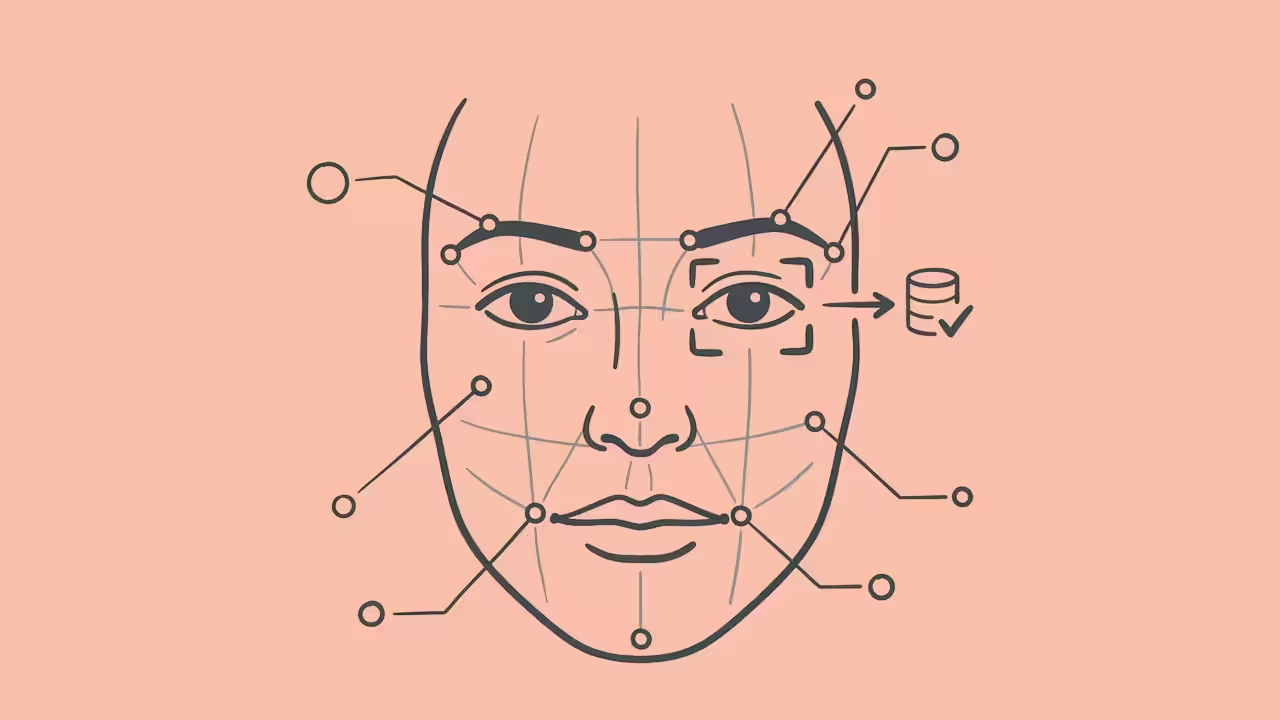
Face swap detects facial landmarks eyes, nose, mouth, jawline, cheekbones on a source photo and blends those specific features onto a target photo, adjusting for lighting, skin tone, and angle. Hair, ears, and overall head shape stay untouched. Because it alters less of the image, it suits fast edits: memes, casual group-photo fixes, or previewing a different face on a marketing mockup.
What Is AI Head Swap?
Head swap replaces the entire head region, hair, hairline, skull shape, often the upper neck and grafts it onto a different body while keeping the background and pose intact. This matters when the hairstyle or head shape carries the visual weight of the photo. Put a buzzcut onto a body shot with long hair, and a face-only swap looks wrong, since the original hair never changes. A head swap fixes that by carrying the hair over too.
Core Comparison Matrix
| Attribute | AI Face Swap | AI Head Swap |
| What gets replaced | Eyes, nose, mouth, skin tone | Entire head: hair, skull shape, hairline, upper neck |
| Hair in final image | Stays original | Comes from the source photo |
| Best for | Memes, quick edits, group photo fixes | Hairstyle changes, costume edits, mismatched proportions |
| Realism risk | Visible if lighting/angle differ sharply | Visible neck seam if blending is weak |
| Group photo handling | Swaps one detected face at a time | Needs a model that can target one person |
A Quick Way to Judge Any Swap
Here’s a simple four-point check worth running on any result before you call it finished call it hairline, angle, neck, expression:
- Hairline blend: Does the hair meet the scalp naturally, or is there a visible cutout edge? (Applies mainly to head swaps.)
- Angle tolerance: Does the perspective hold up when the source and target aren’t facing the same direction?
- Neck continuity: Any color shift or lighting mismatch where the new head meets the body?
- Expression accuracy: Was the expression kept or adjusted correctly, or does it look stiff and pasted on?
A result that fails even one of these usually looks off up close, even if it passes a quick glance.
When to Use Which Method
Choose a face swap when you want to keep the existing hairstyle, need a fast casual edit, or the source and target already share similar head proportions.
Choose a head swap when the hairstyle is central to the look, the head shape doesn’t match the scene, or the whole head needs to move and scale as one piece.
Best AI Tools for Each Technique
Not every “face swap” tool actually performs a true head swap some platforms rebrand a face-only tool under a head-swap label, which is usually where results fall flat.
- For head swap tasks: Facy.ai AI head swap tool takes a source head and a target photo, and on its higher-tier model can target one person in a group shot while leaving everyone else untouched. Vidnoz and Fotor are also worth testing for full head replacements.
- For face swap tasks: Facy.ai AI photo face swap works in-browser with no sign-up, is built to clear uploads after processing, and supports files up to 20MB. Remaker AI and SeaArt AI are worth a look for facial mapping edits too.
Getting a Realistic Result
Three inputs decide whether a swap looks convincing: lighting match, angle match, and file resolution. Bright daylight sources rarely blend cleanly onto warm indoor targets, closer facial angles mean fewer artifacts, and low-res sources always produce soft results that clash with the body.
Is It Legal and Ethical?
Both techniques are legal for personal, creative, and commercial use but only with proper rights to the images involved. Only upload photos you own or have permission to edit, get consent before using someone’s likeness, never impersonate anyone, and never upload images of minors. That responsibility sits with the uploader.
Frequently Asked Questions (FAQ)
Which technique holds up better in bad lighting?
Face swap is more forgiving, since it changes less of the image; head swap needs a closer lighting match at the neck seam.
Do I need to pay for these tools?
Most offer a usable free tier, with paid plans unlocking higher resolution, video support, or advanced targeting.
Can I fix a swap without starting over?
Most platforms, including Facy.ai, let you rerun with an adjusted prompt rather than editing the output directly treat the first result as a draft.
Conclusion
Face swap and head swap solve two different visual problems that get lumped together as one request. If the hairstyle and head shape already work for your composition, a face swap gets a fast, natural result with little effort. If the hair or proportions need to change completely, a head swap is the technique that actually looks right. When unsure, ask what’s really changing just the face, or the whole head then run the result through the four-point check above before deciding.
