


Long videos eat into your day. A one-hour lecture, a two-hour podcast, and a recorded meeting can fill an entire afternoon. AI video summarizers fix that problem by turning hours of footage into key points, timestamps, and searchable notes in minutes.
However, these tools work in very different ways. Some read only a transcript, others transcribe the audio themselves, and a few analyze visuals as well. This guide covers 10 tools, each with a free plan, free credits, or a free trial.
It explains what each tool does, its benefits, and where the free limits end. Plans change often, so confirm current limits before you commit.
How AI Video Summarizers Work
Not every summarizer even watches your video; some just read words. Most tools follow one of three paths, and knowing which one a tool takes explains why it handles any file you throw at it while another chokes the moment captions go missing.
First, caption-reliant tools import the transcript that already exists. They are fast, but they fail when a video has no captions. Second, audio-based tools run their own speech recognition. As a result, they can handle uncaptioned videos, older uploads, and private recordings.
Third, there are multimodal tools that also analyze what appears on screen. Therefore, this category captures slides, code, and charts that spoken words never mention. A tool’s method decides which videos it can actually summarize.
1. WayinVideo
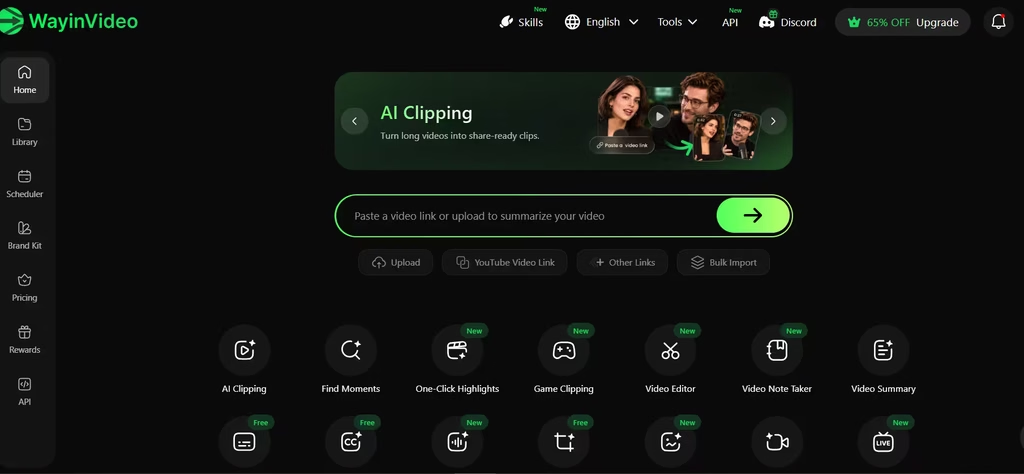
WayinVideo says its multimodal AI analyzes speech, on-screen text, and visuals, not just transcripts, so slides, code, and charts that a transcript would miss actually make it into the summary. Captions missing entirely? It still works, even on silent clips.
It works with videos from multiple platforms, not limited to Twitch, YouTube, and X. Aside from getting a video summary, you can choose to do other things with the video. You could repurpose, find moments, edit, clip the video, and a couple of other things.
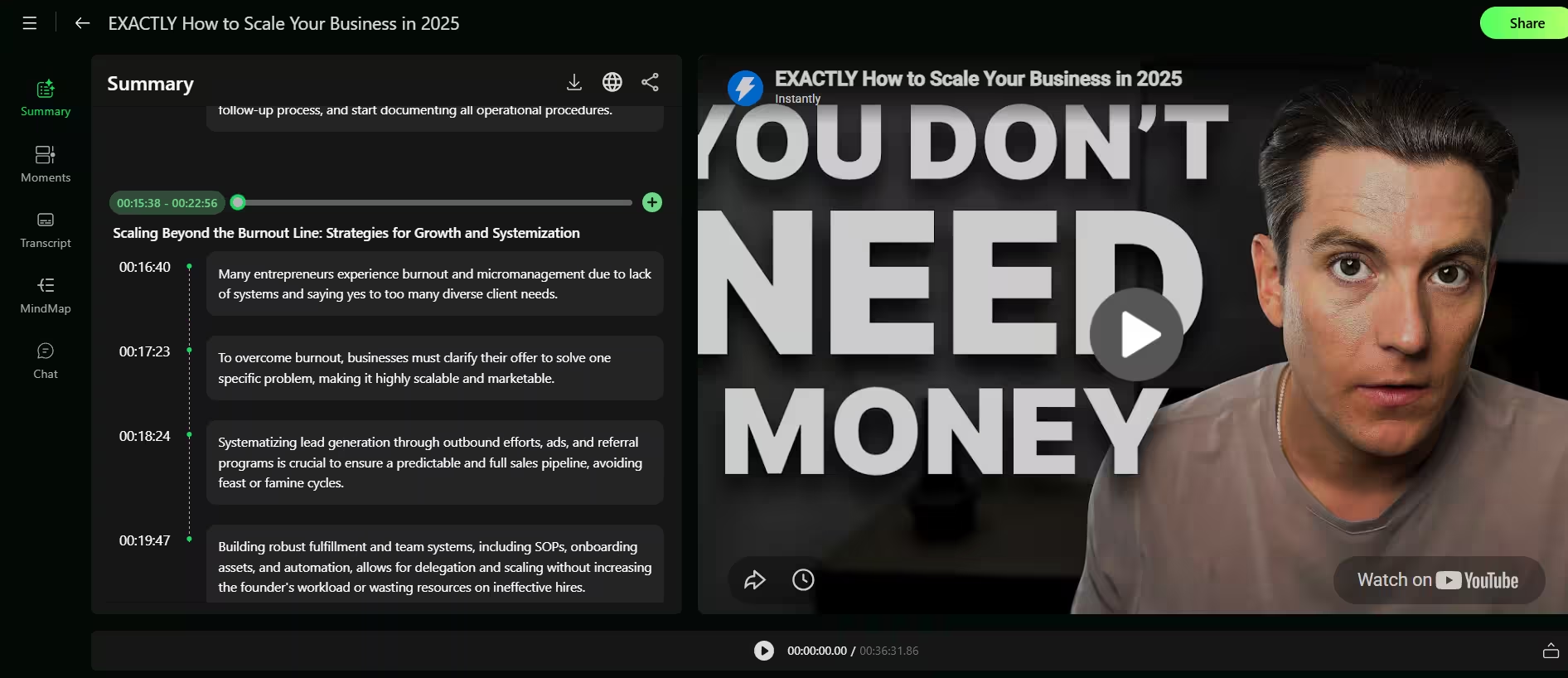
I particularly liked how it created sections for each part of the video and then expanded on each section. I also had the option to go full throttle and create a mind map of the ideas and concepts shared in the video.
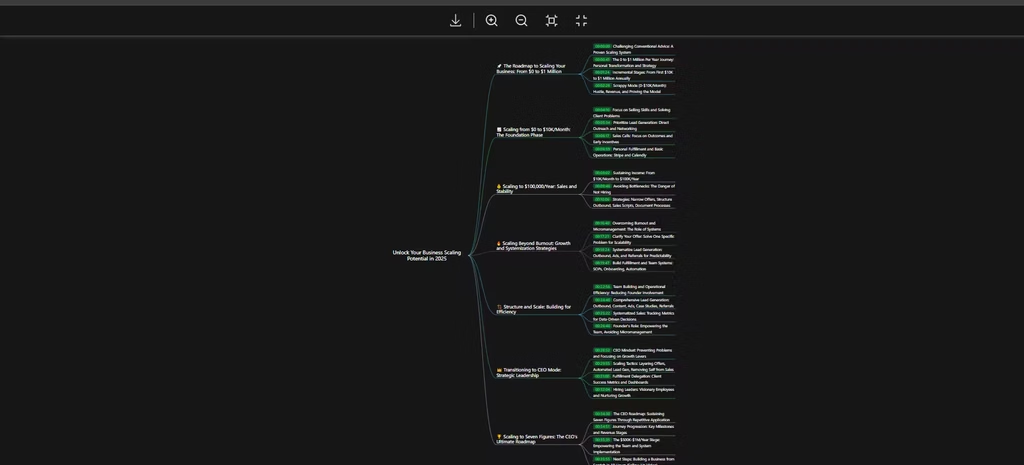
The mind map felt cluttered once a video passed roughly 15 concepts; I had to zoom in and out repeatedly to follow the connections, so I’d start with the basic summary and save the mind map for shorter or more focused videos.
Users also get timestamped chapters and Q&A answers tied to exact moments. Summaries can be exported as TXT, Markdown, or SRT. You can also upload local files up to 10 GB, so private recordings work too. The free plan has 100 one-time credits, and one credit processes one minute of video. Therefore, you can test about 100 minutes of footage without a credit card.
2. Video Highlight
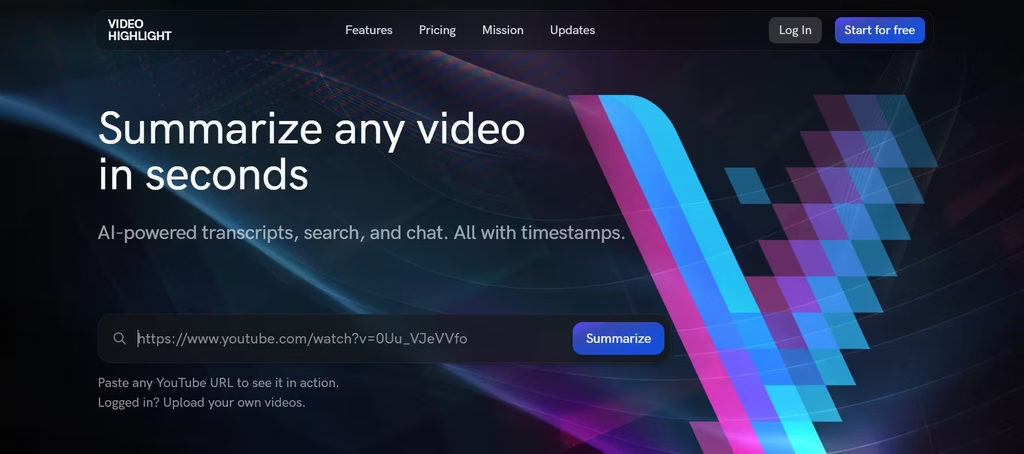
Video Highlight didn’t even require a sign-up. It generated a summary in an instant, with every summary point linked to the exact second in the video. That helps to verify claims. I found its video summary less elaborate than WayinVideo’s but still adequate.
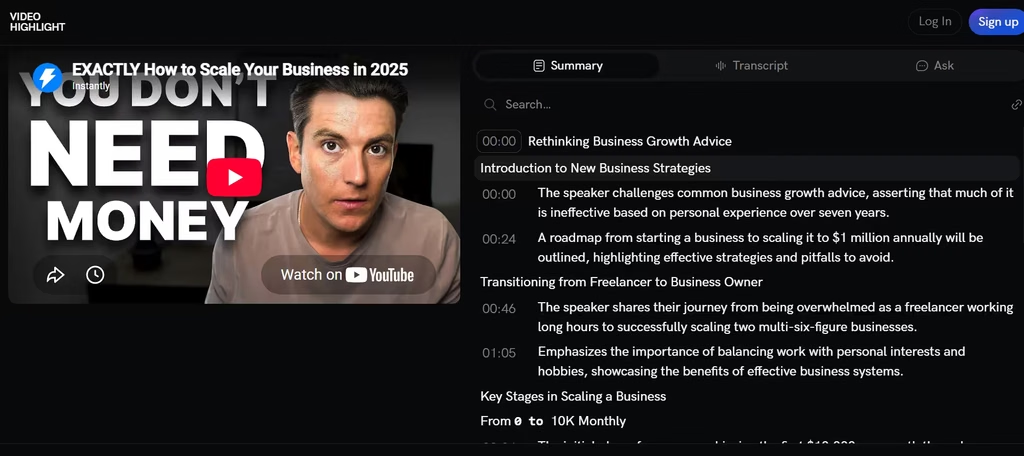
Video Highlight isn’t limited to links but also accepts uploaded MP4, MOV, MKV, and AVI files up to 1 GB, so private recordings need no YouTube captions. It also has an added chat feature that works across a whole video collection, which helps with research.
Transcripts cover more than 37 languages, so foreign-language talks become readable. You can export to Notion, Readwise, Word, Markdown, or CSV. The free plan covers about 450 minutes of public video, roughly ten videos, with summaries, transcripts, and AI chat. You need no credit card.
3. Recall
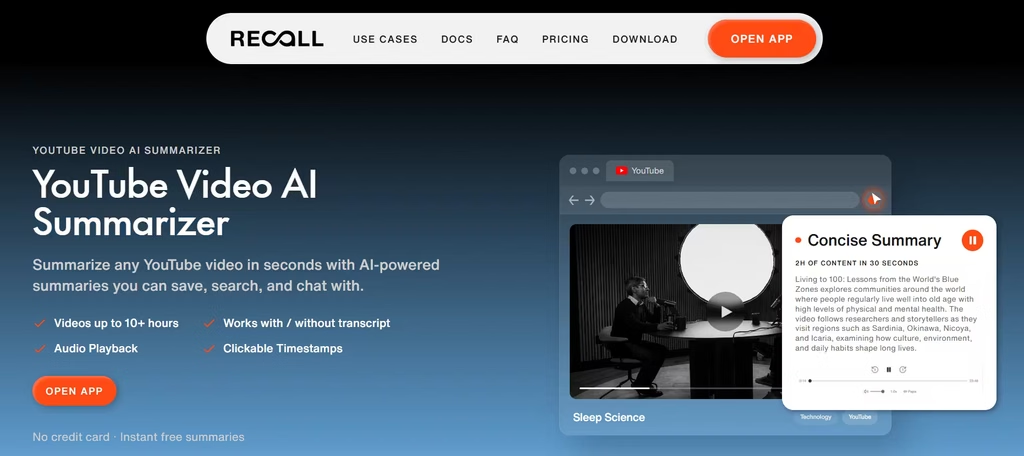
Recall isn’t restricted to video content but also podcasts, PDFs, and a few other file types. It turns every summary into part of a searchable library that you can search and explore for a later time. That makes notes stay useful long after you watch.
Its Chrome extension and Firefox add-on summarize a YouTube video from the page, usually in under 20 seconds. Recall handles videos up to 10 hours with a transcript and up to 5 hours without one, because it transcribes the audio itself. In addition, chat works on one video or your entire library.
In my testing, I found that I could edit the summary, although I’m not sure what that is supposed to achieve.
Each saved card includes clickable timestamps, so you can jump back to the source. What I found fascinating was the graph feature, similar to WayinVideo’s mind map. In this case, each concept described in the video is linked back to the central, overarching idea.
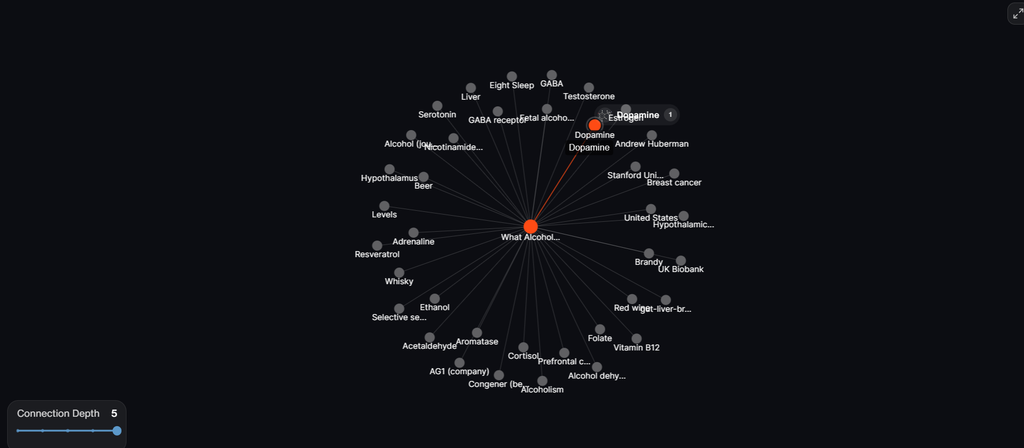
Clicking on one of the connecting lines provides a deep dive into the sub-concept, which can be useful for faster research and clarification.
One caveat: It’s unclear whether this deep dive is entirely based on the video or is synthesized material.
Recall’s free plan includes 10 AI summaries per month and unlimited saves. Since there is a limit, heavy users will need a paid plan.
4. NoteGPT
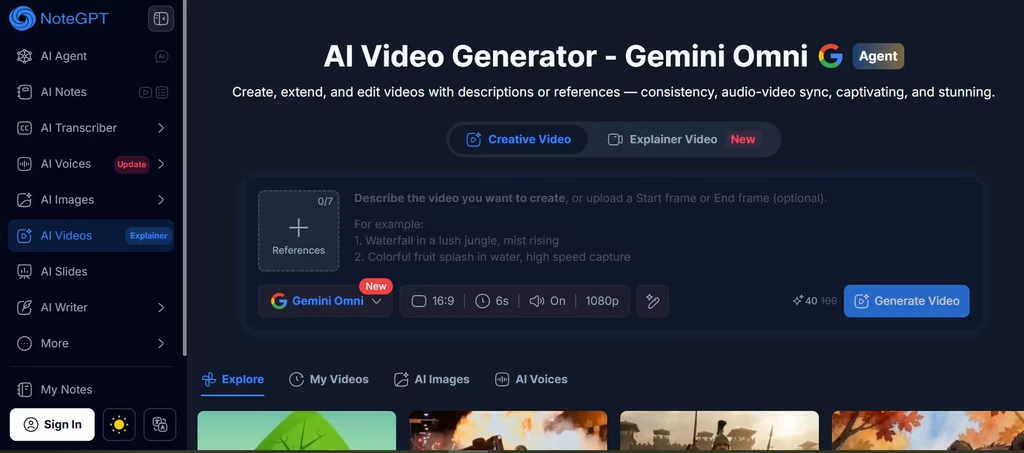
NoteGPT turns one video into several study formats. You get summaries, transcripts with clickable timestamps, mind maps, and flashcards, so a lecture you watch on Monday becomes flashcards you drill on Friday, without switching tools.
NoteGPT can be used for videos without captions up to 120 minutes, although its own pages cite both 120 and 150 minutes. On paid plans, the batch mode handles up to 20 videos, which suits playlists. The Chrome extension offers 15 free quotas per month. A caption-less video uses one quota per 10 minutes.
5. Glasp
Glasp lets you pick the AI model for each summary: ChatGPT, Claude, Gemini, or Mistral. That flexibility means you’re not locked into one model’s blind spots; swap models depending on the video instead of hoping a single AI handles every topic well. The summary sits beside the video with clickable timestamps.
You can also highlight the transcript and export notes to Notion, Obsidian, Roam Research, or Markdown.
Glasp reads the video’s transcript, and its help guide describes audio transcription for videos without one, free for 30 minutes per month. Glasp also summarizes web articles and PDFs, so one install covers your reading too. Best of all, you can paste a link on its website without signing up.
6. TubeOnAI
TubeOnAI transcribes the audio itself when a video has no captions. That means older or uncaptioned videos still get summaries. Aside from links, it also accepts uploaded videos and publicly accessible Google Drive files. In my testing, I used an Instagram video.
Just like Video Highlight and Recall, TubeOnAI also has further actions that can be taken. I could choose to convert summaries to audio, repurpose the content, or chat with the summaries to obtain specific information.
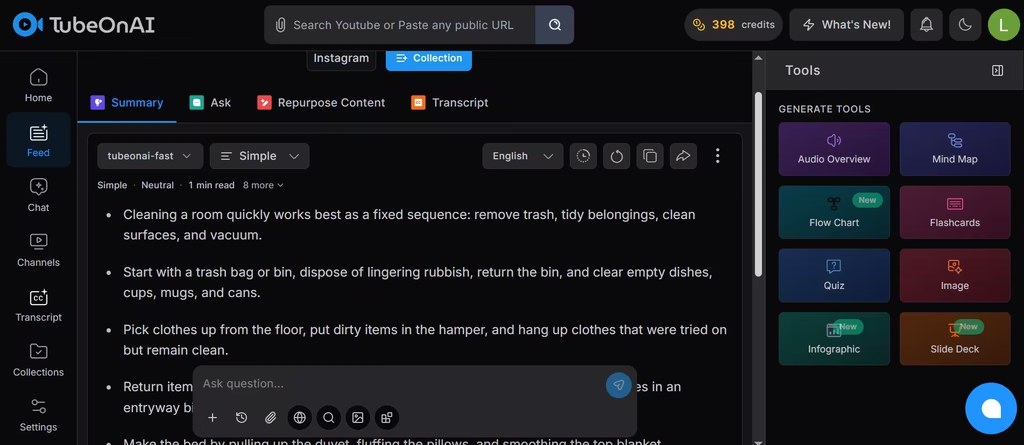
There is a language feature that can translate summaries into more than 30 languages. The content repurposing feature turns one summary into blog posts, tweets, or newsletters. You can even ask questions about the video.
New users receive free credits at sign-up, and paid plans add more. A single hour-long video can burn through a meaningful share of those credits, so the free tier stretches further across several short clips than across one long lecture.
7. Descript
Descript is a video editor first, which changes what a summary can become. You import or record a file, and Descript builds the transcript automatically. Then you choose Ask AI and Summarize, and you can request bullets or a set word count.
Consequently, you can also turn the result into audio with text-to-speech or into a captioned video recap. Transcription covers more than 22 languages. The free plan includes one media hour and 100 AI credits per month. Meanwhile, free exports are 720p and watermark-free. However, the workflow starts with a file, not a pasted link.
8. Eightify
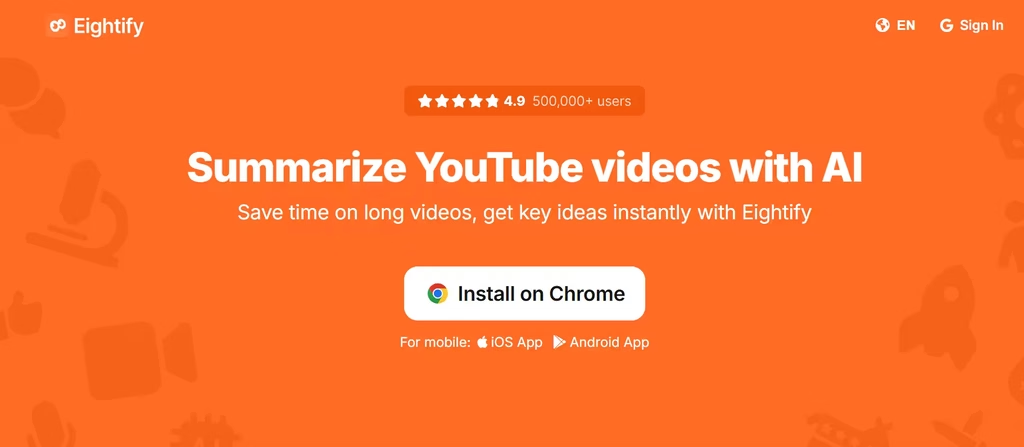
Eightify adds a summary button directly inside YouTube to get key insights without leaving the page. You can customize summary length, too. It offers timestamped navigation, summaries and translations in 40+ languages, a top-comments overview, and a transcript generator.
Because one account works on Chrome, iOS, and Android, your access follows you across devices. Its Chrome extension only offers one AI summary per day. Therefore, treat it as a test drive and confirm current limits.
When I did use it to summarize a 21-minute YouTube video, I found it to be the one tool that did extract the major points from a video and present them in a concise way.
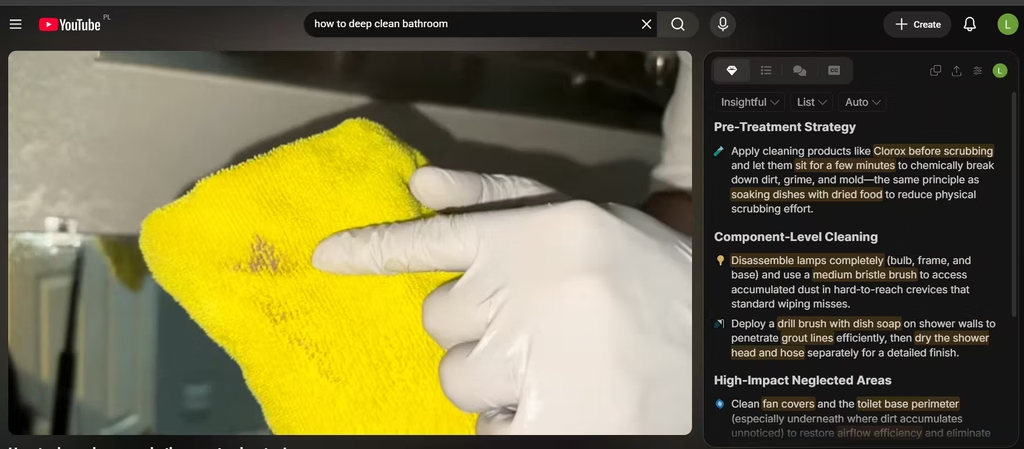
This may be a good or bad thing depending on the specific use case. If working with technical information, a summary that concise can present information in a way that disconnects from each other. And that does nothing for understanding.
9. Notta
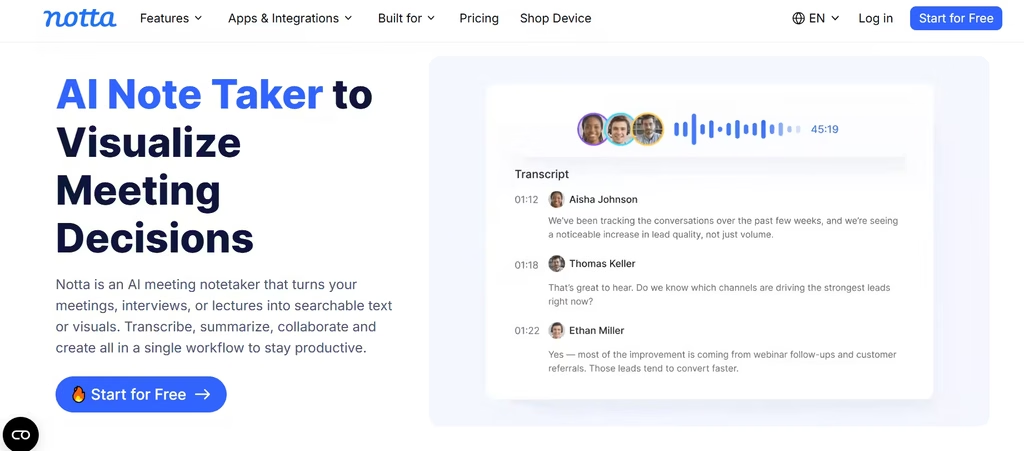
Notta transcribes audio and video in 58 languages, so it suits interviews and multilingual recordings. It also creates AI summaries and connects with Zoom, Teams, and Meet. In addition, you can upload existing files.
The free plan includes 120 transcription minutes per month, 50 uploads, and 10 AI summaries. However, Notta caps each recording at three minutes. As a result, the free plan works as a trial, not a workflow.
10. Fathom
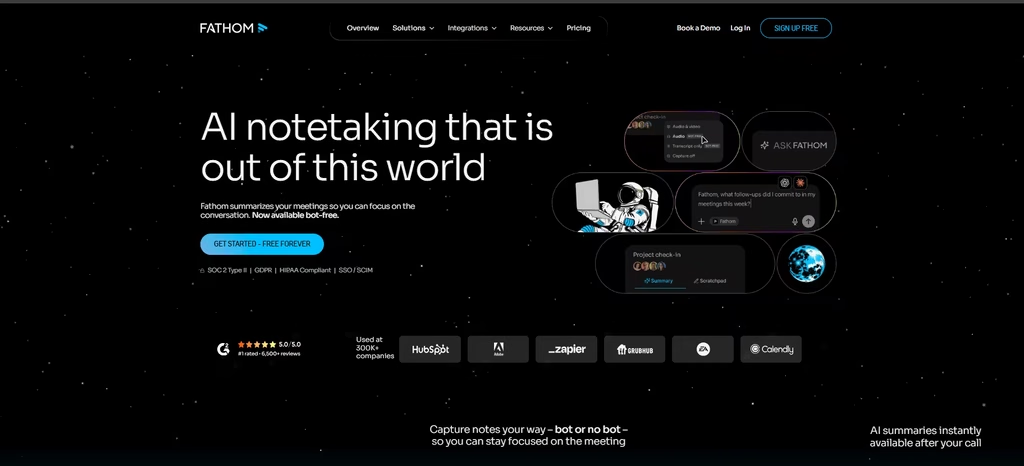
Fathom is primarily an AI meeting assistant that records, transcribes, and summarizes calls on Zoom, Google Meet, and Microsoft Teams. It joins meetings as a bot participant, and on Mac, it can even capture meetings without a bot in the call. Its free plan stands out because recordings and storage are unlimited, and transcription covers 38 languages.
In my testing, I found Fathom AI to have high transcription and summary accuracy. It also covered my regional accent well, being only off by a couple of words. The only major caveat here is that Fathom is strictly for meetings and cannot work with videos from other platforms.
Also, advanced summaries cover only your first five calls each month. After that, you get a more basic template. That cap is tighter than it sounds. If you’re in back-to-back client calls, you’ll burn through five advanced summaries in the first week or two, which makes the free plan better suited to occasional meetings than a full sales calendar.
Also read: Fathom AI Honest Review [2026]
Can AI Summarize Videos Without Captions?
Yes, but only if the tool runs its own speech recognition. Recall, TubeOnAI, NoteGPT, and WayinVideo all describe support for videos without captions. Glasp offers audio transcription for the same situation. However, each tool sets its own length caps and quotas.
For example, NoteGPT lists 120 minutes, and Recall lists 5 hours for uncaptioned videos. Meanwhile, tools that only import captions return nothing when captions are absent. Therefore, check this feature first if you watch older, private, or non-English videos.
How to Choose the Right Tool
- Uncaptioned videos: TubeOnAI, Recall, or WayinVideo
- Slide-heavy or visual videos: WayinVideo
- Study and revision: NoteGPT, Glasp, or Video Highlight
- Quick skims inside YouTube: Eightify or Glasp
- Live and recorded meetings: Notta or Fathom AI
After testing these side by side, a few picks stood out. For technical or slide-heavy videos, WayinVideo is the one I’d pay for; its visual analysis caught code and chart details that every caption-only tool missed entirely.
For a fast skim of general-topic YouTube videos, Eightify’s terse style works fine, but I’d skip it for technical talks; the summaries got so compressed that connected ideas came apart, and Glasp’s model flexibility handled that better in my tests. For meetings, Fathom’s transcription held up better against my accent than Notta’s did, even though Notta covers more languages.
Their free plans limit different things: Recall and Fathom cap AI summaries, Notta caps minutes per recording, and WayinVideo and Video Highlight cap processed video time instead.
Therefore, pick the limit that matches your habits. Also compare video length caps and export options. For example, a generous free plan means little if it locks exports. Finally, spot-check important summaries against the source, because AI can miss nuance.
