
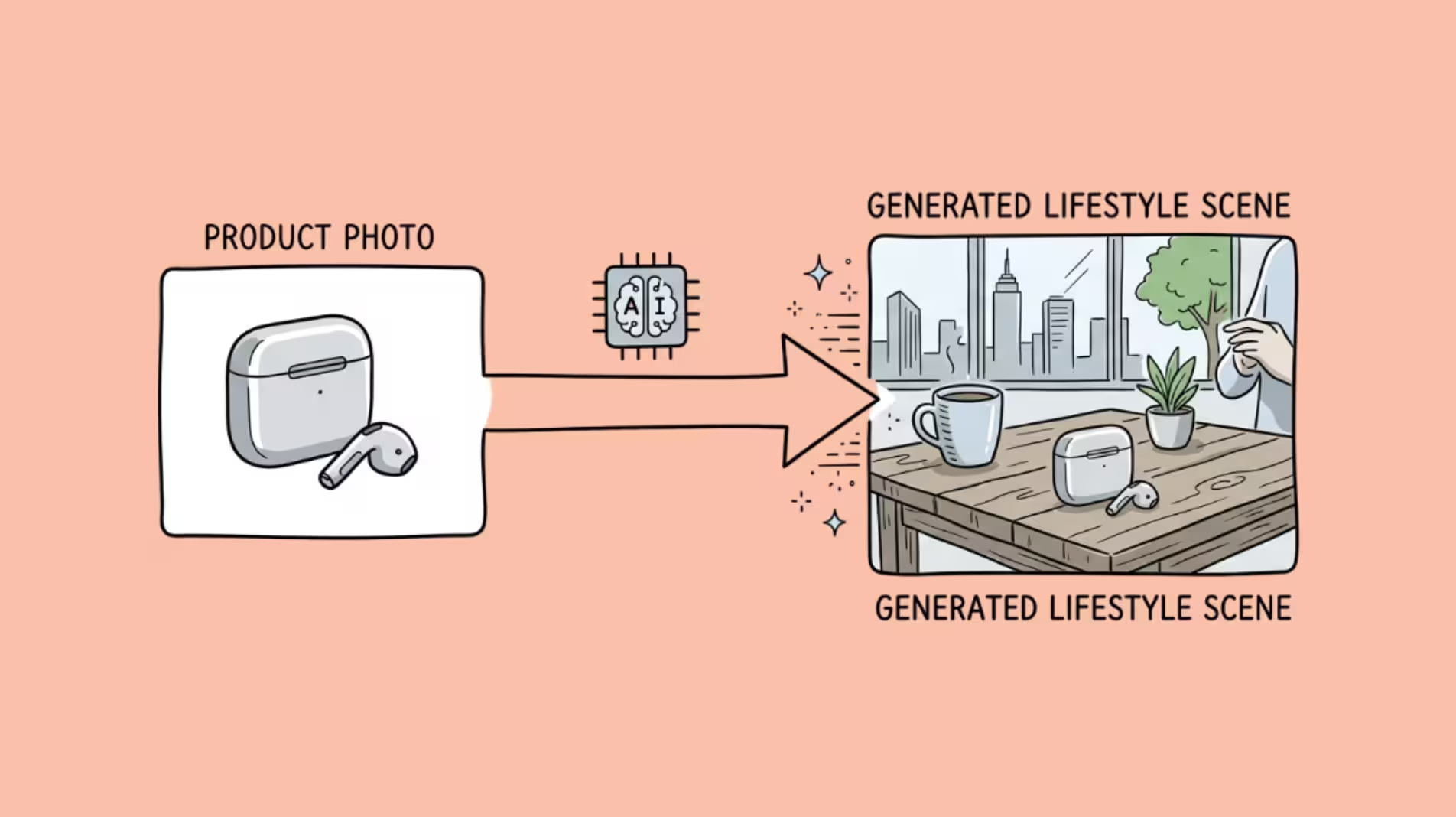

AI product photography tools remove backgrounds, generate lifestyle scenes, and create marketplace-ready images from a single product photo.
The best ones cut a product shoot that would cost 500-2,000 and take a week down to a few minutes and under a dollar per image.
The catch is that “AI product photography” now covers everything from a free background remover to a $1,400/month enterprise 3D scanning platform.
A solo Etsy seller and a fashion brand with 10,000 SKUs need very different tools, and the marketing pages all promise the same thing.
I have tested five of these tools on the same set of products – a glass bottle, a matte-finish skincare tube, a pair of sneakers, and a leather wallet – to see how they actually handle different surfaces and materials.
Glass and reflective packaging is where most of them fall apart. That test shaped the rankings below.
AI Product Photography Tools at a Glance
Quick comparison of all seven tools tested in this guide.
| Tool | Best for | Standout feature | Starting price |
|---|---|---|---|
| Photoroom | All-rounder | Fast background removal, AI backgrounds and marketplace-ready exports | $7.50/mobilled yearly |
| Flair AI | Branded scenes | Drag-and-drop scene design for on-brand lifestyle shots | $10/mo |
| Pebblely | Beginners | Simple theme-based backgrounds with bulk generation on higher plans | $9/mo30 images/month |
| Claid.ai | High volume | Credit-based editing with upscaling and API access | $15/mocredit-based |
| Pixelcut | Mobile editing | Quick edits and background swaps from your phone | $10/mo |
| Botika | Fashion | Apparel shown on AI-generated models | $55/mo |
| CreatorKit | Creator content | Product visuals built for social and ad creative | $39/mo |
Prices are the entry-level plan at time of writing and may change. Check each vendor’s site before buying.
Photoroom
Photoroom is the default recommendation for a reason.
It has crossed 100 million app downloads, runs at roughly $94 million in annual recurring revenue, and counts Netflix and Shopify among its enterprise clients. The product works, and the team ships fast.
The core strength is background removal. Photoroom handles edges better than any other tool I tested – flyaway hair on fashion shots, semi-transparent materials, complex product shapes.
The cutout quality is noticeably ahead of Pixelcut, Pebblely, and Claid on side-by-side comparisons.
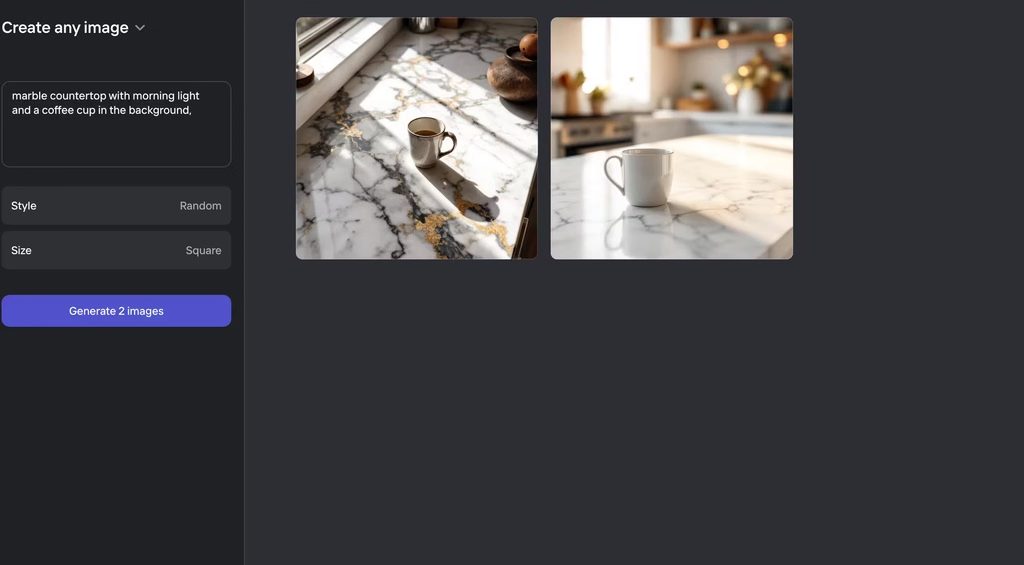
Beyond cutouts, the AI Backgrounds feature generates lifestyle scenes from a text prompt.
Describe “marble countertop with morning light and a coffee cup in the background,” and it produces something usable on the first or second try.
The AI Fashion Models feature swaps mannequins for AI-generated human models – useful for apparel brands that cannot afford a shoot for every color variant.
Batch processing handles up to 250 images at once on the Ultra plan, which matters when you are uploading a seasonal catalog.
Starting Price: $7.50/month (billed yearly)
Where it falls short: No 3D capabilities. The AI-generated backgrounds occasionally produce shadows that do not match the lighting on the product itself, and you cannot manually adjust shadow placement.
If you want art-directed control over exactly where the light falls, Flair gives you more.
Flair AI
Flair is the AI product photography tool for people who want to art-direct their product shots, not just generate them.
It has a canvas-based editor where you drag and drop your product, position props, set the camera angle, and control the scene composition before the AI generates the final image.
That level of control comes with a trade-off: Flair has the steepest learning curve on this list.
It took me about 30 minutes to produce my first usable image, compared to under five minutes with Photoroom or Pebblely.
But once I understood the interface, the output quality was consistently the most brand-coherent of any tool I tested.
You can save custom models and brand kits so every image in a campaign shares the same visual language.
The on-model photography feature preserves patterns and logos on clothing, which is a problem most AI fashion model tools handle poorly. Flair also recently added AI product video generation from single images.
Starting Price: $10/month
Where it falls short: No batch generation. If you have 200 SKUs to shoot, you are creating each scene individually. I also found that roughly 3 out of 5 generations on non-standard product shapes (anything that is not a box or bottle) needed a retry to get a usable result.
Pebblely
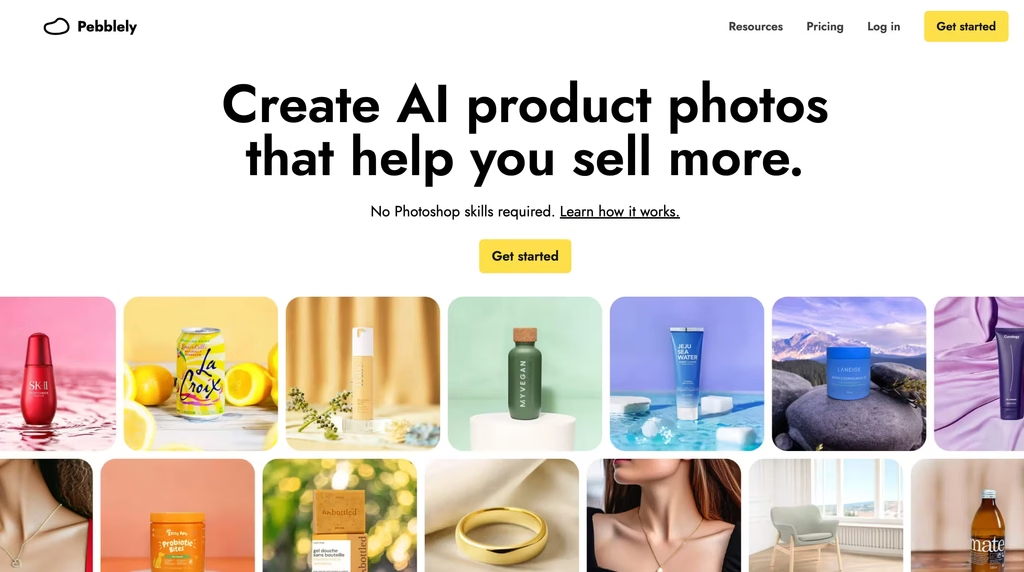
Pebblely is the fastest path from “I have a product photo on a white background” to “I have a lifestyle image I can post on Instagram.”
The tool auto-detects your product in the image – no manual cutout required – and generates a background scene from 40+ preset themes or a custom text prompt.
The one-click workflow is the simplest on this list, and it is not close. Upload, pick a theme, generate. The built-in Shopify app means you can push images directly to your product listings.
I found Pebblely most useful for the kind of quick social media content where you need a decent lifestyle shot in under two minutes and you are not going to scrutinize the lighting.
Starting Price: $9/month
Where it falls short: Output quality is a step below Photoroom and Flair. The lighting tends to look flat, and the backgrounds have a recognizably AI-generated quality that is fine for social media but would stand out in a high-end product catalog.
Reflective surfaces (glass, metal, glossy packaging) are a problem – the model often generates reflections that do not match the environment it created. Also, no free trial on paid plans and no refunds, so you are committing based on the free tier alone.
Claid.ai
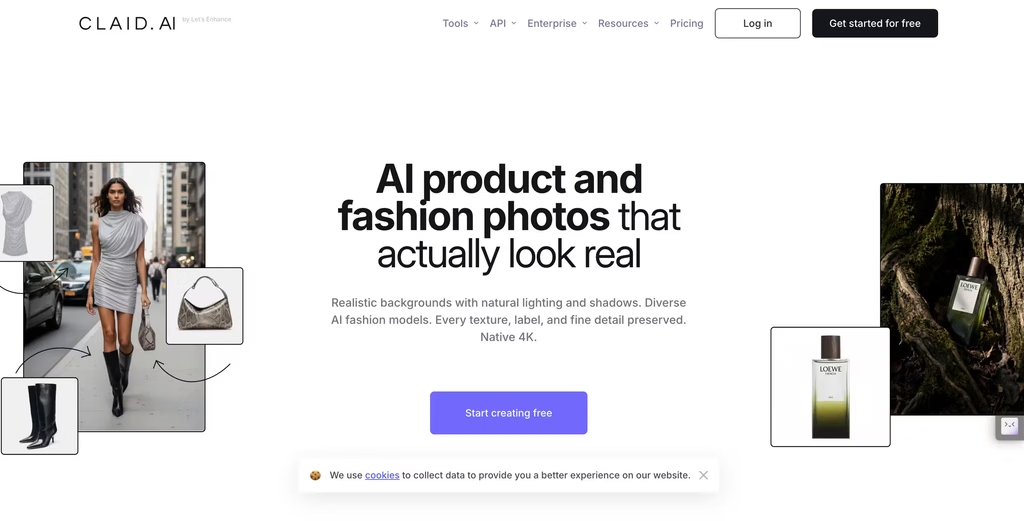
Claid is built for catalog teams that need to process hundreds or thousands of images through a consistent pipeline.
The API-first architecture means you can plug it into an existing ecommerce workflow – upload raw product photos, and Claid handles background removal, upscaling, enhancement, and AI scene generation automatically.
The AI Photoshoot feature generates lifestyle backgrounds similar to Photoroom and Pebblely, but the batch processing and API integration are what set Claid apart.
If your operation involves uploading 500 product images a week to multiple marketplaces, Claid automates the repetitive parts.
The Pro plan includes 4K resolution exports and the API starter pack, which is the minimum you need for automation workflows.
Starting Price: $15/month
Where it falls short: The credit system is opaque. Different operations consume different numbers of credits – a background removal costs fewer credits than an AI photoshoot, which costs fewer than an upscale-plus-photoshoot combo.
You have to model your actual usage before you can predict costs. For small sellers doing 20-30 images a month, Photoroom or Pebblely is simpler and cheaper.
Pixelcut
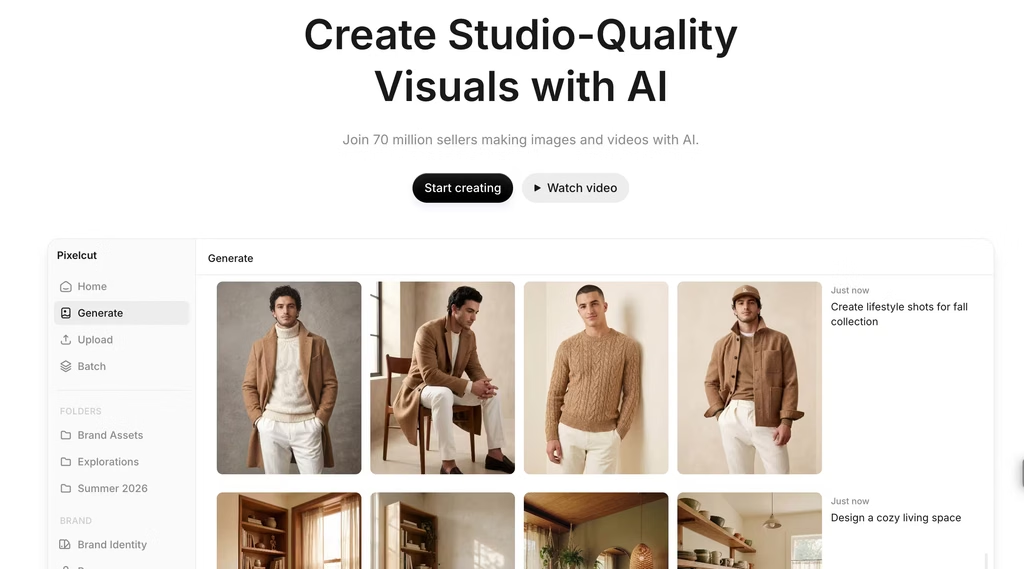
Pixelcut is the free AI product photography tool that is actually usable.
The free tier produces watermark-free exports, which is rare – most competitors either watermark free-tier output or cap resolution so aggressively that the images are not marketplace-ready.
Bulk background removal handles up to 10,000 images per batch, and the mobile batch editor processes up to 100 photos.
For a reseller listing items on Poshmark, Mercari, or eBay from their phone, Pixelcut is built for that workflow.
Starting Price: $10/month
Where it falls short: The AI background generation is basic compared to Photoroom or Flair.
You get functional marketplace backgrounds, not styled lifestyle scenes. Users have reported batch upload crashes on larger jobs, and credits deplete faster than expected at scale.
If you need more than clean cutouts and simple backgrounds, you will outgrow Pixelcut quickly.
Botika
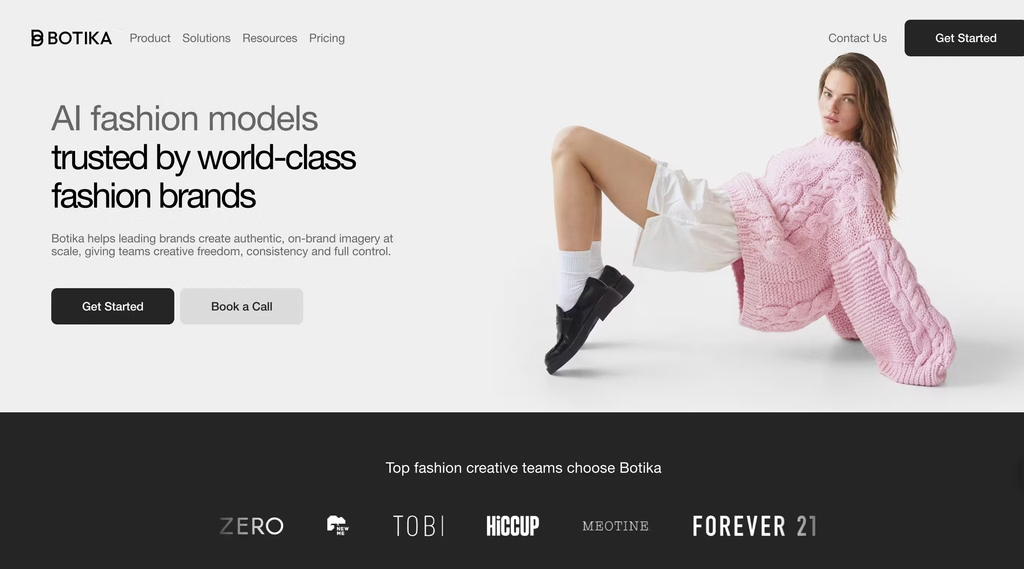
Botika serves a specific niche: fashion brands that need AI-generated models wearing their actual garments.
The model library includes diverse ethnicities, body types, and poses, and the garment preservation is strong – patterns, logos, and fabric textures stay accurate on the AI model.
The differentiator is the human retouching backstop. Botika includes manual retouching rounds (2-3 day turnaround) on generated images, which means a human reviews the output before it goes live.
For brands where a misplaced seam or a warped logo on a generated model would be a problem, that layer of quality control matters.
Direct Shopify integration lets you push AI-modeled images to product listings, and the video generation feature creates short clips from single product photos.
Starting Price: $55/month
Where it falls short: Expensive for what it does if you are not specifically selling apparel. The $55/month entry point only makes sense if AI fashion models are the primary use case. For general product photography (bottles, electronics, accessories), Photoroom or Flair does more for less.
CreatorKit

CreatorKit does something none of the other tools on this list do well: it combines AI product photography with AI product video in one platform.
Generate a lifestyle still, then turn it into a short promotional video clip formatted for TikTok Shop, Instagram Reels, or marketplace listings.
The Shopify catalog integration means you can pull product data directly and generate images and videos across your entire listing.
Starting Price: $39/month
Where it falls short: The video quality is entry-level – fine for social media ads but not for brand campaigns.
Multiple reviews cite non-existent customer support, which is a real risk for a paid tool. Output resolution has also been flagged as insufficient for some marketplace requirements.
This is a tool to watch as it matures, not one I would bet a catalog operation on today.
Which Tool Matches Your Operation
Instead of a feature matrix, here is how to match your situation to a tool:
Solo seller listing 10-50 items a month: Start with Pixelcut (free, no watermarks) or Pebblely ($9/month for the speed). You do not need batch processing or API access at this scale.
Small brand with a few hundred SKUs: Photoroom Pro ($7.50/month) covers background removal, AI scenes, and batch processing. It handles the widest range of product types with the least effort.
Fashion/apparel brand needing AI models: Botika if budget allows ($55/month) for the garment preservation and retouching. Photoroom’s AI Fashion Models feature is the budget alternative.
Design team that needs brand consistency: Flair ($10-55/month). The canvas editor and brand kits give you control that auto-generated tools do not.
Catalog operation processing 500+ images weekly: Claid.ai. The API-first architecture and batch pipeline are built for this scale. Budget Photoroom Ultra ($82.50/month) as the alternative.
Ecommerce brand that also needs video: CreatorKit, but only if you accept the quality and support limitations. Otherwise, use Photoroom for stills and a dedicated video tool separately.
The Bigger Picture
AI product photography grew 441% year-over-year in 2024, making it the fastest-growing software category that year.
The market is projected to reach $8.9 billion by 2034. But 67% of consumers now expect brands to disclose when AI created their product images.
That last number matters. These tools are not a secret shortcut.
They are a production method, and treating them as one – with the same quality standards you would apply to a traditional shoot – is what separates the brands using AI photography well from the ones generating obviously synthetic images that erode trust.
Every tool on this list can produce a bad image.
The ones that produce good images do so because someone on the other end knows what a good product photo looks like and uses the tool to get there faster, not to skip the judgment call entirely.
FAQs
1) Can AI product photography replace a traditional photo shoot?
For marketplace listings, social media, and basic ecommerce catalogs, yes.
Tools like Photoroom and Flair produce images that are indistinguishable from simple studio shots at a fraction of the cost. For hero images, print campaigns, and luxury branding where lighting and material rendering need to be perfect, traditional photography still produces better results.
2) Which AI product photography tool is best for beginners?
Pebblely has the simplest workflow – upload a product photo, pick a theme, and generate. No manual cutout required. Pixelcut is the best free option with watermark-free exports. Photoroom sits between the two, offering more features with a still-gentle learning curve.
3) How much does AI product photography cost compared to traditional?
A traditional product photo shoot runs 500-2,000+ for a day, depending on the studio, photographer, and styling. AI tools range from free (Pixelcut) to $82.50/month (Photoroom Ultra) for high-volume operations.
At scale, the cost per image drops to under $0.10 with most tools, compared to 25-100+ per image from a traditional shoot.
4) Do AI product photography tools work on all product types?
Most tools handle matte, opaque products well – boxes, bottles, clothing, accessories. Reflective and transparent surfaces (glass, metal, glossy packaging) are where quality drops.
In my testing, Photoroom handled reflective surfaces best, but no tool produces perfect results on glass consistently. Jewelry and fine detail items also tend to produce mixed results.
5) Will marketplace platforms accept AI-generated product photos?
Amazon, Shopify, Etsy, and most major marketplaces accept AI-generated product images as long as they meet the platform’s image quality guidelines (resolution, background requirements, accurate product representation).
The images must accurately represent the product – using AI to enhance or stage a product is fine, but generating a misleading representation violates most marketplace terms of service.
6) Do free AI product photo tools add watermarks?
Often, yes. Many free plans and trials add a watermark or limit export size, and the details vary by tool and change over time. If you plan to publish images on a store or marketplace, assume you’ll need a paid plan. Check each tool’s current free-plan terms before you upload your product photos.
