

It’s 11:47 p.m. A buyer in another time zone is on your pricing page. They’re curious. Still, they don’t want to fill out a form, wait two days, and sit through a 45-minute call just to see one feature.
So they leave.
Most SaaS teams have lost a deal this way and never found out. The buyer wasn’t uninterested. They just wanted to see the product right then, and nobody was awake to show them.
AI demo platforms fix this. They turn a quick click-through of your product into an interactive tour, a narrated video, or even an AI agent that answers questions on the spot. Many of them also come with free plans that never expire.
This guide covers 9 of them. For each one, you’ll see what the free plan includes, where the AI helps, and when you’ll need to pay.
How We Chose These Tools
First, every tool here has a free plan, not just a time-limited trial. That rule removed popular options like Walnut, Consensus, and HowdyGo, which have no free tier. It also removed Trupeer, whose “free” option is a 10-day trial.
Next, each platform had to use AI in an actual workflow: writing demo copy, generating voiceovers, translating content, or running conversational demo agents.
Finally, we checked plan details against each vendor’s site in November 2026. Prices change often in this category, so confirm the numbers before you buy.
1. Supademo
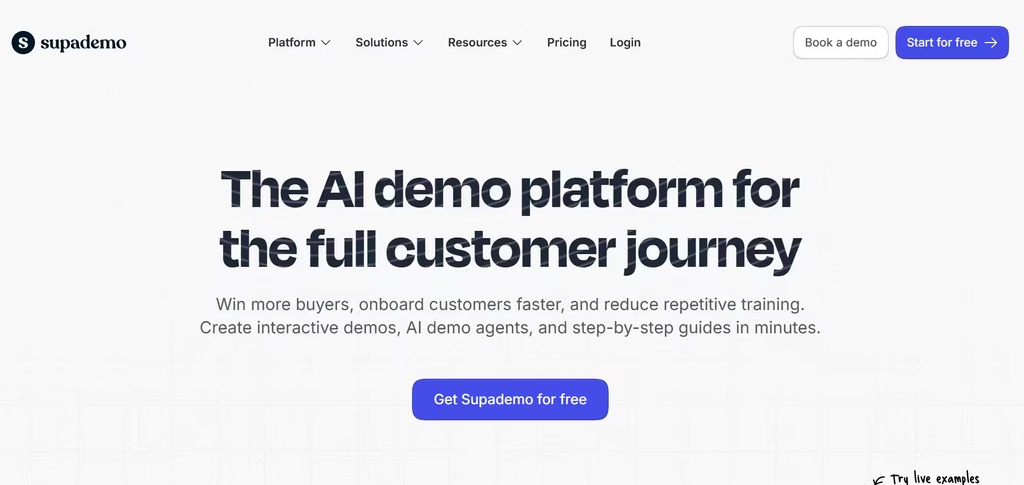
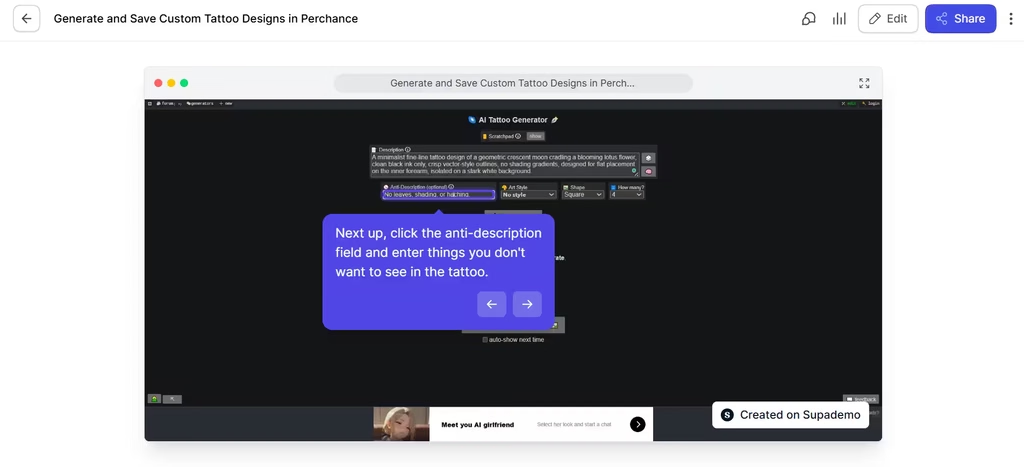
In my testing, Supademo got me from recording to a finished demo with almost no friction, thanks to its simple UI and AI assistant. The resulting demo was a smooth slideshow navigation of the AI tool that anyone can easily follow. I also liked that Supademo gave me the option to blur out sensitive information.
The only limitation I experienced was that a step was repeated twice because I re-clicked the feature to correct an entry error I had made. I also had to be careful not to click anything I don’t want Supademo to capture or misinterpret, as it did.
If you judge by how much you can publish and test without paying, Supademo has the most generous free plan on this list. You get one creator, five interactive demos, 50 video recordings, and unlimited views. AI text personalization is included. On top of that, every workspace gets 1,500 free credits for the AI Demo Agent, which Supademo says covers about 75 demo calls.
That agent is the highlight. It asks buyers about their needs, answers questions using content you approve, and shares the right demo in more than 50 languages. Paid plans add AI voiceovers, voice cloning, translation, and sandbox demos.
Verdict: At $38 per creator per month (billed yearly), Scale is worth paying for once you hit the five-demo cap or want AI voiceovers. If a handful of demos covers your needs, stay on the free plan.
2. Navattic
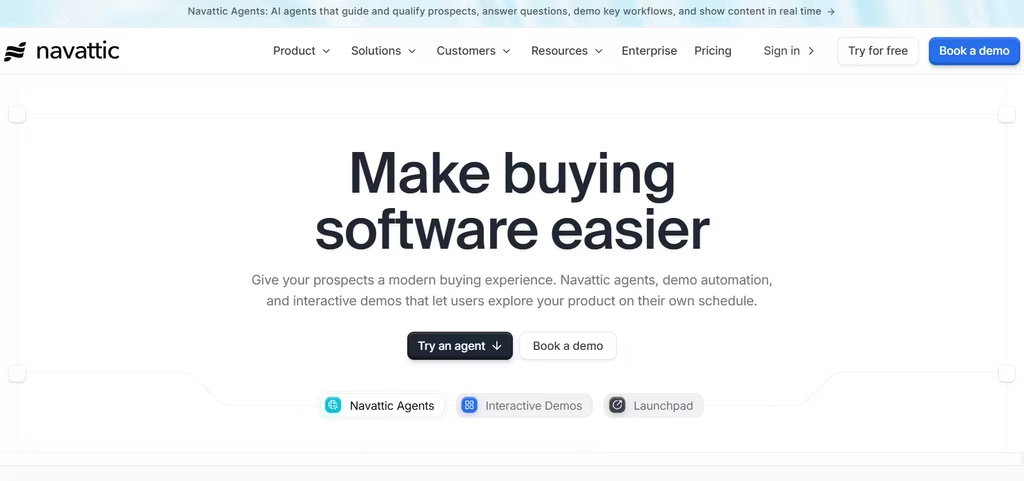
While I could set a recording on Supademo, Navattic was more about taking screenshots as I clicked. The images were then used to create the demo. I didn’t find this to be the best approach because clicking to capture took away the interactivity.
I couldn’t actually use the tool; I could only show the steps. So, I advise you to use Navattic for product demos that only require a basic slideshow. Anything more interactive can use a different tool.
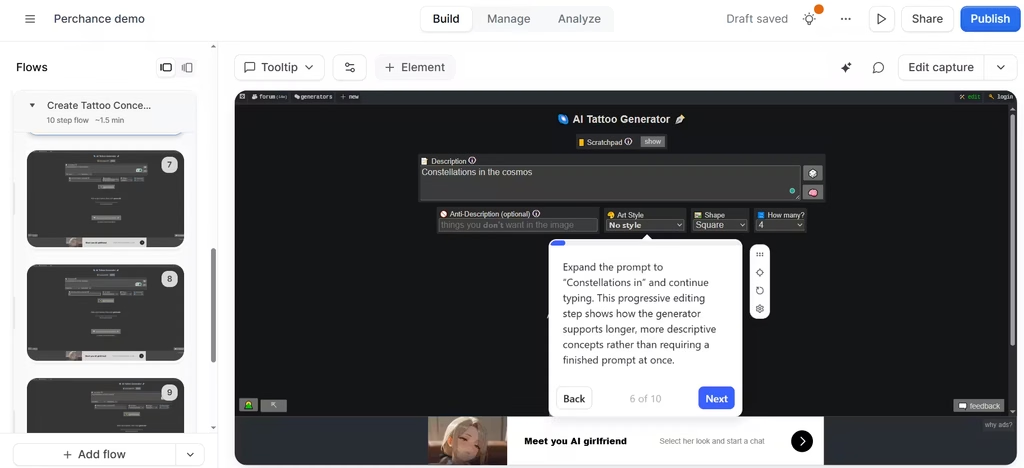
Navattic’s free Starter plan is small: one seat and one demo, either HTML or media. In my view, that’s fine for testing a single homepage demo, but too restrictive for anyone who needs demos for more than one use case. However, it includes Copilot, the AI that does the heavy lifting.
You click through your product, and Copilot drafts the copy, tooltips, and demo story. Later, you can add Navattic Agents, AI voice agents that walk prospects through your product in real time.
Best for: Teams that want polished HTML demos with very little writing.
3. Storylane
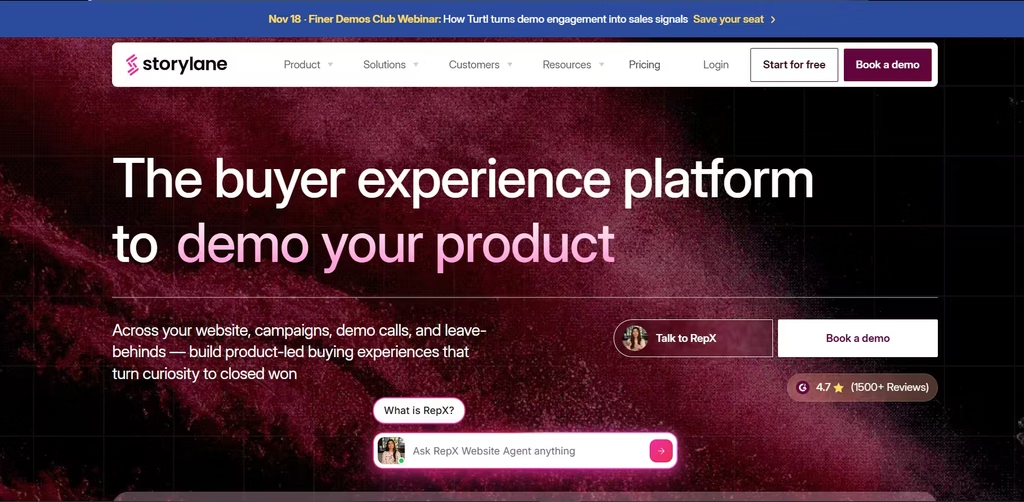
Storylane’s pricing is listed at $40 per month, billed annually, but HTML demos only start on the Growth plan, at $500 per month for five seats. Storylane’s free plan gives you one seat and one published demo with unlimited views. That’s enough to put one good demo on your homepage.
Meanwhile, the paid platform has a lot of AI. Storylane offers AI voiceovers, video avatars, and translation into 25+ languages. It also sells RepX, a conversational AI sales agent that qualifies website visitors over text, voice, or video.
The catch: With only one published demo, you have to pick between a homepage demo and a sales-ready version. You can’t have both without upgrading.
4. Arcade
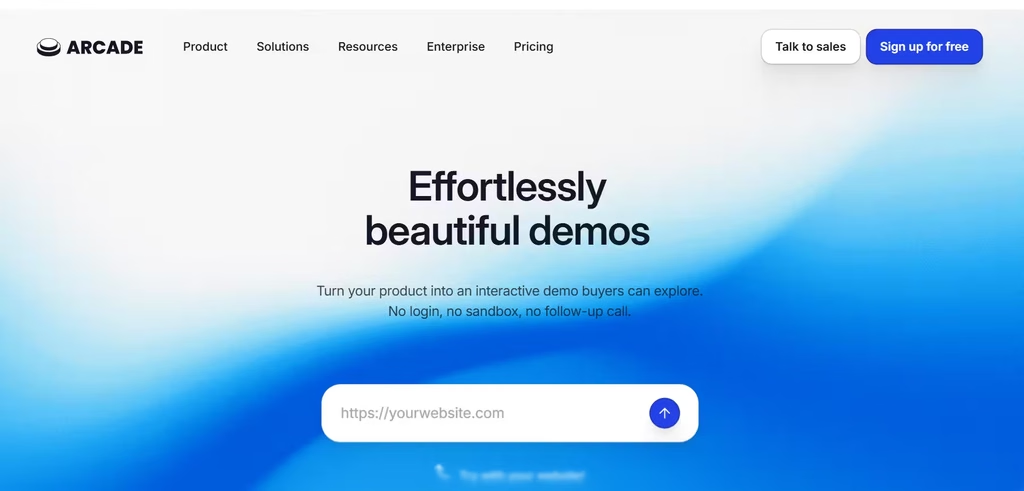
With Arcade, I only had to link the website and authorize access to create an AI-generated demo. The demo came with instructions for use and an AI voice narration. I could also prompt the AI to create the video, which I did. Both videos were accurate and easy to follow.
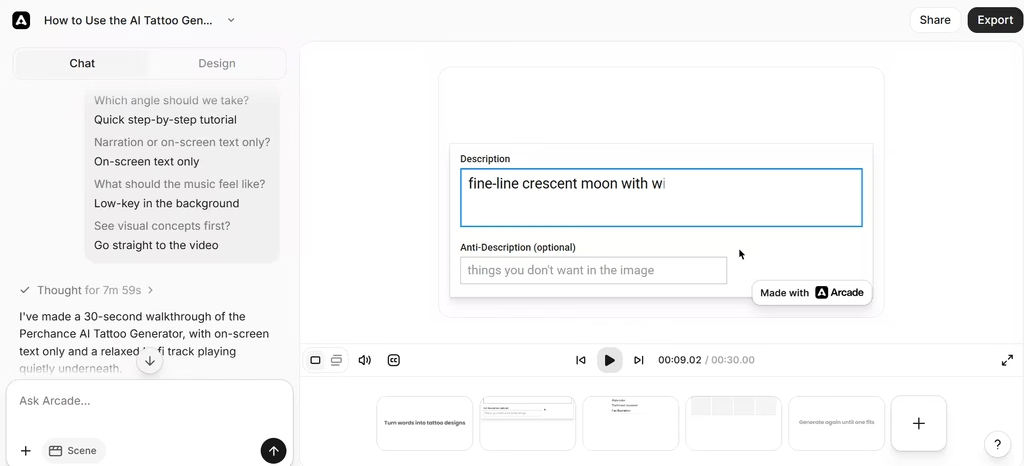
The free plan includes one seat, an allowance of AI credits, and an Arcade watermark.
Its AI assistant, Avery, writes copy while you record and can narrate demo videos. Arcade’s own benchmark report, built on 14 million demo sessions, found that AI voiceovers raised completion rates by 14%. My test matched that: the AI-narrated demo explained each step clearly, and I didn’t have to write a script.
Heads-up: Arcade changed its pricing in late October 2026 and now uses credit-based tiers. Check the current free allowance before you plan around it.
5. LiveDemo
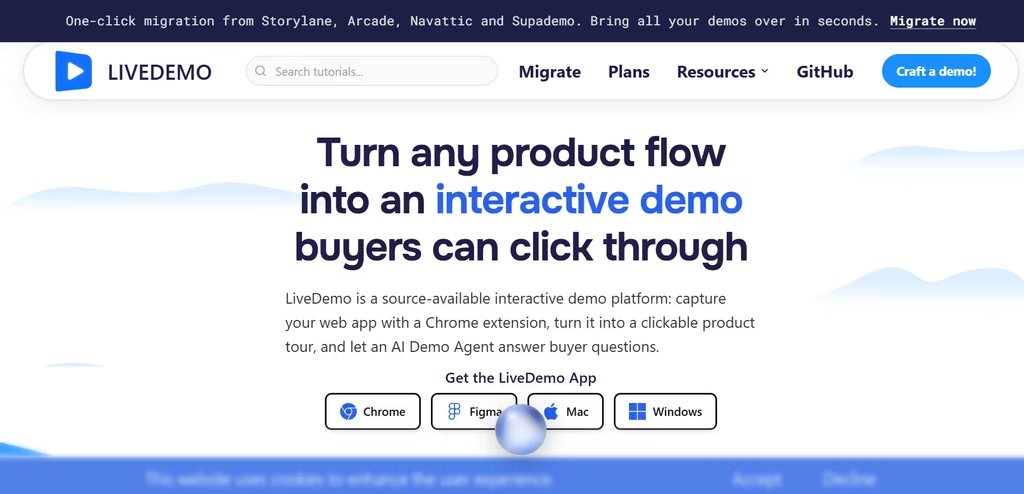
LiveDemo stands out for one reason: you can host it yourself for free. The code is source-available under the FSL-1.1-MIT license, and self-hosting costs nothing on every plan.
The hosted free plan includes one creator, three published demos, AI voiceover, and AI text personalization, with a watermark. Then, the Growth plan adds an AI Demo Agent with live video avatars that answer questions, qualify leads, and book meetings.
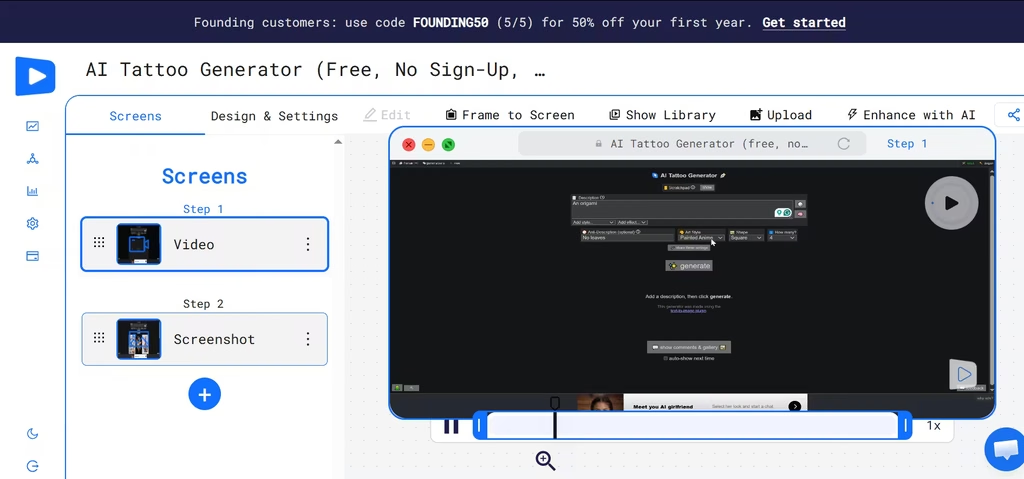
The workflow for creating a demo with LiveDemo was similar to Arcade. I pasted the website link, and LiveDemo created the demo without me actively recording or adding Chrome extensions. I wouldn’t advise this, however, as the website restricted access. Therefore, the resulting video wasn’t credible. It only displayed one step, which went on in a loop.
That’s why I took the other approach and recorded the video myself with LiveDemo’s Chrome extension. The recorded demo was far better as it displayed a video of me interacting with and navigating the site.
Verdict: Pro costs $34/month ($27 billed annually). It’s worth it once three demos aren’t enough, or the watermark starts to matter. Growth costs $49/month ($39 billed annually) and only makes sense if you want the AI Demo Agent and live avatars.
6. Layerpath
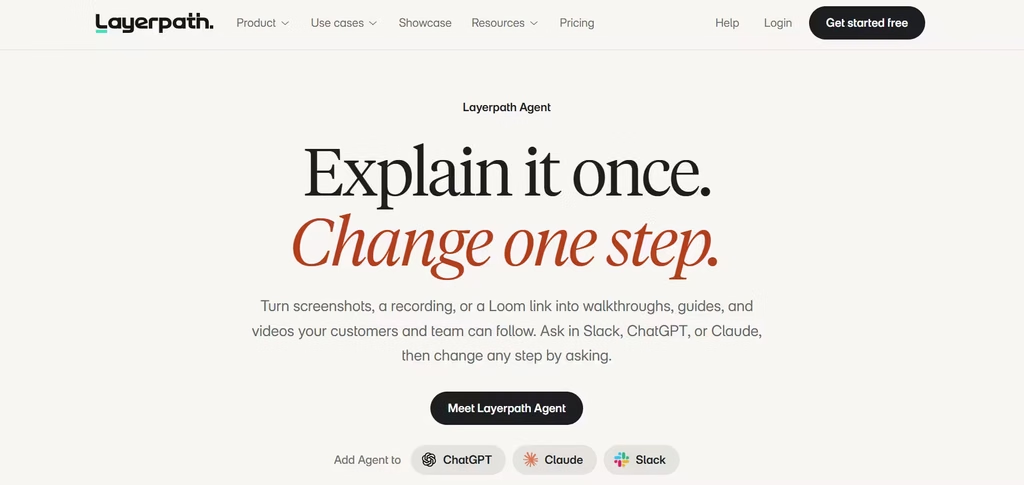
Layerpath solves a common headache: making the same content three times. I recorded once, and it produced an interactive tour, a step-by-step guide, and a narrated video.
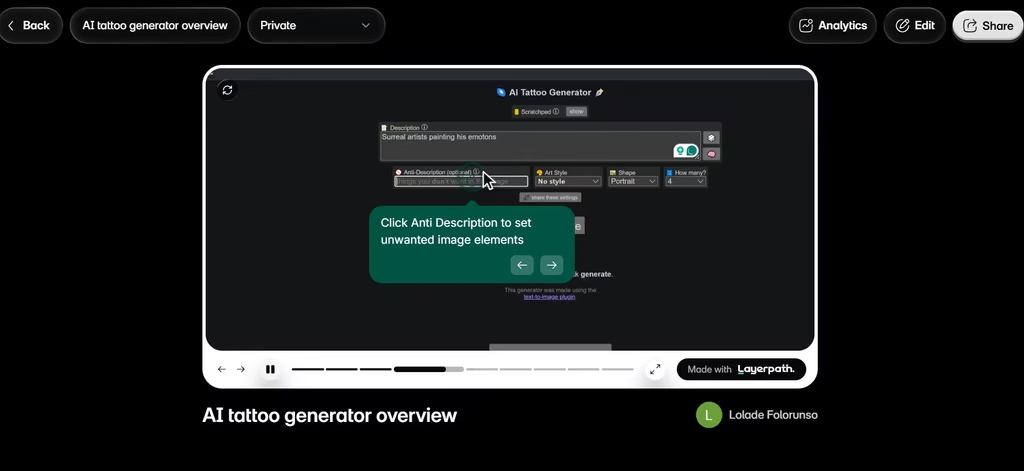
The free plan offers more than it first seems to: one seat, unlimited projects (with three published at a time), and five watermarked video exports per month. Limited versions of Create with Agent, AI voiceover, and brand memory are included too. The agent also works inside Slack, ChatGPT, and Claude, so you can edit steps by just describing the change.
Upgrade path: Pro costs $50 per seat per month.
7. Guideflow
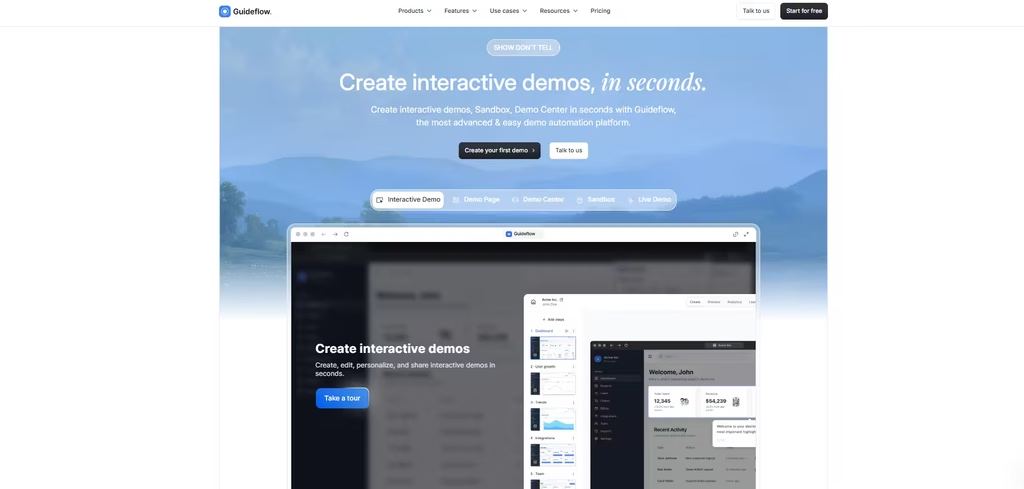
Guideflow’s free plan lets you build up to five guideflows from screenshots, with unlimited views and seven days of analytics. Demos carry a watermark.
Localization is where Guideflow’s AI goes further than most tools on this list. Guideflow generates voiceovers in 40+ languages, offers 150+ AI avatars, and can translate a whole demo in seconds. You can even create an AI clone of yourself to present.
Best for: Teams selling to international buyers.
8. Guidejar
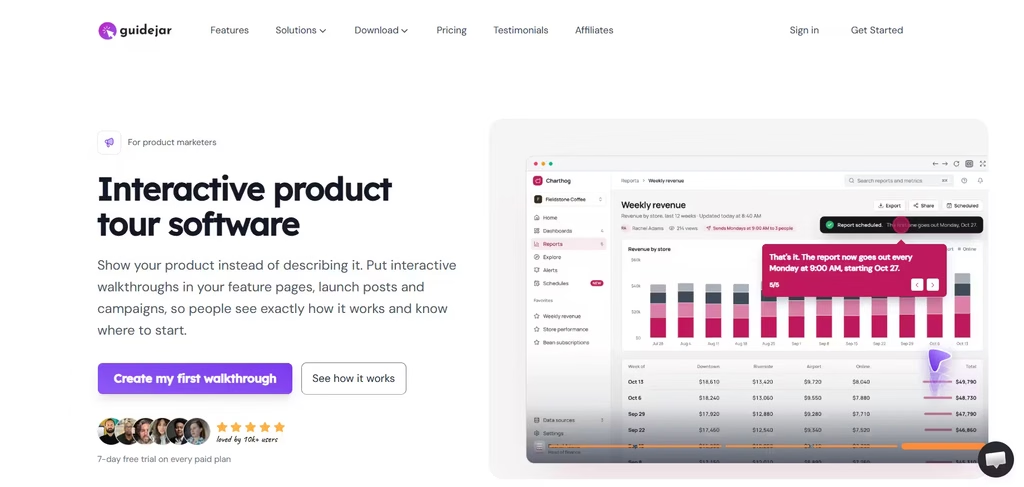
Guidejar connects demos and documentation. The free plan includes five guides for one user, browser capture, sharing, embedding, and PDF export. A watermark stays until you upgrade.
Then, at $19/seat/month ($16 billed yearly), Pro unlocks AI voiceover and translation into 30+ languages. Higher plans add an MCP server, so AI agents can build guides and search your guide library.
Best for: Teams that want demos to double as help-center content.
9. Guidde
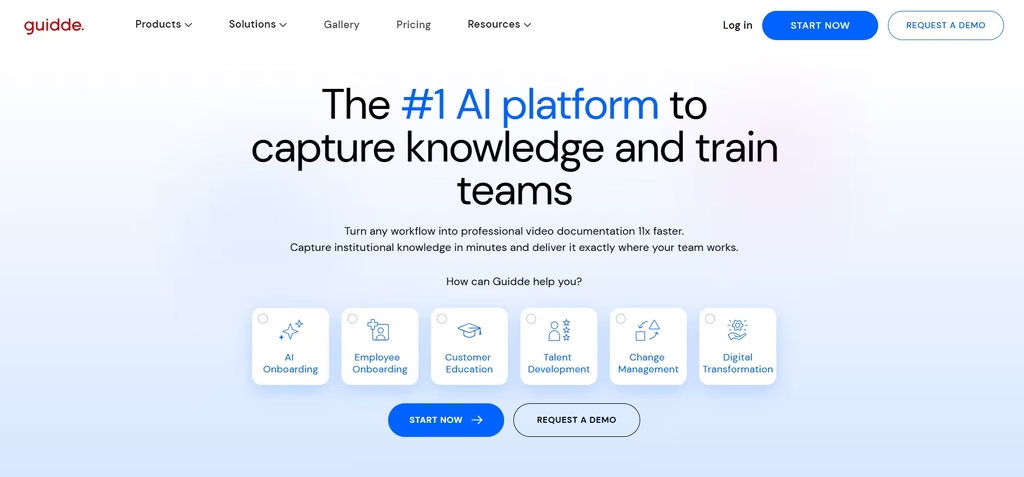
Guidde focuses on narrated how-to videos rather than click-through tours. My demo came with an AI voice narrator, like something you’d find on YouTube. Its Magic Capture recorded my workflow and automatically created step-by-step descriptions of each action I took and why.
I found this to be one of the smarter demo creation platforms.
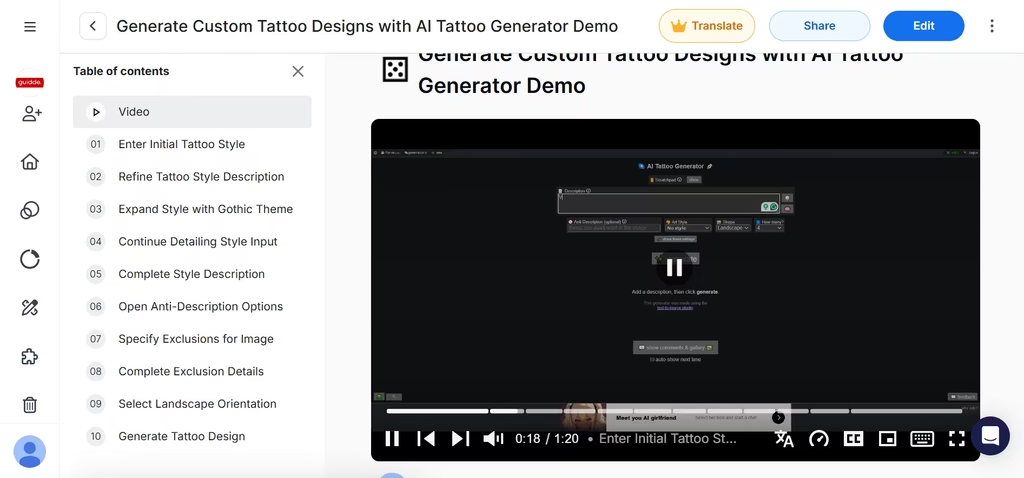
The free plan includes up to 25 how-to videos, works with any web app, and lets you record your own voiceover. AI text-to-voice is on paid plans; Business is the first tier with unlimited use.
Upgrade path: Pro costs $19 per creator per month, billed annually.
How to Choose the Right Platform
Start with your goal, not the feature list.
- Want an AI agent on your site now? Try Supademo, since its free credits let you test the agent at no cost.
- Need pixel-perfect HTML demos? Navattic gives you HTML capture and Copilot on the free plan.
- Care about data control? LiveDemo’s free self-hosting is unusual in this category.
- Make training content as well as demos? Layerpath, Guidejar, and Guidde turn one recording into several formats.
- Selling worldwide? Guideflow and Supademo have the strongest multilingual AI.
In my view, Supademo is the best place for most teams to start. It was the smoothest tool in my testing, and its free agent credits let you try the AI agent itself without paying anything.
