
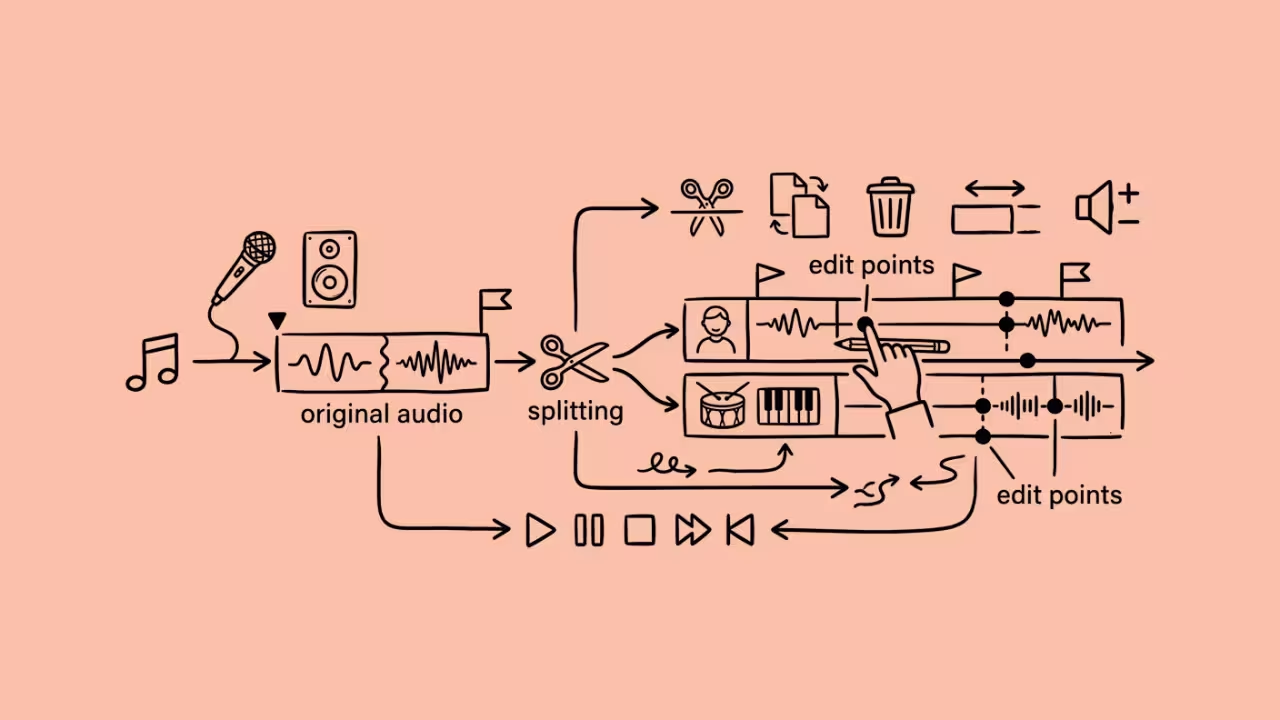

An AI vocal splitter separates a finished song into vocals and instrumentals. Many tools also isolate drums, bass, and other parts. Those parts are called stems. Free options exist, but their limits vary widely; some cap daily uploads, while others reserve WAV downloads for paying users. A few cost nothing but demand a capable computer.
This guide covers 8 free tools. We checked each one against official pages and documentation in October 2026. For every tool, you will see what you get, what you give up, and who should use it.
Quick Comparison of Free AI Vocal Splitters
| Rank | Tool | Format | Free access | Best for |
| 1 | MVSEP | Web, iOS, Android | 50 separations per day | Free web quality |
| 2 | X-Minus | Web | Limited free version | Quick karaoke |
| 3 | Moises | Web, desktop, mobile | 5 files per month | Practice |
| 4 | Fadr | Web | Free Basic plan | Remixers |
| 5 | BandLab Splitter | Web, iOS, Android | 2 splits per day | Mobile creators |
| 6 | Ultimate Vocal Remover | Desktop | Fully free | Local processing |
| 7 | Gaudio Studio | Web, mobile | 20-minute trial | Multi-stem tests |
| 8 | Spleeter | Python library | Fully free | Lightweight use |
Also read: Best AI Music and Song Generators in 2026
1. MVSEP
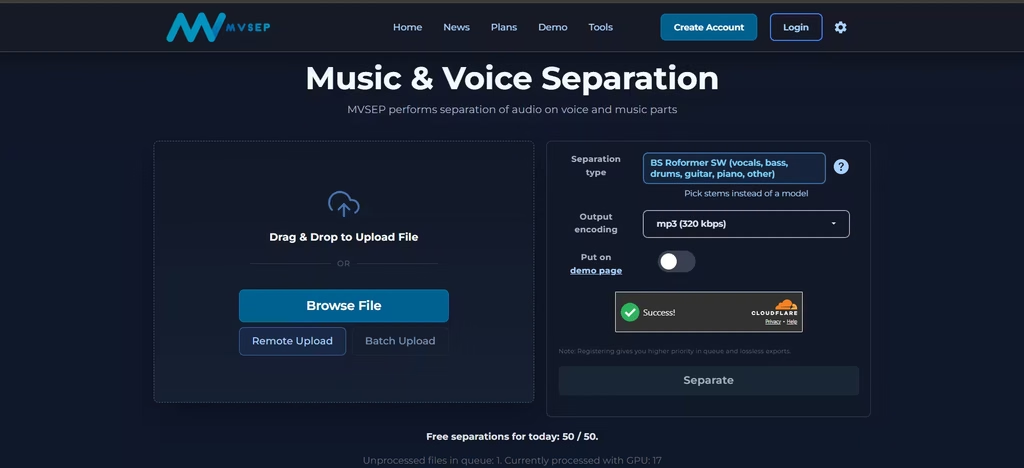
MVSEP gives guests 50 free separations per day. I also had the option of a remote upload that only requires a link to the audio file. Guests download 320 kbps MP3 files. Registered users also unlock WAV and FLAC downloads.
The site hosts many models, including BS Roformer, MelBand Roformer, and Demucs4 HT. MusicTech’s July 2026 nine-tool test rated MVSEP’s vocal results the best. However, the long model list can daunt beginners. In addition, premium ensembles require a paid plan. MVSEP also offers iOS and Android apps.
In my testing, I uploaded an audio file from the device to proceed with the split. I noticed that the default split format was six stems according to the BS Roformer SW separation type.
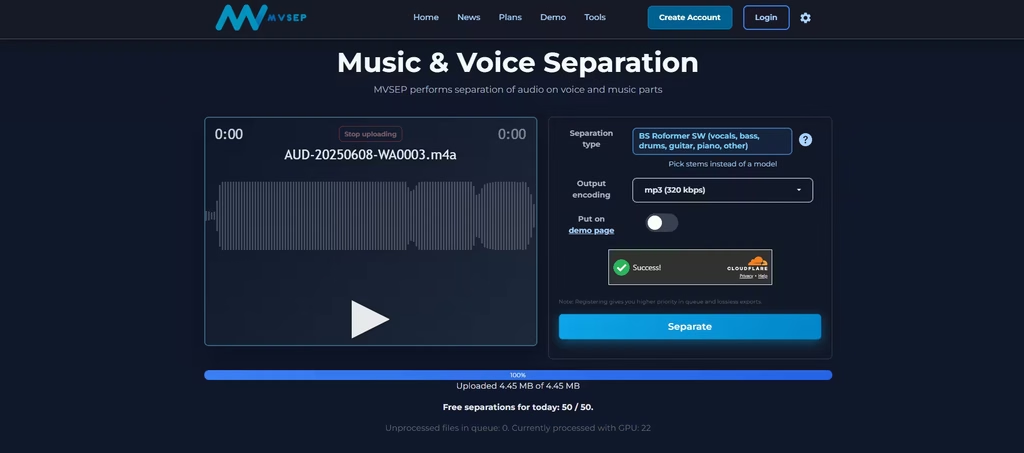
The separation took about a minute, and I listened for quality parameters such as the absence of cross-talk, distortion, swirling effects, and frequency loss.
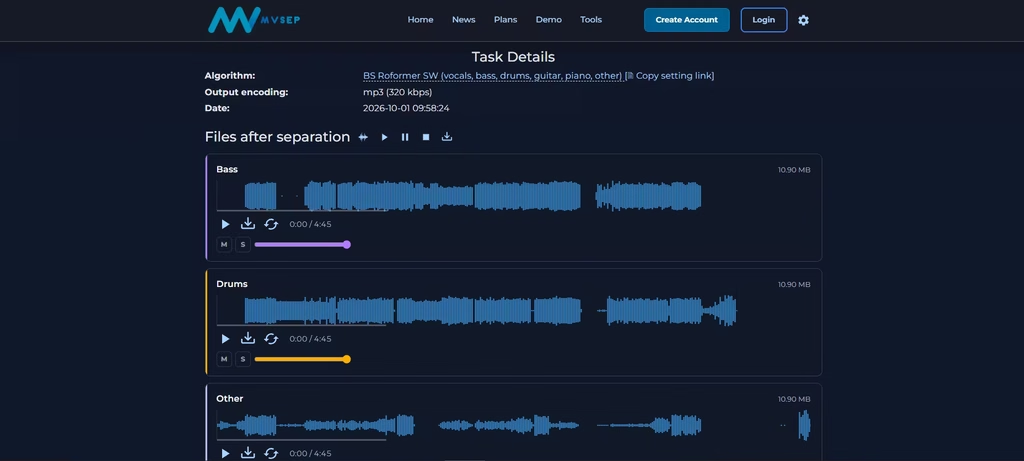
I noticed no cross-talk across all stems. I did, however, notice a bit of distortion, especially when the vocals fade into the instrumentals, but it’s not easily detected. The vocals were the best part, as they could stand alone as an accapella track.
This was my second favorite tool on the list.
2. X-Minus
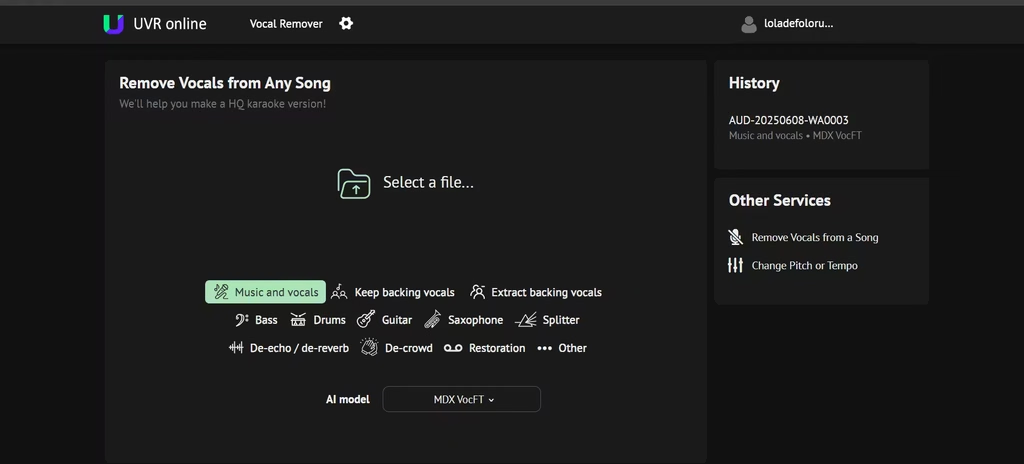
X-Minus is the online version of Ultimate Vocal Remover. Its developer, aufr33, also co-develops UVR. Registration is optional; registered users receive better separation quality and more options. Paid supporters get bigger limits, newer models, WAV and FLAC downloads, and a backing vocal extractor. Free caps change over time, so check the site before you plan a large batch.
I tested this tool as an unregistered user, so I only got two stem options: vocals and others (instrumentals).
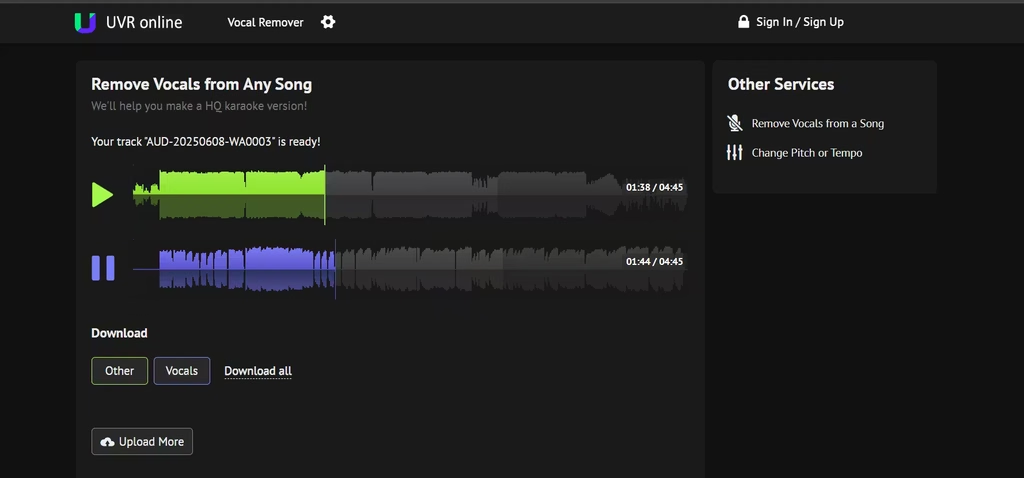
I did eventually sign up, but my stem options were still two.
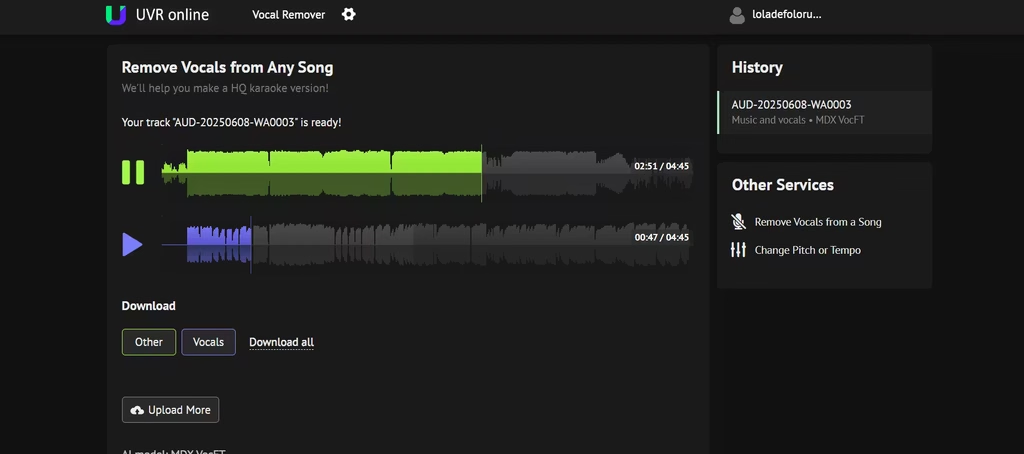
The stems came out almost clean. However, I could detect traces of the vocals in the ‘others stem’ and vice versa. This was especially seen in parts of the songs where voices faded and notes got really high. I surmised that the AI struggled with isolating the sopranos of the vocals from the strings of the guitar. But this is only noticeable when you really focus and listen in.
3. Moises
I found Moises to be much more expansive than MVSEP. Where MVSEP has 6 stem splits, Moises goes further to split stems that MVSEP would ordinarily bundle up: vocals into lead singer, backups, male vocals, and female vocals. This is, however, only available on the premium plans.
Aside from voice splitting, it can edit audio files by adjusting speed and pitch. Then there are other features such as click track generation, song section looping for focused practice, and real-time chord and key detection. I’d say it’s a more intense form of MVSEP, ideal for people who are intensely into music.
What I particularly liked about Moises is that each stem had controls that let me adjust the decibel and also listen to it solo or together with another stem. I found this to help sharpen musical hearing and can be useful for newbies trying to build theirs.
Each stem came out clean with no crosstalk, distortion, or swirling undertone. This was, therefore, my favorite tool.
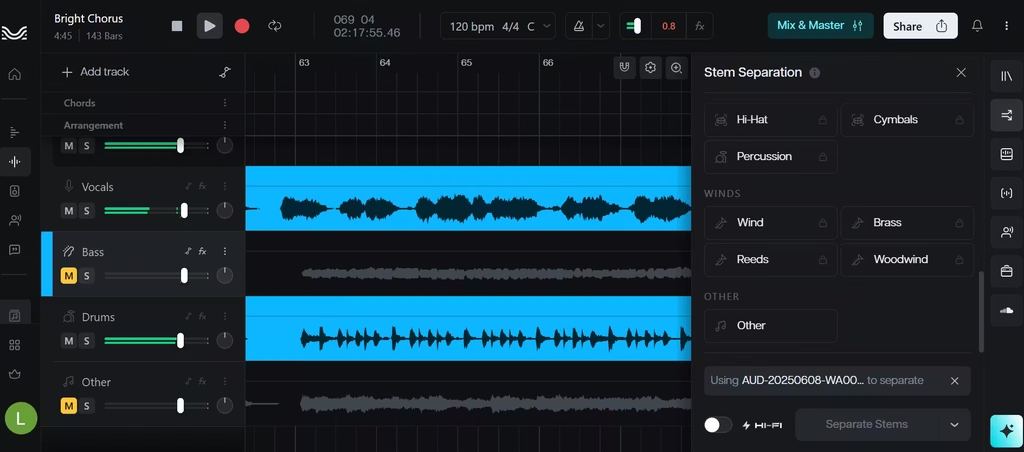
Moises limits free users to five processed files per month. Each track can run up to five minutes. The free plan separates vocals, drums, bass, piano, and other. Practice tools set Moises apart. These include a smart metronome, a pitch and speed changer, and AI chord detection. Paid plans add more stems, including separate backing vocals. Moises runs on web, desktop, and mobile.
4. Fadr
Fadr offers a free Basic plan with four stems: vocals, bass, drums, and melodies. Free downloads arrive as MP3 files. Fadr Plus costs $10 per month or $100 per year. It adds WAV downloads and 16 stem types, including lead and background vocal separation. Fadr also detects key, tempo, and chords. As a result, it suits remixers who want analysis tools next to their stems.
5. BandLab Splitter
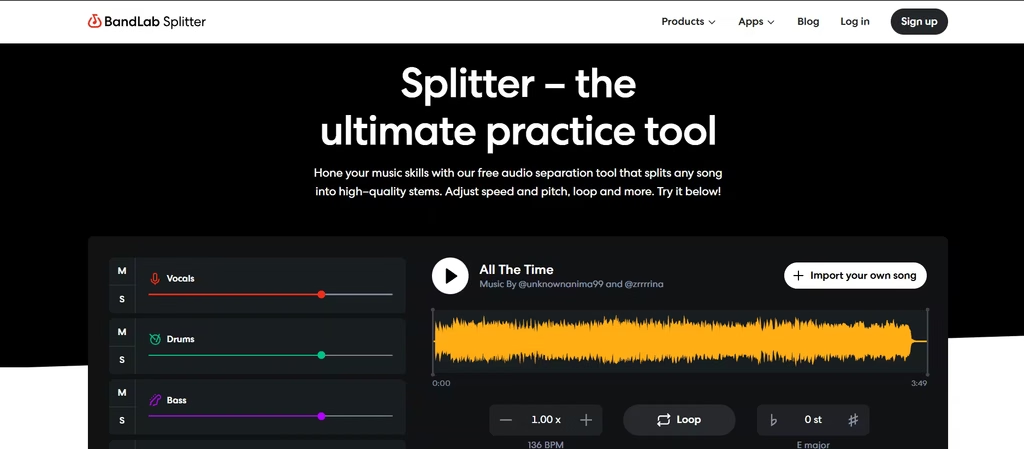
BandLab Splitter runs free on the web, iOS, and Android. In my testing as a free user, I was allowed a 2-stem split (vocals and other) or a 4-stem split (vocals, bass, drums, other). Also, the free plan allows only two splits per day.
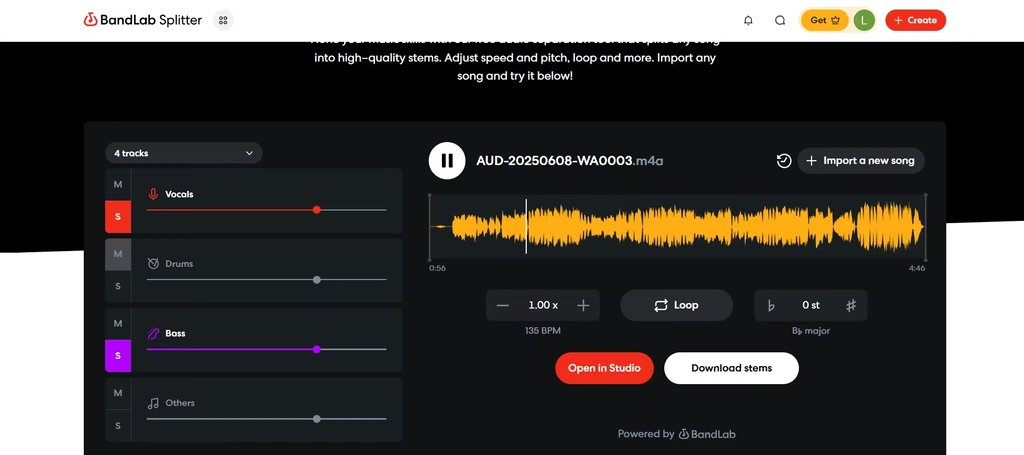
Just like other tools on this list, each split came out neat. A Pro or Max plan would have removed the limited splits and also added backing vocal separation, a drum splitter, and up to seven stems. Meanwhile, every plan includes solo and mute controls plus pitch, key, and speed adjustments.
6. Ultimate Vocal Remover (UVR)
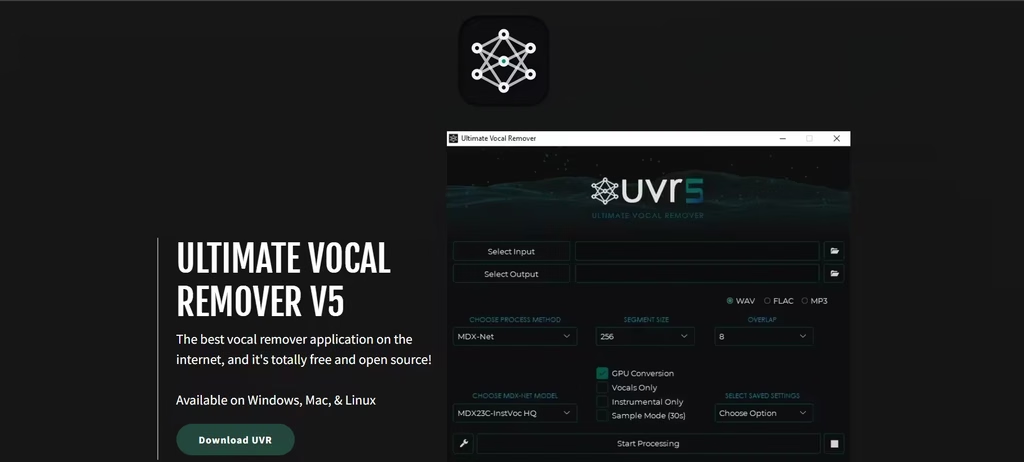
UVR is a free, open-source app with a graphical interface. Its code uses the MIT license. It runs on Windows 10 or higher, macOS Big Sur or later, and Linux. The core developers trained nearly every bundled model themselves.
The exceptions are the Demucs v3 and v4 four-stem models. For GPU processing, the project lists an Nvidia GTX 1060 6GB as the minimum. It recommends at least 8 GB of VRAM. Conversion speed depends on your hardware.
7. Gaudio Studio
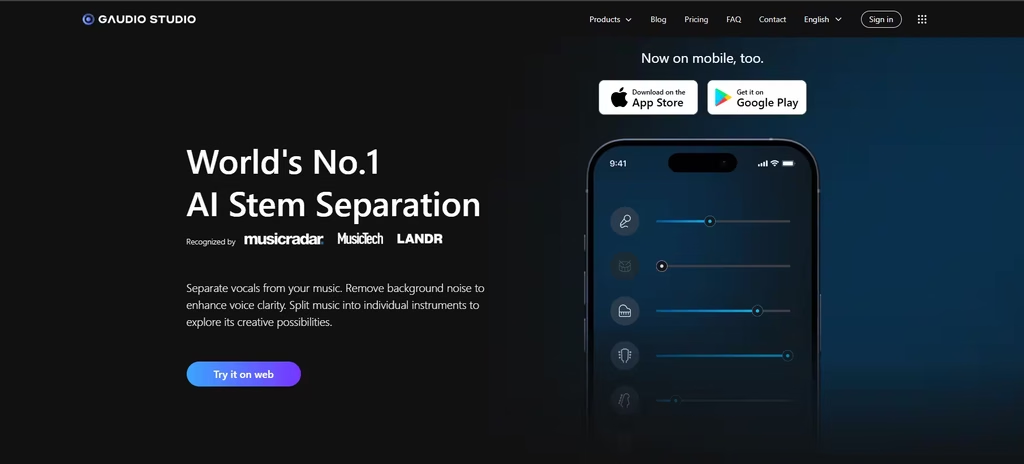
Gaudio Studio gives new users a 20-minute free trial. Trial files must stay under 10 minutes. Output arrives as MP3, and processing runs slower than on paid plans. The tool separates vocals, drums, bass, electric guitar, piano, and others.
I found that credits drain faster when you pick more stems, because the instrument splitter charges per stem.
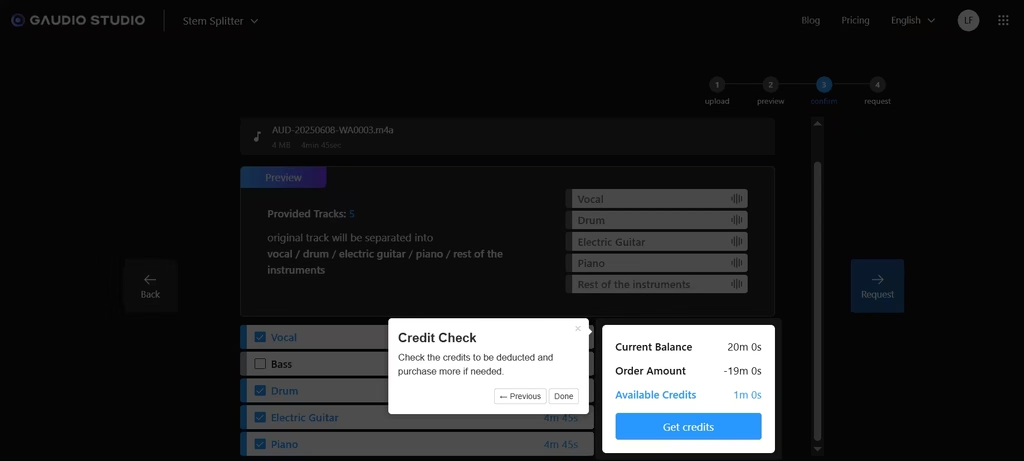
However, paid minute packs unlock WAV downloads and fast-track processing.
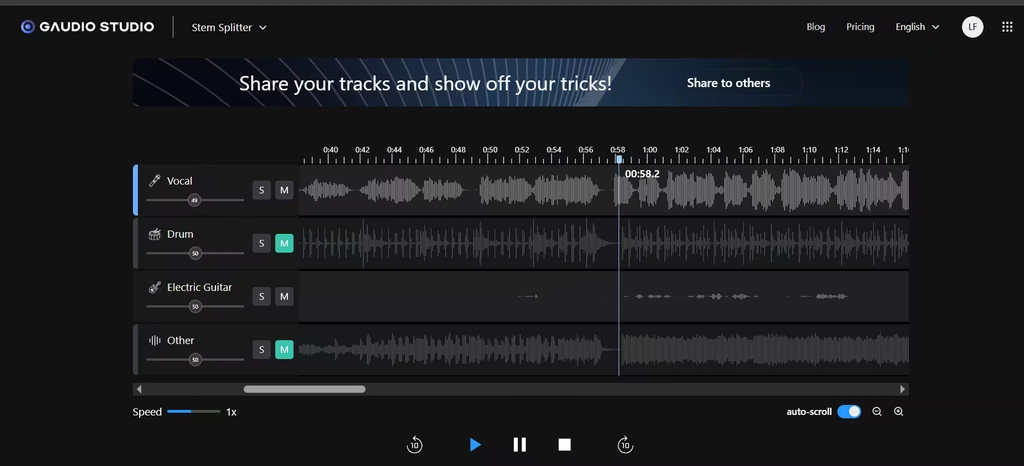
In my testing, I found Gaudio Studio’s interface very similar to Moises’. The mute and solo buttons also present here helped me properly identify an instrument from the track as the piano instead of the electric guitar I thought it was.
8. Spleeter
Deezer built Spleeter as a Python library. It offers 2-, 4-, and 5-stem models under the MIT license. Deezer says it can split four stems about 100 times faster than real time on a GPU. However, setup requires the command line. The project also notes known issues on Apple M1 chips.
Newer models now score higher on benchmarks. The Demucs README lists 5.9 dB overall SDR for Spleeter and 9.0 dB for fine-tuned HT Demucs. Even so, Spleeter remains a fast, light option.
A Note on Copyright
These tools do not grant you rights to the music. Deezer advises getting proper authorization before using Spleeter on copyrighted material. MusicTech gives the same warning for all stem tools.
How to Choose the Right Tool
- Want zero setup? Try MVSEP, Fadr, or BandLab.
- Want no website quota? Install UVR or Spleeter; they run on your computer.
- Need WAV files? Register at MVSEP, or use a local tool.
- Practicing an instrument? Pick Moises.
- Working on a phone? Use BandLab, MVSEP, or Moises.
Tips for Cleaner Results
Start with the best source file you have. Dense mixes with heavy reverb and layered harmonies separate less cleanly. In addition, test two tools on the same song. MusicTech found that results change from track to track, so no single tool always wins.
FAQs
1. What is the best free AI vocal splitter?
MVSEP leads for web use, based on MusicTech’s test. UVR leads for local desktop use.
2. Can I split vocals without installing software?
Yes. MVSEP, Fadr, BandLab, Moises, X-Minus, and Gaudio Studio all work in a browser.
3. Do free tools export WAV files?
It depends. MVSEP offers WAV after registration. Fadr and Gaudio Studio reserve WAV for paid plans.
4. Which tools have no daily limit?
UVR and Spleeter run on your own computer. Therefore, no website quota applies.
