
Over the past two years, AI hardware has drawn attention through recording devices, smart glasses, and other wearables. Plaud’s latest addition is Plaud One. This article looks at how the product works and where it fits, so you can judge whether it belongs in your client-call routine.
Plaud One fits a client manager who receives a customer call between appointments and needs to follow up in writing. As a taxi passenger, the manager can hear the client through earbuds while consulting the schedule, then use the recorded context to request an email draft.
What is Plaud One?
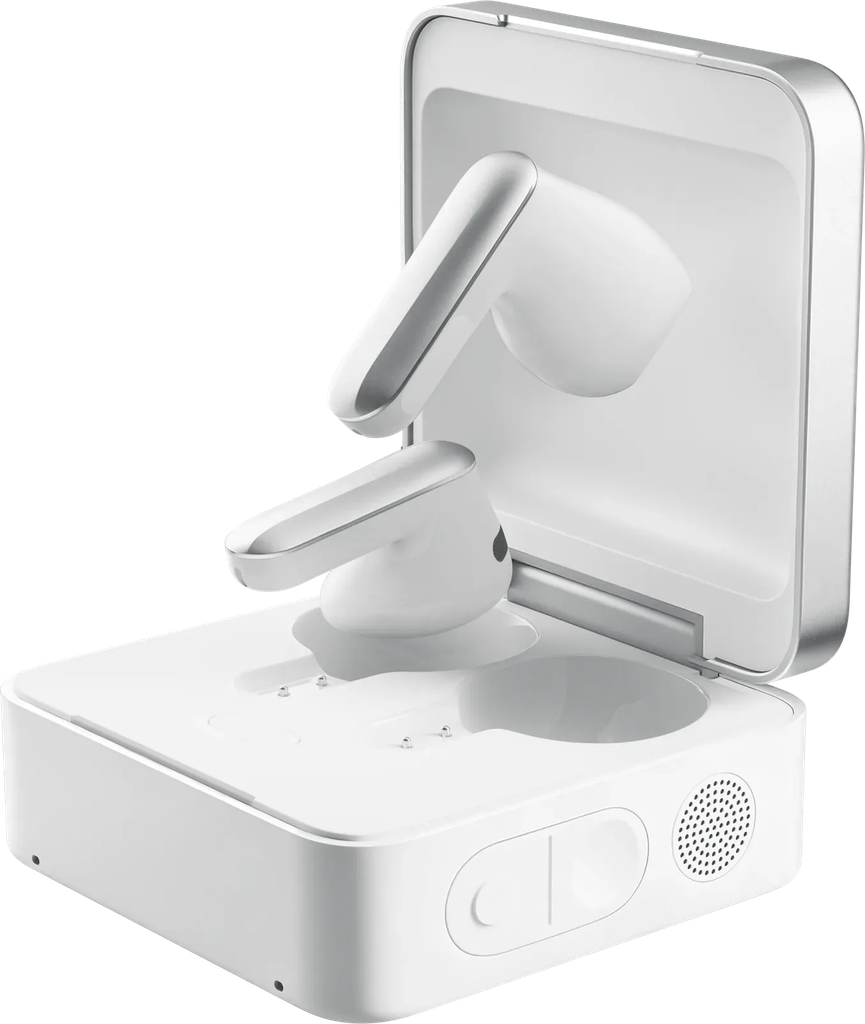
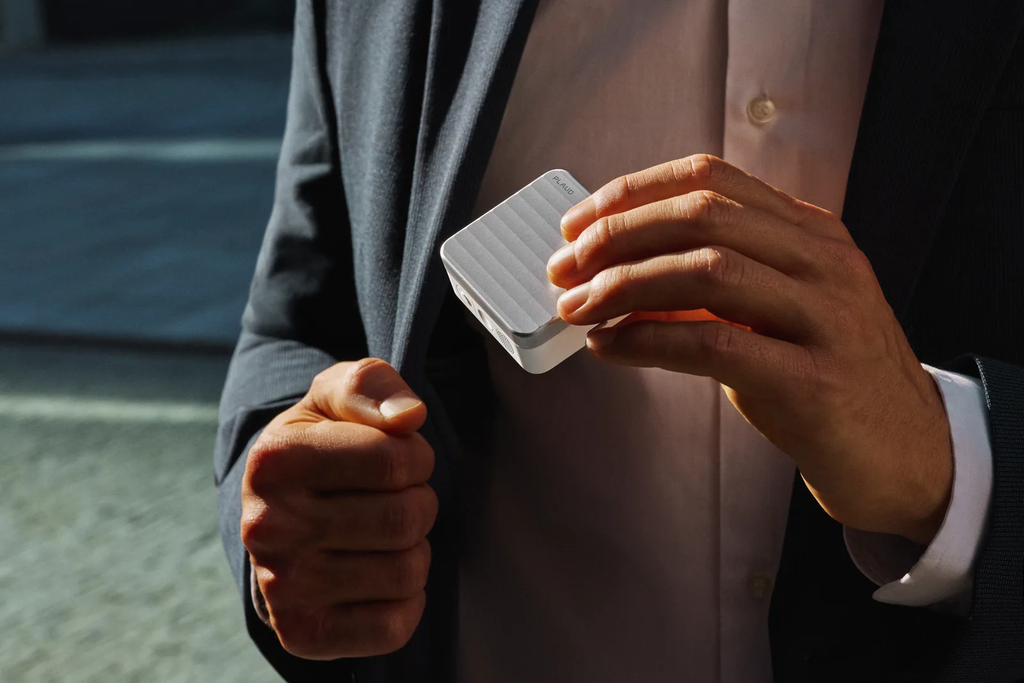
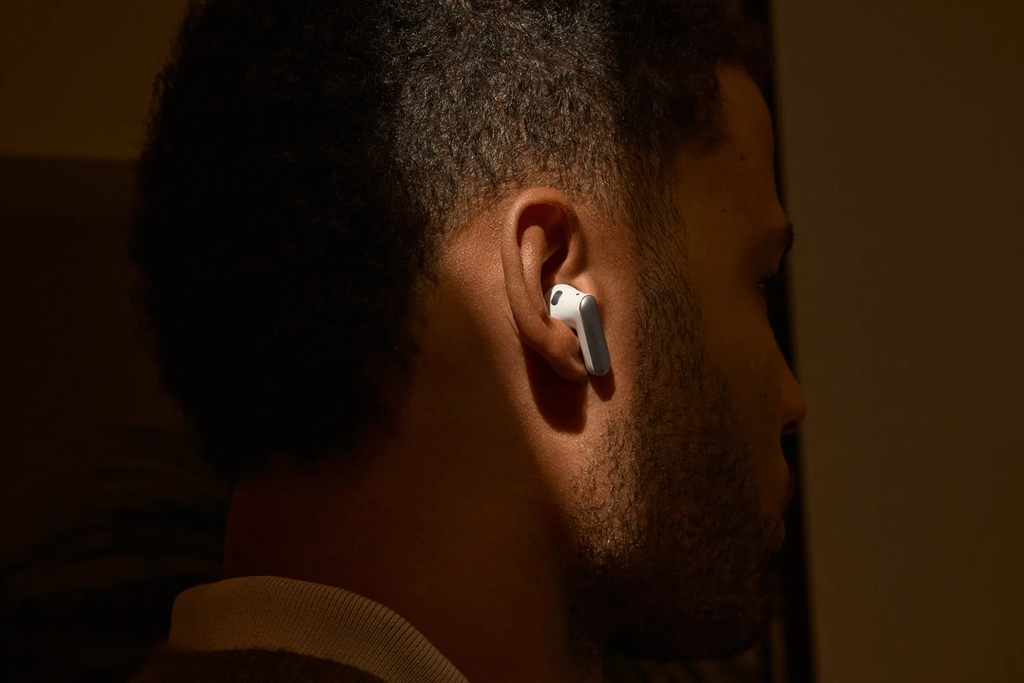
Plaud One is a pair of wearable AI earbuds designed as an AI work companion, with a recording case and voice access to Plaud Agent. The earbuds record calls and online meetings, while the case records in-person conversations, so the workspace can hold both kinds of discussion. Afterward, hold the case’s AI Button to request an email or brief from the available context. Cloud tasks need connectivity and feature access, and you review detailed work in Plaud App or Plaud Web before sharing it.
Why use earbuds when the client calls in transit?
A client call can arrive before you reach a desk. If you are in the back of a taxi, checking a proposed date means keeping the schedule in front of you while listening. Earbuds make that possible without holding the handset or playing the client’s voice through the car’s speakers.
For a manager travelling between appointments, a compact pair can fit those changing locations. At a fixed desk, an existing headset may serve the same purpose, so the reason to choose Plaud One depends on the follow-up work too.
What comes in the box?
The package contains:
- Plaud One earbuds, left and right.
- Charging case.
- Quick start guide.
The case charges through USB-C, but a charging cable and power adapter are not included.
Key specifications
| Specification | Plaud One |
| US device price | US$249.99, Limited Explorer Edition (checked November 6, 2026) |
| Earbud microphones | 3 MEMS microphones and 1 voice pickup unit (VPU) per earbud |
| Case microphones | 4 MEMS microphones with AI beamforming |
| Case pickup range | Up to 5 m (16.4 ft) |
| Continuous case recording | Up to 25 hours |
| Playback with charging case | Up to 36 hours |
| Fit | Half-in-ear |
| Connectivity | Bluetooth 5.4 and built-in eSIM with 4G LTE |
When comparing endurance, keep recording separate from playback because they describe different activities. The performance figures come from controlled testing, so settings, surroundings, and use can affect the result.
How do you set up Plaud One and start recording?
Bind the device to your account
- Sign in to Plaud App and enable Bluetooth.
- Place both earbuds in the case, keep the lid open, and hold the internal pairing button for 2 seconds.
- In Plaud App, select Add device, then Plaud One. Verify the serial number, tap Connect, and accept pairing.
Choose the recording method
Before recording, obtain the required participant consent and follow company policies for recording, cloud processing, and retention. Calls and online meetings play an announcement when recording starts, but that does not replace the consent requirement.
Decide what client material you need to retain, and for how long. The FTC’s data-security guide for businesses recommends collecting and keeping sensitive personal information only when there is a business need.
For a client call or online meeting, start the audio through the earbuds first. With the default controls, holding the earbud stem for 1 second starts or stops recording.
An in-person discussion uses the case instead. Long-press its Record Button and place it near the conversation, then check the light: white indicates case recording, while yellow indicates earbud recording.
What does Plaud One do from client call to follow-up?
Plaud One can retain the client’s request and use it as context for an Agent-generated email. For an AI meeting assistant, the useful test here is whether the draft keeps the proposed date tied to the venue check. You still decide which commitments the message should contain.
The client calls with a conditional change
Suppose a client calls while you are a taxi passenger travelling to another appointment. They want to bring a launch forward, provided the venue is available. To answer, you need to check the schedule and agree who will obtain that confirmation.
With the required consent obtained and recording active, Plaud One captures both sides of the discussion. The transcript and summary then give you a record of the proposed date and its venue condition, which you can revisit when preparing the email.
Request the next deliverable after the call
After the call, hold the case’s AI Button and request a follow-up based on that discussion. Ask for the proposed date, the outstanding venue check, and the person responsible for confirmation to be kept together. Any detail the client left unresolved should stay open in the draft.
You can start that request before opening an email editor, provided connectivity and the relevant features are available. Once the draft is ready, the next task is to check that it preserves the agreement.
How do you review and use the results?
Open the draft in Plaud App or Plaud Web when you can use a screen, and start with the launch date. Generative systems can produce confident but incorrect content, so compare the draft with the recording. If the email presents the date as confirmed, restore the venue condition and check who accepted the next action.
With that point settled, verify the recipient and add any approved schedule material the email needs. You can then confirm sending through an available integration or use your usual email application. The written response should reflect what the client agreed to, including what still needs confirmation.
What are the pros and cons of Plaud One?
What are the pros?
The earbuds fit the moment when you need to check a schedule while hearing the client in a taxi. Your hands remain available for the material, and incoming audio stays off the car’s speakers. That addresses the call before the Agent becomes involved.
Once the discussion has been recorded, it can also inform the follow-up. You can ask the Agent for a draft that retains the date and venue condition, then inspect it when you reach a suitable workspace. The call and the email remain connected through the same request.
What are the cons?
Comfort depends on how the earbuds fit your ears. Several short calls can still add up to extended wear, so discomfort may develop over the day. If the half-in-ear fit is loose, moving between appointments may also cause the earbuds to shift or fall out.
The email also needs screen review before sending, particularly its dates and commitments. Cloud drafting depends on connectivity and feature access, which means retaining a call offline does not establish that an email can be prepared there. Advanced intelligence features are in beta, so confirm availability before relying on them for customer delivery.
Who should consider Plaud One?
Consider Plaud One if customer calls regularly arrive between appointments and leave you with emails or briefs to prepare. In that routine, the earbuds address the immediate audio need, and the Agent can help prepare the next deliverable from the recorded context.
Brief calls with an obvious next step may be covered by ordinary notes. Likewise, a fixed-office routine may already work well with a desk headset and an approved call record. Choose the earbud form because it fits where your calls happen and the work that follows.
FAQ
Will the follow-up be sent automatically?
Review it first. Sending through a connected tool needs an available integration and your confirmation. You can also use the draft in your usual email application.
What if the next client discussion is face-to-face?
Use the case to record the room conversation, with required consent. Earbuds handle the call audio. Those are separate capture methods.
