


Presentations are one of those things that sound simple but quietly eat up hours of your life.
You write, design, rewrite, resize boxes, fix fonts, second-guess everything, and somehow still feel like it looks “meh.”
That’s exactly the problem Decksy is trying to solve.
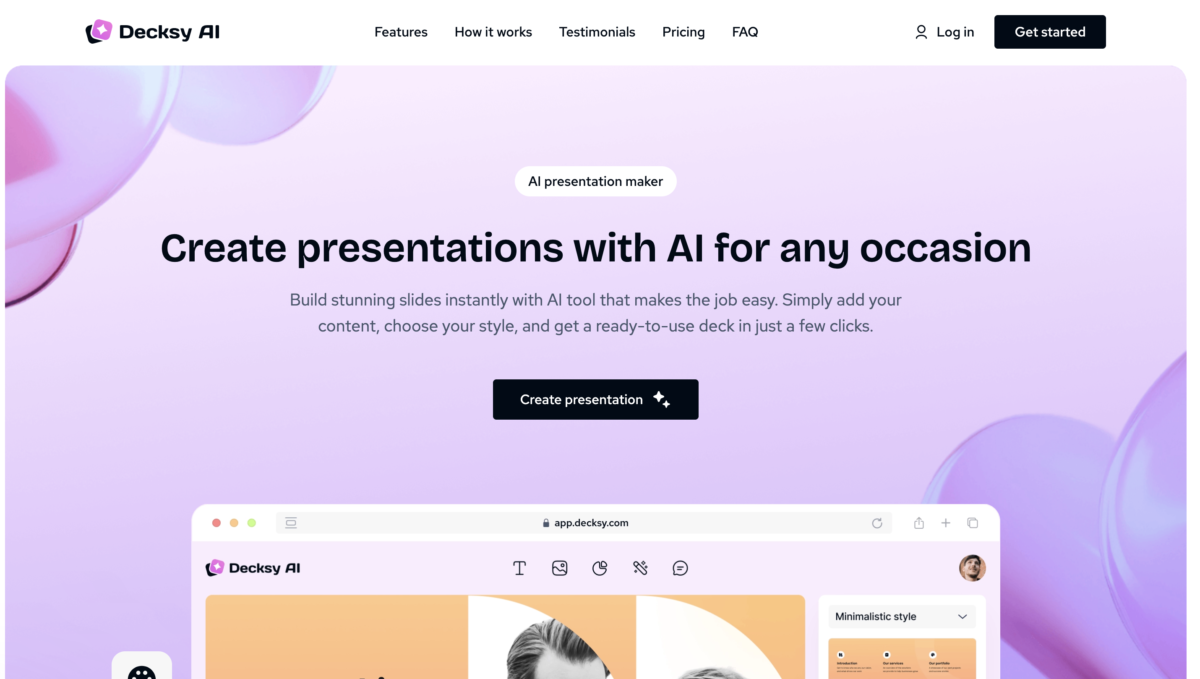
Decksy is an AI-powered presentation builder that turns ideas, notes, or prompts into clean, structured slide decks fast.
Let’s learn a little about its main features.
Key Features
1. Prompt-to-Presentation Generation
This is Decksy’s core feature.
You type something like:
“Create a pitch deck for a fintech startup targeting small businesses.”

Decksy then:
- Breaks the idea into logical sections
- Creates individual slides for each section
- Writes clear slide titles and bullet points

You don’t need to think about slide order, the AI does it for you.
This is perfect for when you’re starting from scratch.
2. Outline-Based Slide Creation

Already have an outline? Great.
You can paste a rough outline, notes from a meeting or bullet points from a document.
Decksy turns that into a clean slide deck while preserving your original structure.
This feature works best for meeting recaps, reports, class lectures, workshop slides
It saves you from manually copying content into slides one by one.
3. Built-In Templates
One of Decksy’s strongest features is its presentation templates.

Decksy includes a growing library of templates designed for different use cases, such as pitch decks, business updates, sales presentations, reports and reviews, educational slides
Each template comes with:
- Pre-defined slide structures
- Consistent fonts and colors
- Logical slide order
Instead of designing from zero every time, you can pick a template and let the AI adapt your content to it.
4. Smart Slide Structuring
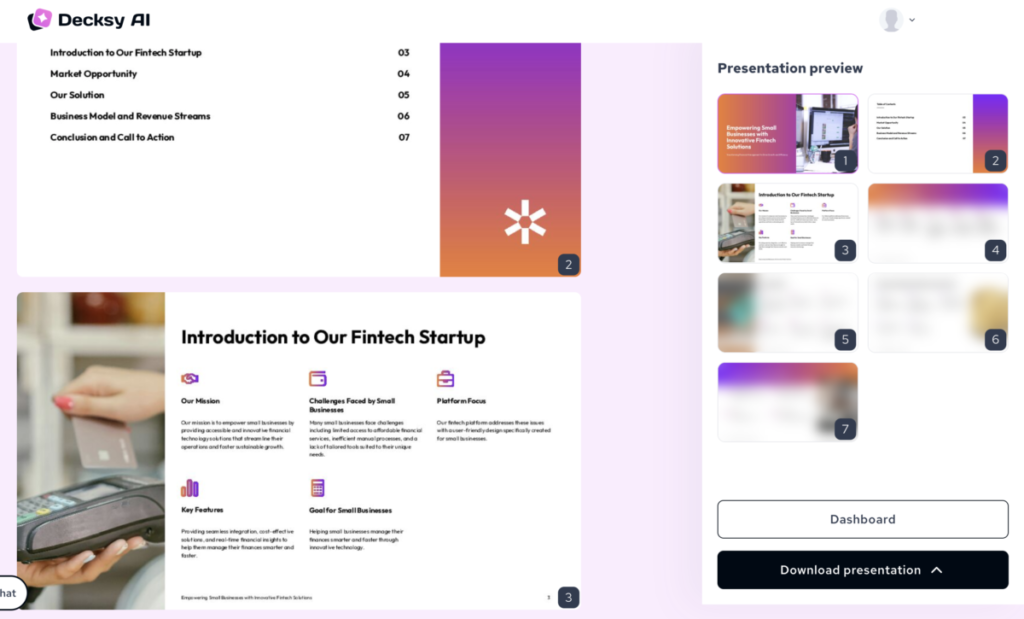
One underrated feature: Decksy knows when to split content into multiple slides.
Instead of cramming too much onto one slide, it:
- Separates ideas logically
- Keeps slides readable
- Improves flow for live presentations
That alone makes presentations easier to deliver and easier to follow.
Slides are minimal, balanced, easy to read and rofessionally structured
5. Fast Editing & Regeneration
Not happy with a slide?
You can edit the text directly, regenerate individual slides and adjust tone or depth.
This makes iteration fast. You don’t have to start over, you just refine.
That’s especially helpful when:
- A client wants “just one small change”
- You need a shorter or longer version
- You want a more casual or more formal tone
6. Export & Sharing Options
Once your deck is ready, you can export it for use in presentations, meetings, classes and pitches. You’re not locked inside the tool. You can take the output and use it wherever you want.
The only caveat is, you’ll need to upgrade to a paid version for this.

Competitor’s Comparison
| Tool | Best For | Key Features | Pricing | Platform Availability |
|---|---|---|---|---|
| Decksy AI | Polished AI + human pitch decks | Prompt-to-deck, content restructuring, visuals, collaboration, fast turnaround for sales/academic | Starting at $2 | Web |
| Tome | Narrative storytelling decks | Prompt-to-deck, unlimited AI (paid), brand kits, advanced exports | Starting at $7/month | Web |
| Gamma | Modern card-based & web-native presentations | 400 free credits, unlimited AI (paid), themes, collaboration, PPT export | Starting at $8/month | Web |
| Canva AI | Versatile design with Magic Studio | AI image gen, templates, brand kits, exports; 10 free AI uses | Starting at $12.99/month | Web, Mobile |
| Beautiful.ai | Polished smart templates & teams | Adaptive layouts, brand sync, collaboration, analytics | Starting at $12/month | Web |
| Pitch | Investor/sales pitches with tracking | AI builder, templates, CRM sync, viewer analytics, financial modeling | Starting at $20/month | Web |