
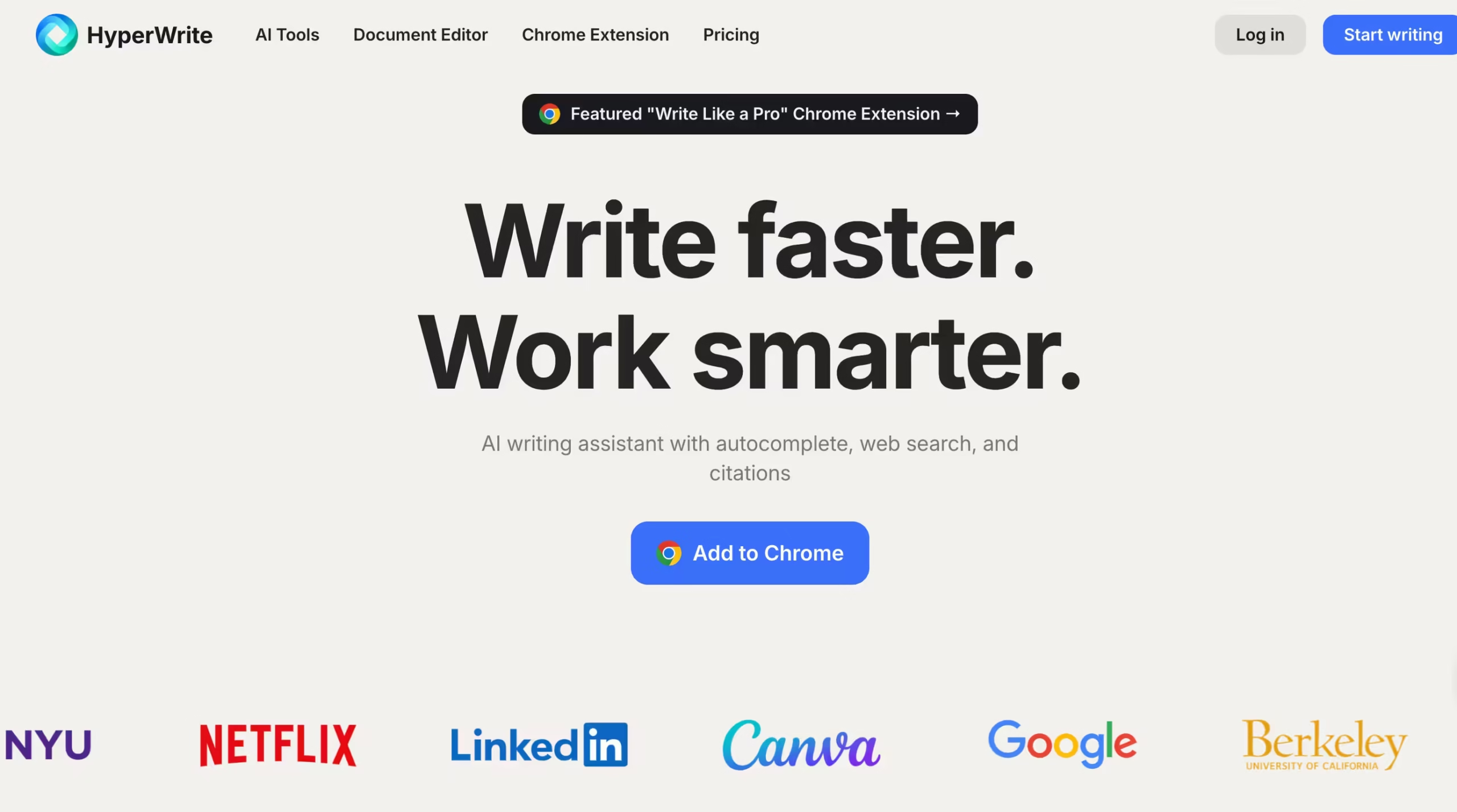


HyperWrite is built by OthersideAI, a company with $5.8 million in funding that was featured by Forbes in 2026 as one of five AI productivity tools to try.
The platform holds a 4.8/5 rating across 10,436 reviews on third-party platforms and reports that users save approximately 5 hours per week.
The product centers on one idea: AI writing assistance that lives everywhere you already write.
The Chrome extension embeds TypeAhead predictions, rewrites, and generation tools directly inside Gmail, Google Docs, LinkedIn, Notion, WordPress, and any other text field in your browser.
You don’t switch tabs to use HyperWrite. You type, and it suggests. You highlight text, and it rewrites. You open an email, and it drafts a response.
I tested HyperWrite on the Premium plan ($19.99/month) across two weeks. I produced 8 blog post drafts (ranging from 600 to 2,000 words), responded to roughly 60 emails via the Email Responder, ran 12 Scholar AI queries for a nutrition research article, and used TypeAhead continuously in Google Docs throughout every writing session.
The short-form experience was strong. Emails drafted in 10 to 15 seconds.
Social media posts generated with appropriate tone after I set a custom persona. TypeAhead learned my sentence structures and vocabulary within about 3 days, after which its predictions felt like reading my own mind rather than generic AI suggestions.
For anything under 800 words, HyperWrite accelerated my workflow measurably.
The long-form experience was weaker. Blog posts past 1,500 words lost coherence. Paragraphs started repeating arguments with slightly different phrasing.
Transitions between sections felt forced. One 2,000-word post required 75 minutes of manual editing to reach publishable quality, whereas a similar post generated through Jasper needed about 25 minutes.
The quality degradation on longer pieces is consistent with what Aboah Reviews documented in their 30-day test: 45 to 90 minutes of editing per article versus 20 to 30 minutes with purpose-built long-form tools.
For daily short-form tasks (emails, social posts, product descriptions, quick research summaries), HyperWrite is fast, convenient, and legitimately useful. For long-form content production (blog posts, articles, whitepapers), you’ll spend more time editing than you saved generating.
Key Features
TypeAhead: Predictive Sentence Completion
TypeAhead is what makes HyperWrite feel different from every other AI writing tool.
As you type in any text field (Google Docs, Gmail, LinkedIn, Notion, or any website via the Chrome extension), HyperWrite predicts your next sentence and displays it in gray text.
Press Tab to accept, keep typing to ignore. Predictions are unlimited on Premium and Ultra.
I noticed TypeAhead improving within the first 2 to 3 days. Early predictions were generic (“Thank you for your email” type completions).
By day 3, it picked up my tendency to use short declarative sentences, my preference for “specifically” over “in particular,” and my habit of ending paragraphs with a question.
By day 5, I was accepting roughly 40% of predictions without modification. The remaining 60% either needed tweaking or weren’t relevant to what I intended to write next, but even those served as useful starting points.
TypeAhead predictions do not count toward your monthly message limit on Premium. This is important because it means the core feature (predictive typing) is effectively unlimited, while deliberate AI actions (generations, rewrites, Scholar queries) are capped at 250.
Scholar AI: Real-Time Research with Citations
Scholar AI searches millions of scholarly articles while you write and attaches citations directly to your text. Ask a research question or highlight a claim, and Scholar pulls relevant papers with author names, publication dates, and direct links.
I tested Scholar AI on 12 queries for a nutrition research article. It found relevant papers for 10 of 12 queries within 5 to 8 seconds each.
The two misses were on very niche topics (a specific micronutrient interaction study) where Scholar returned tangentially related papers instead of the exact study I was looking for.
The citations it attached were formatted correctly and linked to real, verifiable papers. I cross-checked 8 citations and all 8 pointed to actual published studies.
For students writing research papers, Scholar AI eliminates the constant tab-switching between your document and Google Scholar. No other general-purpose writing assistant at this price point offers real-time scholarly citation integration.
Chrome Extension: AI Everywhere You Type
The extension works inside Gmail (draft responses), Google Docs (inline suggestions and rewrites), LinkedIn (generate connection messages and posts), Notion (expand bullet points into paragraphs), and WordPress (draft sections of posts). It activates automatically in any text field.
I used the extension primarily in Gmail and Google Docs across two weeks. In Gmail, the Email Responder generated draft replies for roughly 60 emails.
About 45 were usable with minor edits (adjusting a specific detail or softening a sentence). About 10 needed substantial rewrites (complex client situations where tone mattered more than speed).
About 5 were off-target enough to be faster to write from scratch. In Google Docs, TypeAhead was continuously active and the Magic Editor (highlight text, choose to shorten, expand, change tone, or improve clarity) saved time on revision passes.
Magic Editor: Rewrite on Command
Select any text, choose an action (shorten, expand, change tone, improve clarity, or rewrite entirely), and the AI transforms it. I used Magic Editor most during revision passes.
Shortening worked reliably: wordy paragraphs compressed into tighter versions without losing meaning. Expanding was hit-or-miss: sometimes it added useful detail, sometimes it padded with generic filler. Tone changes (formal to casual, casual to professional) were accurate about 80% of the time.
AI Personal Assistant: Browser Automation Agent
This is HyperWrite’s most experimental feature. The AI Personal Assistant operates your browser to complete tasks: searching the web, filling forms, booking reservations, managing email, and navigating websites. You type a natural language command (“find the cheapest flight from Lagos to London next Friday”) and the agent clicks through websites on your behalf.
I tested 5 browser automation tasks.
Two worked: searching for a specific product on Amazon and filling out a simple contact form.
Three failed: booking a restaurant reservation (the agent got stuck on a date picker), navigating a multi-step checkout (it filled the shipping address but couldn’t find the payment section), and composing a LinkedIn message (it opened the wrong profile).
The feature is genuinely innovative but not reliable enough for anything you’d trust without supervision. Treat it as a beta experiment, not a production tool.
100+ AI Writing Tools and Templates
HyperWrite bundles over 100 purpose-built writing tools: blog post generator, product description writer, social media caption creator, cover letter builder, resume bullet point expander, cold email drafter, and many more.
Each tool runs a specialized prompt template optimized for its specific output format.
The quality across tools varies. Short-form tools (email subject lines, social captions, product descriptions) produce strong output that needs minimal editing. Long-form tools (blog post generator, essay writer) produce acceptable first drafts for posts under 1,000 words but deteriorate on anything longer.
Custom AI Tools
Build your own AI tools by defining a prompt template, input fields, and output format. If you write a weekly newsletter with a consistent structure, you can create a custom tool that takes your bullet-point notes and generates a full draft in your format every time.
I built a custom tool for generating social media posts from blog article URLs. It took about 5 minutes to set up and produced consistent, on-brand output across 10 test runs.
Competitors Comparison
| Feature | HyperWrite | Jasper | Copy.ai | Rytr | Writesonic |
| Starting Price | $19.99/mo | $39/mo | $36/mo | $9/mo | $12/mo |
| Free Plan | Yes (15 generations/mo) | No (7-day trial) | Yes (2,000 words/mo) | Yes (10K chars/mo) | Yes (limited) |
| TypeAhead Predictions | Yes (learns your style) | No | No | No | No |
| Scholar AI with Citations | Yes | No | No | No | No |
| Chrome Extension | Yes (works in any text field) | Yes (limited) | No | No | Yes |
| Browser Agent | Yes (experimental) | No | No | No | No |
| Long-Form Quality | Weak past 1,500 words | Strong (purpose-built) | Strong | Moderate | Strong |
| SEO Integration | No | Yes (SEO mode) | No | No | Yes (SEO tools) |
| Team Features | No | Yes (Business plan) | Yes (team plans) | No | Yes |
| Languages | English only | 30+ | 25+ | 30+ | 25+ |
| Student Discount | 50% off with .edu email | No | No | No | No |
| Custom AI Tools | Yes (build your own) | Yes (brand voice) | Yes (workflows) | Limited | Limited |
| Best For | Short-form writing + academic research | Long-form marketing content at scale | Marketing copy and workflows | Budget short-form writing | SEO-optimized blog content |